Tutorial: Object on Path in Silhouette Studio®

Tutorial: Object on Path in Silhouette Studio®

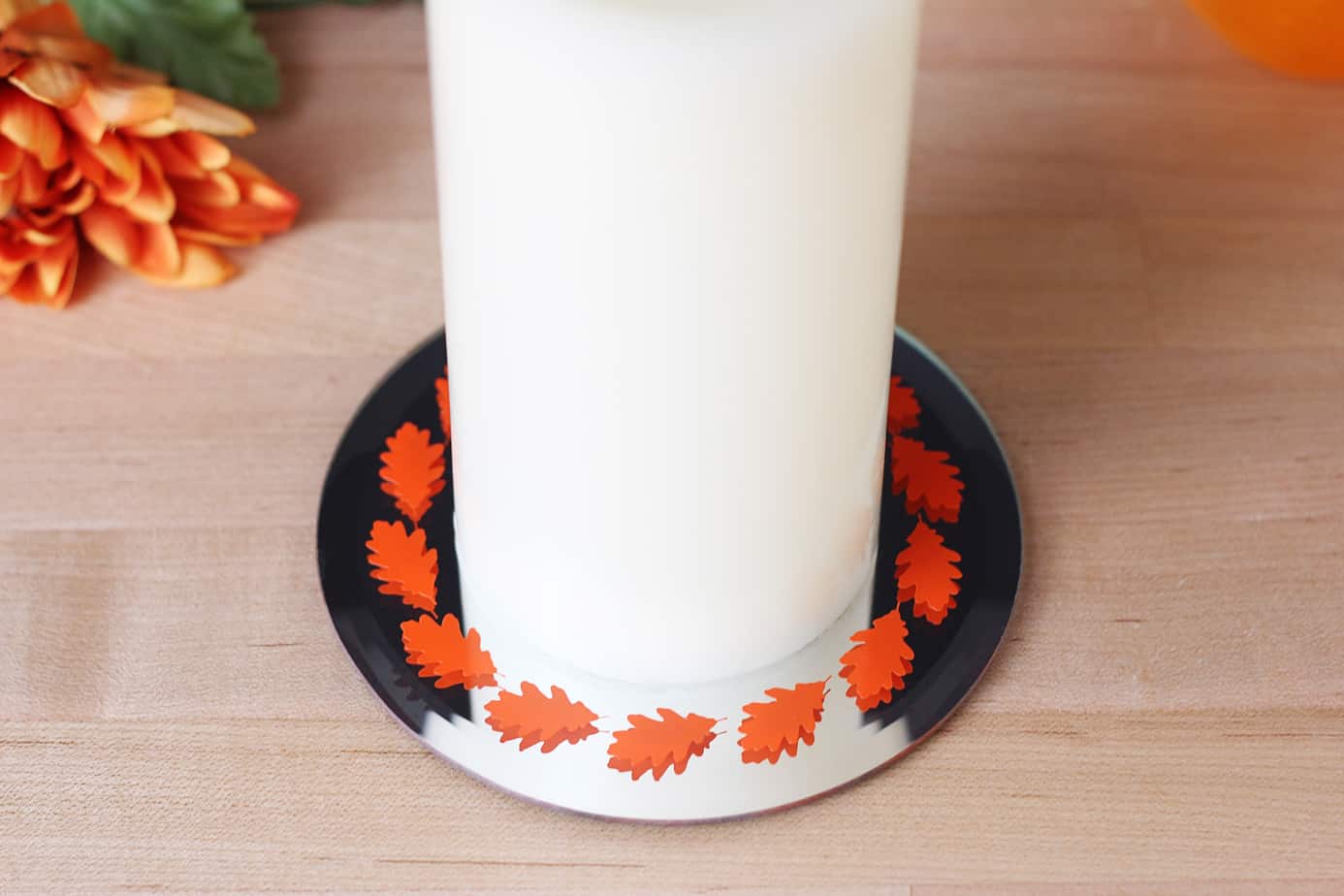
Have you tried the new Silhouette Studio feature of “Object on Path?” It’s so cool! You can take any design, not just text, and drag it to a path to create new and interesting designs. I’ve got a tutorial over on the Silhouette America blog. 

Using Image Effects in Silhouette Studio®

Using Image Effects in Silhouette Studio®

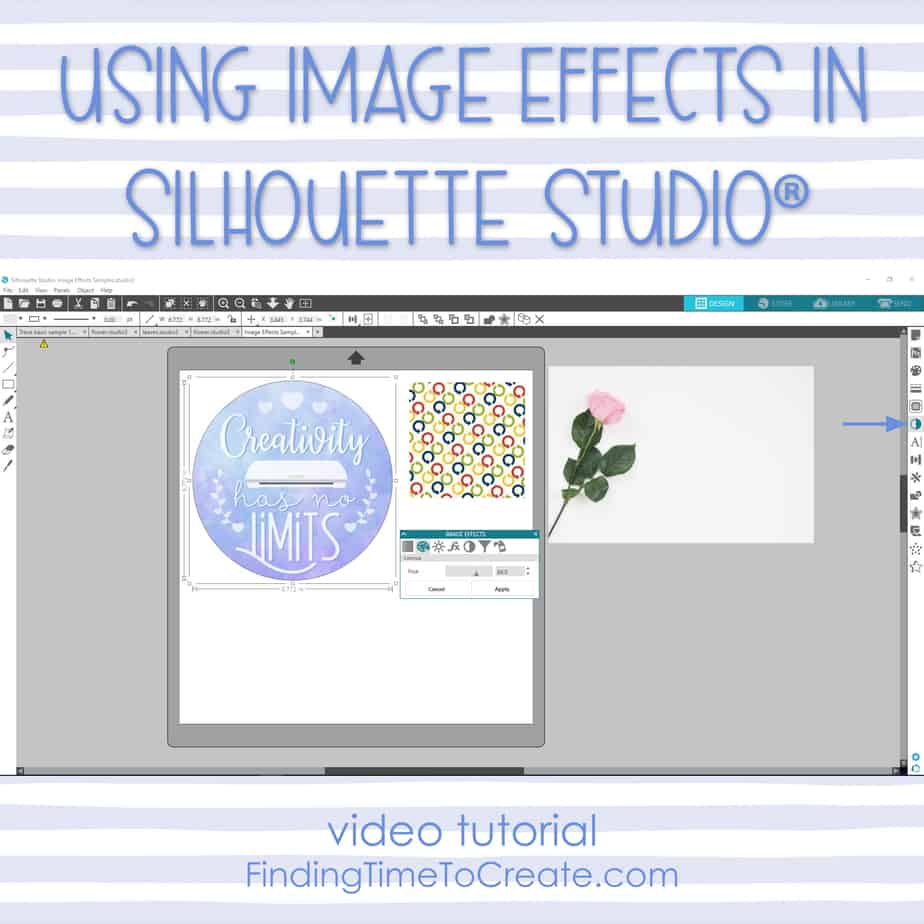
This is a less-known feature that’s been around a while, and I sure like having it! Watch my video tutorial below for learning how to use Image Effects on photos, patterns, and print & cut designs to recolor, brighten, add contrast, desaturate, and more.   

Nesting in Silhouette Studio®

Nesting in Silhouette Studio®

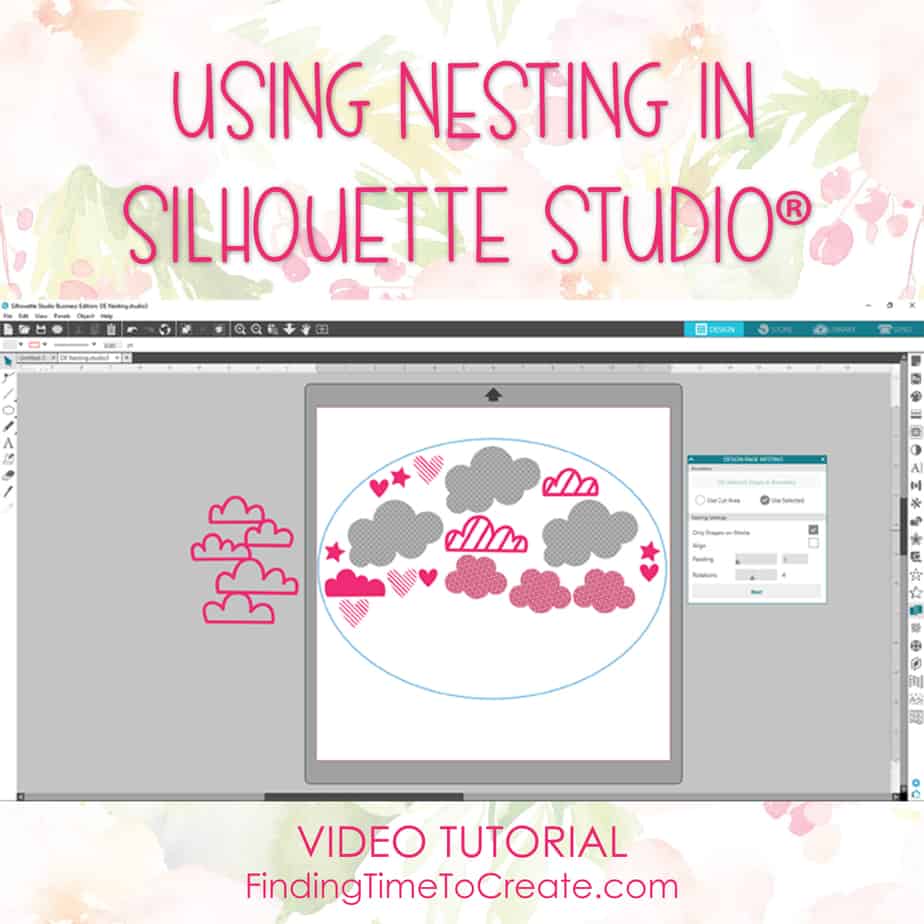
  Are you curious how to use Nesting in Silhouette Studio® version 4? I’ve got video tutorials for Nesting in both Designer Edition and Business Edition. Here’s my video tutorial (below) on using the Nesting Feature in the Designer Edition of Silhouette Studio®.   Note: 

How To Use Foil Transfer Sheets

How To Use Foil Transfer Sheets

Hiya, friends! This is by far my favorite product released by Silhouette America this year. I’m sharing a tutorial over on the Silhouette Blog today on how to use these foil transfer sheets.* It’s really as simple as using pressure, but if you want to 

Sticky Notes in Silhouette Studio®

Sticky Notes in Silhouette Studio®

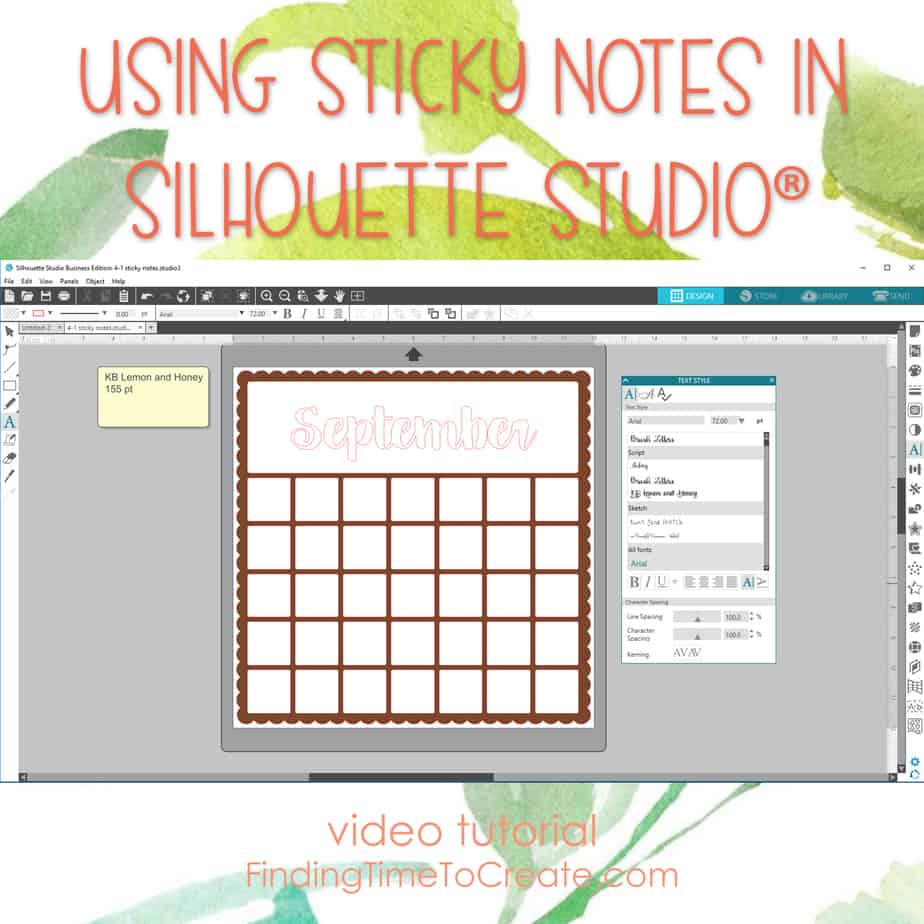
Here’s my video tutorial on using Sticky Notes in Silhouette Studio®. It’s a great way to add notes to your file that you want to remember. This is available in all editions of Silhouette Studio® starting in version 4.1. Go ahead and Pin this post!

Printable Duct Tape?

Printable Duct Tape?

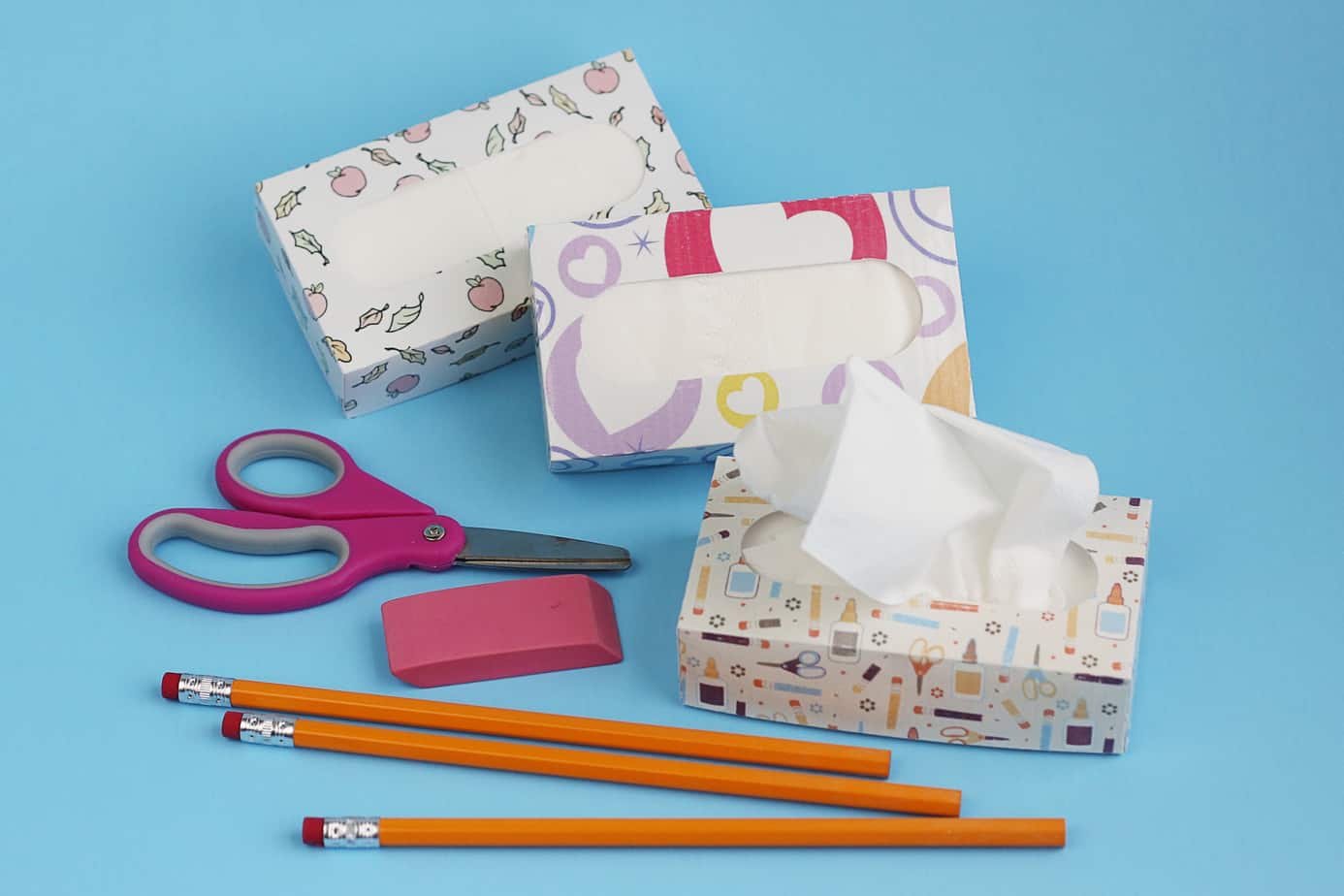
I’ve got a fun new project you can try with Silhouette printable duct tape. You’ll find the full tutorial over on the Silhouette America Blog. Let me know what you think! Save Save

Pop-Up Creator in Silhouette Studio

Pop-Up Creator in Silhouette Studio

Today I want to share the project I made as I demonstrated the new Pop-Up Creator feature in this Silhouette Studio video tutorial: Here’s a better look at the finished card: While the Designer Edition does have extra manipulation capabilities for multiple shapes (like text), 

I did it! My new job.

I did it! My new job.

A Crazy Summer Silhouette Summit in Honolulu, Hawaii (May 10-13, 2017) All Things Silhouette Conference in Peachtree City, GA (June 9-11, 2017) Filming “Get Started With Silhouette” in Denver, CO with Craftsy (June 18-22, 2017) Youth Conference, Letterworks Jr Conference, Girls Camp, Family Vacation Decisions 

Make Sensational Fidget Spinners for Summertime Fun

Make Sensational Fidget Spinners for Summertime Fun

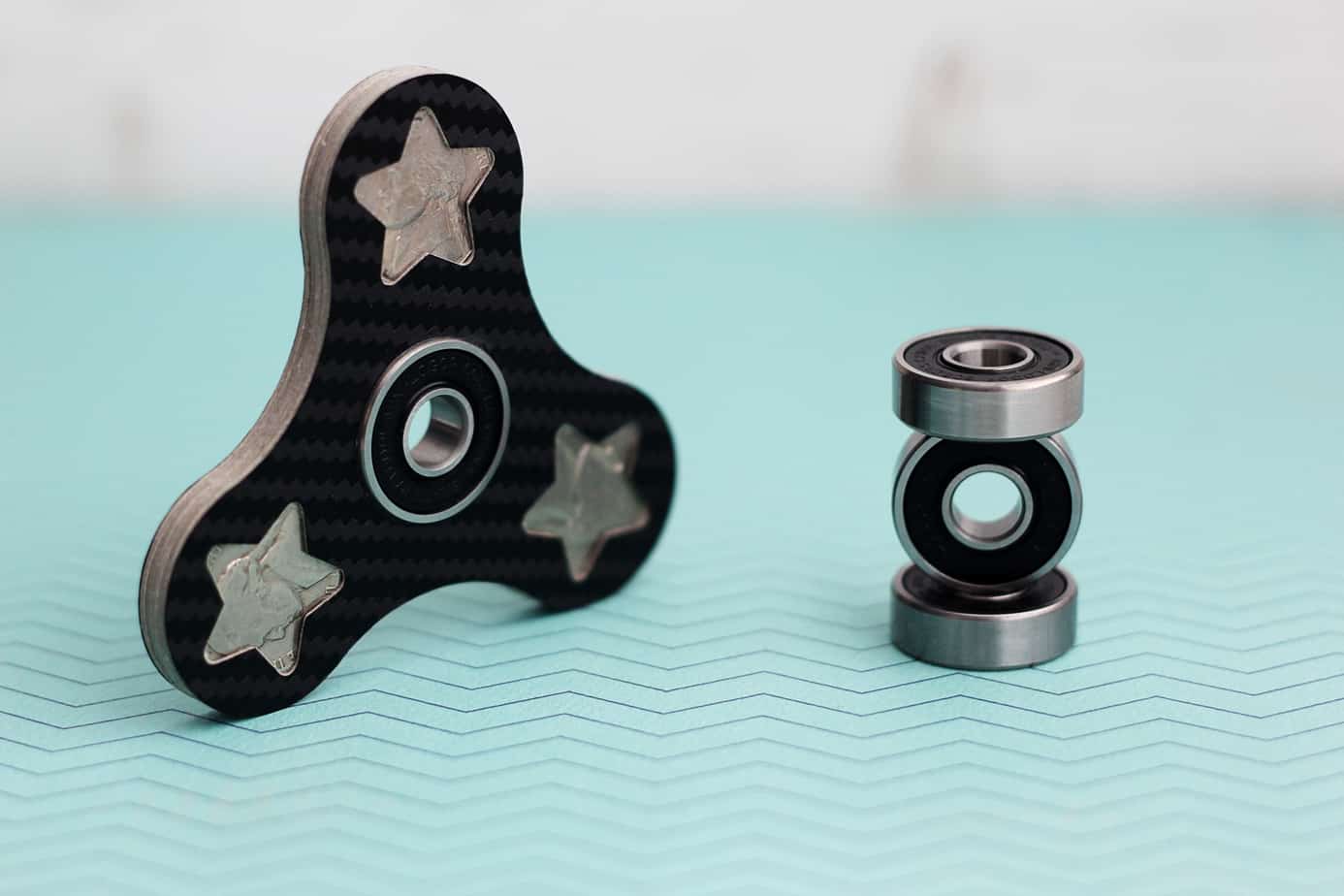
How would you like to use your Silhouette machine and some loose change to make custom fidget spinners for summertime fun? Is anyone else running out of ideas to keep the kids busy this summer? My husband has been trying to come up with golden 

DIY Embossed Key Chains

DIY Embossed Key Chains

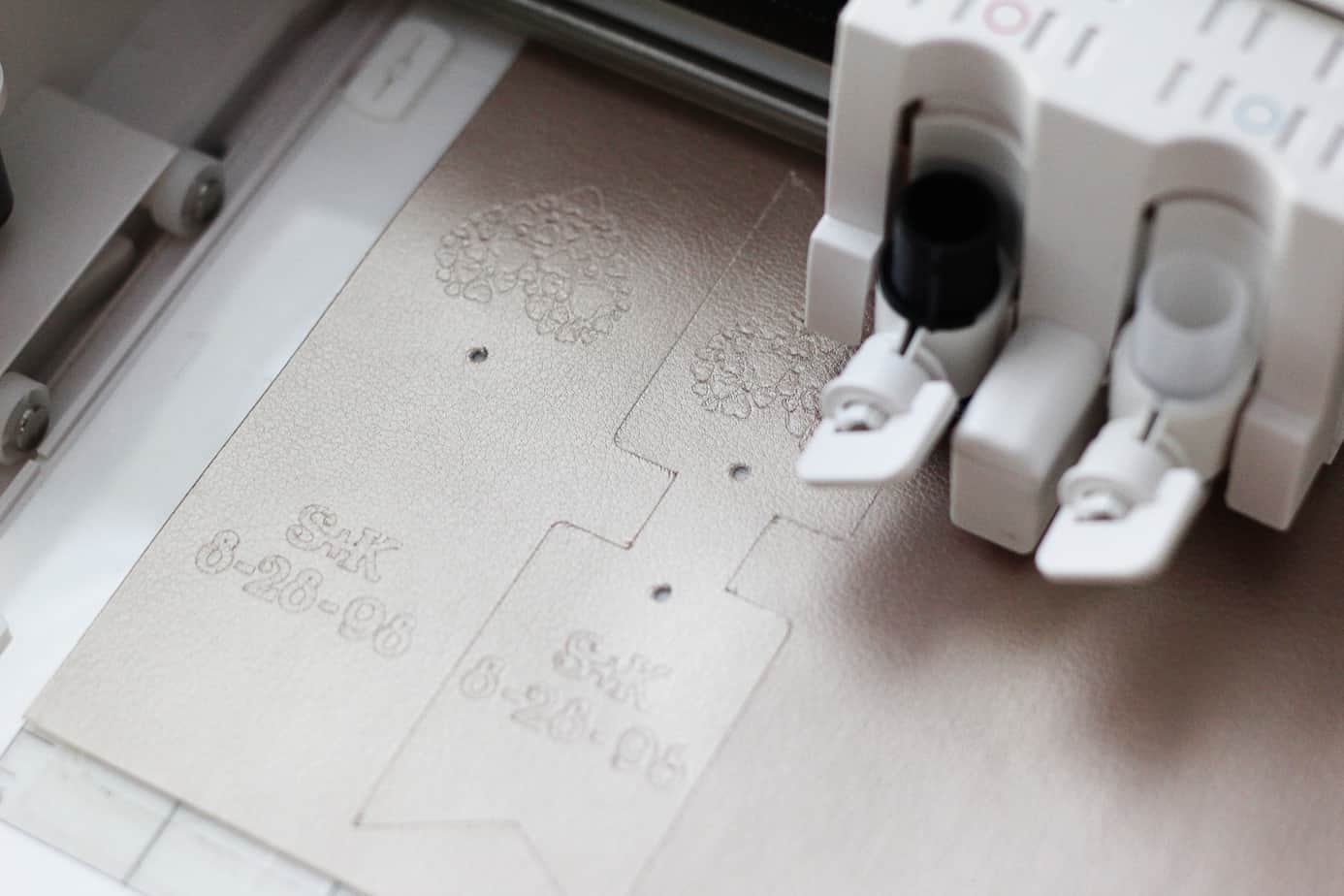
Hi, friends! Are you ready for a super-fun Curio project? This tutorial shows you how to create your own DIY embossed key chains with Silhouette leatherette. (My post originally appeared on the Silhouette Blog.) If you’re new to Silhouette Curio™, you may want to start 

Coming Soon…My Craftsy Silhouette Class!

Coming Soon…My Craftsy Silhouette Class!

I am beyond excited to finally share the news here on my blog! Perhaps you saw my Facebook or Instagram posts recently as I traveled to Denver, Colorado. That trip (among several this spring/summer) was to film a beginner online Silhouette class with Craftsy. I’ve 

Picnic Party!

Picnic Party!

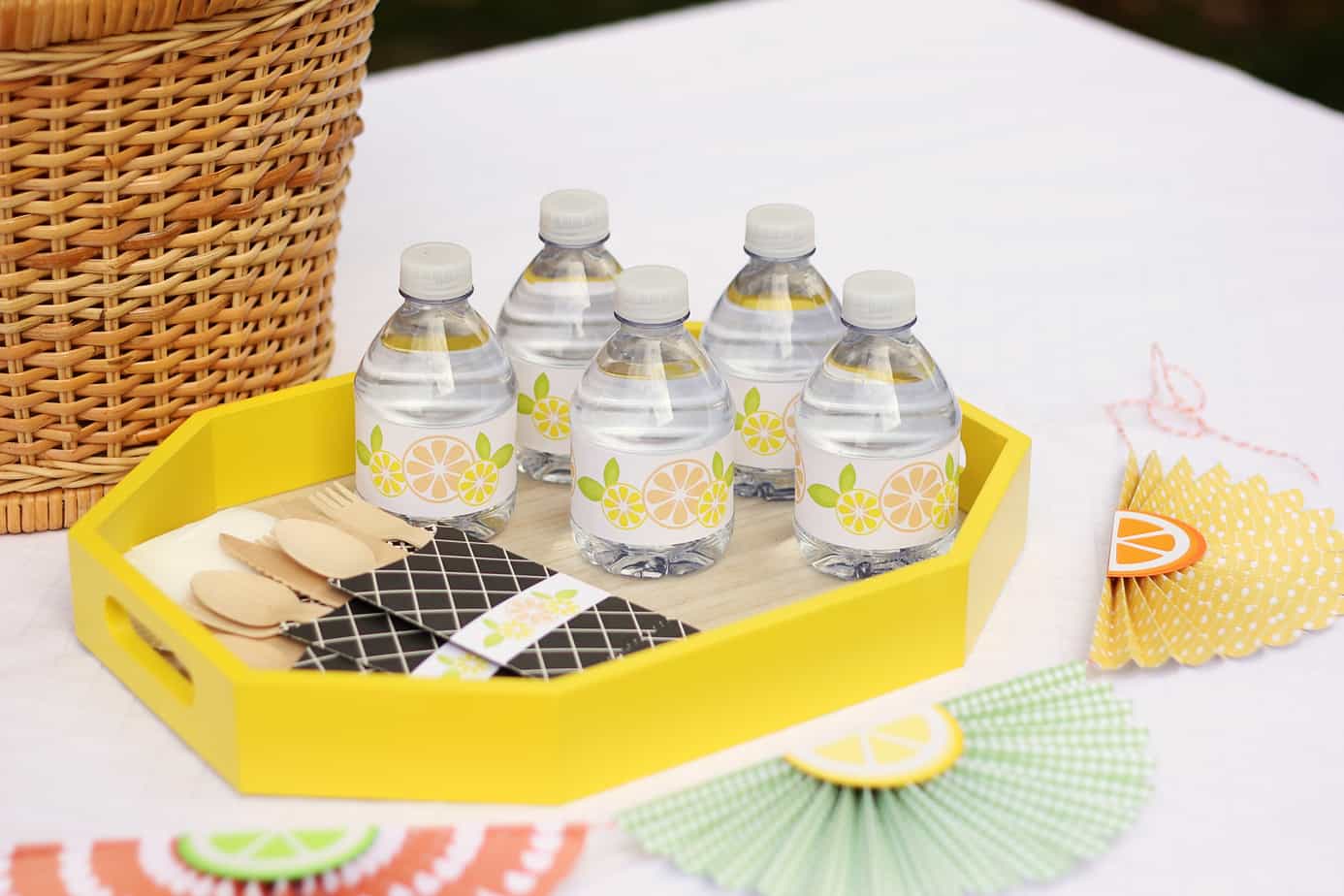
Hi friends! Today on the Silhouette Blog I’ve got a post about this picnic party I created with my Silhouette Portrait®. Yup, not the CAMEO, but the Portrait! It was a fun challenge to make some fun 3D crafts using the smaller but more portable 

Print & Cut Watercolor Décor With Foil

Print & Cut Watercolor Décor With Foil

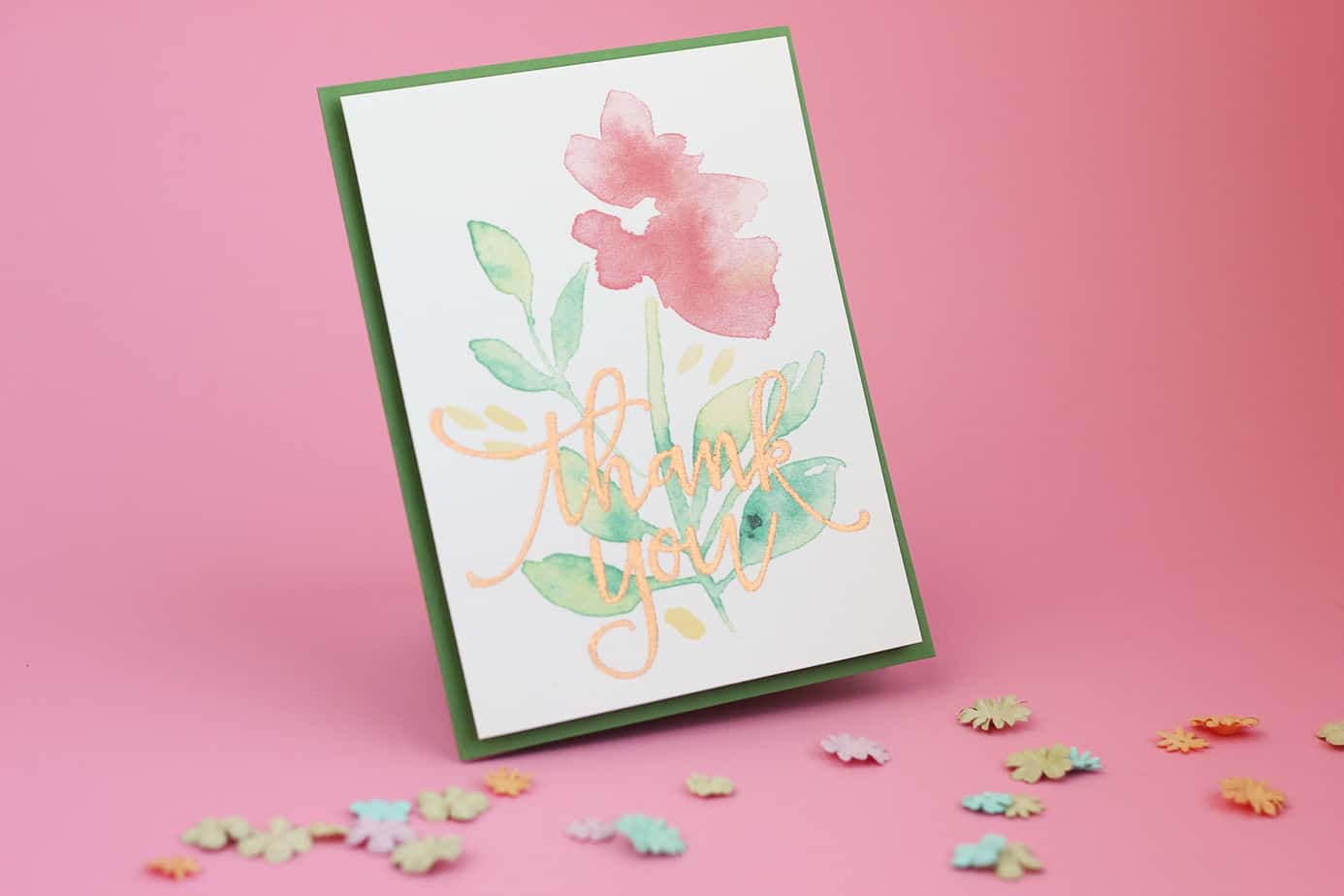
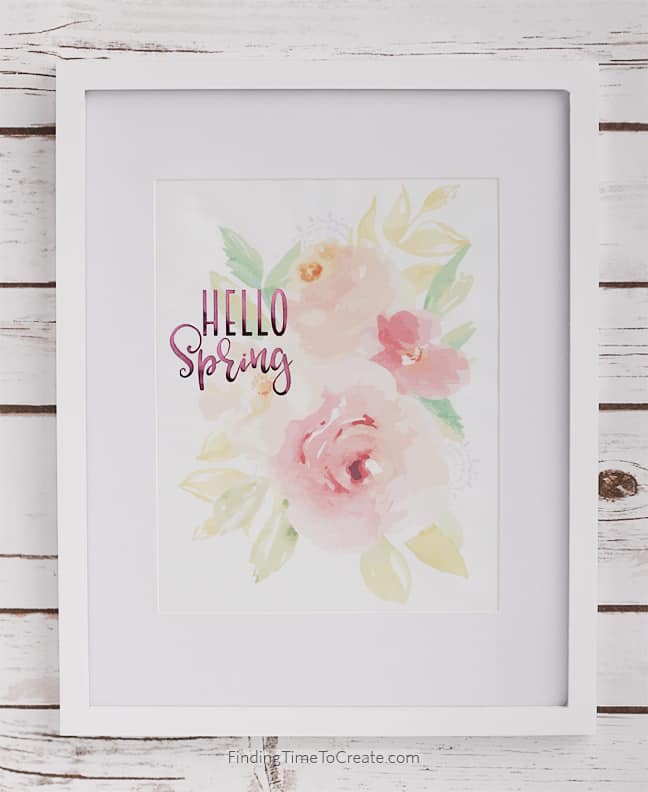
This is the time of year when I love adding something new and fresh to my décor. However, this is also the time of year when I have minimal time for personal projects. The solution? A 15-minute project that is super simple. How about a 

Find Out More About Silhouette ModelMaker™

Find Out More About Silhouette ModelMaker™

Have you heard about the new Silhouette ModelMaker™ software? Silhouette just released it to the general public for purchase last month, and I’m here to share some more information about it. Edit 7/6/2021: The ModelMaker software is no longer available to purchase or download. It 

How To Use Adhesive Cork Sheets

How To Use Adhesive Cork Sheets

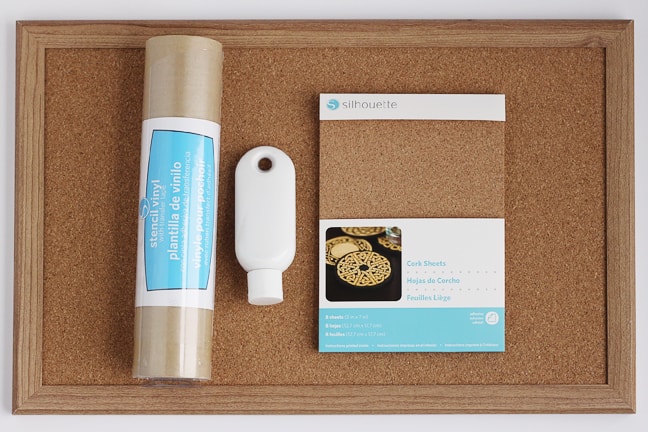
Have you seen the new products coming out from Silhouette America? I’ve got a design-team blog post and tutorial about how to use adhesive cork sheets over on the Silhouette Blog. Let me know if you have any questions! See my other project using these 

How To Adjust And Clean Silhouette Blades

How To Adjust And Clean Silhouette Blades

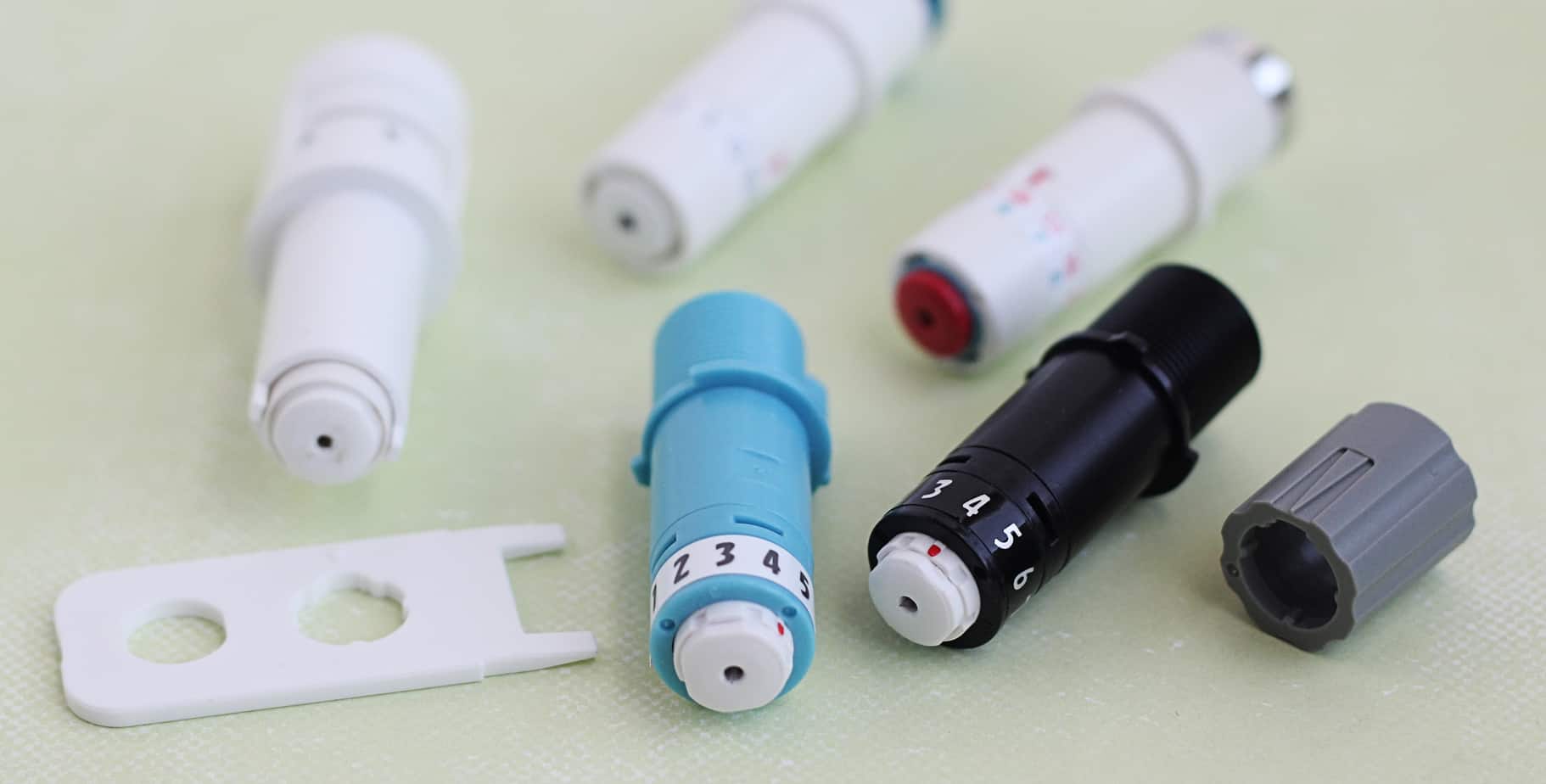
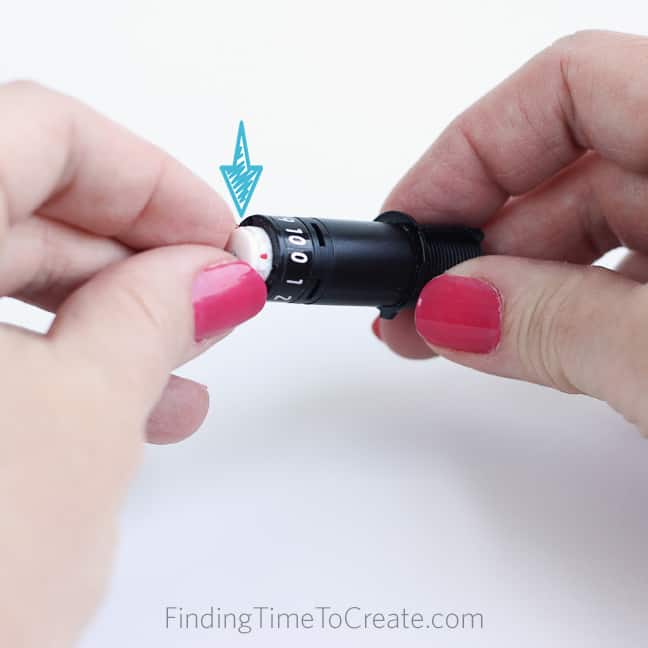
Do you know what this nifty little tool is for? I’ve put together this video for Silhouette-machine users not thoroughly acquainted with the various cutting blades, particularly for CAMEO 3 owners. Find out how to adjust and clean Silhouette blades with the various tools and 

One Inspirational Word: Curio Style

One Inspirational Word: Curio Style

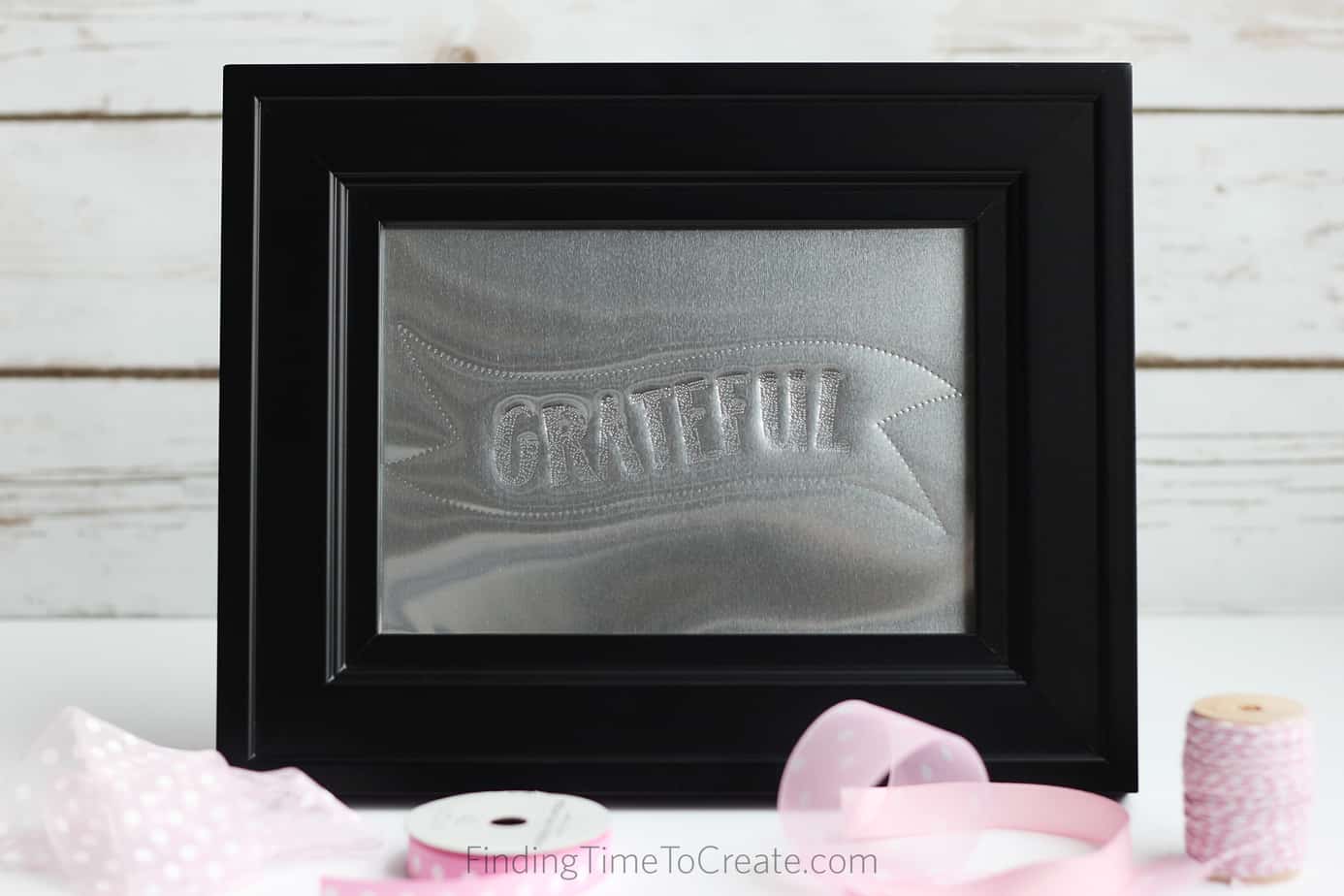
How about another Silhouette Curio™ metal stippling tutorial today? I made a project to highlight my one inspirational word for 2017. You can find the full tutorial on the Silhouette America Blog HERE. I’ve also got a couple of other ways I created this word 

Foiled Hand Lettering

Foiled Hand Lettering

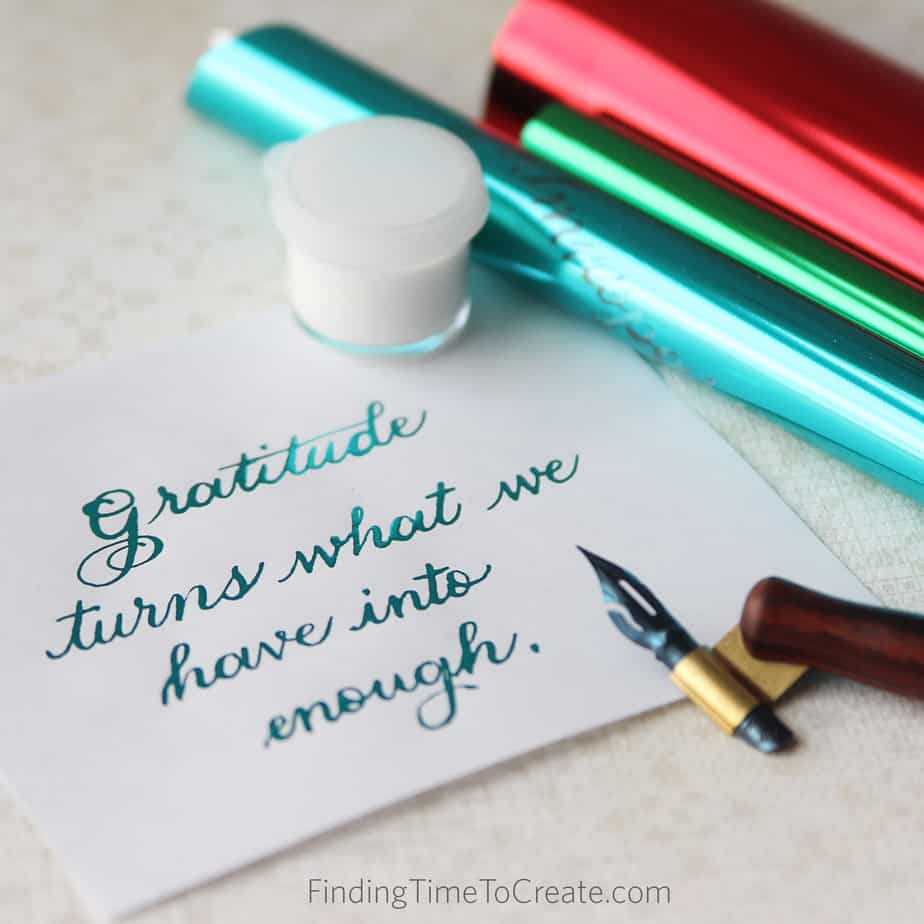
If you follow me on Instagram, you may know my recent new interest is hand lettering of all sorts. I’ve tried brush lettering, broad-pen calligraphy, and pointed-pen calligraphy (aka modern calligraphy). Pointed pen has turned out to be my favorite. I was able to attend 

Dual Carriage With The Silhouette CAMEO 3 and Curio

Dual Carriage With The Silhouette CAMEO 3 and Curio

Are you curious about the dual carriage on the new Silhouette CAMEO® 3 and on Silhouette Curio™? I’ve got a tutorial on the Silhouette America blog today showing the advantages of a dual carriage, along with steps on how to use it efficiently in both 

Getting Started with Silhouette Curio™

Getting Started with Silhouette Curio™

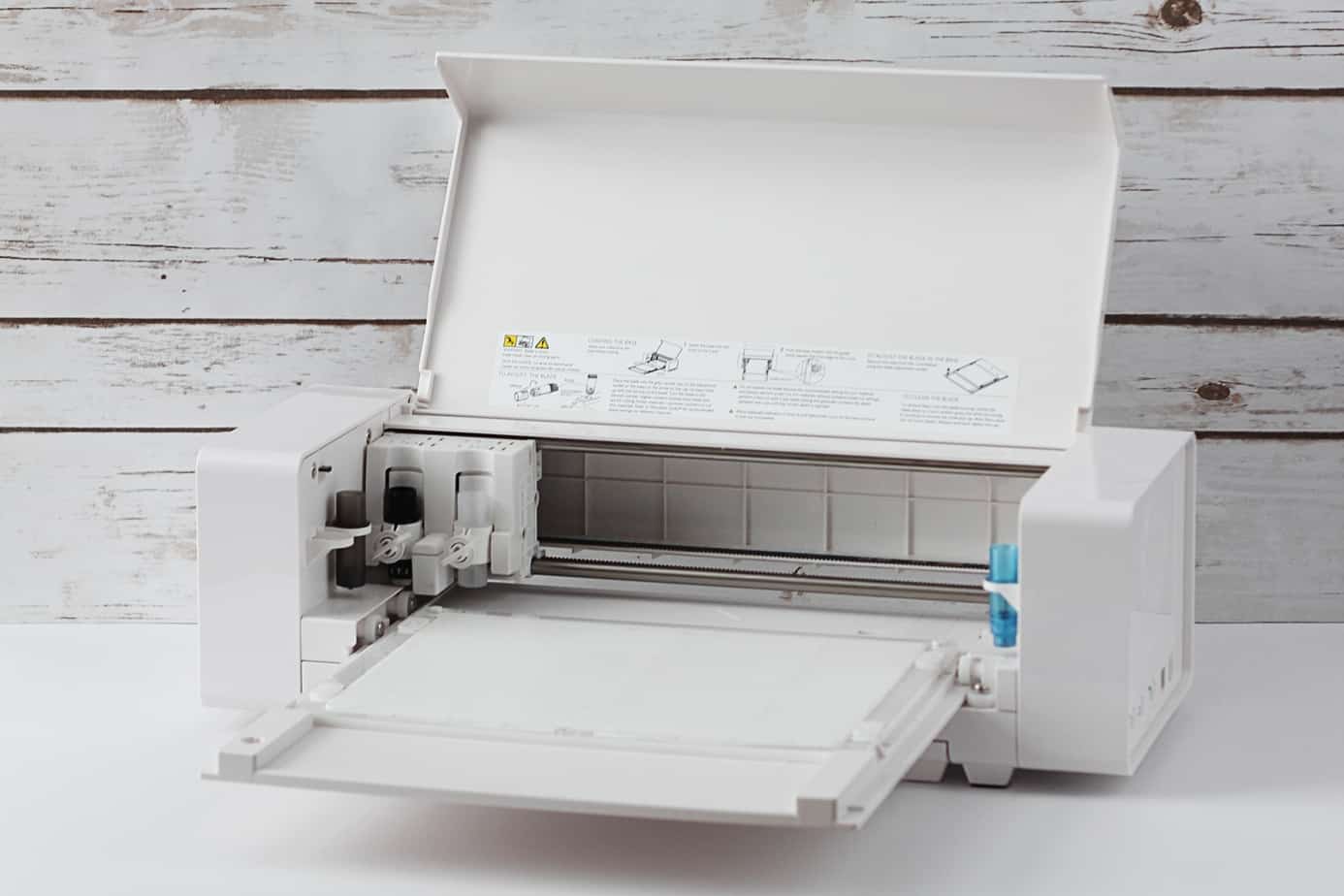
Do I have any intimidated or overwhelmed Silhouette Curio™ users out there? I’ve written this Getting Started with Silhouette Curio tutorial for beginners so you know all the basics about the base, platforms, how to load and unload, etc. This post first appeared on the 

Try Something New With Silhouette PixScan™

Try Something New With Silhouette PixScan™

Hello, Silhouette friends! I’ve got a new tutorial up on the Silhouette America blog today with the PixScan™ mat. Whether you’ve tried this specialized mat many times, once, or don’t know what I’m talking about…you’ll want to check it out HERE. Everyone can try something 

Silhouette Blade Troubleshooting

Silhouette Blade Troubleshooting

How about a little help with blade troubleshooting? I’ve got some great tips on the Silhouette America blog today. Go check it out HERE. 🙂 Save Save Save Save

How To Sketch & Cut with the Silhouette Dual Tool Holder

How To Sketch & Cut with the Silhouette Dual Tool Holder

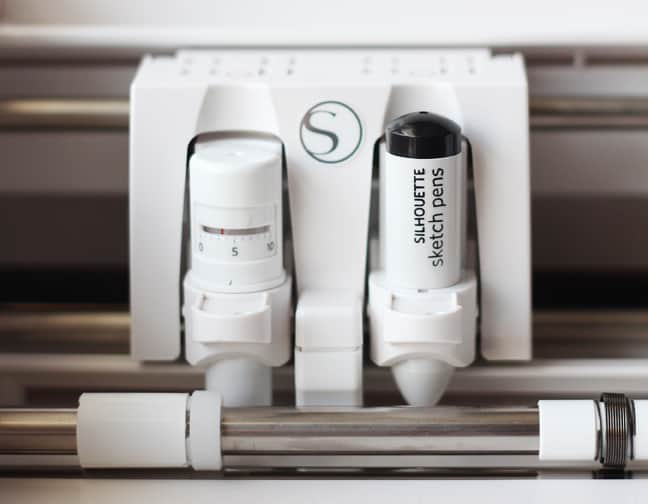
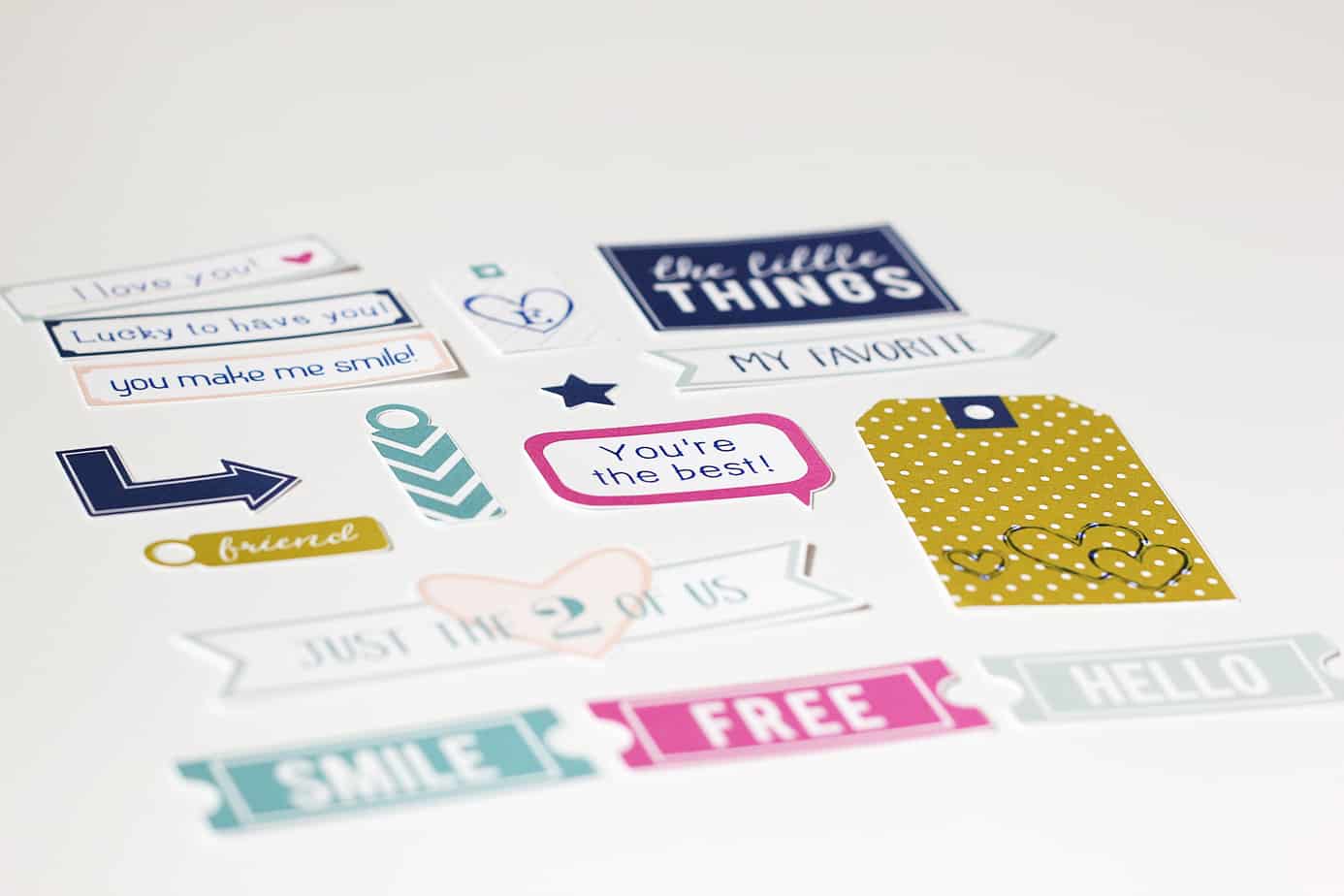
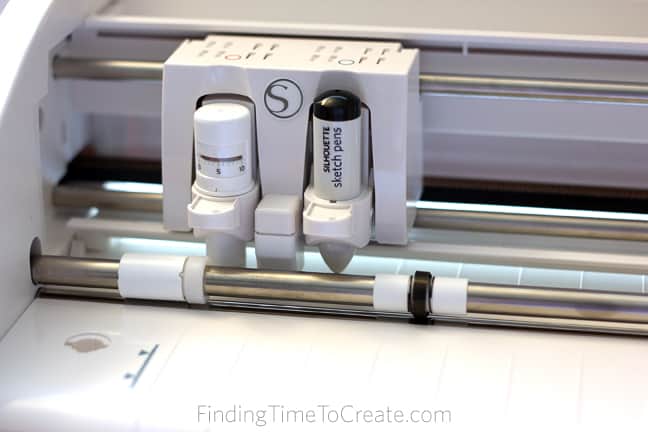
Hi, friends! Today I’m going to share two ways to use the dual tool holder on the Silhouette CAMEO 3 (or the Silhouette Curio) for sketching and cutting. Sketch & cut is when you sketch a design with a pen, then cut it out with 

How to Improve Cut Quality with a Test Cut

How to Improve Cut Quality with a Test Cut

Have you missed me? The Silhouette America blog is back up and running and more beautiful than ever! My post there today talks all about the test-cut feature of the Silhouette machines, including why you need it and how to use it. Go check it 

Watermelon Dish Towels

Watermelon Dish Towels

For this week’s free design from Silhouette America, my goal was a quick and easy project. Watermelon dish towels! By the way, have you grabbed this watermelon design yet? I decided to decorate multiple dish towels with the same design in fabric ink, so Silhouette’s