How to Install Multiple Versions of Silhouette Studio – Windows 10

How to Install Multiple Versions of Silhouette Studio – Windows 10

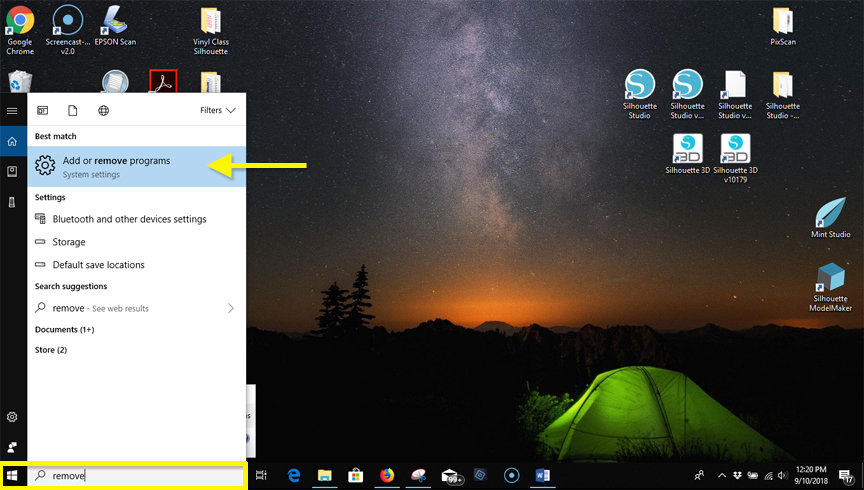
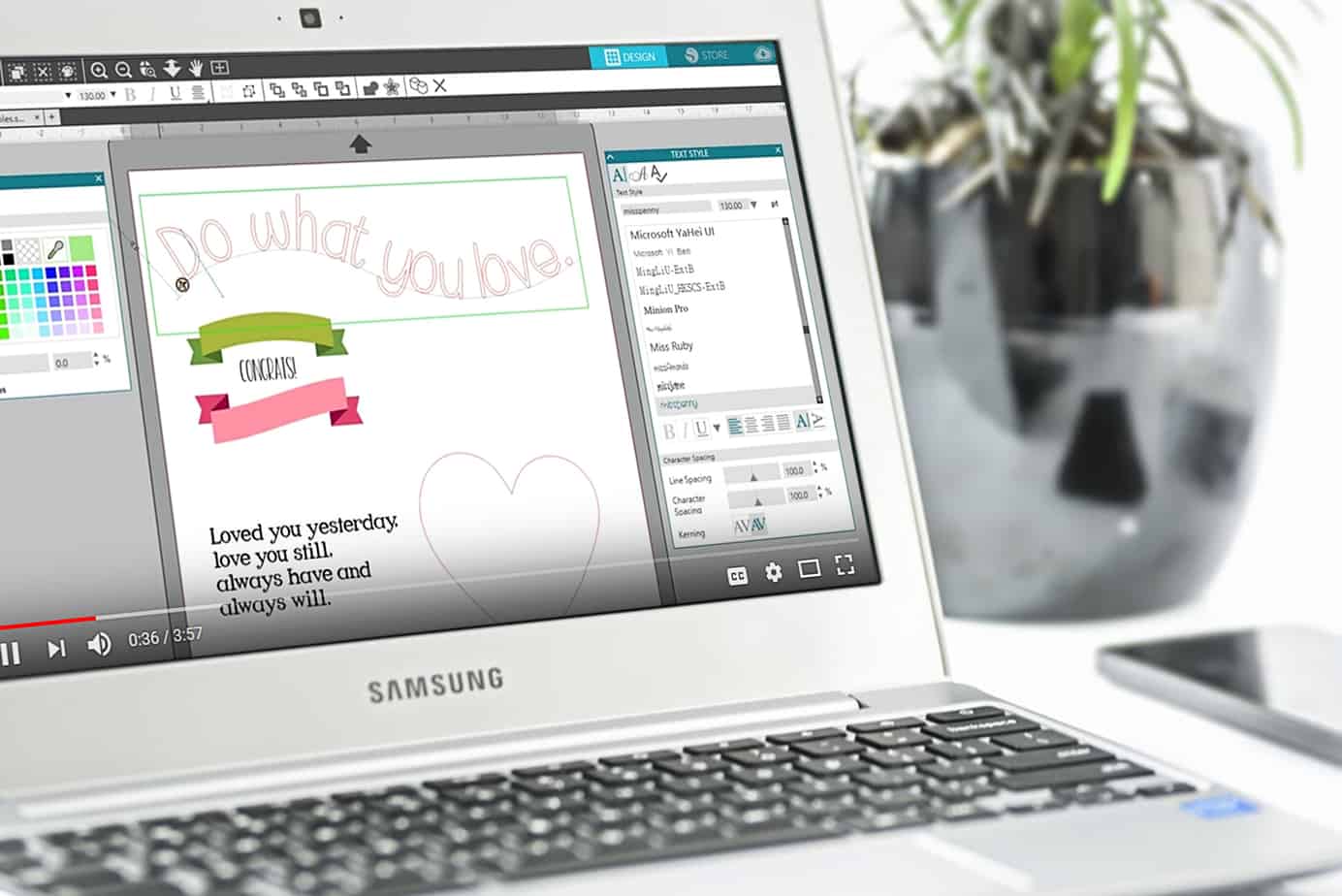
Have you ever wished you could run more than one version of Silhouette Studio® on your Windows computer? Mac users can do it easily, but doing this in Windows takes a bit more effort and digging around, renaming folders and paths. If you’re a computer-savvy 

Stenciled Flamingo Shoes

Stenciled Flamingo Shoes

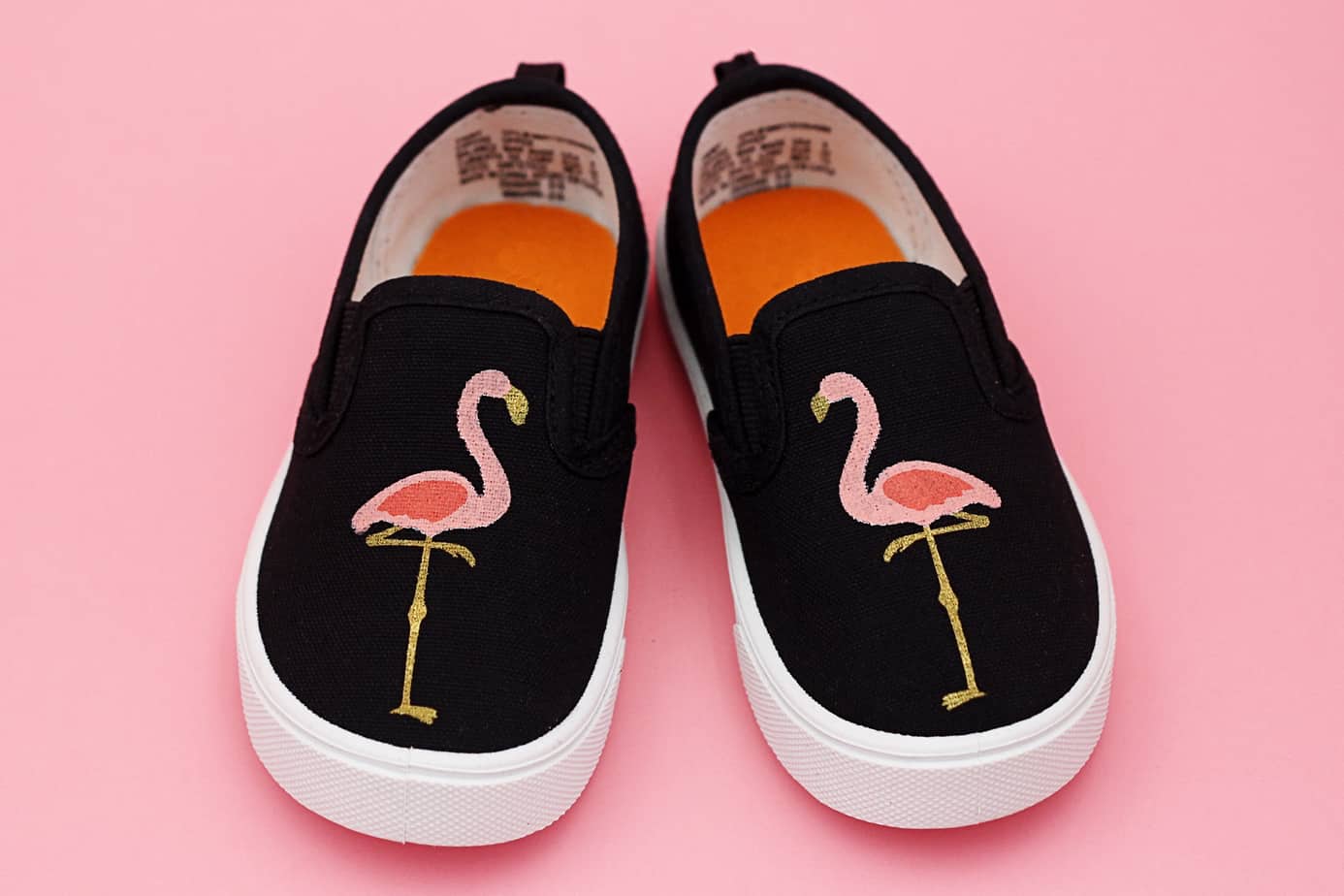
Is anyone else enjoying the flamingo craze? I think they are so cute! I made these little stenciled flamingo shoes, with the fabric ink applied using a set of Silhouette stencils I created for my Silhouette CAMEO. Here’s the full tutorial on the Silhouette Blog.

Silhouette 101 Learning Series

Silhouette 101 Learning Series

Silhouette 101 Learning Series I’m so excited to share my series of full-length Silhouette video classes and eBooks I’ve created with Silhouette America! I’ve been writing and filming these for the past six months, and more are in progress. They have named this Silhouette 101, and 

3D Printed Mini Zen Garden

3D Printed Mini Zen Garden

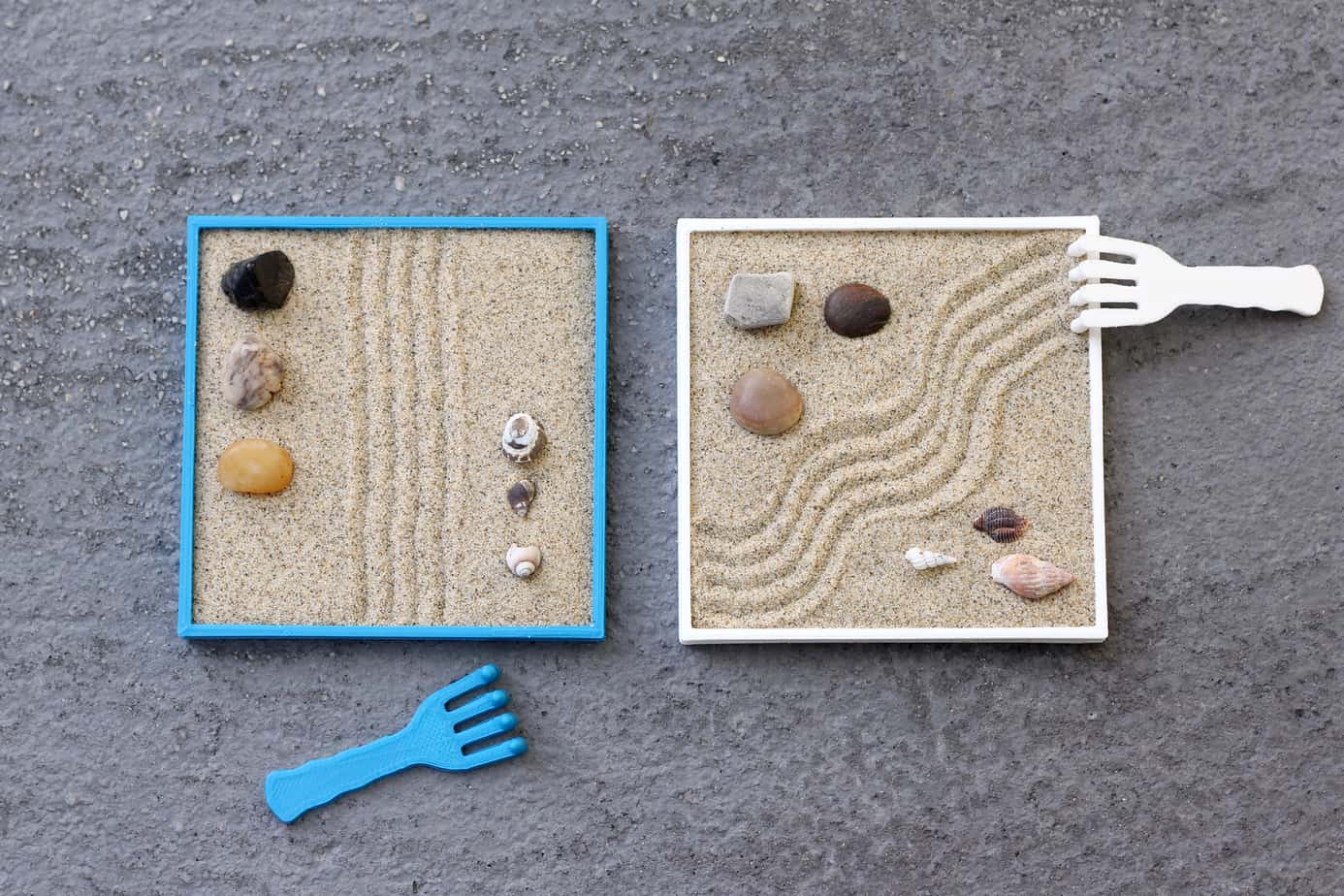
  On the Silhouette Blog today, I’ve got a tutorial for this mini Zen garden I printed with my Silhouette Alta 3D printer. Take a look here!

The Story Of A Better Tool

The Story Of A Better Tool

Let me tell you a story. Once upon a time, there lived a young and beautiful stay-at-home mom. She loved to make cards and scrapbook pages and anything with paper. She was very frugal and purchased crafting supplies only when necessary or when they were 

Silhouette 3D Software Tutorials

Silhouette 3D Software Tutorials

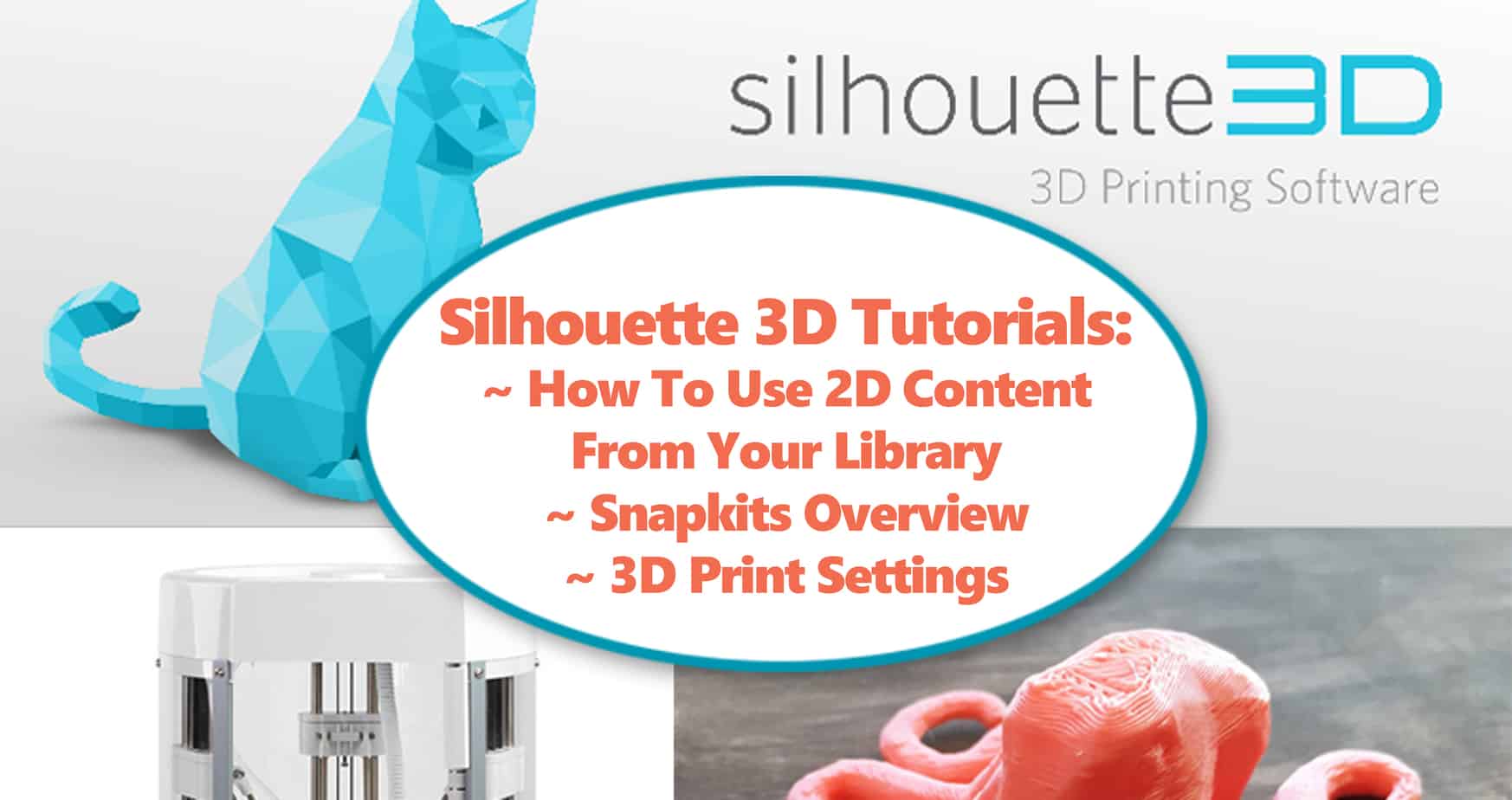
Here are my first three tutorials on the Silhouette 3D software. Click each link below to go to the YouTube tutorial. How to use 2D Content from your Library Snapkits Overview 3D Print Settings This should get you started on the 3D software (download free 

Mint Studio™ Video Tutorials

Mint Studio™ Video Tutorials

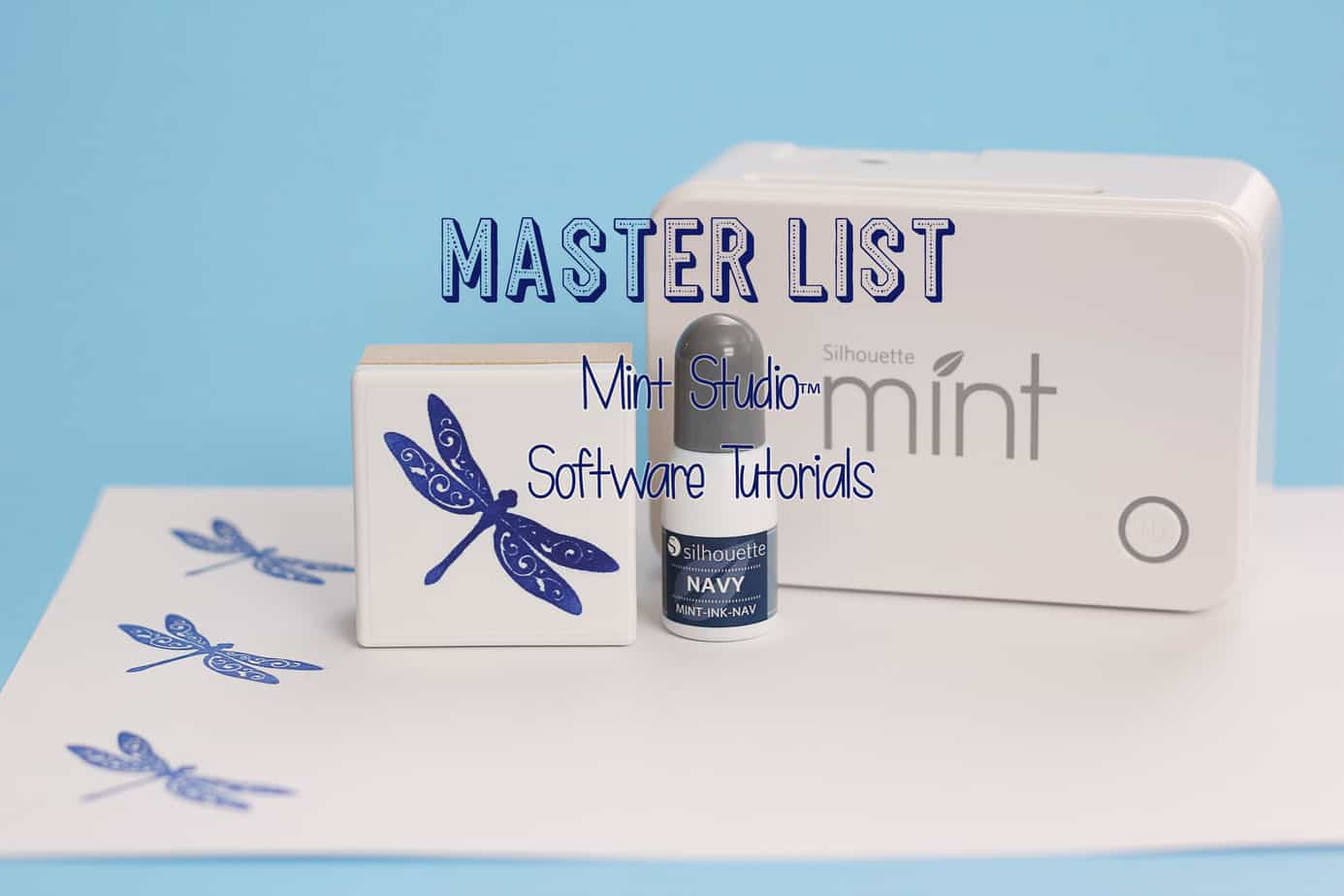
As I used my Silhouette Mint machine to create a stamp last night, I realized I never posted this master list of Mint Studio video tutorials I created for Silhouette America’s YouTube channel. Click on each link below to go to the 15 Mint Studio™ 

How To Create Sketch Pen Fills

How To Create Sketch Pen Fills

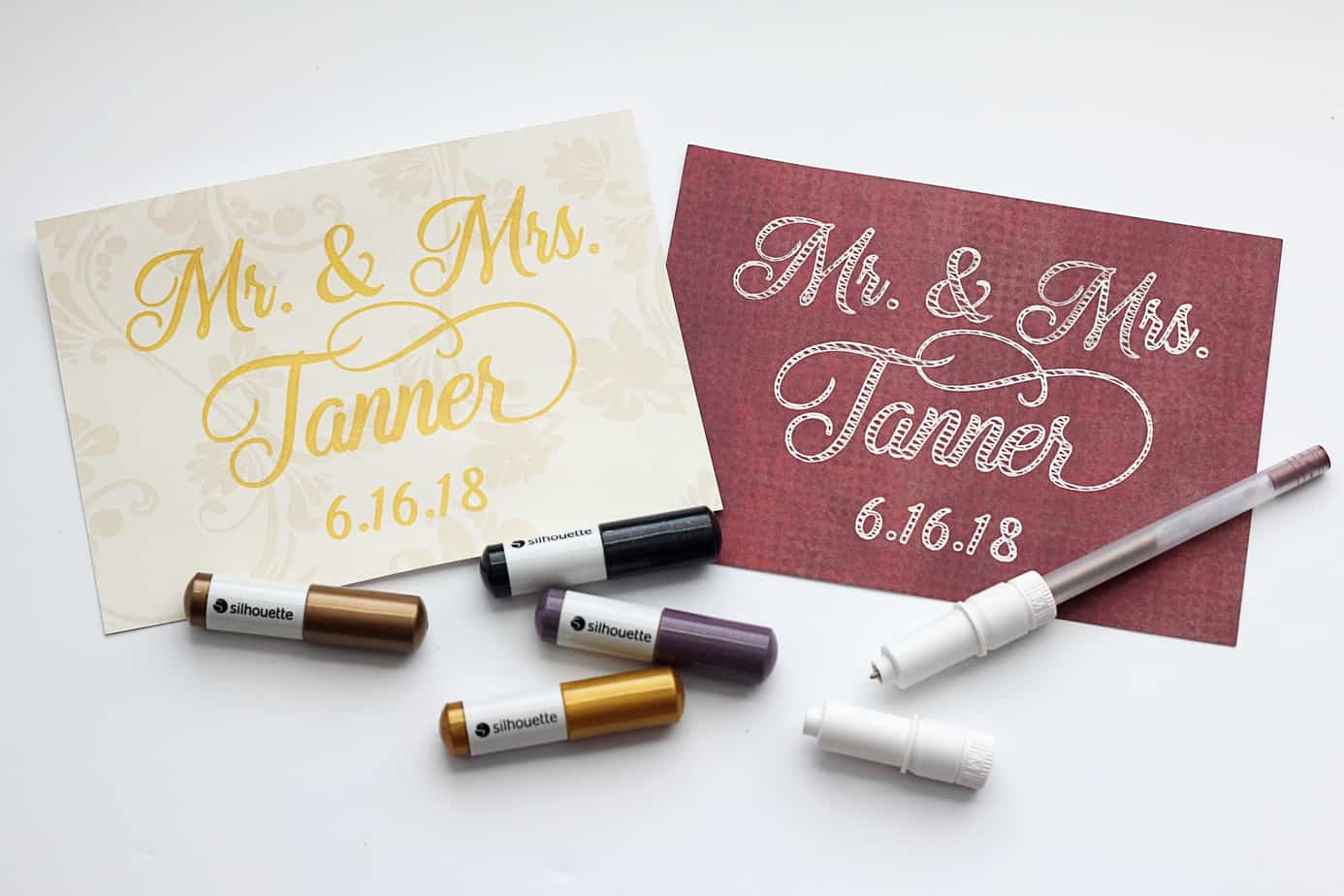
Hey, Silhouette fans! I’ve got a new tutorial on the Silhouette Blog for filling in those empty fonts so you can have a solid fill with your sketch pens. (Great for foil transfer sheets, too!) Tight fills don’t have to be a feature only for 

Etched Glass Wedding Frame

Etched Glass Wedding Frame

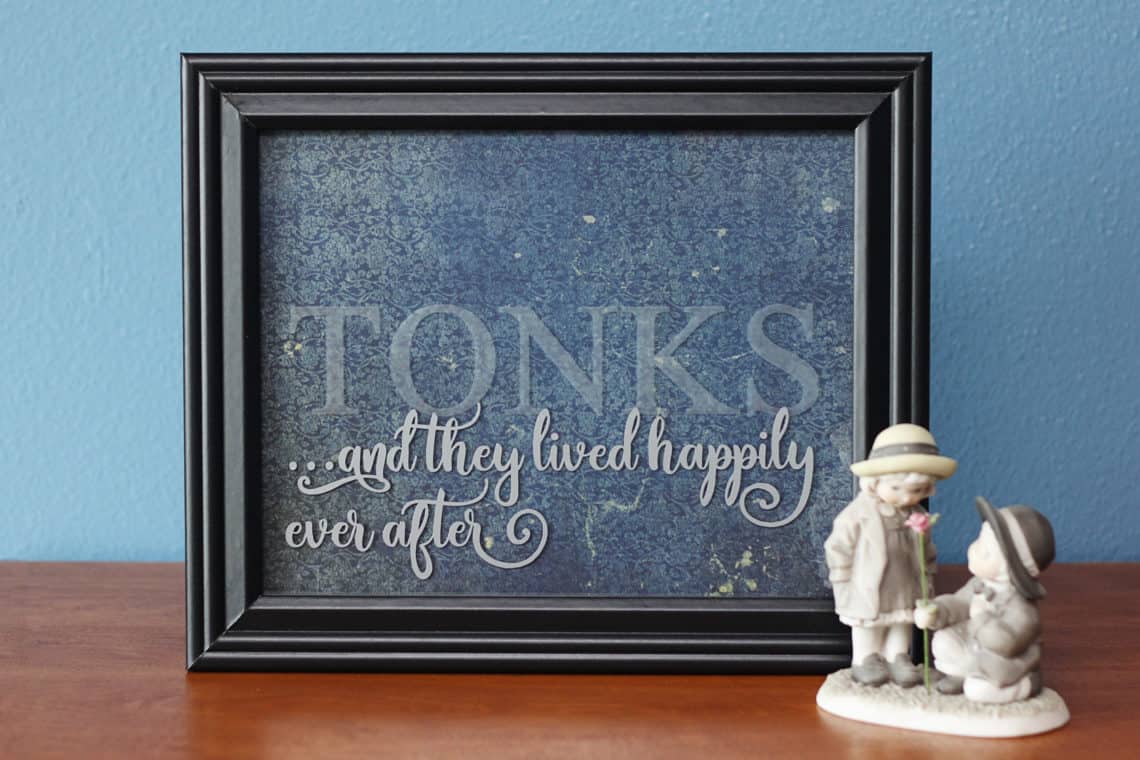
Need an idea for a handmade wedding gift? I’ve got a full tutorial for creating this etched glass project over on the Silhouette Blog HERE. The easiest way to get all the supplies and tools for glass etching is to purchase this Glass Etching Starter Kit. 

Masked Watercolor Card with Stencil Material

Masked Watercolor Card with Stencil Material

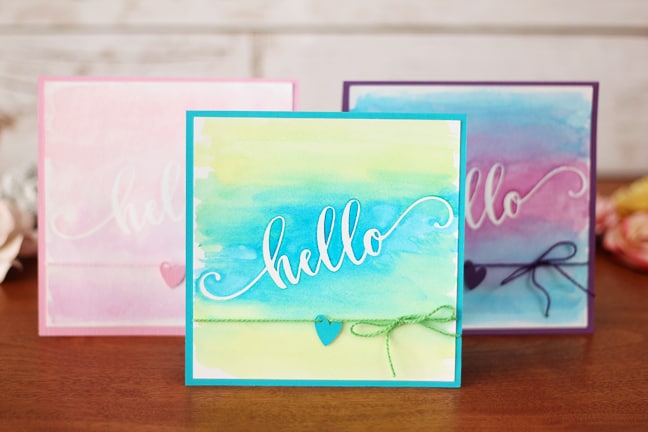
Hi there! I’ve got a new tutorial on the Silhouette Blog showing how to use adhesive stencil material to create a mask for watercolors. Go check it out HERE. 🙂

Paper Succulent Trio

Paper Succulent Trio

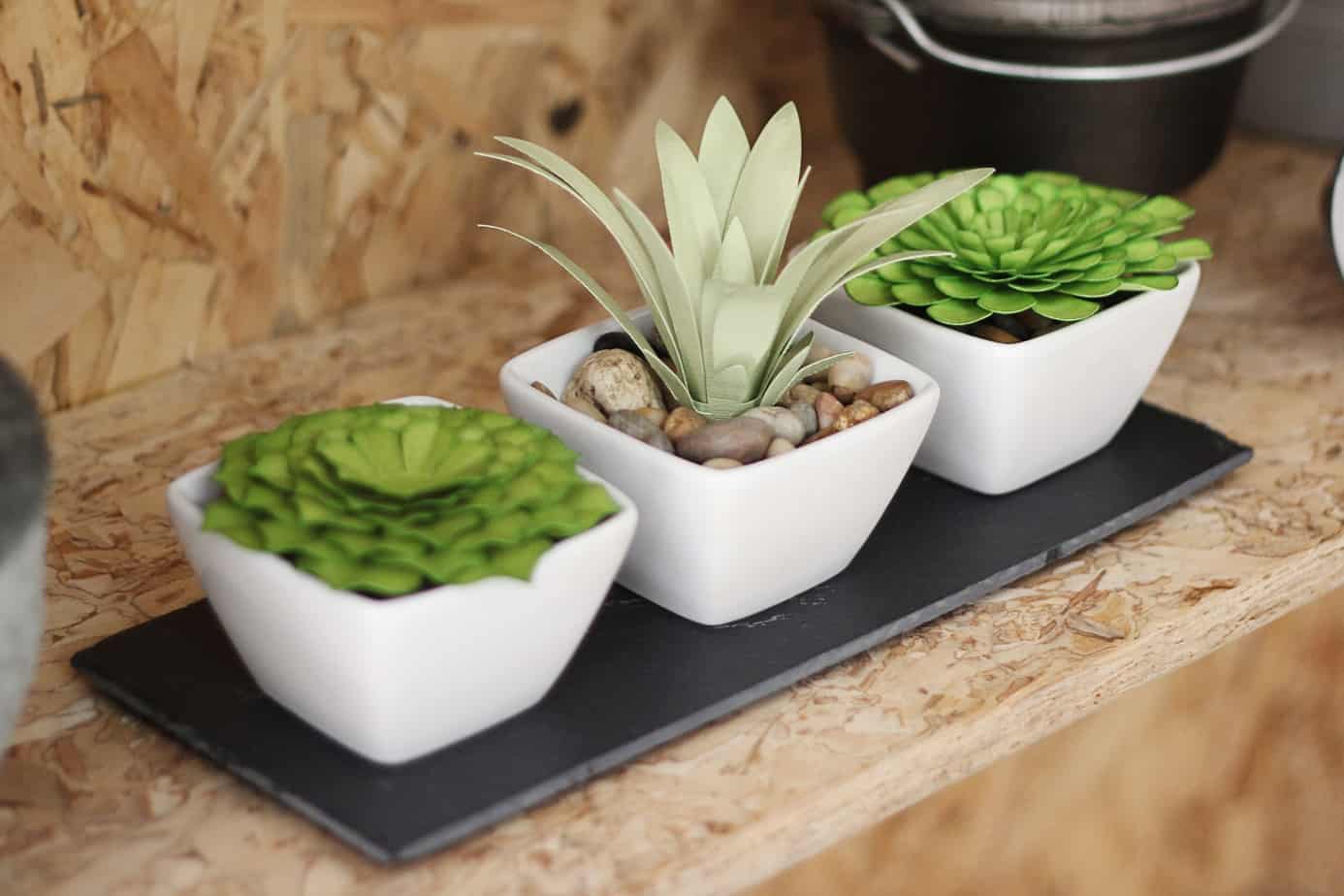
Paper succulents that won’t die? Yes, please! I’ve got a full tutorial for this paper succulent project over on the Silhouette America Blog. Click HERE to go to the tutorial. It includes my methods for shading, shaping, and assembling paper leaves and petals.

All About Using Silhouette ModelMaker™

All About Using Silhouette ModelMaker™

In the following videos, you’ll learn all about using Silhouette ModelMaker™, which is an educational software tool for creating 3D shapes and converting them into 2-dimentional images that can be cut out and assembled. You can download ModelMaker™ from Silhouette America here. The initial download 

Top 10 Things to Know About Silhouette Studio

Top 10 Things to Know About Silhouette Studio

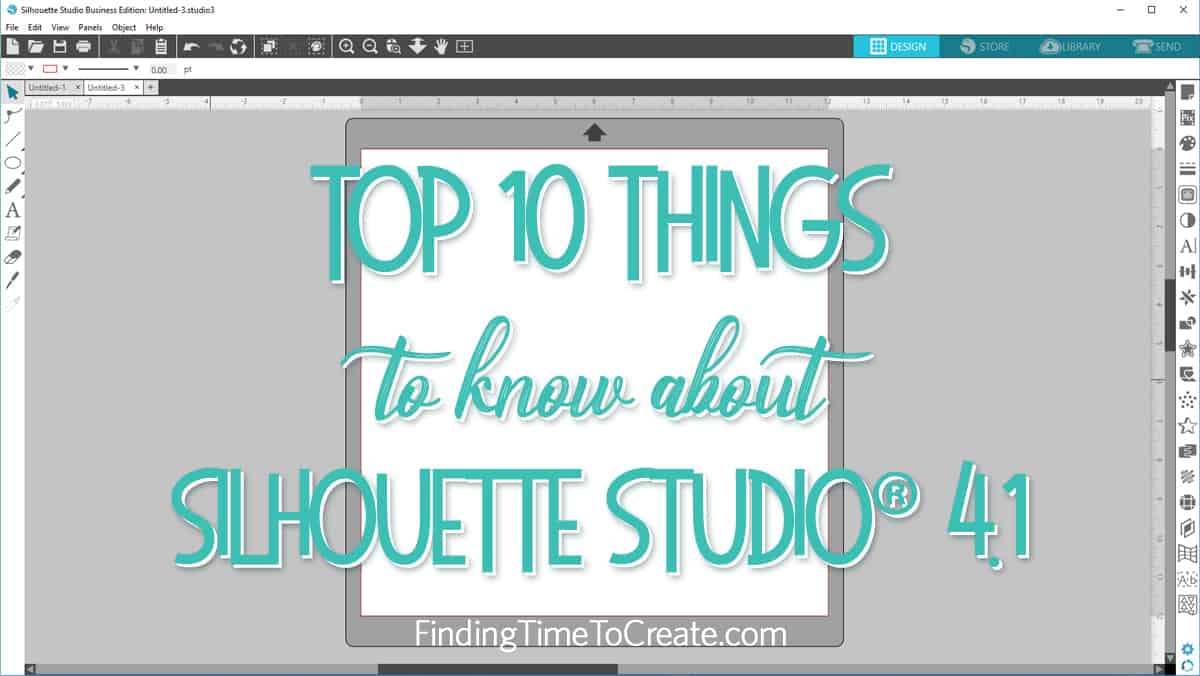
Want to know what I think are the top 10 things to know about Silhouette Studio? Here’s the video I made for Silhouette’s YouTube channel with my top 10. Enjoy! Here’s a summary of the Top 10 Things to Know About Silhouette Studio, but you’ll 

How to Make a Beautiful DIY Princess Sash

How to Make a Beautiful DIY Princess Sash

I had the opportunity to make a DIY princess sash for 26 teen and pre-teen girls last week. It’s a fun project that can be customized for birthdays or any occasion where you want to make a girl feel special. This tutorial for a DIY 

Become a Print & Cut Pro

Become a Print & Cut Pro

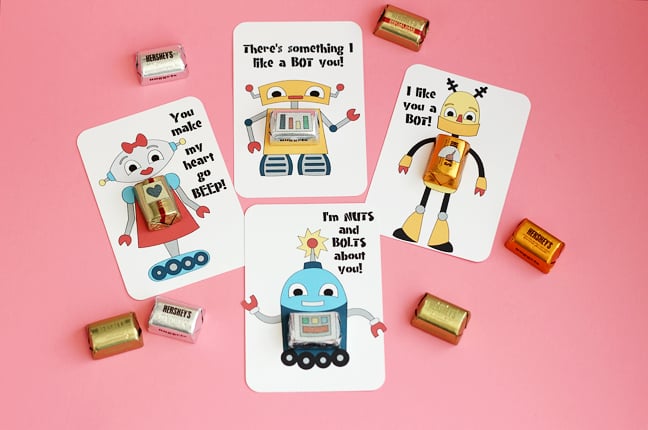
I am making the cutest valentines this year for my kids’ classroom parties! This is my last year with multiple kids in grade school, so I’m still keeping it on the simple side for 60-ish handmade valentines. My printer and Silhouette CAMEO® are doing most 

All About Color in Silhouette Studio

All About Color in Silhouette Studio

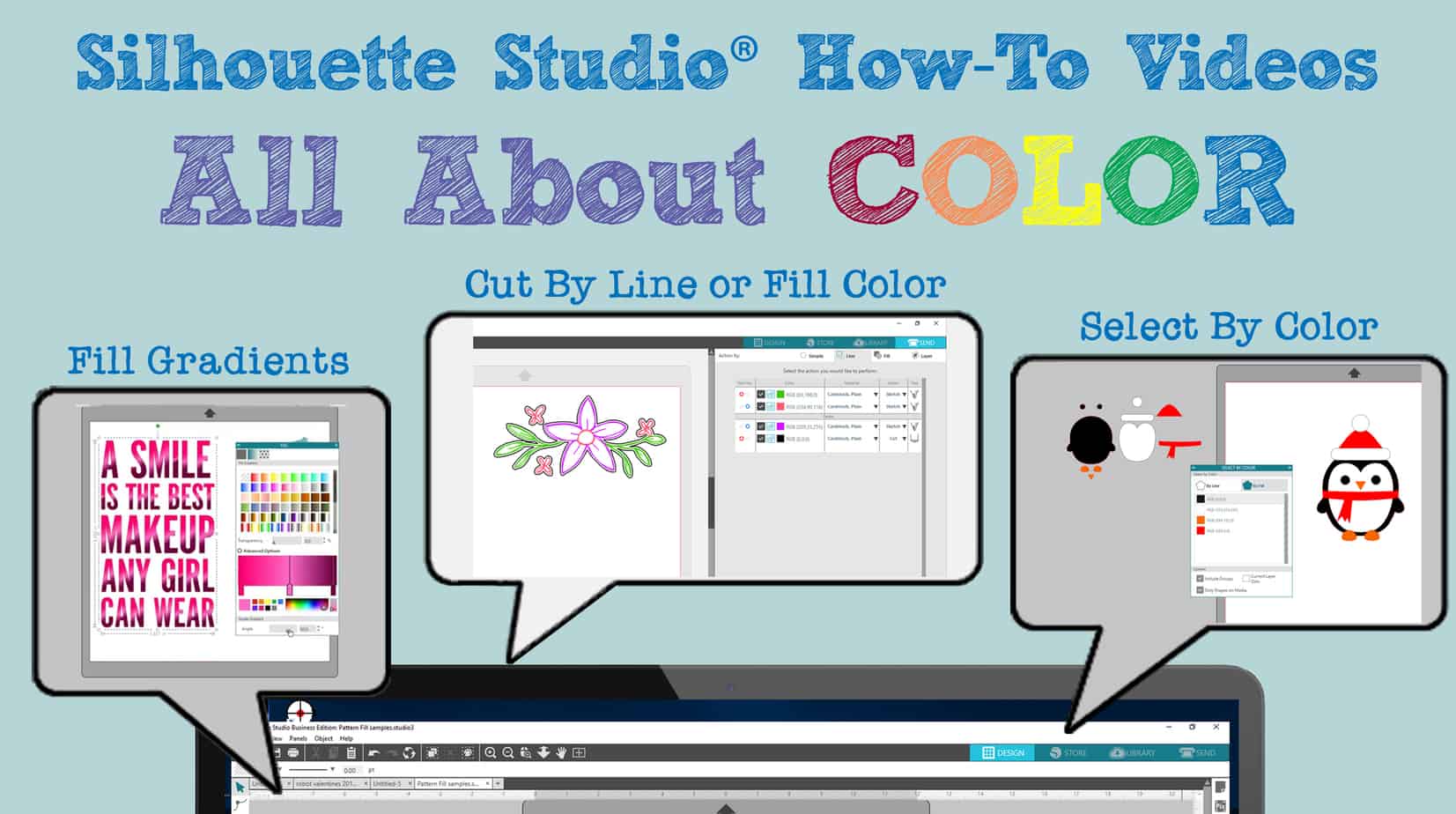
All About Color In this set of videos for Silhouette Studio v4, you’ll find out all about color: Fill Gradients Pattern Fill Panel Line Style Panel Cut by Line or Fill Color Select by Color Fill Gradients (Designs used in this video = Seahorse & 

Try Etching Acrylic with Silhouette Curio

Try Etching Acrylic with Silhouette Curio

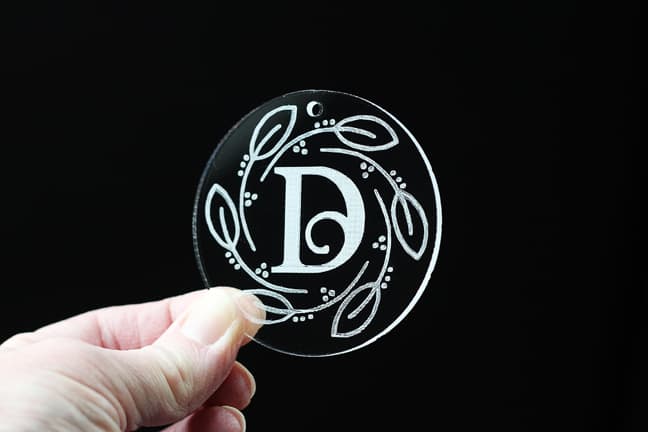
I recently tried etching acrylic with my Silhouette Curio, and it was such a success I decided to make etched acrylic ornaments for all my neighbor and friend gifts this past Christmas season! I want to share with you how I did it, so I’ve 

Exciting Free Features in Silhouette Studio

Exciting Free Features in Silhouette Studio

If you’ve watched my videos for beginners (here and here) in Silhouette Studio or have figured out the basics yourself, you might want to move on to some more complex and interesting features of Silhouette Studio. The features spotlighted below are available in every edition 

Print & Foil Artwork

Print & Foil Artwork

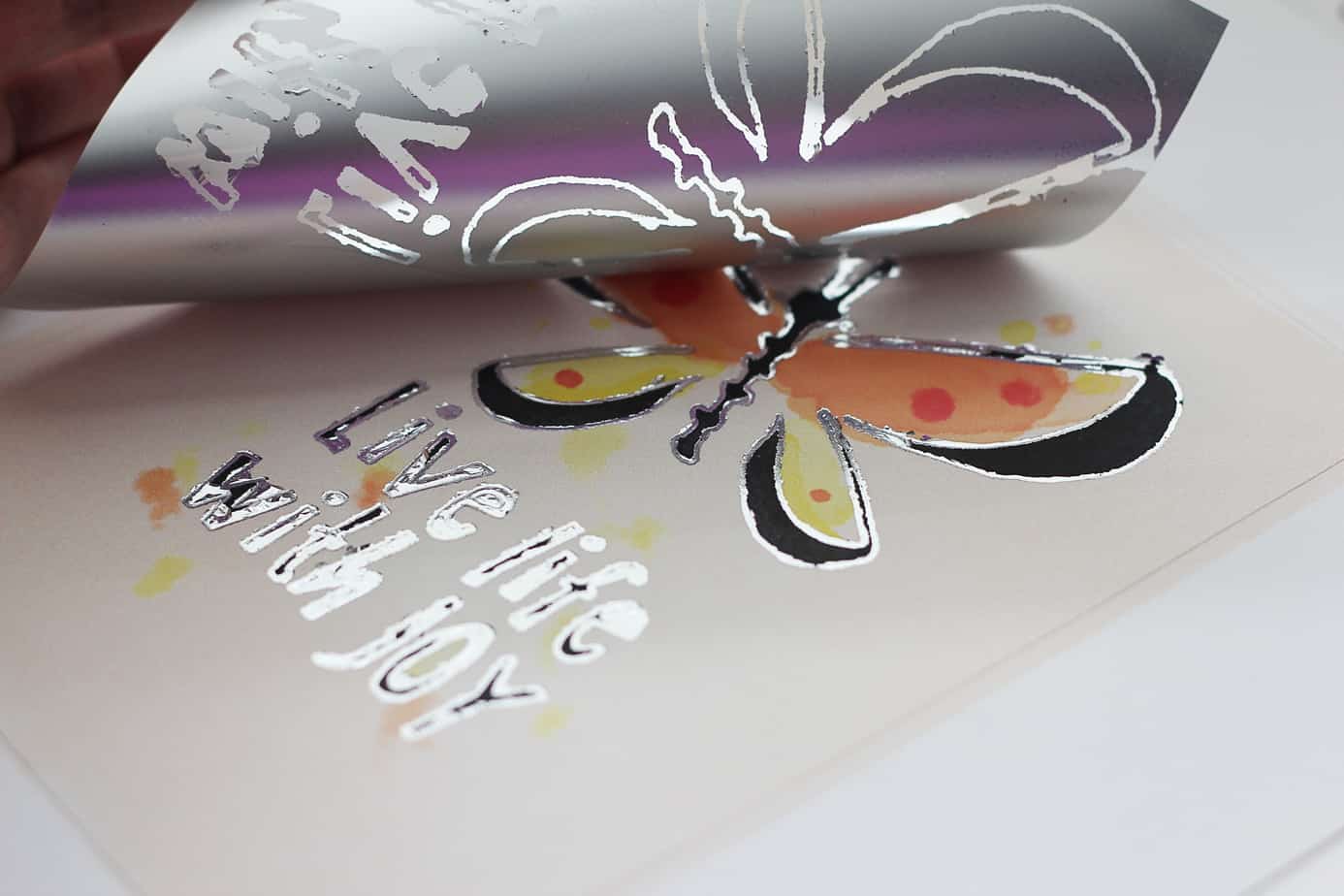
Have you tried Silhouette’s foil transfer sheets yet? I found a new way to use them. I call this technique “print & foil”, and it uses registration marks to print & cut a design and also add foil accents to the design. Pretty cool, huh? 

5 How-To Videos For Every Silhouette Curio User

5 How-To Videos For Every Silhouette Curio User

I feel like Curio may be the most under-utilized Silhouette machine out there. While I’m the first to admit I love my CAMEO the most, I have also spent a lot of quality time with my Curio machine. I’ve made five videos to cover the 

Get More Out Of Silhouette Studio

Get More Out Of Silhouette Studio

Get More Out of Silhouette Studio Here’s another set of videos I think you’ll find helpful as a beginner in Silhouette Studio. These are among the videos I’ve created for Silhouette America’s YouTube channel in the past few months using Silhouette Studio version 4.1. If 

Silhouette Studio Basics – Continued

Silhouette Studio Basics – Continued

Here’s another set of video tutorials to get you started Silhouette Studio basics in v4. These features are available in all versions of Silhouette Studio® (Basic Edition and higher), unless noted otherwise. In my last post I shared the earliest things a beginner should know, 

What Can You Do With Dingbat Fonts?

What Can You Do With Dingbat Fonts?

Hi, friends! I’ve got a tutorial on the Silhouette America Blog showing how to deconstruct and recolor dingbat fonts to use with your Silhouette machine. I’ve used two Lori Whitlock dingbat fonts as my example to make gift tags, decorations, vinyl decor, and more! Check 

Silhouette Studio for Beginners

Silhouette Studio for Beginners

You’ll find six video tutorials below for some of the most basic things to know when getting started with your new Silhouette machine. It’s the beginning of my compilation of Silhouette Studio for Beginners. I have nearly 70 videos (to date) to share with you 

Compare v3 to v4 in Silhouette Studio

Compare v3 to v4 in Silhouette Studio

Here’s my video comparing v3 to v4 in Silhouette Studio. This video is a great one to watch if you are having a hard time adjusting to version 4 in Silhouette Studio. I’ve just got to say I really love the improvements in v4. Not