New Lesson: Fill Windows

New Lesson: Fill Windows

Here’s a Silhouette Studio lesson that covers all three of the Fill Windows’ basic and advanced options. Come back tomorrow for a lesson on how to add digital pattern papers to Silhouette Studio that you’ve purchased (or got for free) and downloaded to your computer. 

Hello Sunshine Curio Debossed Art

Hello Sunshine Curio Debossed Art

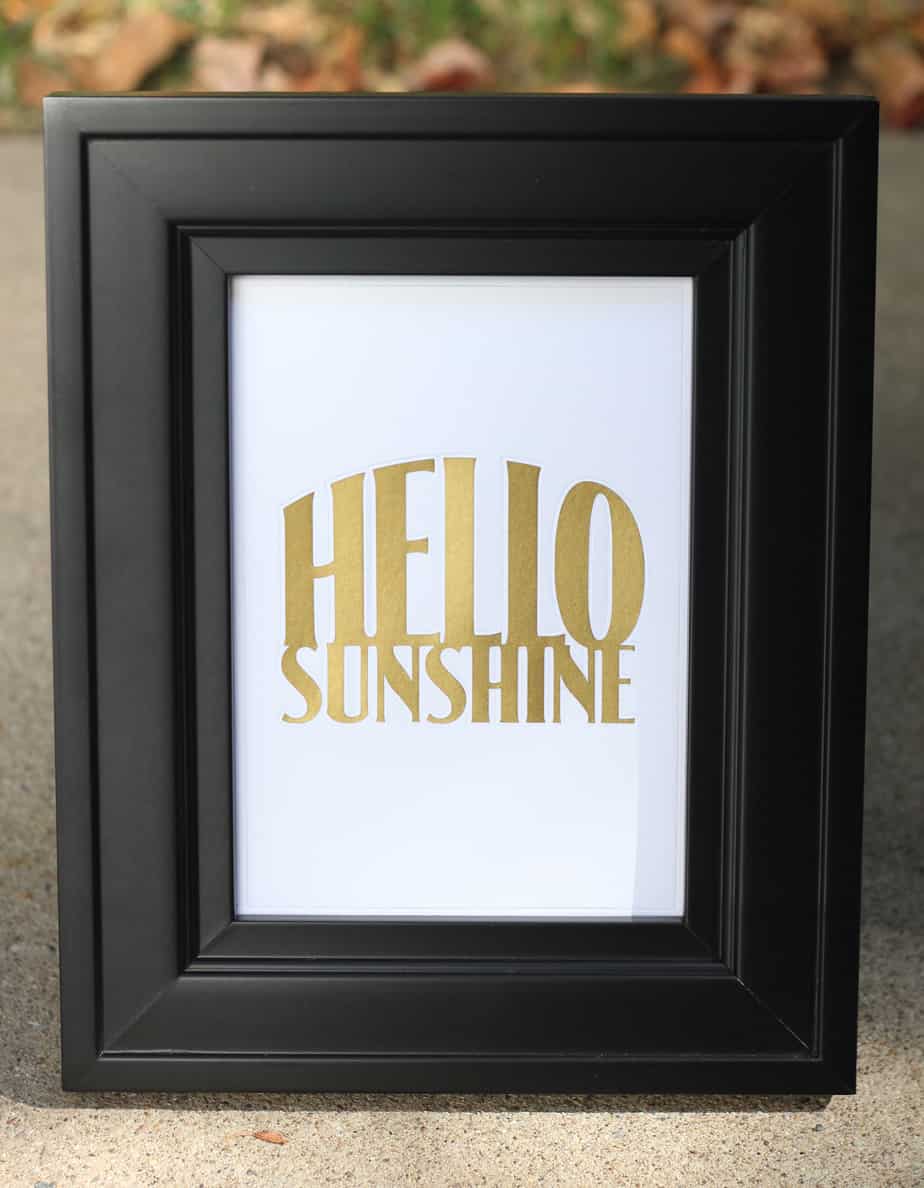
Hello Sunshine! I want to share with you this piece I made with my Silhouette Curio. Embossing/debossing is one of those tasks well suited to the Curio with its special platforms and foam mat. I chose to give mine a little more pizzazz with gold 

UV Fabric Inks Tutorial

UV Fabric Inks Tutorial

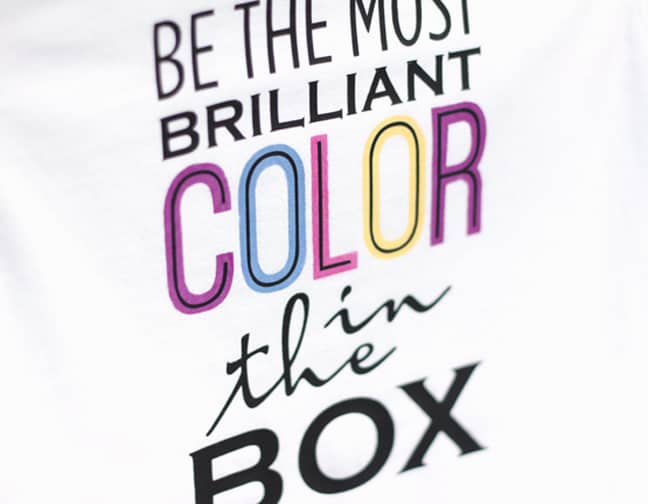
  Here’s the step-by-step tutorial I promised for making this shirt with Silhouette UV light-sensitive fabric inks and smooth heat transfer material. I used my Silhouette Curio, but you can do this project with a Portrait or CAMEO as well. Are you ready? You can 

The Most Brilliant Color

The Most Brilliant Color

Have you heard? I’m back on the Silhouette Creative Design Team! (I enjoyed the 6-month break, but I missed it too much to stay away for a whole year.) Here’s my first project back on the team. I used my Silhouette Curio and Silhouette’s new 

Silhouette Lesson: Move Window & Rotate Window

Silhouette Lesson: Move Window & Rotate Window

Here’s another Silhouette Studio lesson that teaches all about how you can use the Move Window and the Rotate Window. I find I frequently use certain parts of the Move Window, and rotation options found in the Rotate Window can be very helpful. Remember, the 

Silhouette Lesson: Line and Drawing Tools

Silhouette Lesson: Line and Drawing Tools

An all-new lesson is available now to learn about the Line and Drawing Tools in Silhouette Studio! Don’t forget you can find the password for each of my video lessons in the description below the video. (Just copy and paste.) Line and Drawing Tools This 

Silhouette Curio Stipple Feature

Silhouette Curio Stipple Feature

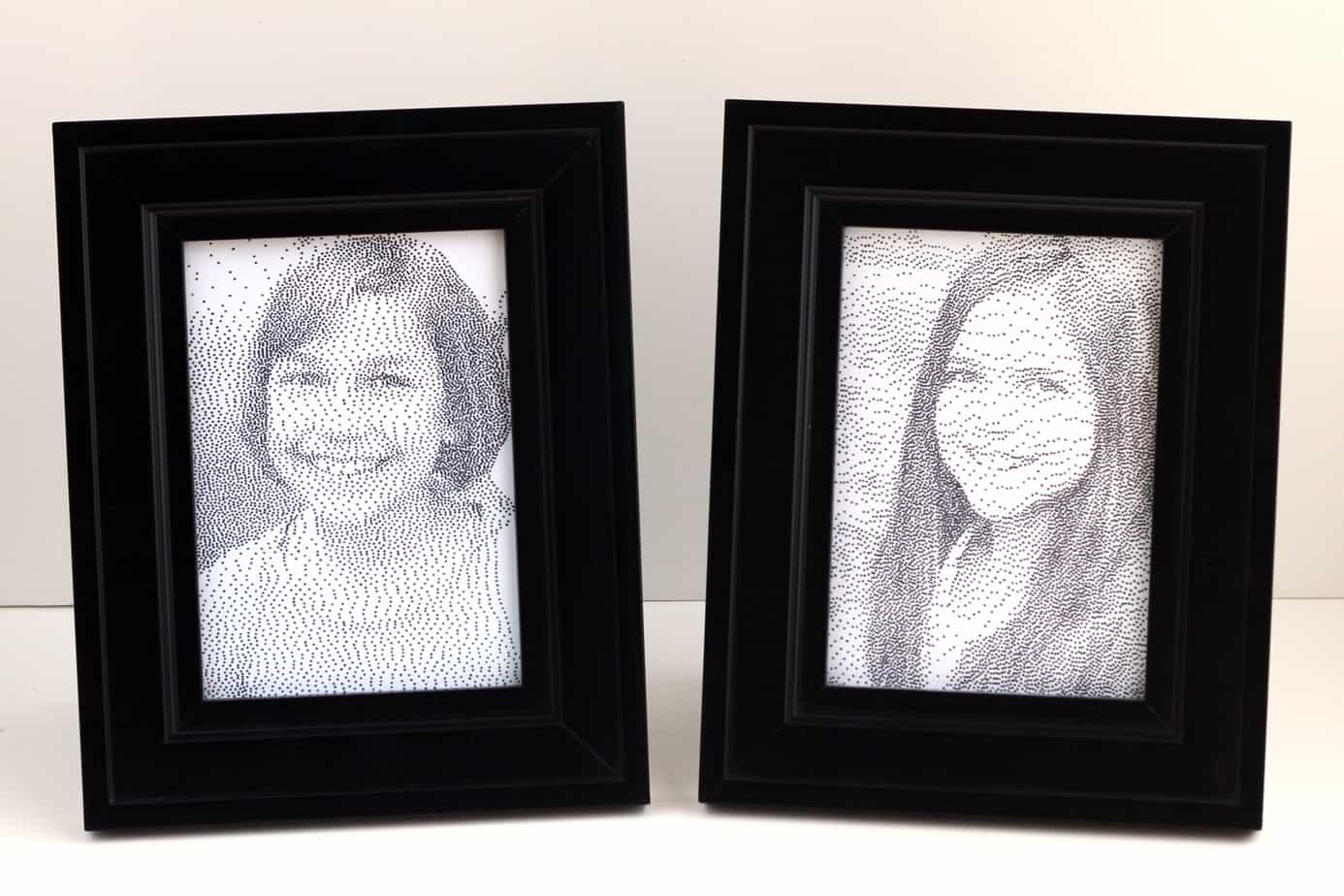
I’m excited to show you the new Silhouette Curio stipple feature! I bought the Curio as soon as it was released last month, and I have been having fun playing with its different capabilities. I think the stipple feature is really fun, especially for converting 

Family Home Evening Board

Family Home Evening Board

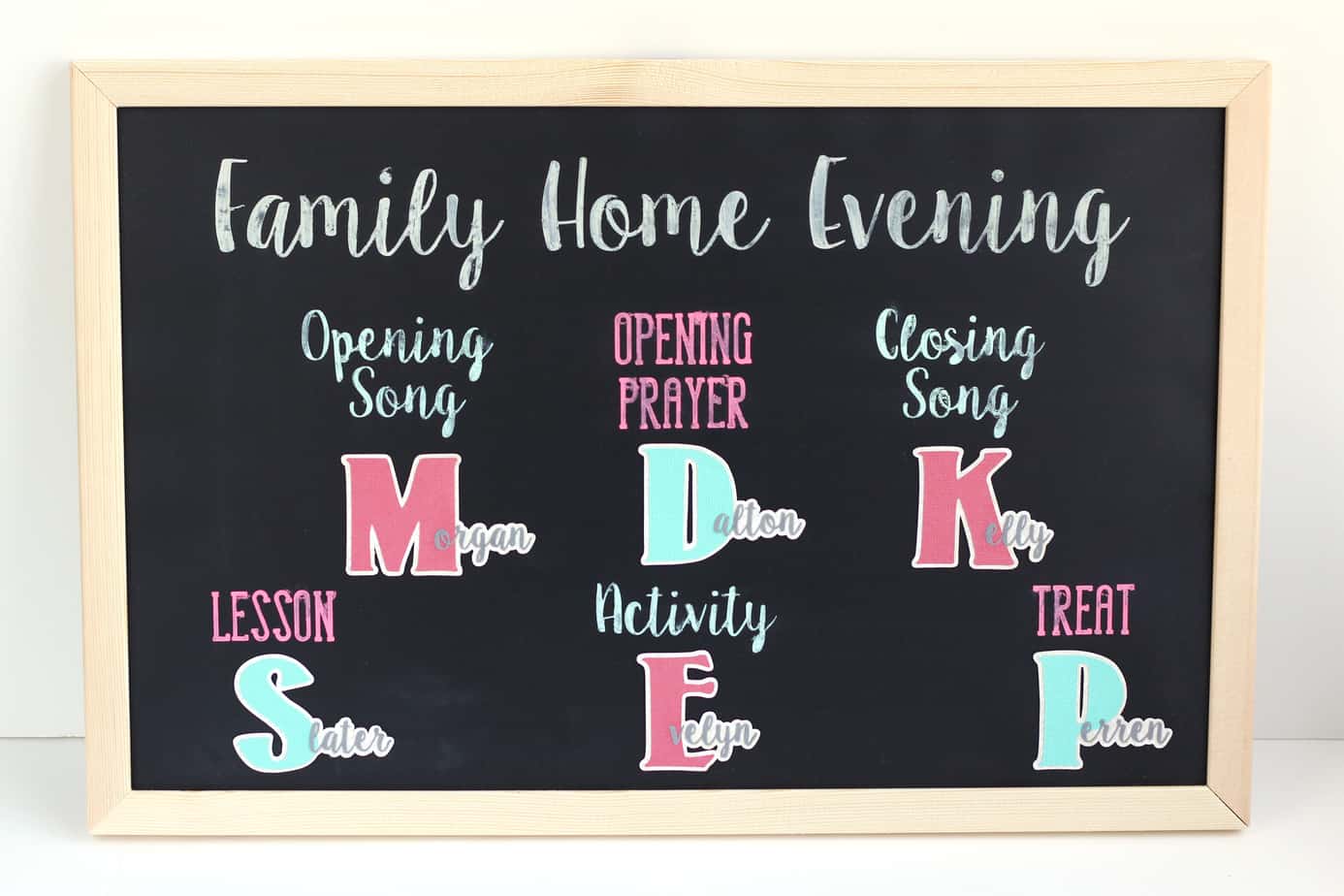
Do you have any of those projects you’ve been meaning to get to for a very long time? (The kind that you live without but really want to make but never find the time?) This Family Home Evening board was one of those projects for 

Tutorials and Lessons Update

Tutorials and Lessons Update

Did you know I have 98 tutorials and 14 video Silhouette lessons available? My tutorials page is currently up to date, so if you’ve already watched the 14 lessons I have available for basic Silhouette Studio or are looking for some more advanced techniques, you 

Secret Sister | Juice Box Tote

Secret Sister | Juice Box Tote

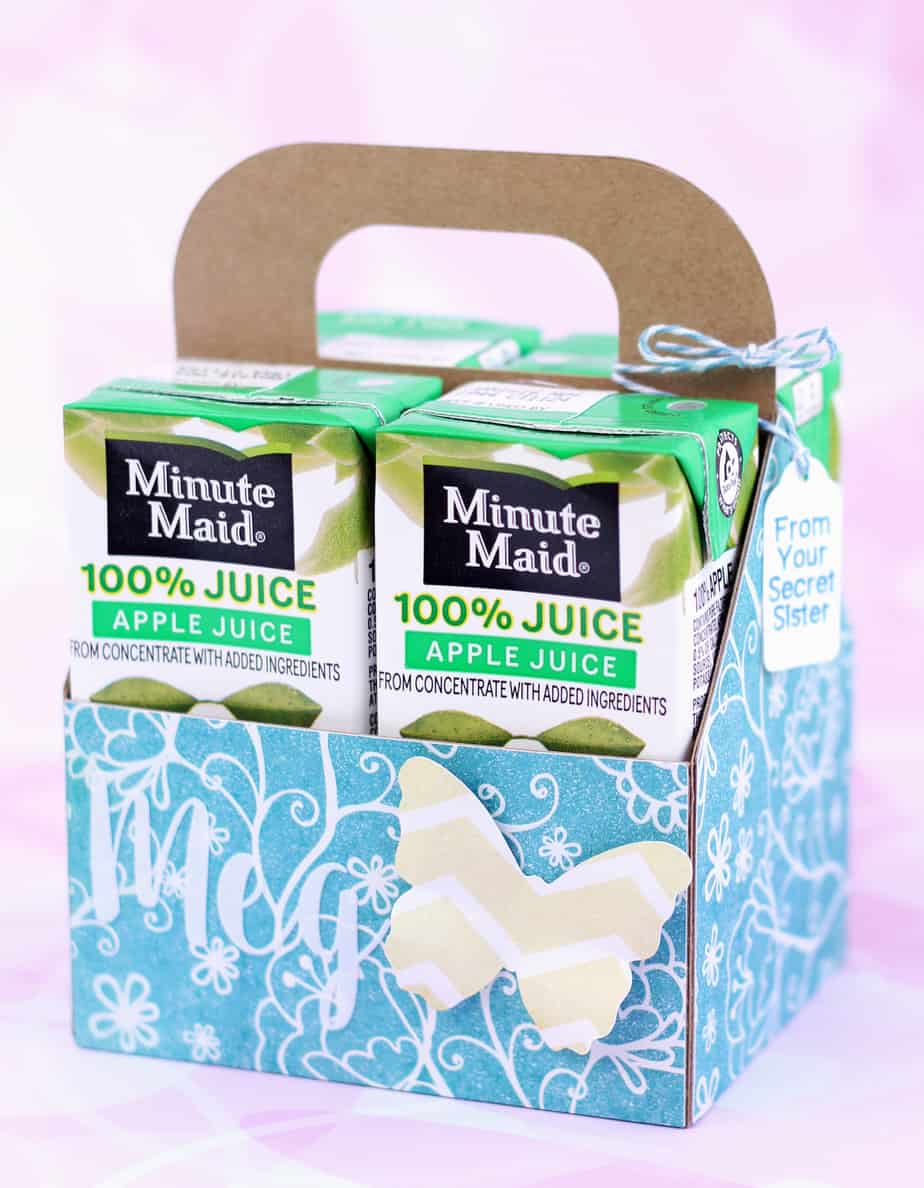
Here’s another secret sister gift for my daughter to give to her friend at Girls Camp. This friend likes apple juice, so I designed a custom tote box to hold four Minute Maid juice boxes. I’m sharing the cutting file as a freebie (see below), 

Secret Sister | Pop-Top Can

Secret Sister | Pop-Top Can

It’s time for Girls Camp again this year, but this time I’m only making 3 gifts instead of 75-90 as in years past. I’m not currently serving in the Young Women’s program, but luckily my daughter is old enough to go to Girls Camp for 

Juice Box Tote | Assembly Tutorial

Juice Box Tote | Assembly Tutorial

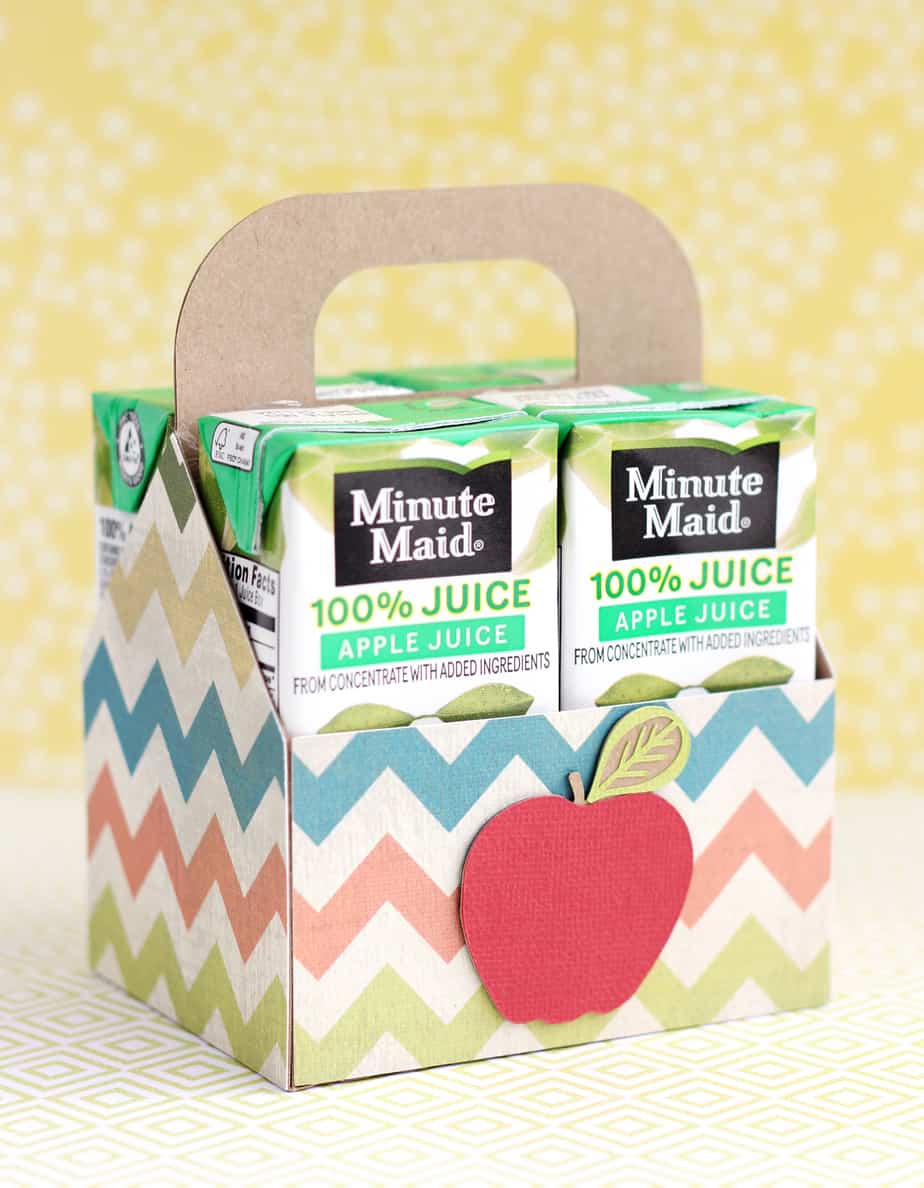
I’ve been working on some secret sister gifts this week, and after wasting a fair bit of time trying to modify existing 3D holders to fit these Minute Maid juice boxes, I decided it was easier to design a tote box myself from scratch. I 

Silhouette Lesson: Common Functions

Silhouette Lesson: Common Functions

Common Functions This Silhouette Studio lesson covers basic, frequently-used functions. I explain the variety of saving options and what they do, along with several ways to copy & paste and to group & ungroup. All of the functions discussed in this video apply to both 

Silhouette Lesson: Grid Window

Silhouette Lesson: Grid Window

The Grid Window is a very helpful feature for Silhouette users. I use it all the time! (You’ll see me use the Grid feature throughout my video lessons.) This lesson covers basic features for all Silhouette Studio users, but I also show a few extra 

Silhouette Lesson: Text Tool

Silhouette Lesson: Text Tool

There are many things you can do with text in Silhouette Studio, and this lesson is a basic introduction to the Text Tool. Silhouette Studio: Text Tool This lesson explains how to use the Text Tool in Silhouette Studio (both Basic and Designer Edition). Learn 

Silhouette Lesson: Quick Menu & Shortcut Buttons

Silhouette Lesson: Quick Menu & Shortcut Buttons

Here are two more Silhouette lessons covering many of the buttons/icons at the top and bottom of your Silhouette Studio screen. Remember, passwords to these videos are in their descriptions. Email subscribers, you must be on my website to view the videos (click the post 

My Favorite Script Fonts

My Favorite Script Fonts

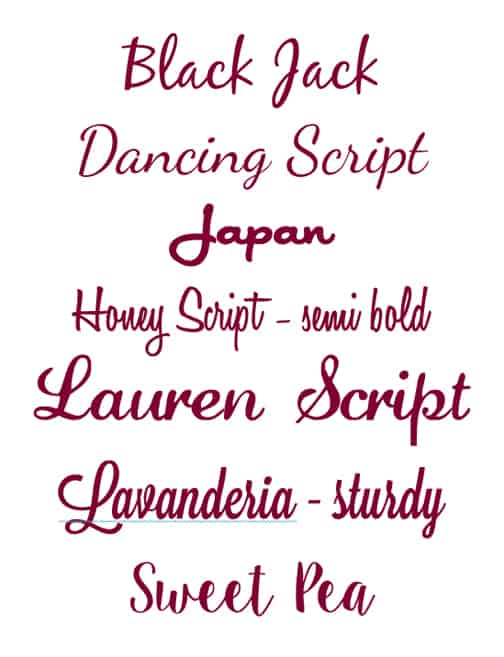
I had a reader ask me what my favorite script fonts are, so I decided to include them in a post that could benefit all of you. These script fonts are ones I’ve actually used and liked. I provide the links below, but I couldn’t 

Silhouette Lesson: Design Page

Silhouette Lesson: Design Page

Design Page Settings Window This Silhouette lesson discusses your options on the Design Page Settings Window in Silhouette Studio. For Basic and Designer Edition, all recent versions. (Recorded with v.3.3.451.) Password: page

Silhouette Studio Lesson: Library

Silhouette Studio Lesson: Library

This Silhouette Studio lesson talks about the Library in your software. How to search for shapes you already have, how to sort your shapes, how to use and create folders and subfolders for organizing your designs, and more. It should also apply to organizing patterns 

Silhouette Studio Design Store

Silhouette Studio Design Store

I really am starting at the basics, here. These three lessons (also found on the SILHOUETTE LESSONS master page) cover the basics of the Silhouette Design Store. How to access it, all your account settings and goodies, and how to purchase designs. The last video 

Silhouette Studio Preferences

Silhouette Studio Preferences

Let’s get started with the next set of Silhouette Studio lessons. These have been on my SILHOUETTE LESSONS master page since my website rollout this past weekend, but I think it will be helpful to have the lessons on individual posts as well. This way 

How to Update Silhouette Studio

How to Update Silhouette Studio

Update Silhouette Studio and Load Designer Edition This video shows the very basic steps of how to update your Silhouette Studio software to the most current version, and how to upgrade your Basic Edition to Designer Edition once you’ve purchased the upgrade. Password: Update1 Note: 

Coming Soon: Silhouette Lessons

Coming Soon: Silhouette Lessons

That’s right, I said it. I’ve been creating a new website so I can have more control over the site layout, and I will be filling it with Silhouette lessons for you! The lessons will be thorough, so beginners (and also long-time Silhouette Studio users) 

Grandma Album Assembly Tutorial

Grandma Album Assembly Tutorial

As Mother’s Day quickly approaches, I’ve decided to briefly revisit this Grandma Album that has been by far my most-popular project ever. Download: First, here are some download links for freebies to create this album from a pre-made file. Choose the one that best meets 

Butterfly Headband with Italian Crepe Paper

Butterfly Headband with Italian Crepe Paper

I’ve been playing with pink and gold 180 gram Italian crepe paper from Carte Fini, and it’s a lot of fun to work with! This is not your typical paper, nor even your typical lightweight crepe paper. I’ve seen a lot of beautiful floral arrangements