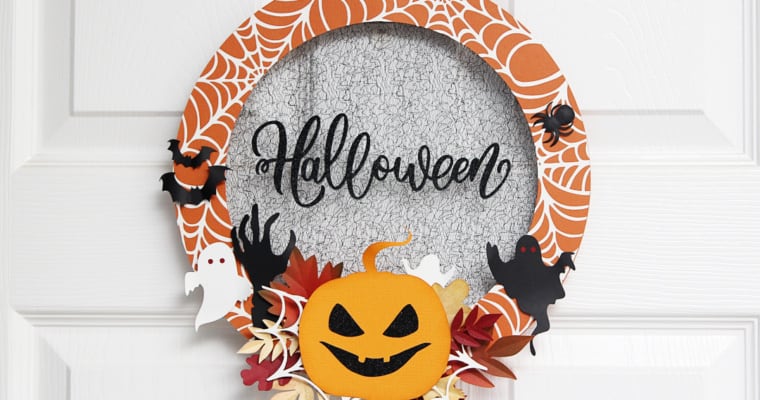
Online Class: Make a Beautiful Fall Wreath

Online Class: Make a Beautiful Fall Wreath

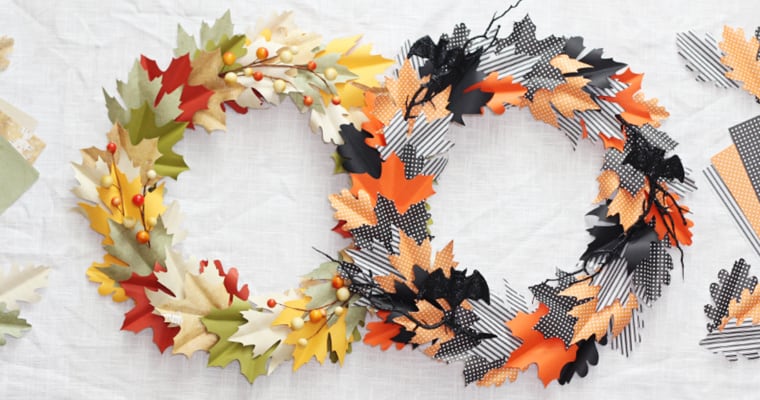
My next live online Michaels class is October 27th at 11 a.m. MDT, and I’m really excited about this one! Silhouette paper crafts are my favorite, and I’ll show you how to make a beautiful fall wreath. You can go with the Halloween option or 

Fall Decor: 3D Pickup Truck

Fall Decor: 3D Pickup Truck

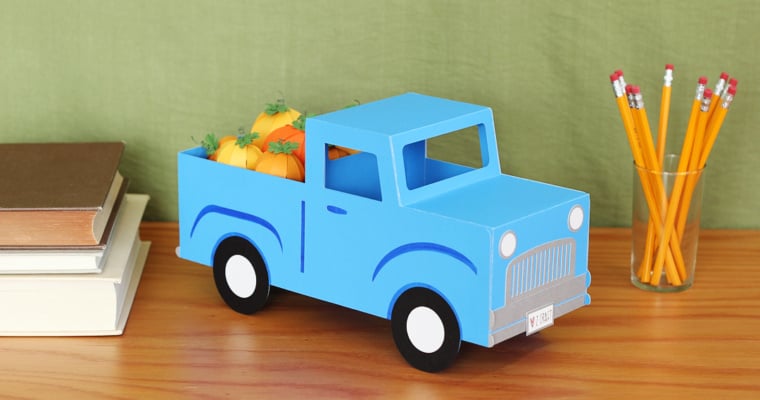
Where are my Silhouette Cameo Pro users? I’ve put a new tutorial for a giant papercraft on the Silhouette blog. This time it’s a 3D Pickup Truck for Fall, filled with cute little papercraft pumpkins. This was a fun project to make, and I hope 

Create a Layered Heat Transfer Design

Create a Layered Heat Transfer Design

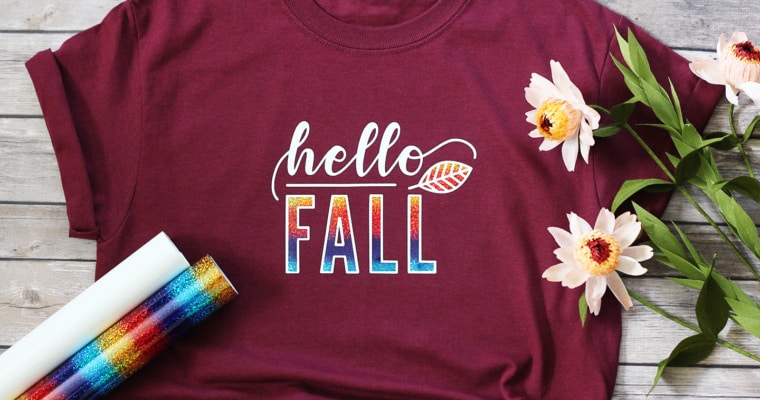
Create a Layered Heat Transfer Design Hi, all! My first premium class with Michaels is “Create a Layered Heat Transfer Design” at the end of September. Michaels is now offering some premium classes by Silhouette in addition their selection of free classes, so I will 

Perfectly Layered Vinyl Video Tutorial

Perfectly Layered Vinyl Video Tutorial

Perfectly Layered Vinyl Tutorial: In this video, I’ll show you how to achieve perfectly layered vinyl with your multi-colored Silhouette vinyl projects. I’ll show you how to work with any typical colored design in Silhouette Studio, then add crosshair placement guides in the software before 

Fabric Pencil Case with the Silhouette Rotary Blade

Fabric Pencil Case with the Silhouette Rotary Blade

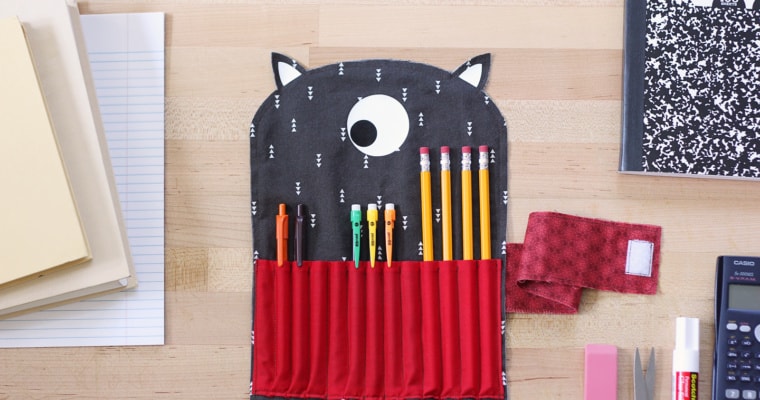
I’ve got a tutorial on the Silhouette 101 Blog for making this cute fabric pencil case with the Silhouette Cameo 4 rotary blade. Check out the step-by-step tutorial HERE! This adorable design is #49875 by Carina Gardner. My instructions use the Silhouette Rotary Blade where 

Intro to Silhouette Live Class #3

Intro to Silhouette Live Class #3

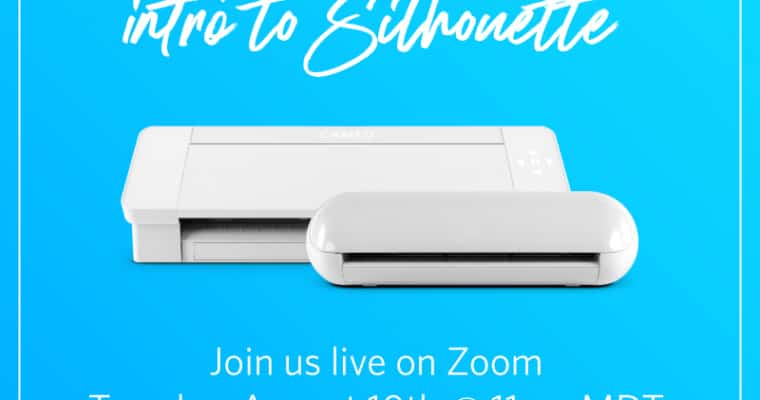
I’ve got another live Intro to Silhouette online Zoom class on Tuesday, August 10, 2021 at 11:00 a.m. MDT. Watch and ask your questions live, or I’ll post the replay on this post once it’s available. It’s free! This is a beginner class as an 

Cupcake Toppers – 3D Printed

Cupcake Toppers – 3D Printed

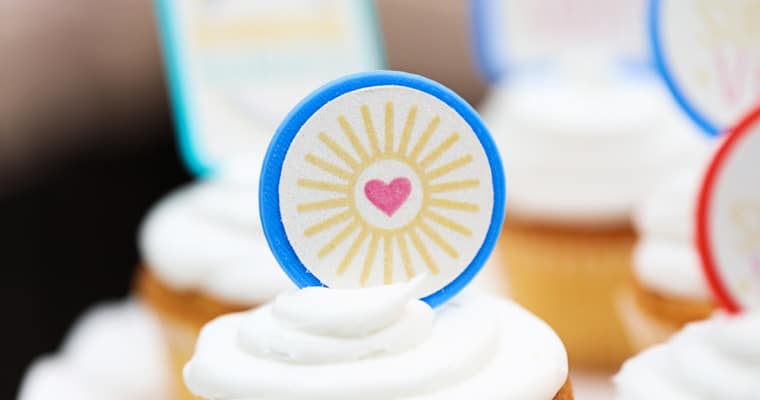
Where are my Silhouette Alta 3D printer fans? Did you know it’s super easy to make 3D printed cupcake toppers? I’ve got a tutorial on the Silhouette Blog for using 2D files to create 3D printed cupcake picks, then create cute Print & Cut stickers 

Intro to Silhouette Live Class #2

Intro to Silhouette Live Class #2

  Did you miss last month’s Intro to Silhouette Class? I’ve got another one on Tuesday, July 13, 2021 at 11:00 a.m. MDT. Register to watch and ask your questions live, or I’ll post the replay here once it’s available. It’s free! This will be 

Giant 3D Stars with the Cameo Pro

Giant 3D Stars with the Cameo Pro

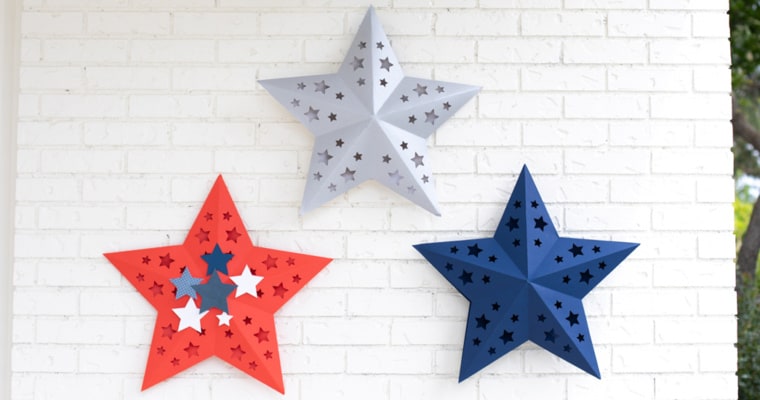
I love using my Cameo Pro for giant 3D paper crafts! In this tutorial, I’ll show you how to create these giant 3D stars from colored poster board for your patriotic décor. To make stars this large (approximately 21 inches across), you will need to 

Intro to Silhouette Live Class

Intro to Silhouette Live Class

Hey, Silhouette beginners! I’ve got a live class called “Intro to Silhouette” at Silhouette HQ tomorrow, June 17, 2021 at 11 a.m. MDT. Register here to attend live, and I’ll post the replay once it’s available. This will be a beginner class as an introduction 

Class: Cute Baby Bodysuit with Heat Transfer

Class: Cute Baby Bodysuit with Heat Transfer

How to watch: Here’s my next class with Michaels and Silhouette! Make a cute baby bodysuit with me using this design on Wednesday, June 9, 2021. It will be broadcast live via Zoom at 11 a.m. MDT (10 a.m. Pacific, 12 p.m. Central, 1 p.m. 

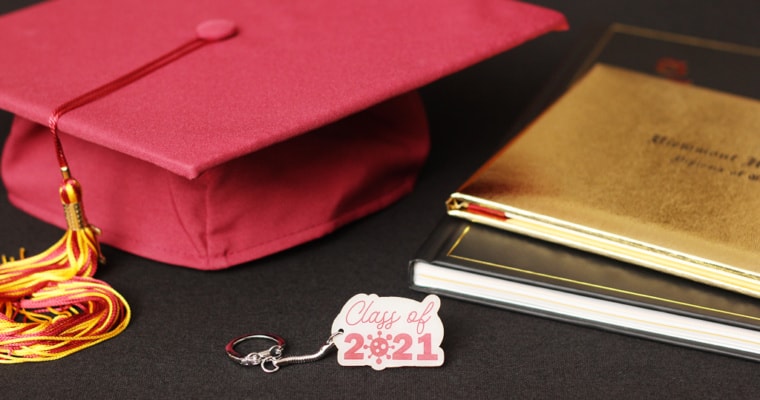
Class of 2021 Shrink Plastic Keychain

Class of 2021 Shrink Plastic Keychain

Ready for my next free live Silhouette Zoom class through Michaels? This class aired live at 11 a.m. MDT on Friday, May 14. Here’s the replay in case you missed it or if you want to watch it again.   Description: Learn how to use 

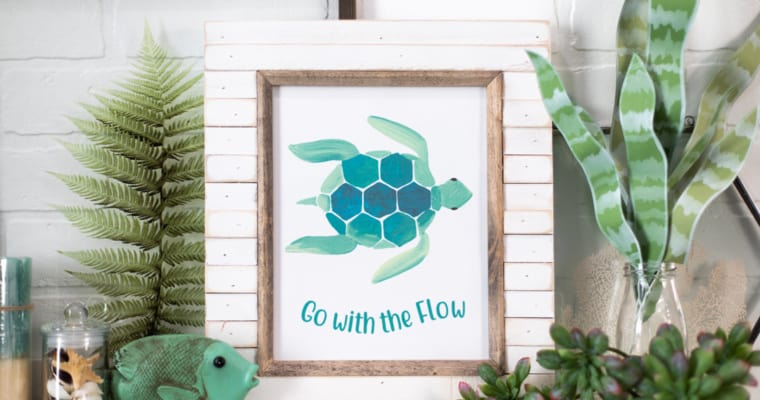
Go With the Flow Printable Framed Art

Go With the Flow Printable Framed Art

I’m sharing a tutorial for this easy framed printable art on the Silhouette 101 Blog. The curved text is optional if you want to keep it reeeally easy, but I’ve broken this project down step-by-step for anyone using Silhouette Studio and a Silhouette machine. You’ll 

Silhouette Support Series Videos

Silhouette Support Series Videos

Check out these Silhouette Support Series Videos I’ve filmed with Silhouette America over the past several months. The videos are targeted towards beginners and those who are struggling with broad categories such as blade maintenance, cutting mats, etc.  I filmed these with Silhouette so their 

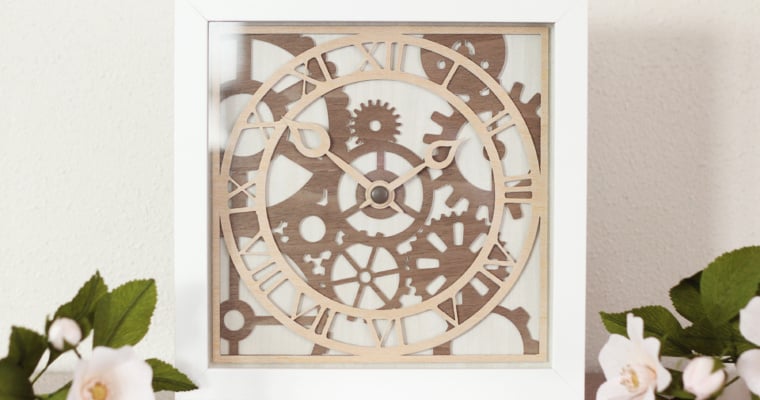
Wooden Clock Decor: Silhouette Tutorial

Wooden Clock Decor: Silhouette Tutorial

Hi friends! I’ve got a new tutorial for you on the Silhouette Blog for this wooden clock decor. I made this (non-functioning) clock with layers of thin adhesive wood sheets and thin chipboard. I even cut it on my trusty little Silhouette Portrait, so know 

Giant 3D Snowflakes with the Cameo Pro

Giant 3D Snowflakes with the Cameo Pro

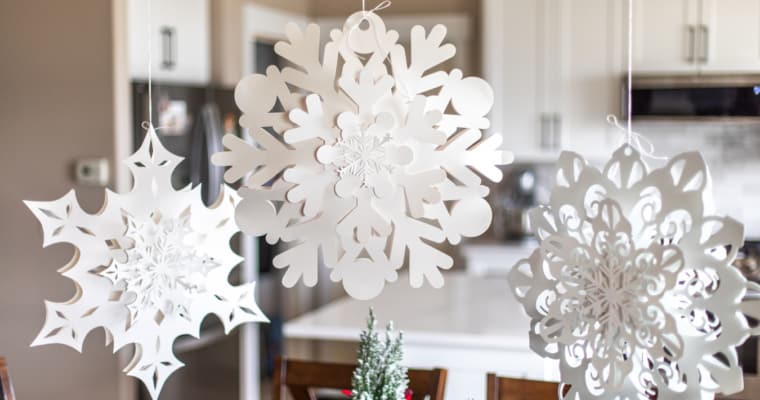
I’ve been waiting to share this project with you! With all my various Silhouette machines in their various functions and sizes, I still adore paper crafts. This tutorial is for creating giant 3D snowflakes with the new Silhouette Cameo Pro. This machine cuts 24″ wide, 

Free Silhouette Class – Cameo Pro Stuffed Winter Bear

Free Silhouette Class – Cameo Pro Stuffed Winter Bear

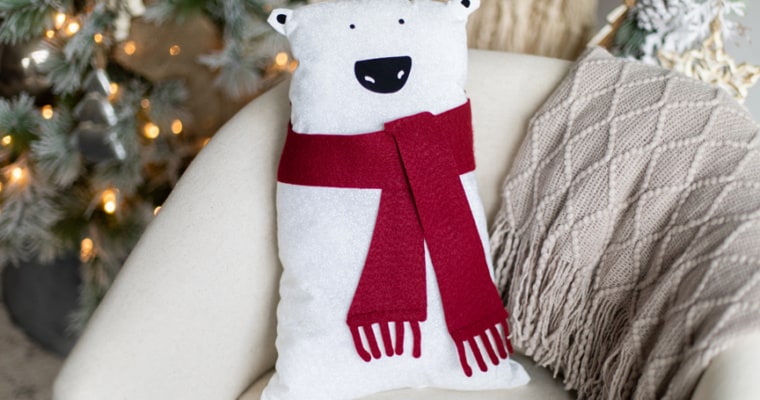
Add a cozy touch to your winter décor with this adorable stuffed winter bear! Learn how to take advantage of the large 24-in. mat and fabric-cutting capabilities of the Cameo Pro with me, Kelly Wayment. I’ll show how to alter this polar bear design to 

Free Class: Reverse Canvas Halloween Decor

Free Class: Reverse Canvas Halloween Decor

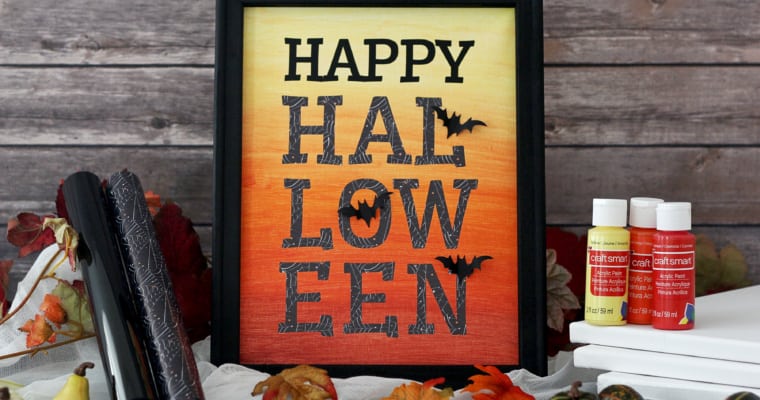
Are you ready for another free Silhouette class? I’ll be at Silhouette Headquarters once again for a live Zoom class with Michael’s on October 16th at 12 p.m. MST. This time we’ll be working with heat transfer, paint, and a stretched canvas to create this 

Silhouette Go Mobile App Tutorial

Silhouette Go Mobile App Tutorial

Have you heard about the new Silhouette Go mobile app? I’m excited we can finally share that a new app has been released, and I’ve got a video tutorial for you below. This video shows the beta version from August 2020. Check out the features 

Portrait 3 Print & Cut Class

Portrait 3 Print & Cut Class

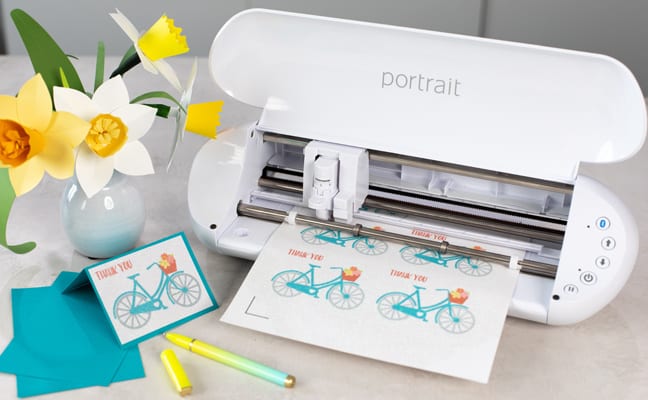
Hi there! With the release of the Portrait 3, I worked with Silhouette to create a new Portrait 3 Print & Cut class. It’s specific to the Portrait 3, but I also cover some great information for new users of the Cameo 4, as well. 

Customize Your Kitchen Mixer

Customize Your Kitchen Mixer

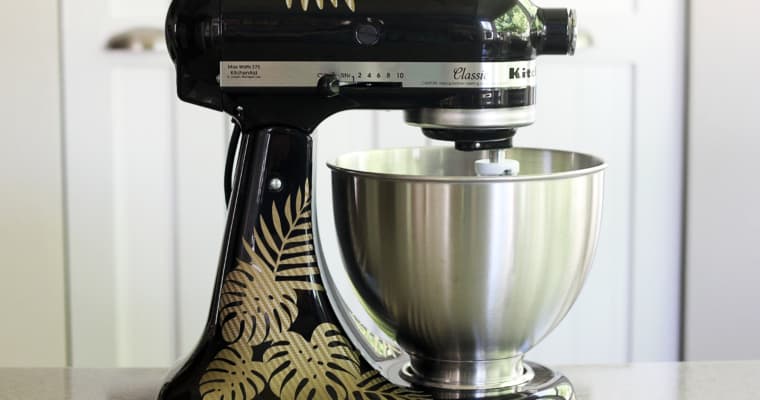
Hello, friends! I’ve got a new tutorial for you on how to use vinyl to customize your kitchen mixer. You can find my tutorial over here on the Silhouette 101 blog. I used the Silhouette Portrait to show how you can do big projects with 

Getting Started with Print & Cut

Getting Started with Print & Cut

I’ve got a new video up today on Silhouette’s YouTube channel, called Getting Started with Print & Cut. Print & Cut is one of the super-cool features of the Silhouette machines, but it can be a bit tricky for some users. This video covers the 

Create a Custom Vase with the Silhouette Alta Plus

Create a Custom Vase with the Silhouette Alta Plus

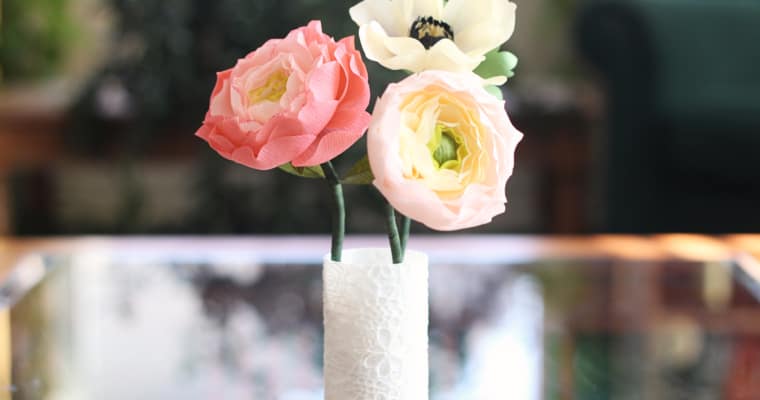
I’ve got a new tutorial up on the Silhouette 101 blog today HERE. I teach you how to use the Silhouette Alta® Plus (or the original Silhouette Alta®) to create a custom 3D printed vase. Check it out!   To purchase a Silhouette Alta or 

New Features in Silhouette Studio v 4.3 + 4.4

New Features in Silhouette Studio v 4.3 + 4.4

Silhouette Studio v 4.4 was released today! Here are my videos for the official Silhouette YouTube channel for new features introduced in both v 4.3 and v 4.4. I’m also including videos in the list for Cameo 4 features I have not previously shared. Apologies 

Painted Canvas Panel

Painted Canvas Panel

Hi friends! Today on the Silhouette 101 blog I’m sharing a tutorial on how to use your Curio to assist painting canvas panels. This would be a fun craft with the kids, or a meditative project for yourself. Especially if you are stuck at home