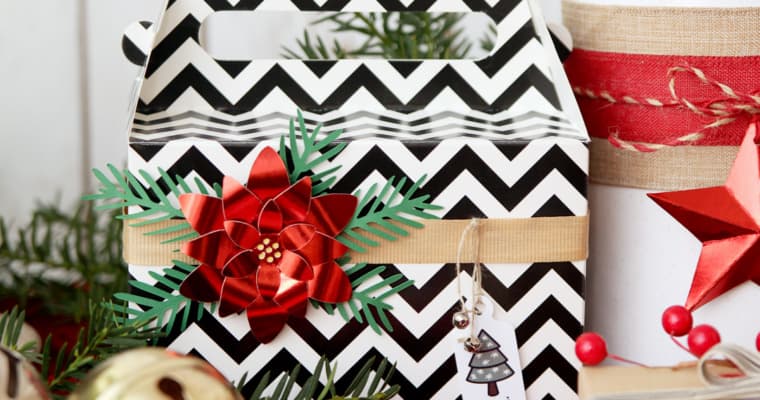
Paper Poinsettia Gift Embellishments
Are you ready for Christmas? Add a little shiny flair to your gifts with these DIY paper poinsettia embellishments! I’ve got the full tutorial on the Silhouette 101 Blog. It’s an easy one!
Crafty Projects and Silhouette Inspiration and Instruction
Are you ready for Christmas? Add a little shiny flair to your gifts with these DIY paper poinsettia embellishments! I’ve got the full tutorial on the Silhouette 101 Blog. It’s an easy one!
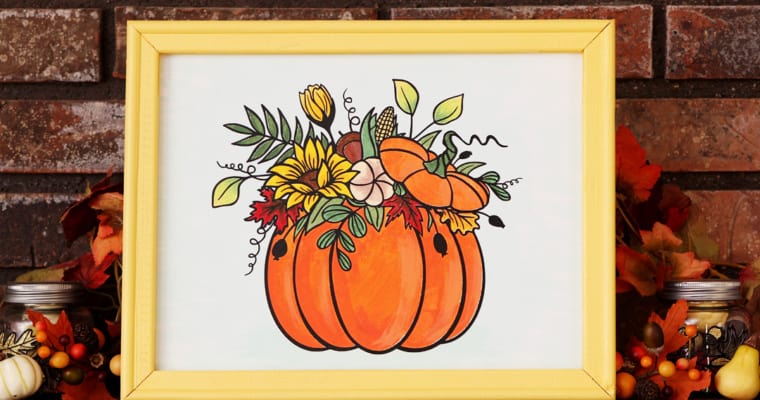
Here’s another fun seasonal fall craft that I’m calling painted reverse-canvas decor for fall. I used paint, adhesive vinyl, and heat transfer vinyl on a pre-stretched canvas to create this custom piece of art. Check out my step-by-step tutorial on the Silhouette Blog HERE. This …

Christmas is right around the corner! Especially if you like to make your own Christmas decor with paper crafts and your Silhouette machine. If you do, this paper poinsettia centerpiece project is for you! I’ve posted the full tutorial over on the Silhouette blog HERE. …
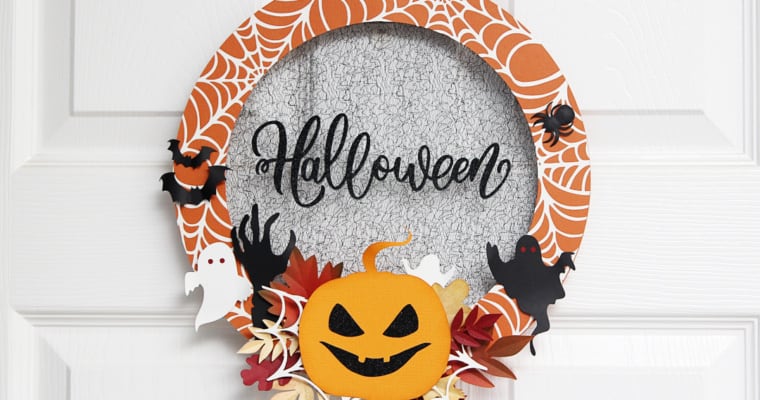
In this month’s blog post on Silhouette 101, I’m sharing a tutorial on how to make this cute Halloween wall decor. The design is actually for a card, but I’ve enlarged it and added some fun details to make it really stand out. I hope …
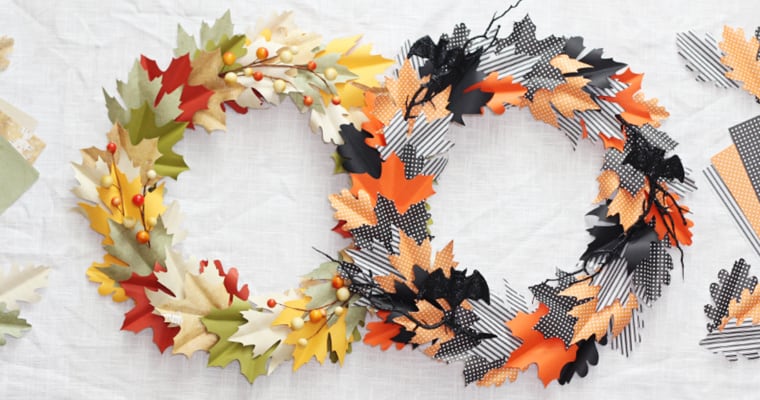
My next live online Michaels class is October 27th at 11 a.m. MDT, and I’m really excited about this one! Silhouette paper crafts are my favorite, and I’ll show you how to make a beautiful fall wreath. You can go with the Halloween option or …
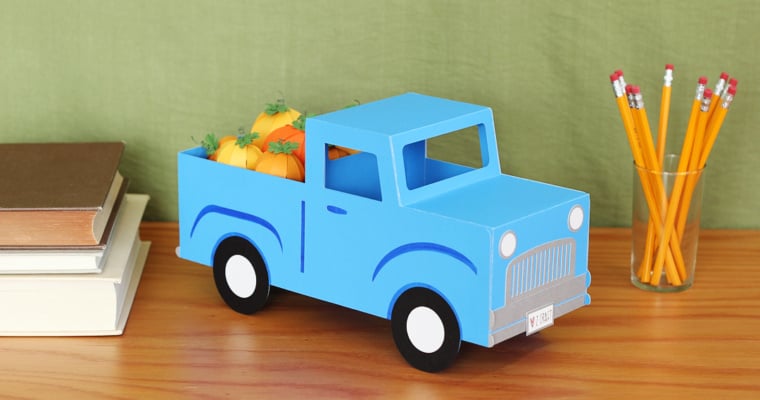
Where are my Silhouette Cameo Pro users? I’ve put a new tutorial for a giant papercraft on the Silhouette blog. This time it’s a 3D Pickup Truck for Fall, filled with cute little papercraft pumpkins. This was a fun project to make, and I hope …
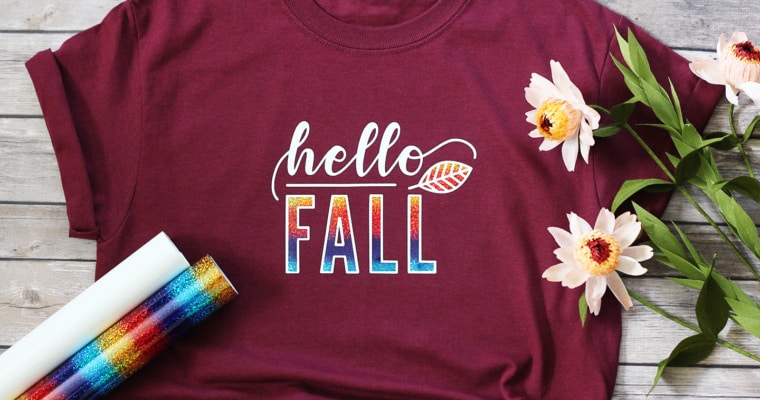
Create a Layered Heat Transfer Design Hi, all! My first premium class with Michaels is “Create a Layered Heat Transfer Design” at the end of September. Michaels is now offering some premium classes by Silhouette in addition their selection of free classes, so I will …
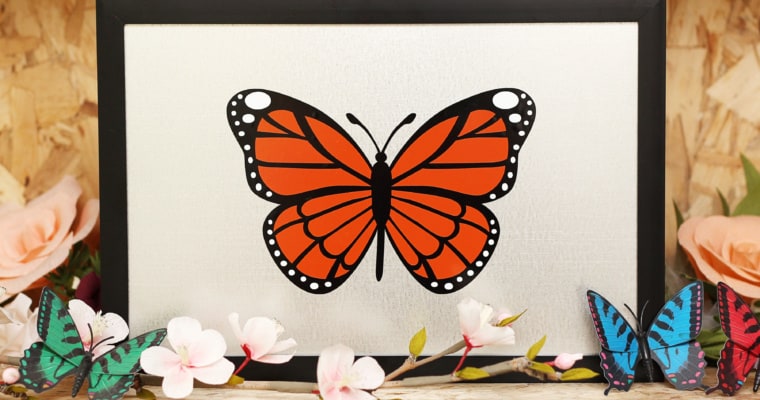
Perfectly Layered Vinyl Tutorial: In this video, I’ll show you how to achieve perfectly layered vinyl with your multi-colored Silhouette vinyl projects. I’ll show you how to work with any typical colored design in Silhouette Studio, then add crosshair placement guides in the software before …
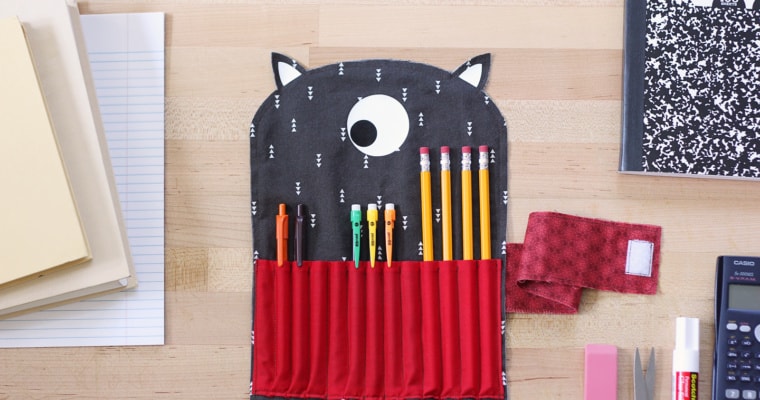
I’ve got a tutorial on the Silhouette 101 Blog for making this cute fabric pencil case with the Silhouette Cameo 4 rotary blade. Check out the step-by-step tutorial HERE! This adorable design is #49875 by Carina Gardner. My instructions use the Silhouette Rotary Blade where …
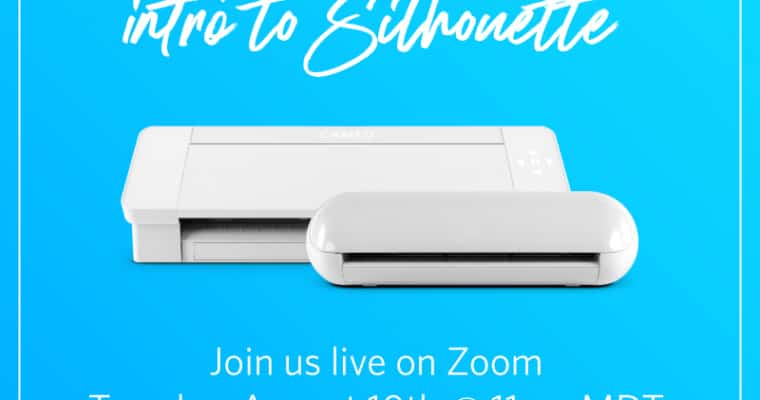
I’ve got another live Intro to Silhouette online Zoom class on Tuesday, August 10, 2021 at 11:00 a.m. MDT. Watch and ask your questions live, or I’ll post the replay on this post once it’s available. It’s free! This is a beginner class as an …
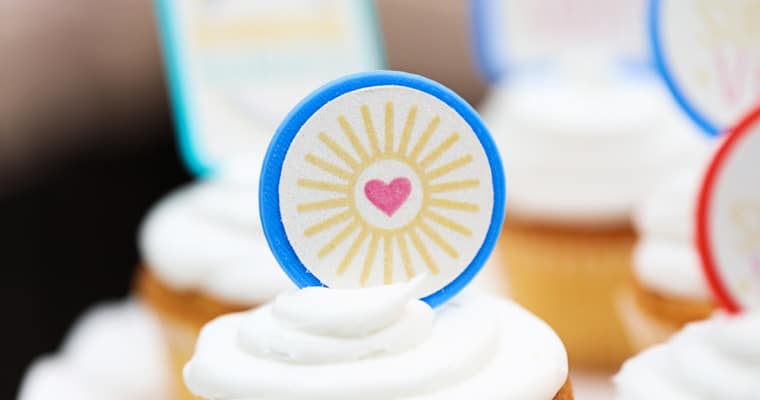
Where are my Silhouette Alta 3D printer fans? Did you know it’s super easy to make 3D printed cupcake toppers? I’ve got a tutorial on the Silhouette Blog for using 2D files to create 3D printed cupcake picks, then create cute Print & Cut stickers …

Did you miss last month’s Intro to Silhouette Class? I’ve got another one on Tuesday, July 13, 2021 at 11:00 a.m. MDT. Register to watch and ask your questions live, or I’ll post the replay here once it’s available. It’s free! This will be …
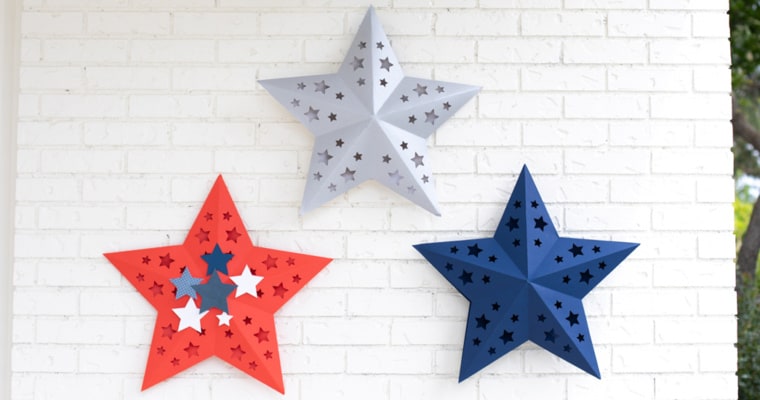
I love using my Cameo Pro for giant 3D paper crafts! In this tutorial, I’ll show you how to create these giant 3D stars from colored poster board for your patriotic décor. To make stars this large (approximately 21 inches across), you will need to …
Hey, Silhouette beginners! I’ve got a live class called “Intro to Silhouette” at Silhouette HQ tomorrow, June 17, 2021 at 11 a.m. MDT. Register here to attend live, and I’ll post the replay once it’s available. This will be a beginner class as an introduction …

How to watch: Here’s my next class with Michaels and Silhouette! Make a cute baby bodysuit with me using this design on Wednesday, June 9, 2021. It will be broadcast live via Zoom at 11 a.m. MDT (10 a.m. Pacific, 12 p.m. Central, 1 p.m. …
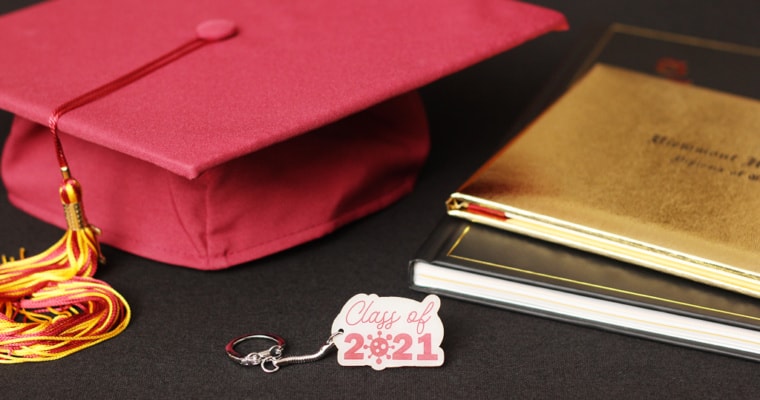
Ready for my next free live Silhouette Zoom class through Michaels? This class aired live at 11 a.m. MDT on Friday, May 14. Here’s the replay in case you missed it or if you want to watch it again. Description: Learn how to use …
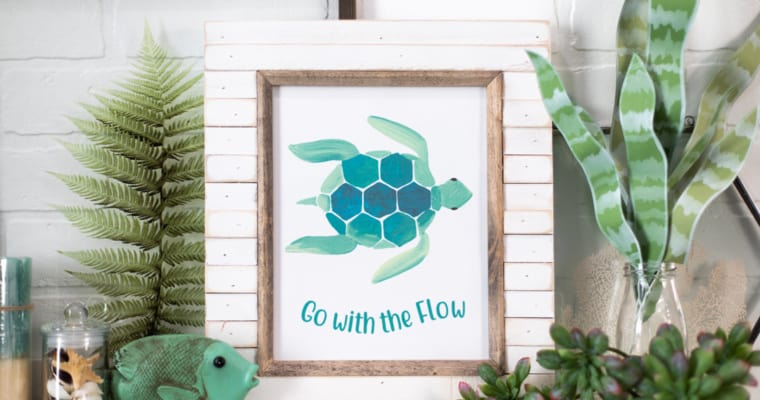
I’m sharing a tutorial for this easy framed printable art on the Silhouette 101 Blog. The curved text is optional if you want to keep it reeeally easy, but I’ve broken this project down step-by-step for anyone using Silhouette Studio and a Silhouette machine. You’ll …
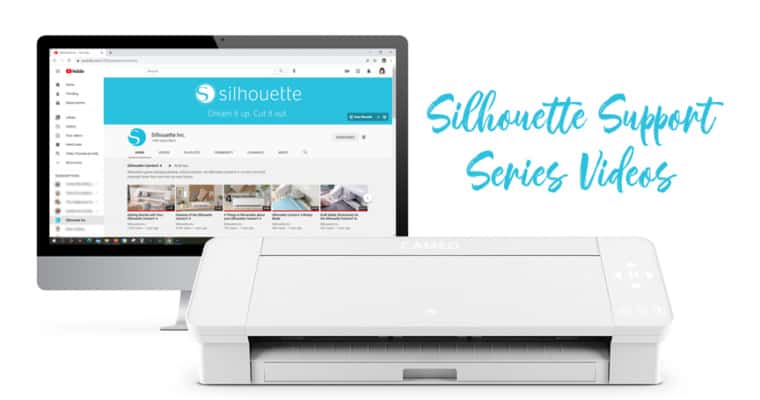
Check out these Silhouette Support Series Videos I’ve filmed with Silhouette America over the past several months. The videos are targeted towards beginners and those who are struggling with broad categories such as blade maintenance, cutting mats, etc. I filmed these with Silhouette so their …
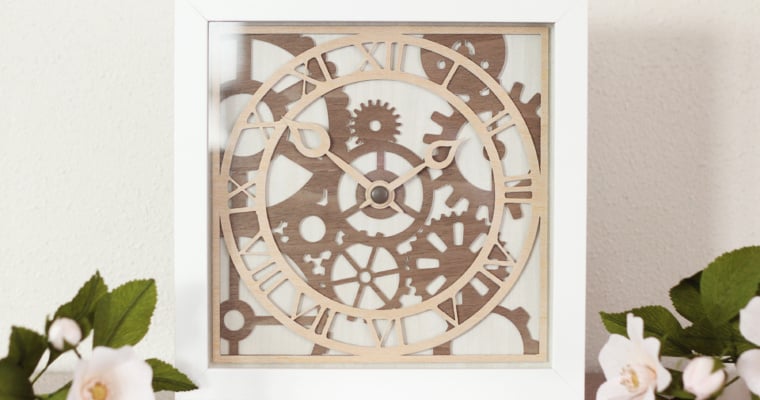
Hi friends! I’ve got a new tutorial for you on the Silhouette Blog for this wooden clock decor. I made this (non-functioning) clock with layers of thin adhesive wood sheets and thin chipboard. I even cut it on my trusty little Silhouette Portrait, so know …
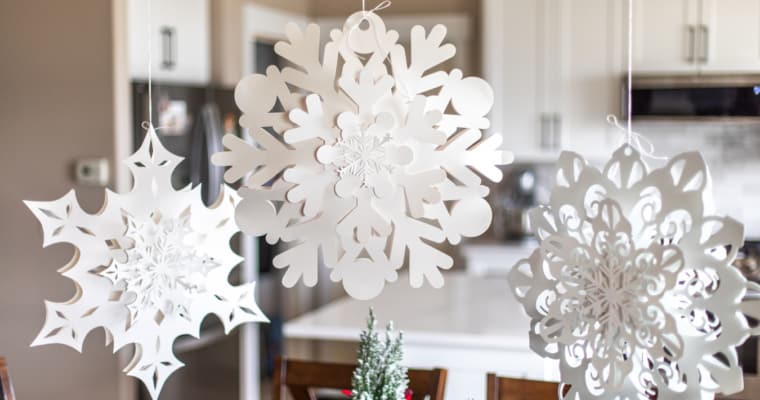
I’ve been waiting to share this project with you! With all my various Silhouette machines in their various functions and sizes, I still adore paper crafts. This tutorial is for creating giant 3D snowflakes with the new Silhouette Cameo Pro. This machine cuts 24″ wide, …
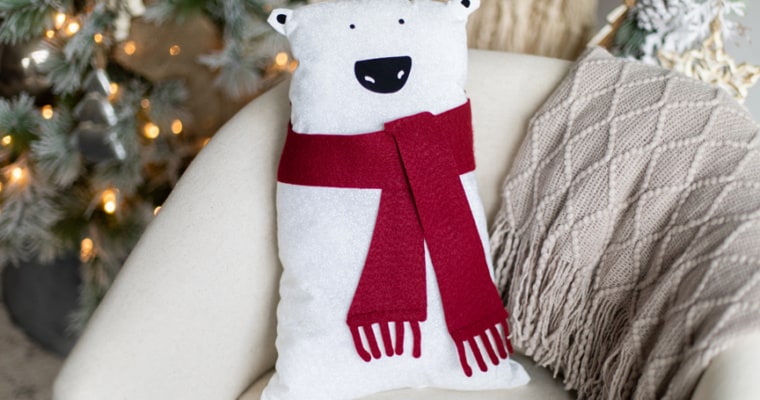
Add a cozy touch to your winter décor with this adorable stuffed winter bear! Learn how to take advantage of the large 24-in. mat and fabric-cutting capabilities of the Cameo Pro with me, Kelly Wayment. I’ll show how to alter this polar bear design to …
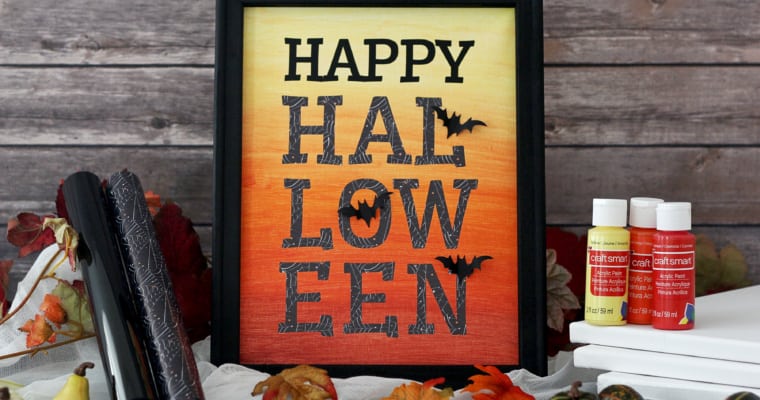
Are you ready for another free Silhouette class? I’ll be at Silhouette Headquarters once again for a live Zoom class with Michael’s on October 16th at 12 p.m. MST. This time we’ll be working with heat transfer, paint, and a stretched canvas to create this …

Have you heard about the new Silhouette Go mobile app? I’m excited we can finally share that a new app has been released, and I’ve got a video tutorial for you below. This video shows the beta version from August 2020. Check out the features …
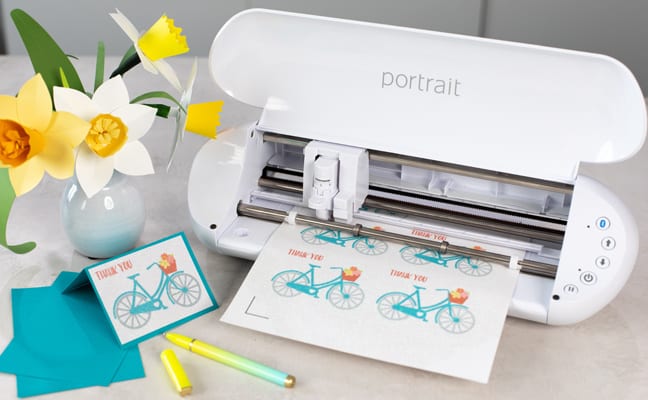
Hi there! With the release of the Portrait 3, I worked with Silhouette to create a new Portrait 3 Print & Cut class. It’s specific to the Portrait 3, but I also cover some great information for new users of the Cameo 4, as well. …
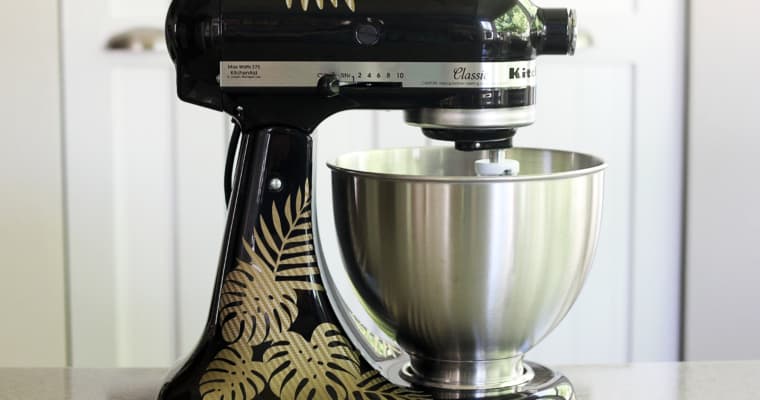
Hello, friends! I’ve got a new tutorial for you on how to use vinyl to customize your kitchen mixer. You can find my tutorial over here on the Silhouette 101 blog. I used the Silhouette Portrait to show how you can do big projects with …
