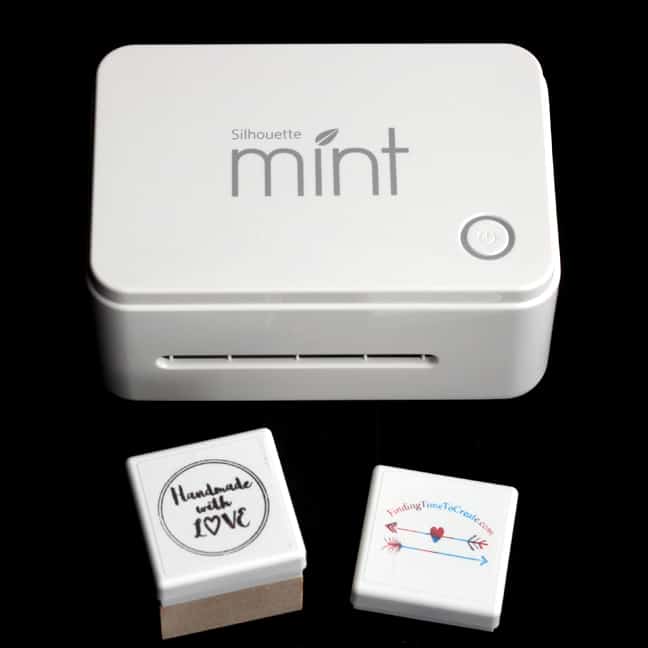
Silhouette Mint
I first used the Silhouette Mint in September 2015 when I was invited to the launch party in Provo, Utah. Each of the attendees got to make their own stamp and take it home. I loved the Mint right from that first moment! As soon …
Crafty Projects and Silhouette Inspiration and Instruction
I first used the Silhouette Mint in September 2015 when I was invited to the launch party in Provo, Utah. Each of the attendees got to make their own stamp and take it home. I loved the Mint right from that first moment! As soon …
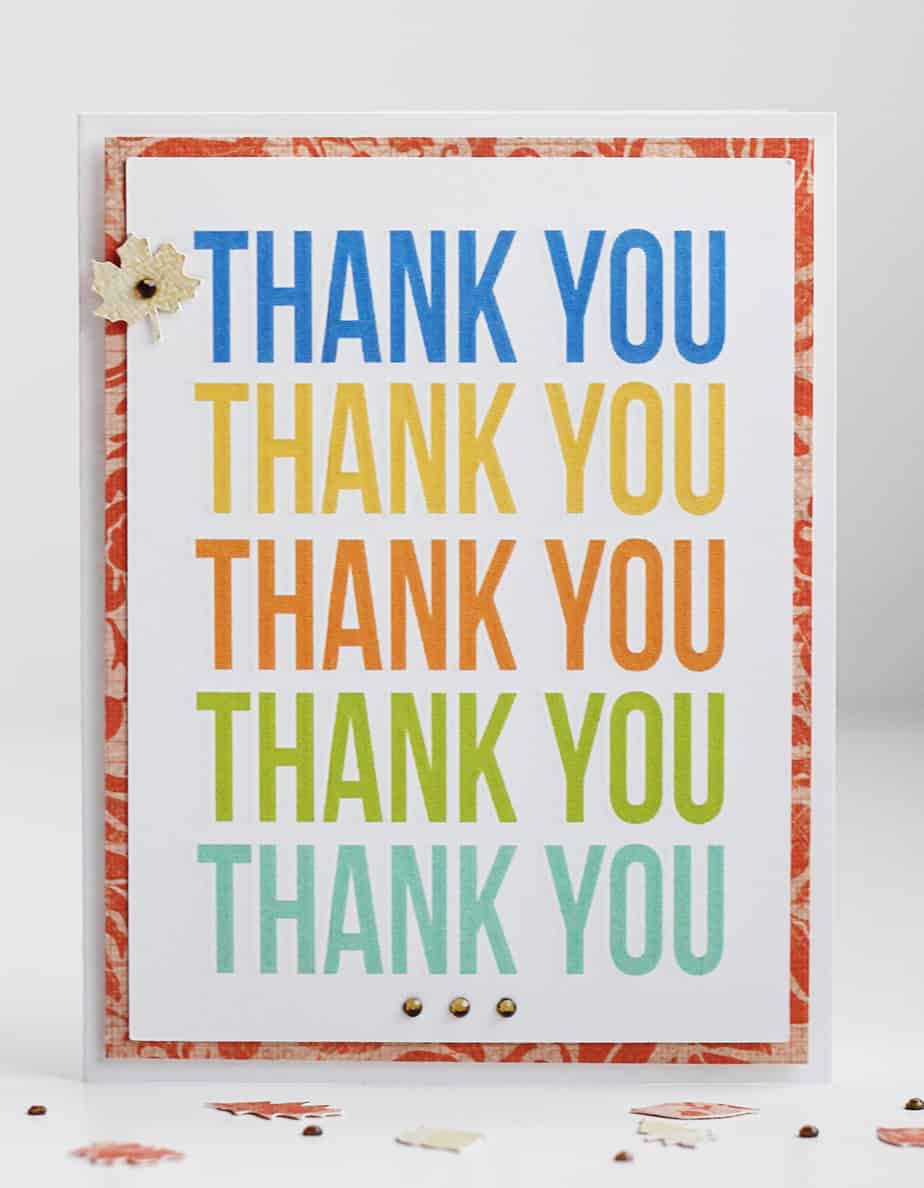
Have you tried the new Curio’s “print and emboss” feature yet? I made this card with my Curio, and I’m so “impressed” with how it turned out! All of these colorful words are embossed around the edges so the letters are gently raised above the …
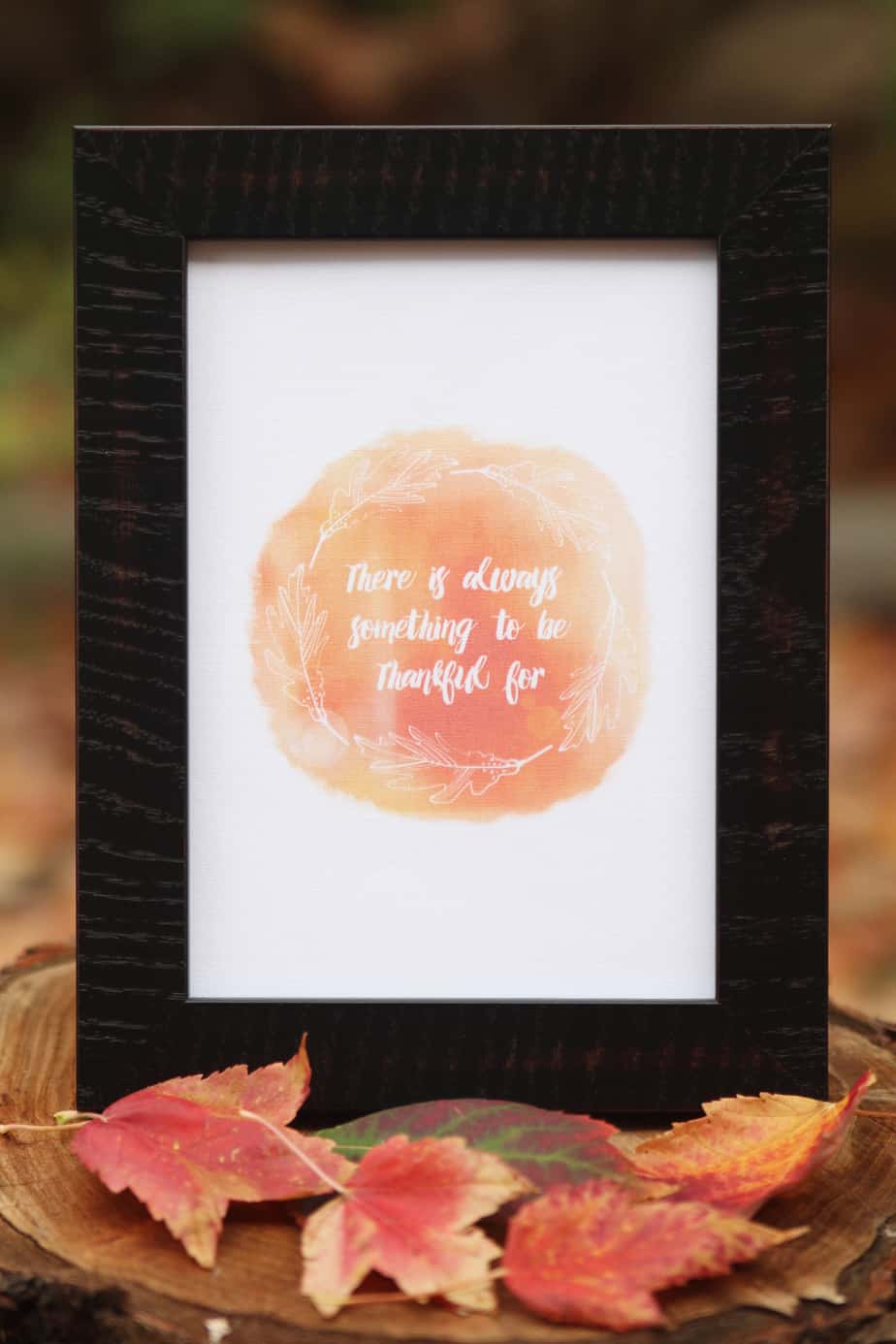
Hello, friends! I’m sharing how I used this free thankful printable design over on the Silhouette America blog today. I printed it on printable cotton fabric and then cut it with my Silhouette Curio–isn’t it glorious?! (I wish you could touch it.) I also share …

This video lesson covers the Line Color Window and the Line Style Window. This may seem pretty basic, but you may learn a few useful tips. Have you ever printed a Studio document only to find that nothing shows up? It’s possible you didn’t fill …
Here’s a Silhouette Studio lesson that covers all three of the Fill Windows’ basic and advanced options. Come back tomorrow for a lesson on how to add digital pattern papers to Silhouette Studio that you’ve purchased (or got for free) and downloaded to your computer. …
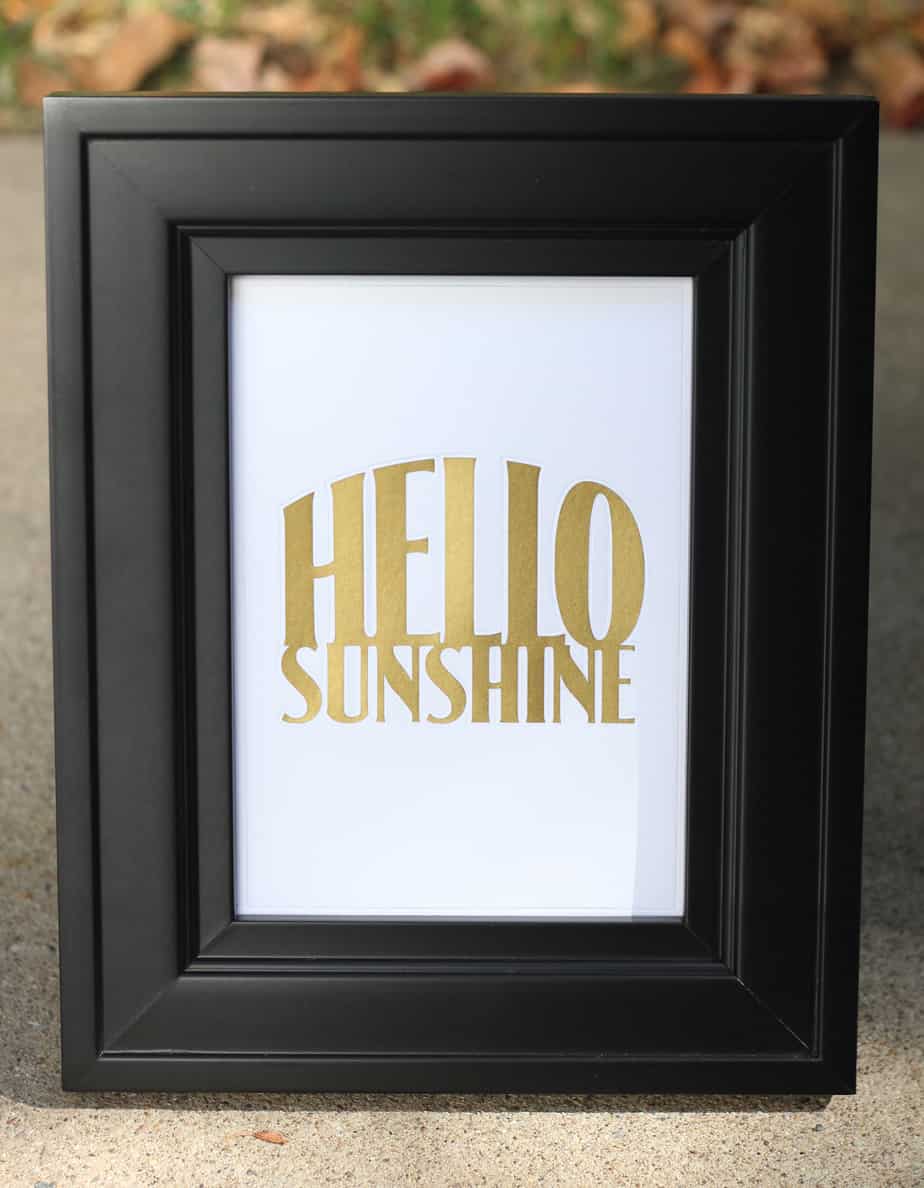
Hello Sunshine! I want to share with you this piece I made with my Silhouette Curio. Embossing/debossing is one of those tasks well suited to the Curio with its special platforms and foam mat. I chose to give mine a little more pizzazz with gold …
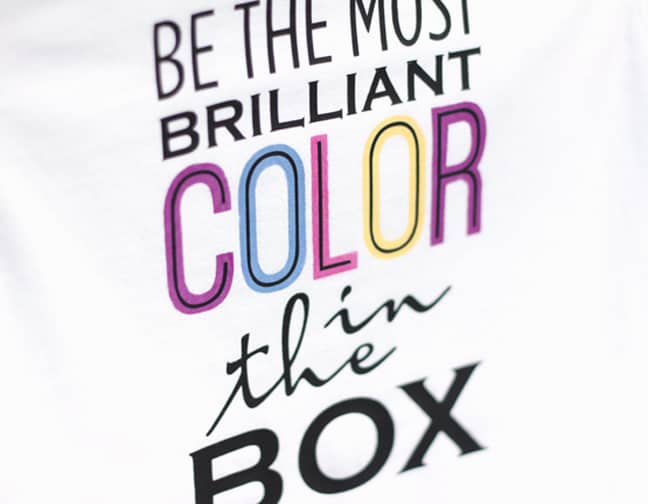
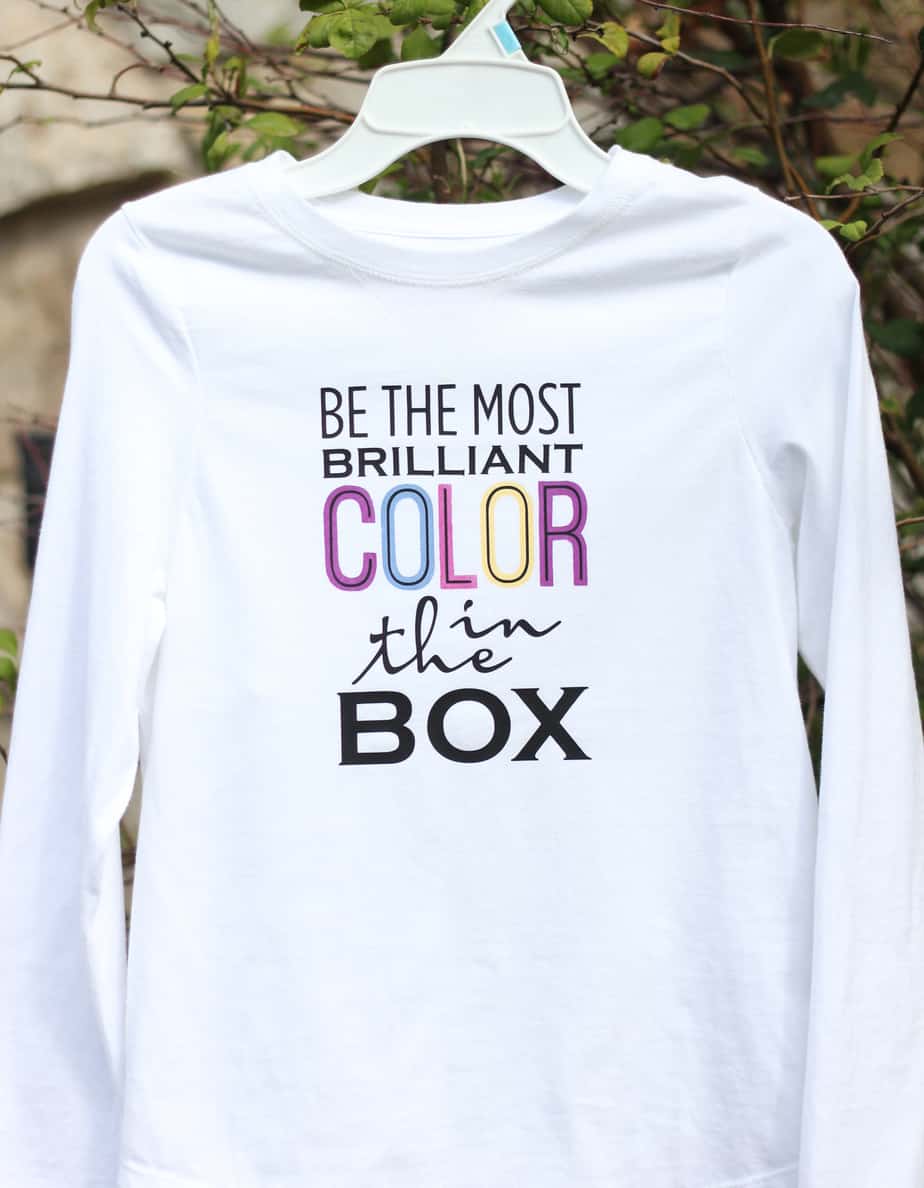
Here’s the step-by-step tutorial I promised for making this shirt with Silhouette UV light-sensitive fabric inks and smooth heat transfer material. I used my Silhouette Curio, but you can do this project with a Portrait or CAMEO as well. Are you ready? You can …
Have you heard? I’m back on the Silhouette Creative Design Team! (I enjoyed the 6-month break, but I missed it too much to stay away for a whole year.) Here’s my first project back on the team. I used my Silhouette Curio and Silhouette’s new …
Here’s another Silhouette Studio lesson that teaches all about how you can use the Move Window and the Rotate Window. I find I frequently use certain parts of the Move Window, and rotation options found in the Rotate Window can be very helpful. Remember, the …

An all-new lesson is available now to learn about the Line and Drawing Tools in Silhouette Studio! Don’t forget you can find the password for each of my video lessons in the description below the video. (Just copy and paste.) Line and Drawing Tools This …
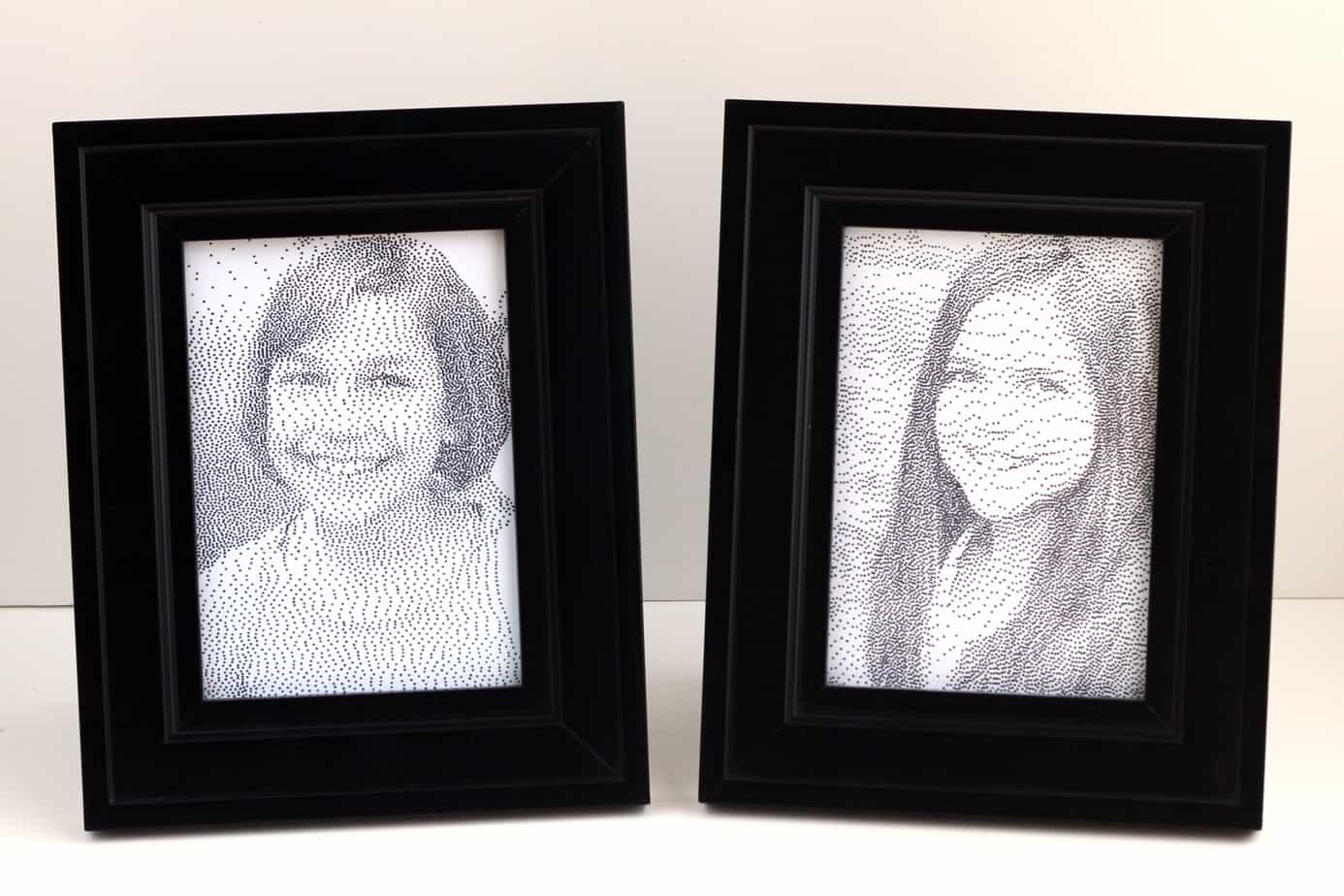
I’m excited to show you the new Silhouette Curio stipple feature! I bought the Curio as soon as it was released last month, and I have been having fun playing with its different capabilities. I think the stipple feature is really fun, especially for converting …
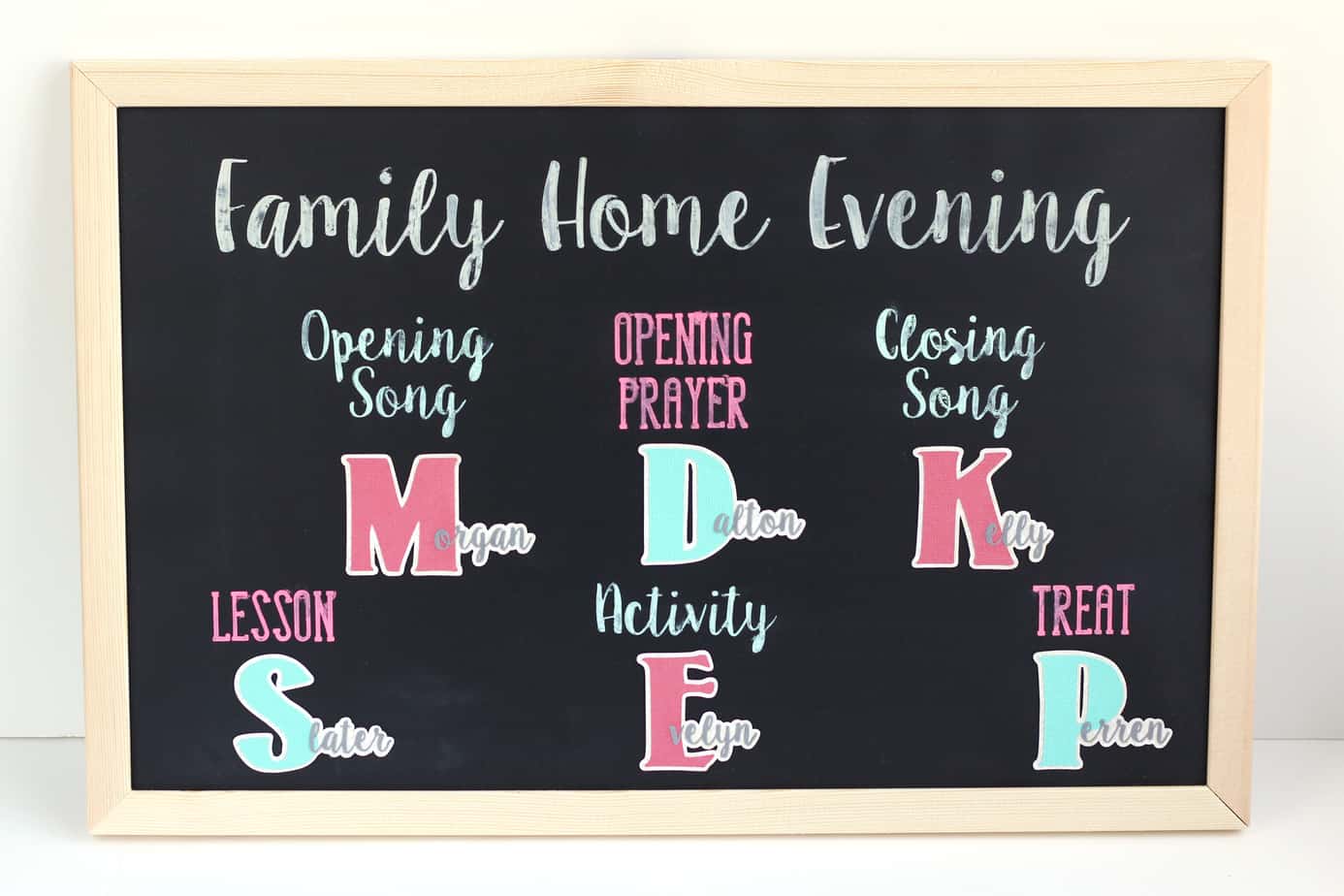
Do you have any of those projects you’ve been meaning to get to for a very long time? (The kind that you live without but really want to make but never find the time?) This Family Home Evening board was one of those projects for …

Did you know I have 98 tutorials and 14 video Silhouette lessons available? My tutorials page is currently up to date, so if you’ve already watched the 14 lessons I have available for basic Silhouette Studio or are looking for some more advanced techniques, you …
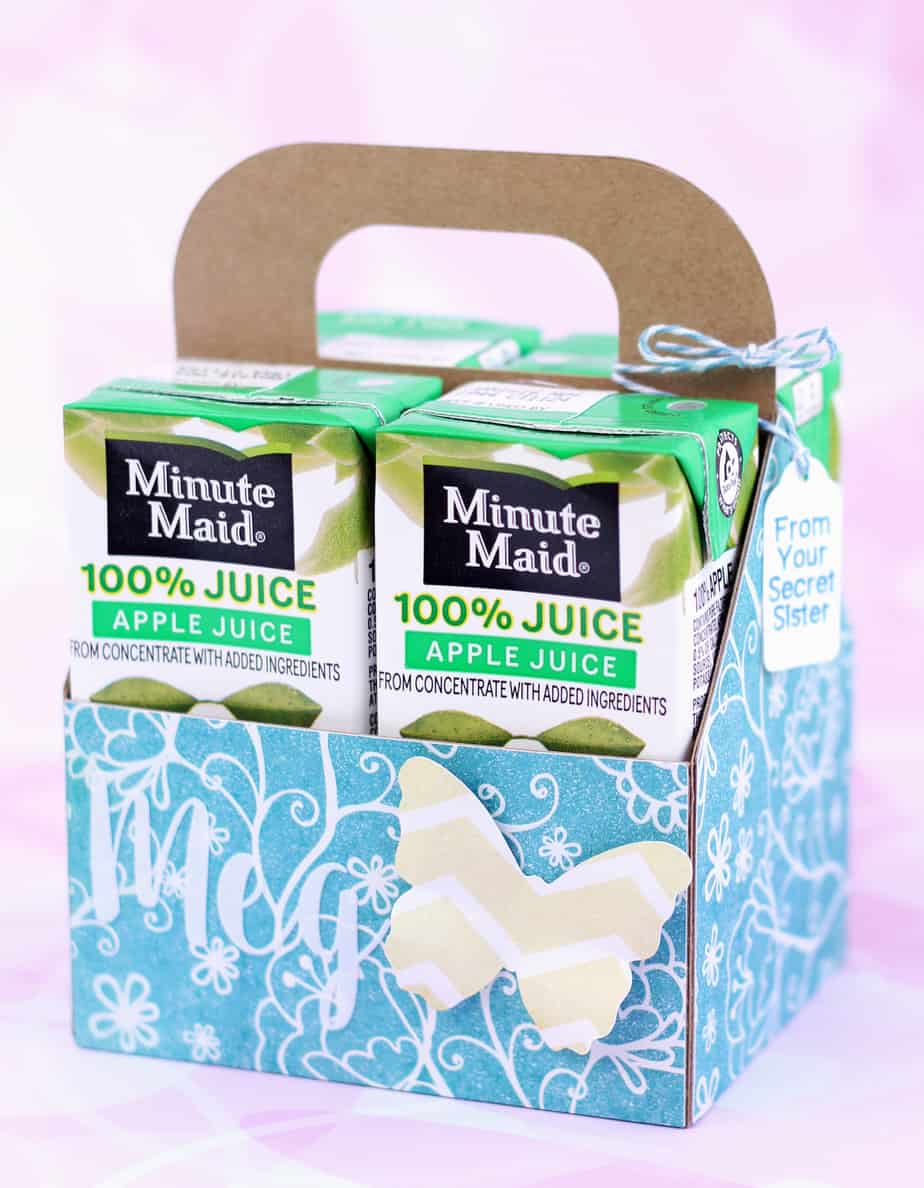
Here’s another secret sister gift for my daughter to give to her friend at Girls Camp. This friend likes apple juice, so I designed a custom tote box to hold four Minute Maid juice boxes. I’m sharing the cutting file as a freebie (see below), …
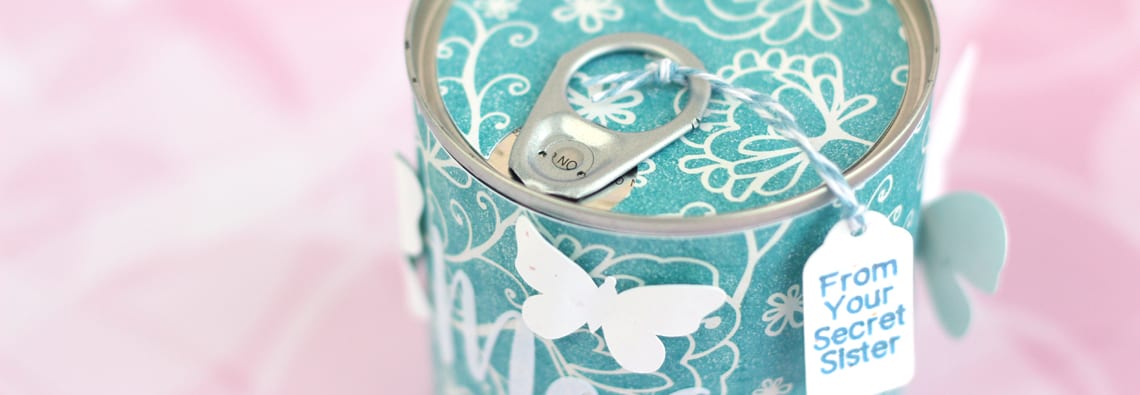
It’s time for Girls Camp again this year, but this time I’m only making 3 gifts instead of 75-90 as in years past. I’m not currently serving in the Young Women’s program, but luckily my daughter is old enough to go to Girls Camp for …
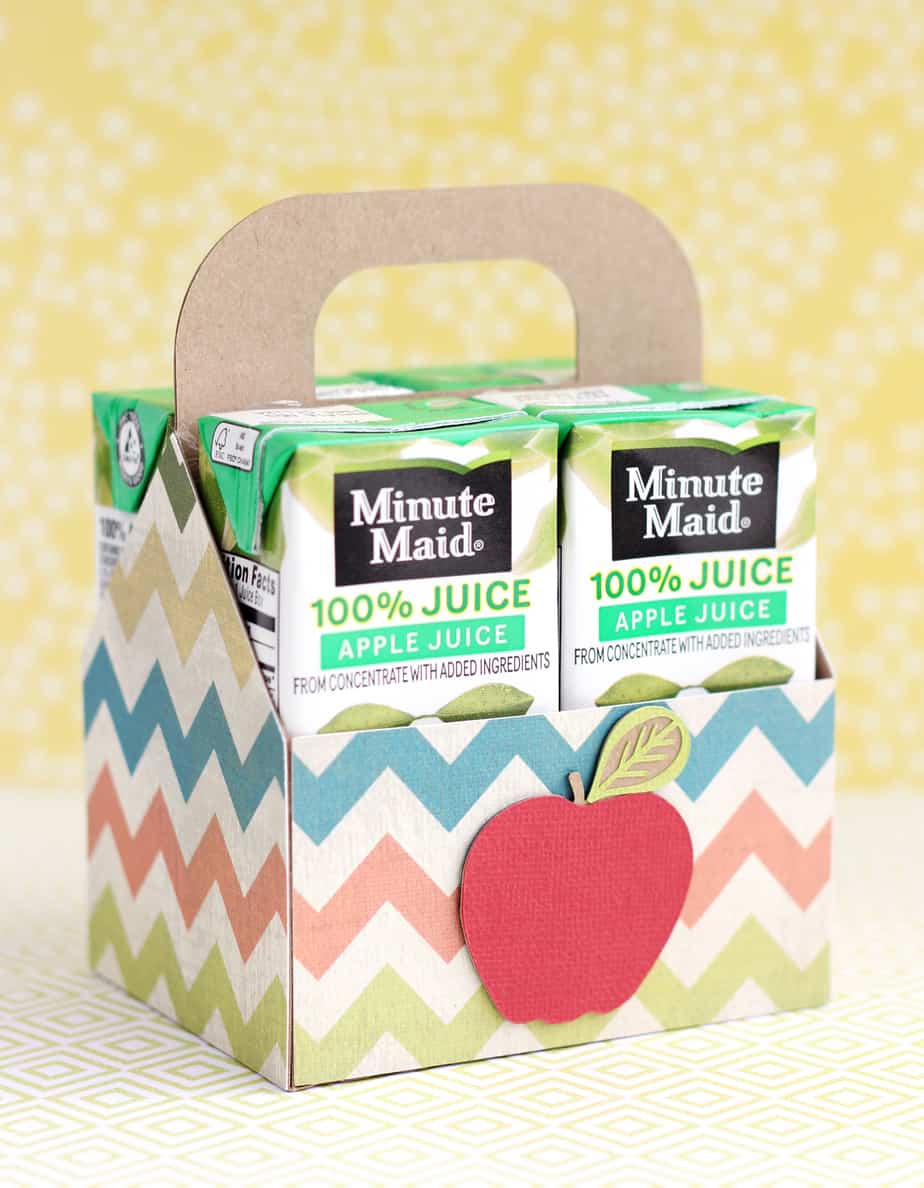
I’ve been working on some secret sister gifts this week, and after wasting a fair bit of time trying to modify existing 3D holders to fit these Minute Maid juice boxes, I decided it was easier to design a tote box myself from scratch. I …

Common Functions This Silhouette Studio lesson covers basic, frequently-used functions. I explain the variety of saving options and what they do, along with several ways to copy & paste and to group & ungroup. All of the functions discussed in this video apply to both …

The Grid Window is a very helpful feature for Silhouette users. I use it all the time! (You’ll see me use the Grid feature throughout my video lessons.) This lesson covers basic features for all Silhouette Studio users, but I also show a few extra …

There are many things you can do with text in Silhouette Studio, and this lesson is a basic introduction to the Text Tool. Silhouette Studio: Text Tool This lesson explains how to use the Text Tool in Silhouette Studio (both Basic and Designer Edition). Learn …

Here are two more Silhouette lessons covering many of the buttons/icons at the top and bottom of your Silhouette Studio screen. Remember, passwords to these videos are in their descriptions. Email subscribers, you must be on my website to view the videos (click the post …
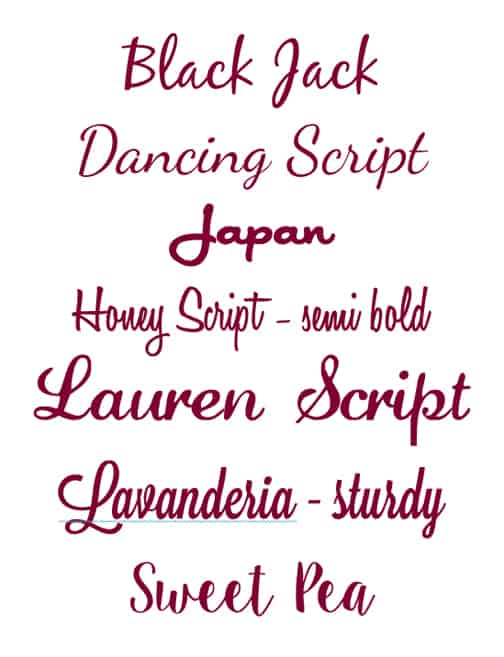
I had a reader ask me what my favorite script fonts are, so I decided to include them in a post that could benefit all of you. These script fonts are ones I’ve actually used and liked. I provide the links below, but I couldn’t …
Design Page Settings Window This Silhouette lesson discusses your options on the Design Page Settings Window in Silhouette Studio. For Basic and Designer Edition, all recent versions. (Recorded with v.3.3.451.) Password: page

This Silhouette Studio lesson talks about the Library in your software. How to search for shapes you already have, how to sort your shapes, how to use and create folders and subfolders for organizing your designs, and more. It should also apply to organizing patterns …
I really am starting at the basics, here. These three lessons (also found on the SILHOUETTE LESSONS master page) cover the basics of the Silhouette Design Store. How to access it, all your account settings and goodies, and how to purchase designs. The last video …
Let’s get started with the next set of Silhouette Studio lessons. These have been on my SILHOUETTE LESSONS master page since my website rollout this past weekend, but I think it will be helpful to have the lessons on individual posts as well. This way …
