Fabric Flowers!

Fabric Flowers!

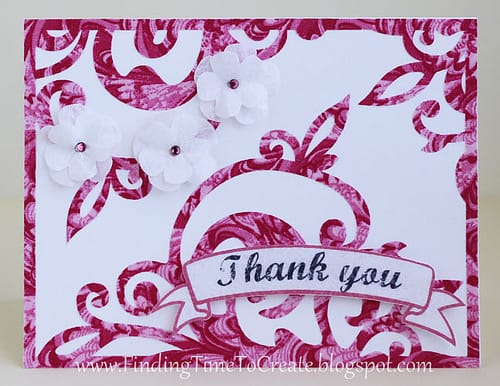
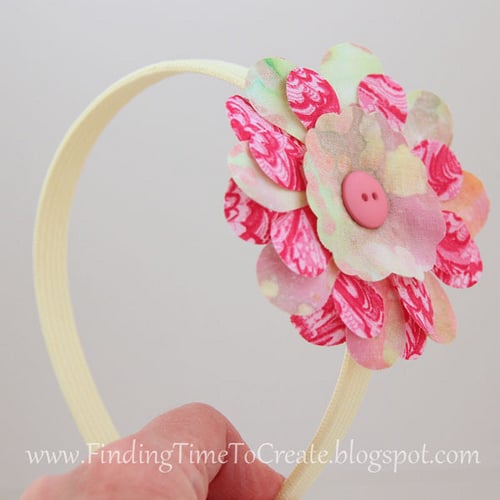
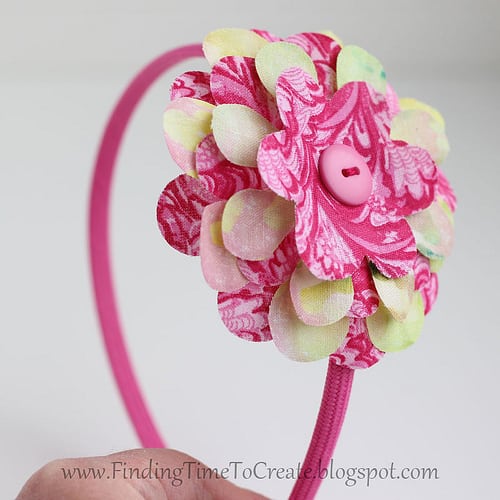
I’m not normally a fabric gal (looove paper instead), but I’ve been experimenting a little.  If you’ve read my recent posts you know I made these organza peonies using my Silhouette to cut them out, but I finally got brave enough to try fabric interfacing.  

Floral Wreath with Paper Flowers

Floral Wreath with Paper Flowers

Here it is! I can’t tell you how long I spent on this project because I’ve been thinking about it for a couple of months, collecting ideas and watching/reading tutorials, and gathering flower files. The actual cutting and assembling I spread across a couple of 

Hoppy Easter Framed Art

Hoppy Easter Framed Art

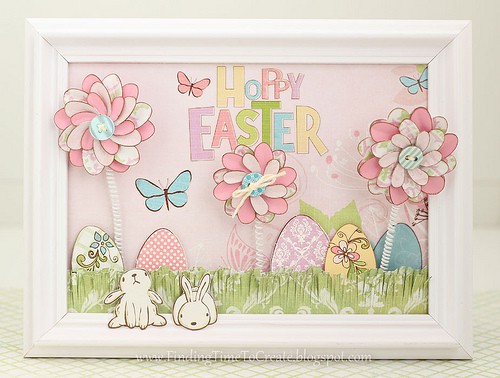
First, let me give credit to my source of inspiration.  I found this cute spring project on Pinterest and had to make something like it for myself.  Here’s Kim’s DIY spring art project from the Celebration Shoppe.  And here’s my take on it: I made 

Scraplifting with Silhouette Studio

Scraplifting with Silhouette Studio

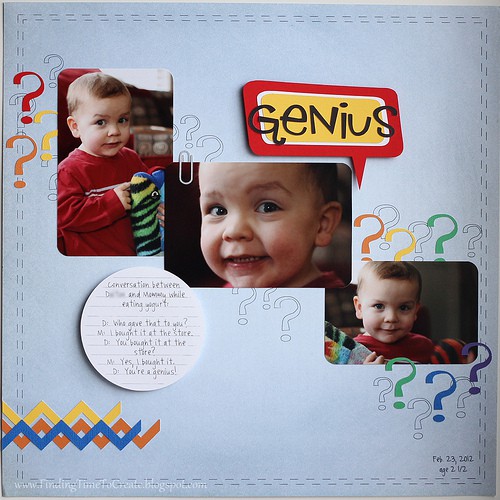
Ahhh…it feels good to scrapbook again.  I decided to take on the sketch challenge from the Silhouette Blog and scrapbook a funny conversation I had this week with my two-year old, who has quite an advanced vocabulary for his age.  He’s constantly asking questions, but 

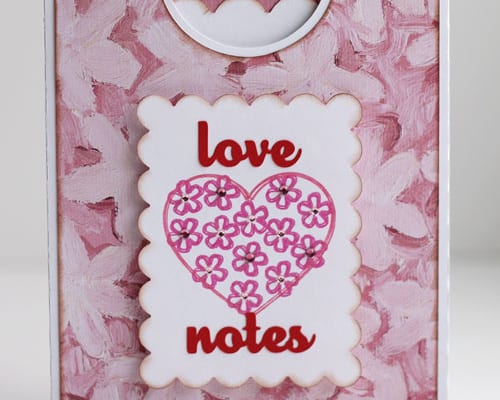
Love My Cameo Blog Hop: Card Gift Set

Love My Cameo Blog Hop: Card Gift Set

Welcome to my stop along the “Love My Cameo” blog hop. If you have just come from Lisa’s blog at Pretty Paper, Pretty Ribbons, you’re in the right place. If you just stopped by my blog today, click on this link to Amy Chomas to 

Silhouette Studio Tutorial:  Make Your Own Scalloped Circles

Silhouette Studio Tutorial: Make Your Own Scalloped Circles

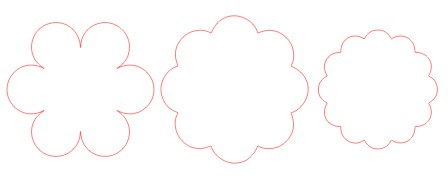
I was asked how to design your own scalloped circles using Silhouette Studio, so I’ve written a short tutorial.  This can be done in either version (basic or designer). Here are the scalloped circles I’ll show how to make, using basically the same steps each 

Heart Mobile Tutorial

Heart Mobile Tutorial

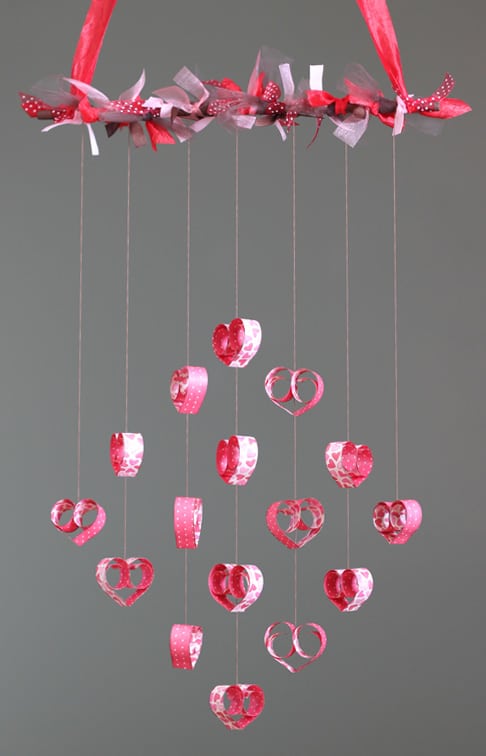
I spent hours drooling over all the pretty mobiles I could find on Pinterest, and then I combined several of my favorites to create this one. This is another project I submitted as a design-team member for Heartland Paper Co. It only uses a single 

Sweet Valentine Hanger Tutorial

Sweet Valentine Hanger Tutorial

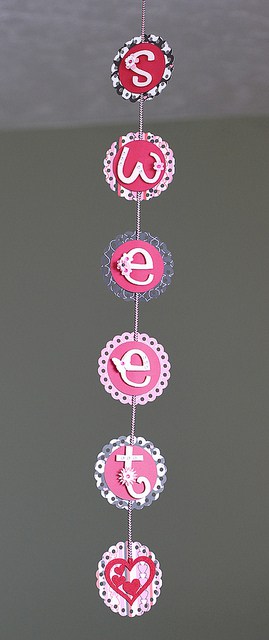
I made a version of this Valentine hanging decoration a couple of years ago, but this is my new and improved version. I turned this in to Heartland Paper today, so if you live in or near Davis County, Utah, you can go see it 

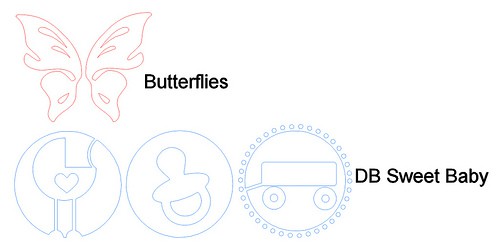
Tutorial:  Butterfly Valentine Suckers

Tutorial: Butterfly Valentine Suckers

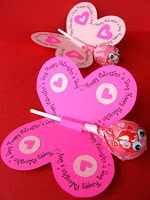
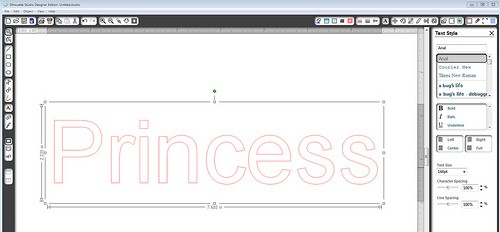
A reader asked me how she could use her new Cameo to make these from Skip to My Lou‘s free printables: using Sarah Bailey’s “Butterfly Valentine” file from the Silhouette Design Store: She wanted to get text on a path around the butterfly wings, so 

Silhouette Studio Tutorial:  Rhinestone Tool for Single-Line Text

Silhouette Studio Tutorial: Rhinestone Tool for Single-Line Text

I know a lot of you aren’t Silhouette users, but a lot of you are.  I’ve written quite a few tutorials for the Silhouette Plus forum, and teach Silhouette classes at Heartland Paper, but I’ve decided I should include these tutorials here on my blog 

Pop Up Letter Tutorial

Pop Up Letter Tutorial

Here’s a quick tutorial on how to make pop-up letters for gift wrapping or whatever you want using Silhouette Studio (basic or Designer). 1- draw a long rectangle 2- type your desired letters (I used Franklin Gothic Demi font in these screen shots and Impact 

Christmas Village Tutorial

Christmas Village Tutorial

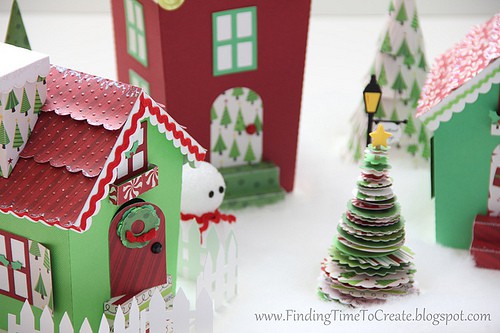
Here it is, folks! The tutorial I promised for making this Christmas Village from my previous post. The video assembly tutorial is in four parts so you can find what you need easily. Part A covers the stairs and window boxes. Part B covers the 

Halloween Mobile Tutorial

Halloween Mobile Tutorial

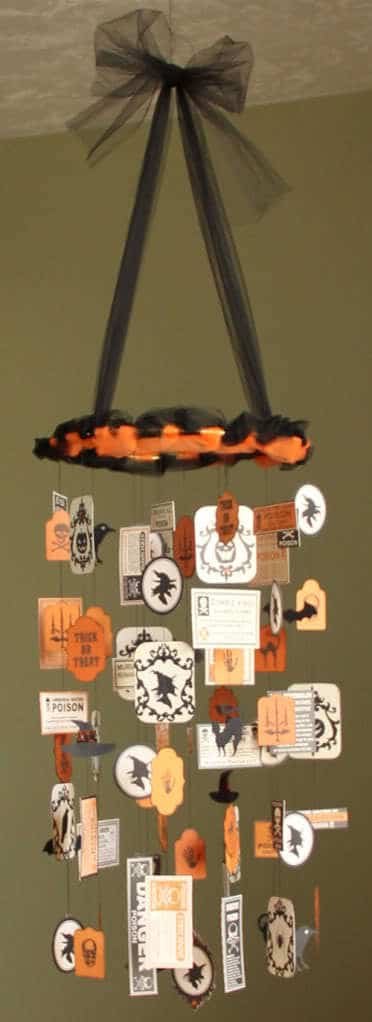
Use any kind of ephemera to create a mobile. Here’s a tutorial I’m sharing with you to create a Halloween mobile with ribbon, thread, and scrapbook paper.   Materials: 10” metal ring (or you could use an embroidery hoop, painted black if desired). 4-5 yards 

Halloween Card #2

Halloween Card #2

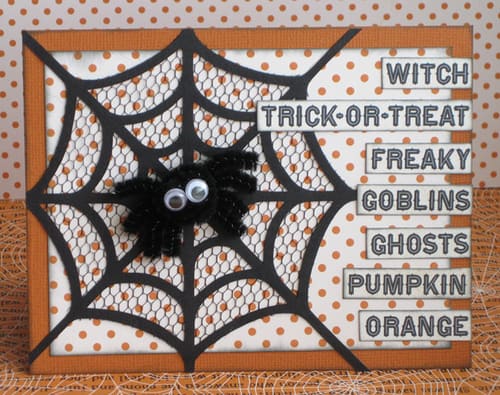
Here is a card of my own design. I knew I wanted to use a spiderweb, and the rest evolved around that. Simple, but cute. You can see this card in person soon, on display at Heartland Paper. I used a spiderweb shape from my 

Halloween Card #1

Halloween Card #1

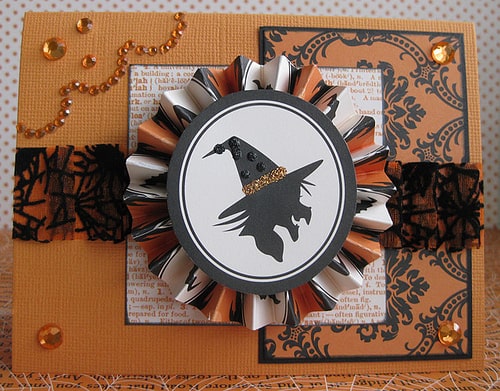
This is another card going to Heartland Paper for display. I used a Mojo Monday sketch for inspiration. Here are the instructions for this card: Materials: Pattern paper: Haunted Hallows “Damask” and “Witch” by Teresa Collins Orange cardstock for base Black cardstock Rhinestones by Teresa 

Halloween Party Invitation

Halloween Party Invitation

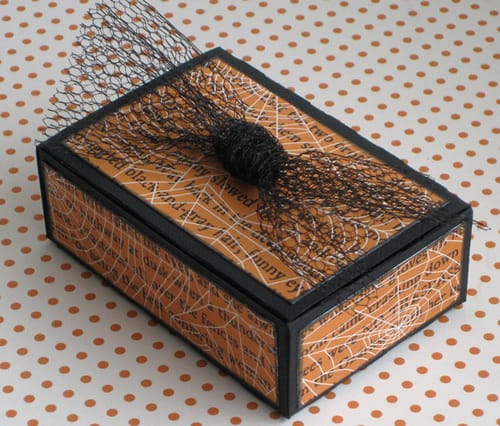
This Halloween Party Invitation is an idea I saw from a Flickr photo, and apparently the original idea came from Martha Stewart, but of course I changed it a little to use things I had accessible to me.  I can’t compare to Martha Stewart, but 

Subway Art:  The Joys of Scrapbooking

Subway Art: The Joys of Scrapbooking

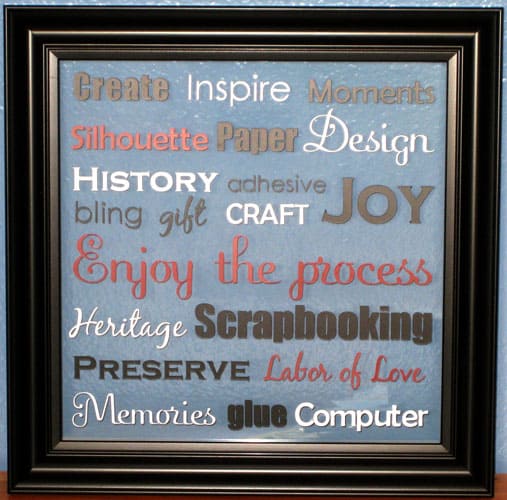
  I recently entered a challenge in the Silhouette Plus forum, and the theme was Subway Art.  My submission won in a three-way tie for first place.  What I’m really excited about is that I made my first piece of subway art, and it will 

Tutorial:  Dingbat Fonts into Embellishments Using the Silhouette

Tutorial: Dingbat Fonts into Embellishments Using the Silhouette

Here’s the tutorial I promised!  (Sorry it’s taken a while, but my July this year has been as busy as any Christmas season.) For those of you with a Silhouette machine, you probably know you can use any True Type font (.ttf) on your computer 

Interactive Card Tutorial

Interactive Card Tutorial

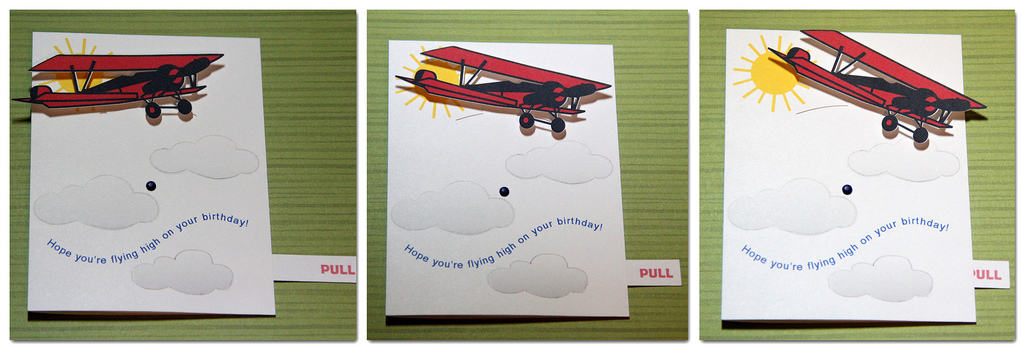
This interactive card helped me win the most recent challenge in the Silhouette Plus forum. Interactive Card Free File Here is the Silhouette Studio cutting file for you. Instructions Here are the instructions for this interactive card. The front can be adapted to suit your 

Tutorial:  Creating a Shape with Pattern Inside

Tutorial: Creating a Shape with Pattern Inside

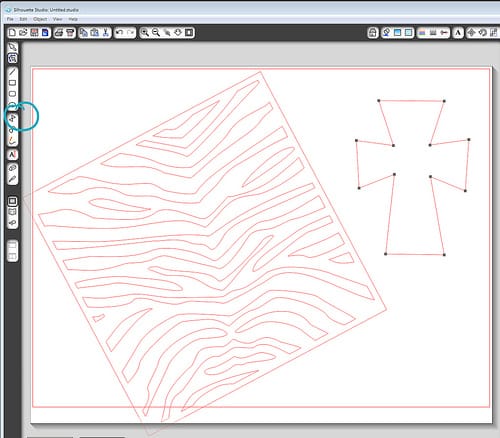
I was asked about creating a cross shape with a zebra pattern inside. I referred them to my monogram tutorial and my valentine weld tutorial, but neither of these worked exactly right for this particular situation. Using the Modify tools in Silhouette Studio can be 

Quick Tip:  Aligning Layered Flowers

Quick Tip: Aligning Layered Flowers

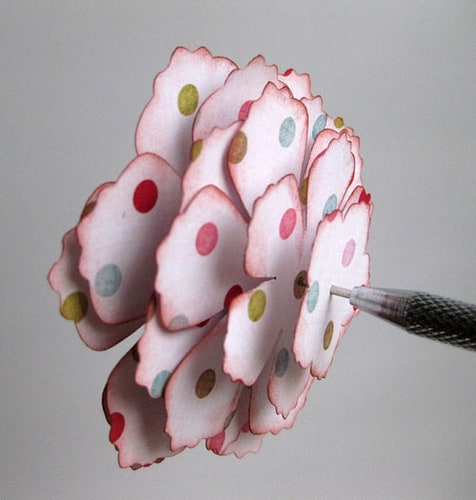
I can usually “eyeball” the center of a single flower, but when it comes to stacking layers of flowers together, my layers tend to drift off-center.  Here’s my solution: Take a piercing tool, needle, or stick pin and poke through the center of the top 

Tracing Paper Dolls for the Silhouette to Print and Cut

Tracing Paper Dolls for the Silhouette to Print and Cut

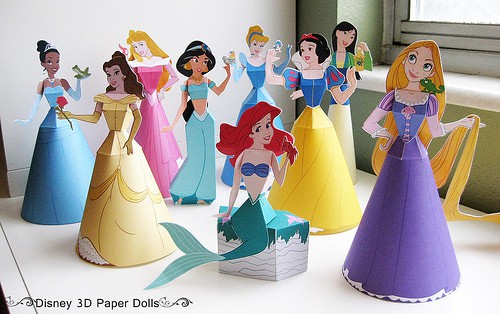
Update 1/26/2014:  The instructions below still work, but I’ve made simplified video tutorials on my new blog post Disney Princess Paper Dolls.  Please go there first for updated and easy instructions.  Thanks! Original post: I found these Disney paper dolls from a photo on Silhouette’s 

Valentines for 2011

Valentines for 2011

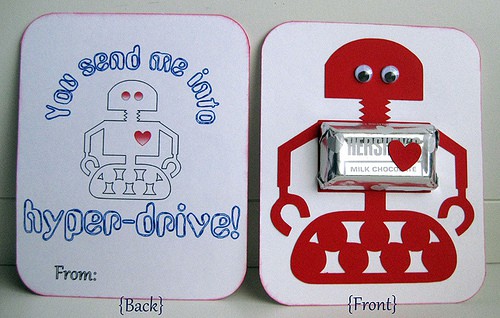
I can’t bring myself to buy boxes of valentines from the store.  I just can’t.  Even with three kids in school this year, my crafty self just won’t allow it.  So I had to plan for 60+ homemade valentines.  Where do I start?  The Silhouette, 

Who Likes Unicycles?

Who Likes Unicycles?

Here’s a card and a mobile I made for my brother with the Silhouette using the print and cut features.  The unicycle comes as a cut design, but I didn’t want to cut and then glue all the tiny little pieces, especially multiple times for 

Tutorial:  Valentines with Welded Words

Tutorial: Valentines with Welded Words

I’ve been spending a lot of time on the Silhouette Blog and the Flickr group for Silhouette, and it’s obvious there are a lot of questions out there.  I wish I could just spread all my knowledge I’ve learned about the Silhouette the past couple