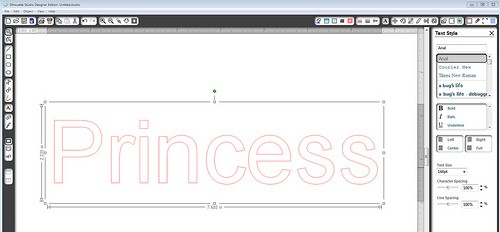
Silhouette Studio Tutorial:  Adding Custom Media Settings

Silhouette Studio Tutorial: Adding Custom Media Settings

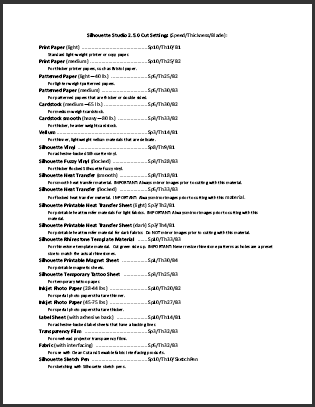
Note: This post was originally written in July 2012 for adding custom media settings in Silhouette Studio. The screen shots still apply to the Legacy version 2 of Silhouette Studio, and have changed only slightly for version 3. The process is still about the same …
Silhouette Tutorial:  Design a Custom Envelope

Silhouette Tutorial: Design a Custom Envelope

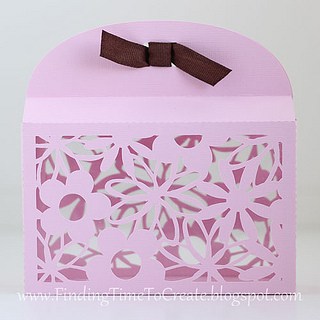
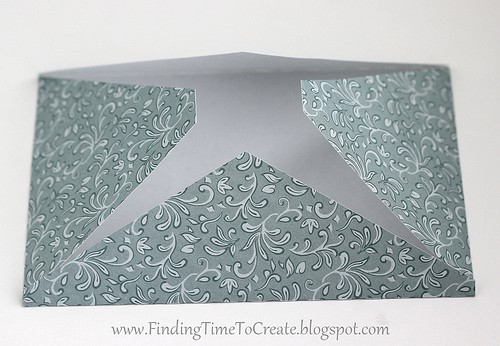
I was asked how to design a 4×6″ envelope in Studio without having to purchase an envelope file from the online store. I love a challenge and had some time, so I made this video tutorial to share with you. You can use these techniques …

Silhouette Studio Tutorial:  Flourish Frame for Cards

Silhouette Studio Tutorial: Flourish Frame for Cards

I recently taught a class on using the Modify tools in Silhouette Studio to combine background designs with other shapes.  We made this project: And in preparation for the class I made another fun frame, which I used in this project: I was asked again …

Somebody Stop Me!  Fabric Frenzy

Somebody Stop Me! Fabric Frenzy

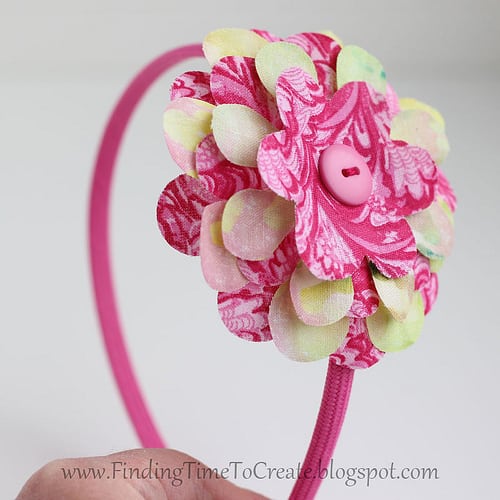
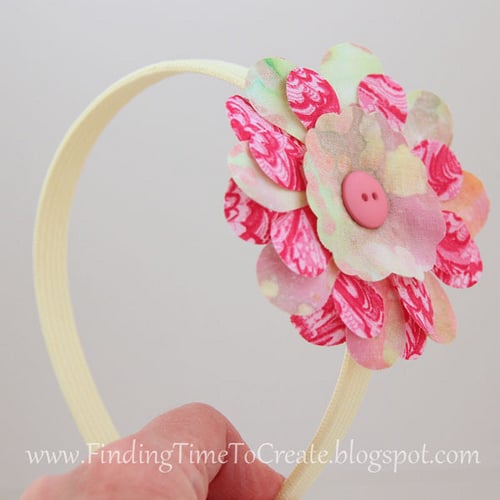
Here’s the long-awaited post on more fabric flowers with the Silhouette, tutorials included. (Sorry it took me so long. Has it only been a week since I taught this class?) I spent last week preparing for my Silhouette Silly class at Heartland Paper, where I …

Fabric Interfacing:  Print and Cut

Fabric Interfacing: Print and Cut

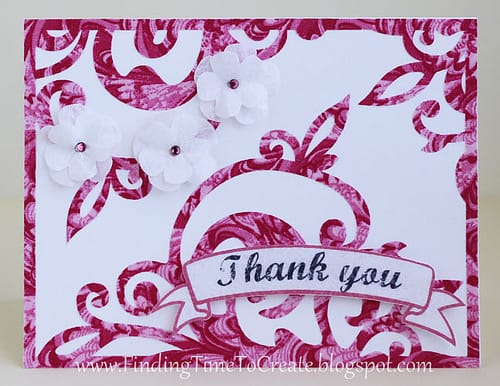
All of the elements on this card are cut from fabric. Yup, you heard me. I made a fabric card! (Mounted on a white cardstock base.) Last week I taught a class on Silhouette fabric interfacing, and boy did I have fun getting ready for …

Fabric Flowers!

Fabric Flowers!

I’m not normally a fabric gal (looove paper instead), but I’ve been experimenting a little.  If you’ve read my recent posts you know I made these organza peonies using my Silhouette to cut them out, but I finally got brave enough to try fabric interfacing.  …

Floral Wreath with Paper Flowers

Floral Wreath with Paper Flowers

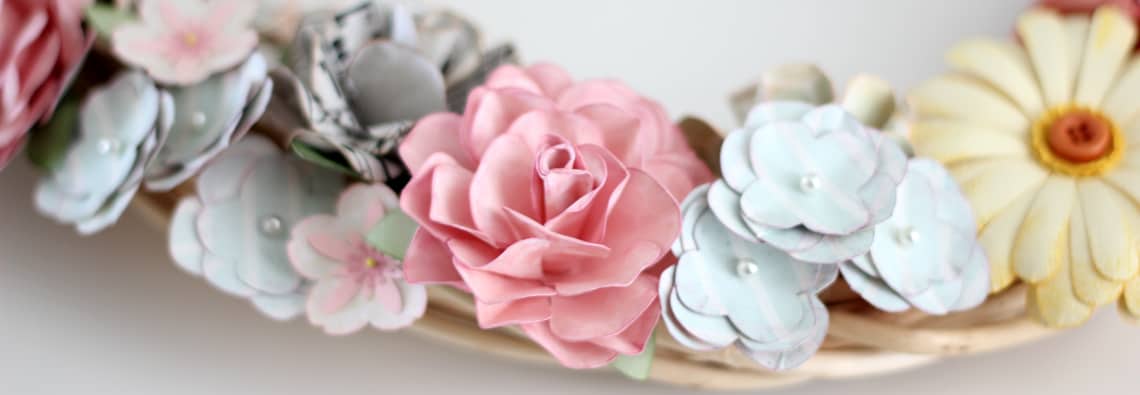
Here it is! I can’t tell you how long I spent on this project because I’ve been thinking about it for a couple of months, collecting ideas and watching/reading tutorials, and gathering flower files. The actual cutting and assembling I spread across a couple of …

Hoppy Easter Framed Art

Hoppy Easter Framed Art

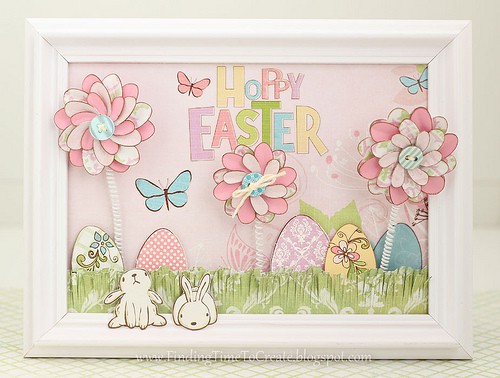
First, let me give credit to my source of inspiration.  I found this cute spring project on Pinterest and had to make something like it for myself.  Here’s Kim’s DIY spring art project from the Celebration Shoppe.  And here’s my take on it: I made …

Scraplifting with Silhouette Studio

Scraplifting with Silhouette Studio

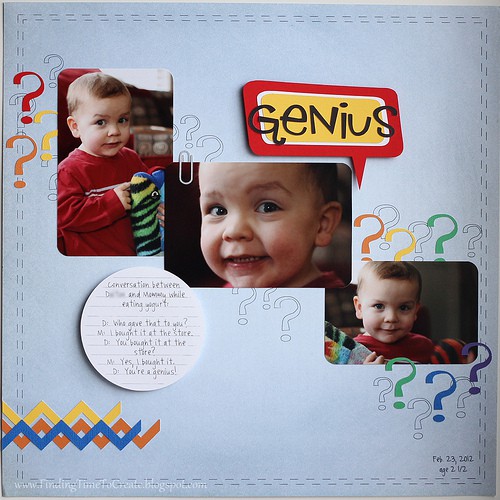
Ahhh…it feels good to scrapbook again.  I decided to take on the sketch challenge from the Silhouette Blog and scrapbook a funny conversation I had this week with my two-year old, who has quite an advanced vocabulary for his age.  He’s constantly asking questions, but …

Love My Cameo Blog Hop: Card Gift Set

Love My Cameo Blog Hop: Card Gift Set

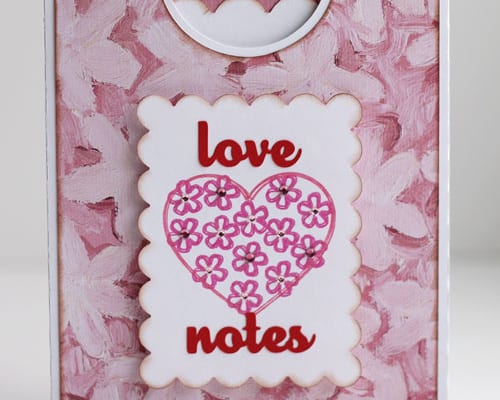
Welcome to my stop along the “Love My Cameo” blog hop. If you have just come from Lisa’s blog at Pretty Paper, Pretty Ribbons, you’re in the right place. If you just stopped by my blog today, click on this link to Amy Chomas to …

Silhouette Studio Tutorial:  Make Your Own Scalloped Circles

Silhouette Studio Tutorial: Make Your Own Scalloped Circles

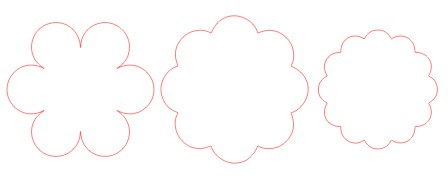
I was asked how to design your own scalloped circles using Silhouette Studio, so I’ve written a short tutorial.  This can be done in either version (basic or designer). Here are the scalloped circles I’ll show how to make, using basically the same steps each …

Heart Mobile Tutorial

Heart Mobile Tutorial

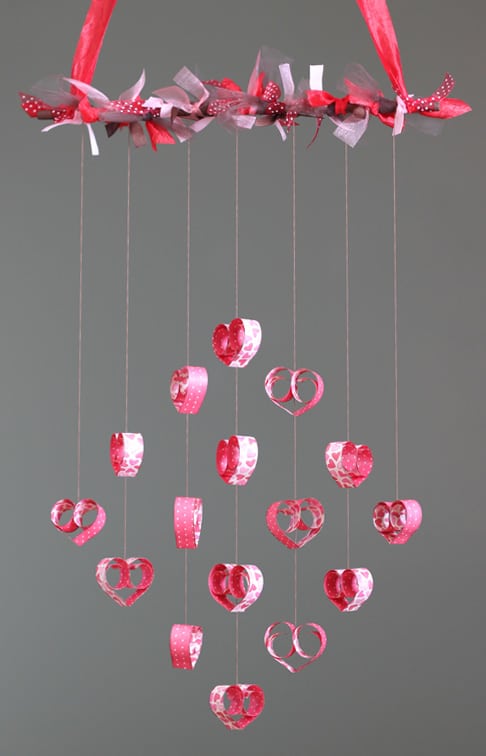
I spent hours drooling over all the pretty mobiles I could find on Pinterest, and then I combined several of my favorites to create this one. This is another project I submitted as a design-team member for Heartland Paper Co. It only uses a single …

Sweet Valentine Hanger Tutorial

Sweet Valentine Hanger Tutorial

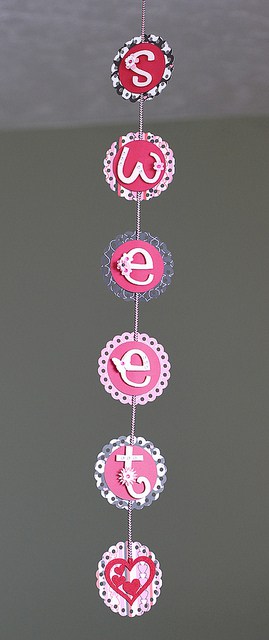
I made a version of this Valentine hanging decoration a couple of years ago, but this is my new and improved version. I turned this in to Heartland Paper today, so if you live in or near Davis County, Utah, you can go see it …

Tutorial:  Butterfly Valentine Suckers

Tutorial: Butterfly Valentine Suckers

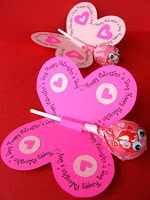
A reader asked me how she could use her new Cameo to make these from Skip to My Lou‘s free printables: using Sarah Bailey’s “Butterfly Valentine” file from the Silhouette Design Store: She wanted to get text on a path around the butterfly wings, so …

Silhouette Studio Tutorial:  Rhinestone Tool for Single-Line Text

Silhouette Studio Tutorial: Rhinestone Tool for Single-Line Text

I know a lot of you aren’t Silhouette users, but a lot of you are.  I’ve written quite a few tutorials for the Silhouette Plus forum, and teach Silhouette classes at Heartland Paper, but I’ve decided I should include these tutorials here on my blog …

Pop Up Letter Tutorial

Pop Up Letter Tutorial

Here’s a quick tutorial on how to make pop-up letters for gift wrapping or whatever you want using Silhouette Studio (basic or Designer). 1- draw a long rectangle 2- type your desired letters (I used Franklin Gothic Demi font in these screen shots and Impact …

Christmas Village Tutorial

Christmas Village Tutorial

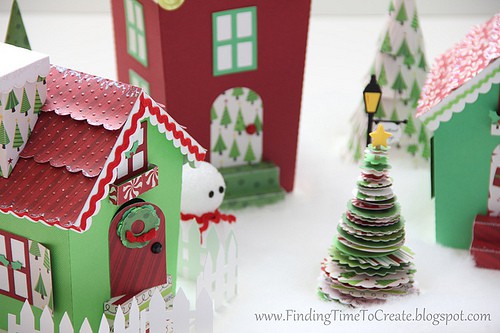
Here it is, folks! The tutorial I promised for making this Christmas Village from my previous post. The video assembly tutorial is in four parts so you can find what you need easily. Part A covers the stairs and window boxes. Part B covers the …

Halloween Mobile Tutorial

Halloween Mobile Tutorial

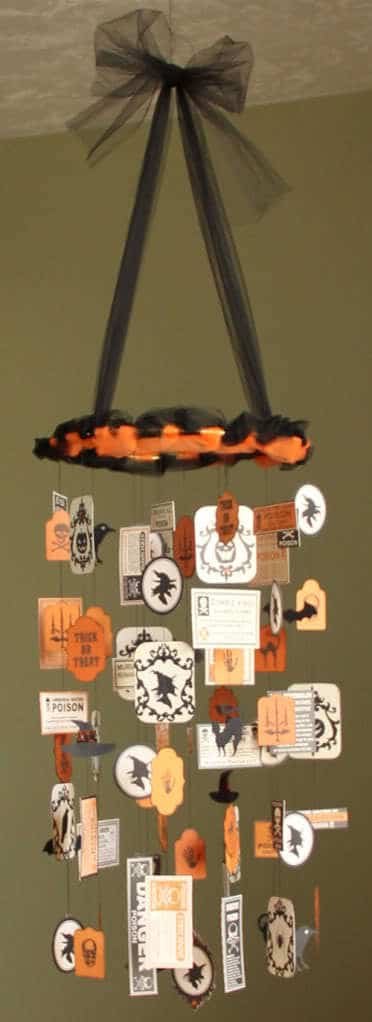
Use any kind of ephemera to create a mobile. Here’s a tutorial I’m sharing with you to create a Halloween mobile with ribbon, thread, and scrapbook paper.   Materials: 10” metal ring (or you could use an embroidery hoop, painted black if desired). 4-5 yards …

Halloween Card #2

Halloween Card #2

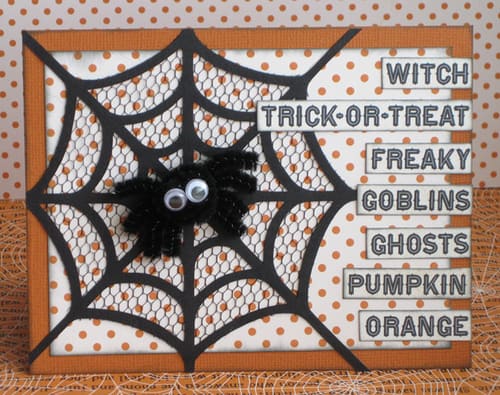
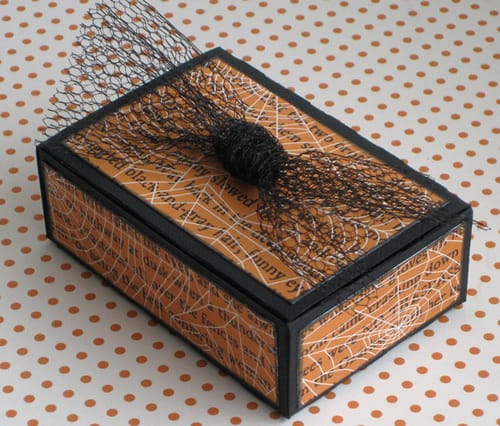
Here is a card of my own design. I knew I wanted to use a spiderweb, and the rest evolved around that. Simple, but cute. You can see this card in person soon, on display at Heartland Paper. I used a spiderweb shape from my …

Halloween Card #1

Halloween Card #1

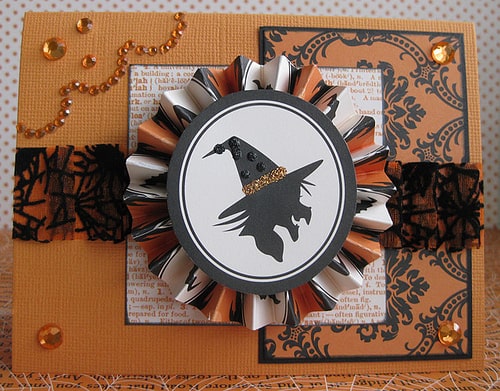
This is another card going to Heartland Paper for display. I used a Mojo Monday sketch for inspiration. Here are the instructions for this card: Materials: Pattern paper: Haunted Hallows “Damask” and “Witch” by Teresa Collins Orange cardstock for base Black cardstock Rhinestones by Teresa …

Halloween Party Invitation

Halloween Party Invitation

This Halloween Party Invitation is an idea I saw from a Flickr photo, and apparently the original idea came from Martha Stewart, but of course I changed it a little to use things I had accessible to me.  I can’t compare to Martha Stewart, but …

Subway Art:  The Joys of Scrapbooking

Subway Art: The Joys of Scrapbooking

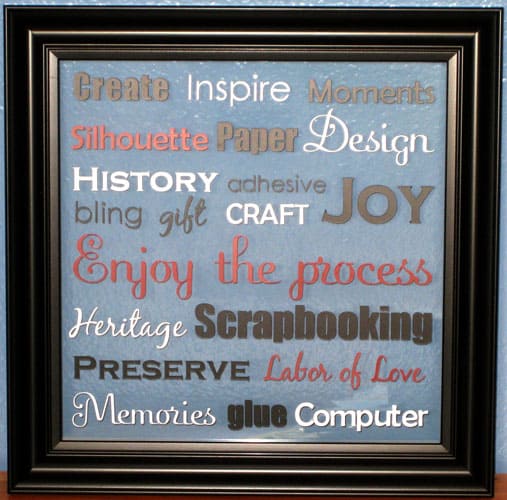
  I recently entered a challenge in the Silhouette Plus forum, and the theme was Subway Art.  My submission won in a three-way tie for first place.  What I’m really excited about is that I made my first piece of subway art, and it will …

Tutorial:  Dingbat Fonts into Embellishments Using the Silhouette

Tutorial: Dingbat Fonts into Embellishments Using the Silhouette

Here’s the tutorial I promised!  (Sorry it’s taken a while, but my July this year has been as busy as any Christmas season.) For those of you with a Silhouette machine, you probably know you can use any True Type font (.ttf) on your computer …

Interactive Card Tutorial

Interactive Card Tutorial

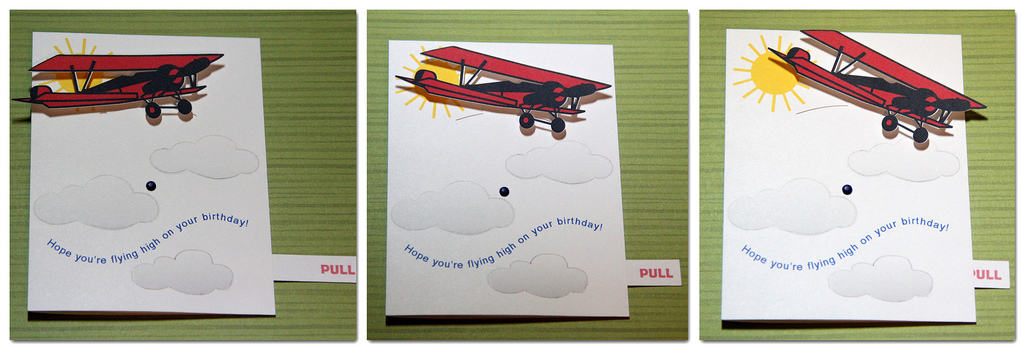
This interactive card helped me win the most recent challenge in the Silhouette Plus forum. Interactive Card Free File Here is the Silhouette Studio cutting file for you. Instructions Here are the instructions for this interactive card. The front can be adapted to suit your …

Tutorial:  Creating a Shape with Pattern Inside

Tutorial: Creating a Shape with Pattern Inside

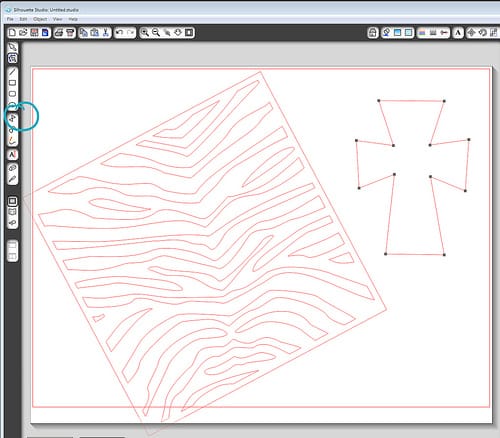
I was asked about creating a cross shape with a zebra pattern inside. I referred them to my monogram tutorial and my valentine weld tutorial, but neither of these worked exactly right for this particular situation. Using the Modify tools in Silhouette Studio can be …