I Will Not Comply T-Shirt

I Will Not Comply T-Shirt

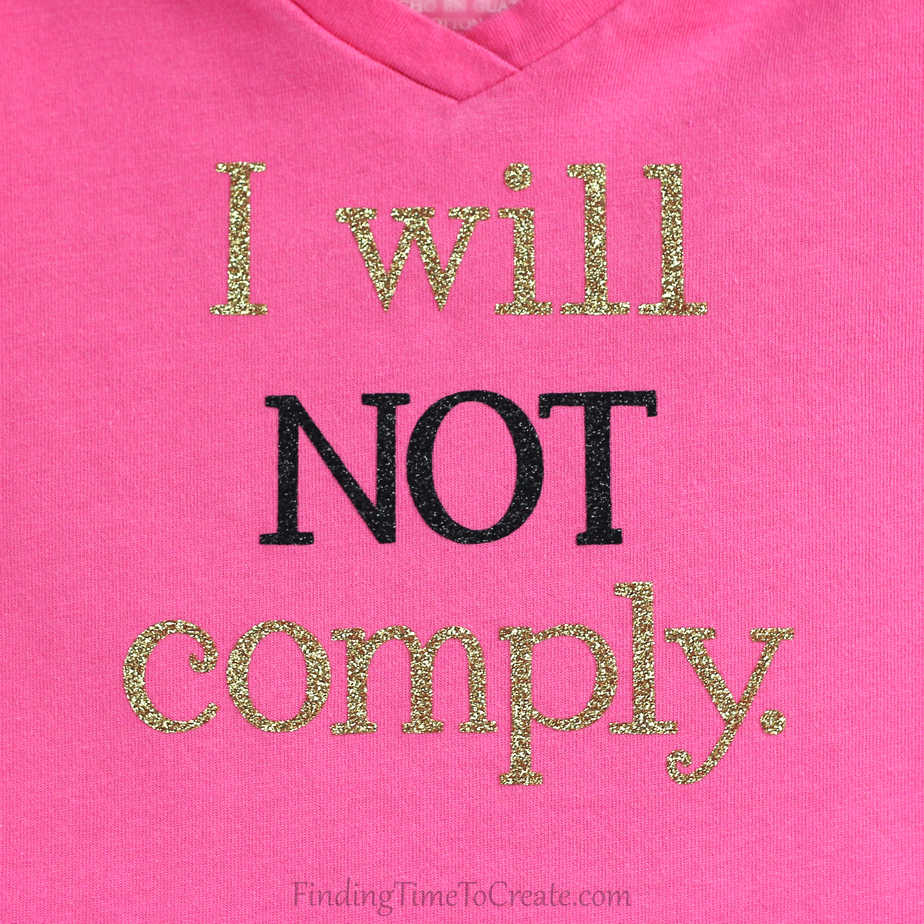
I Will Not Comply T-Shirt I made this T-shirt for my niece whose mother complains she is a bit…um…non-compliant. I used my Silhouette CAMEO to cut the phrase out of gold and black glitter heat transfer material. A tutorial follows for how to keep the 

Silhouette Curio Emboss Effect Tutorial

Silhouette Curio Emboss Effect Tutorial

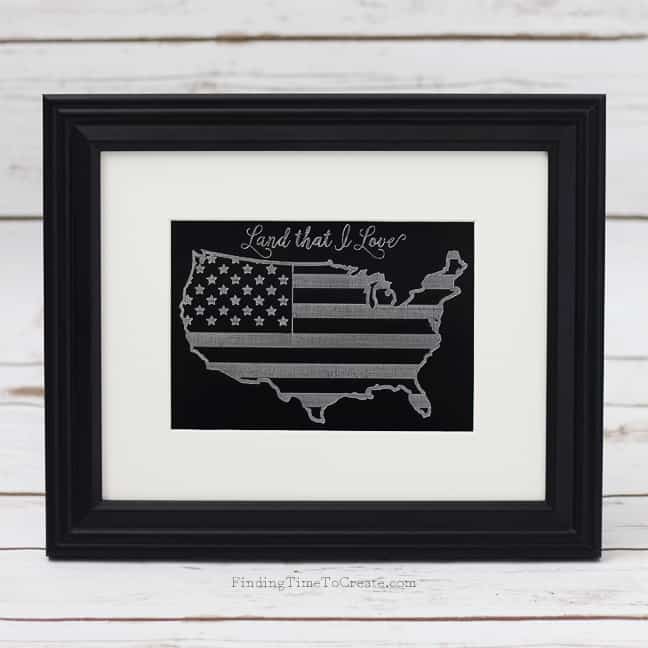
My latest tutorial on the Silhouette Blog shows how to use the Emboss Effect with the Silhouette Curio for various applications. Originally this etched metal art was published on the Silhouette blog, but now the full tutorial is below.   Hello, my fellow Curio users 

Twin Onesies | Buy One Get One Free

Twin Onesies | Buy One Get One Free

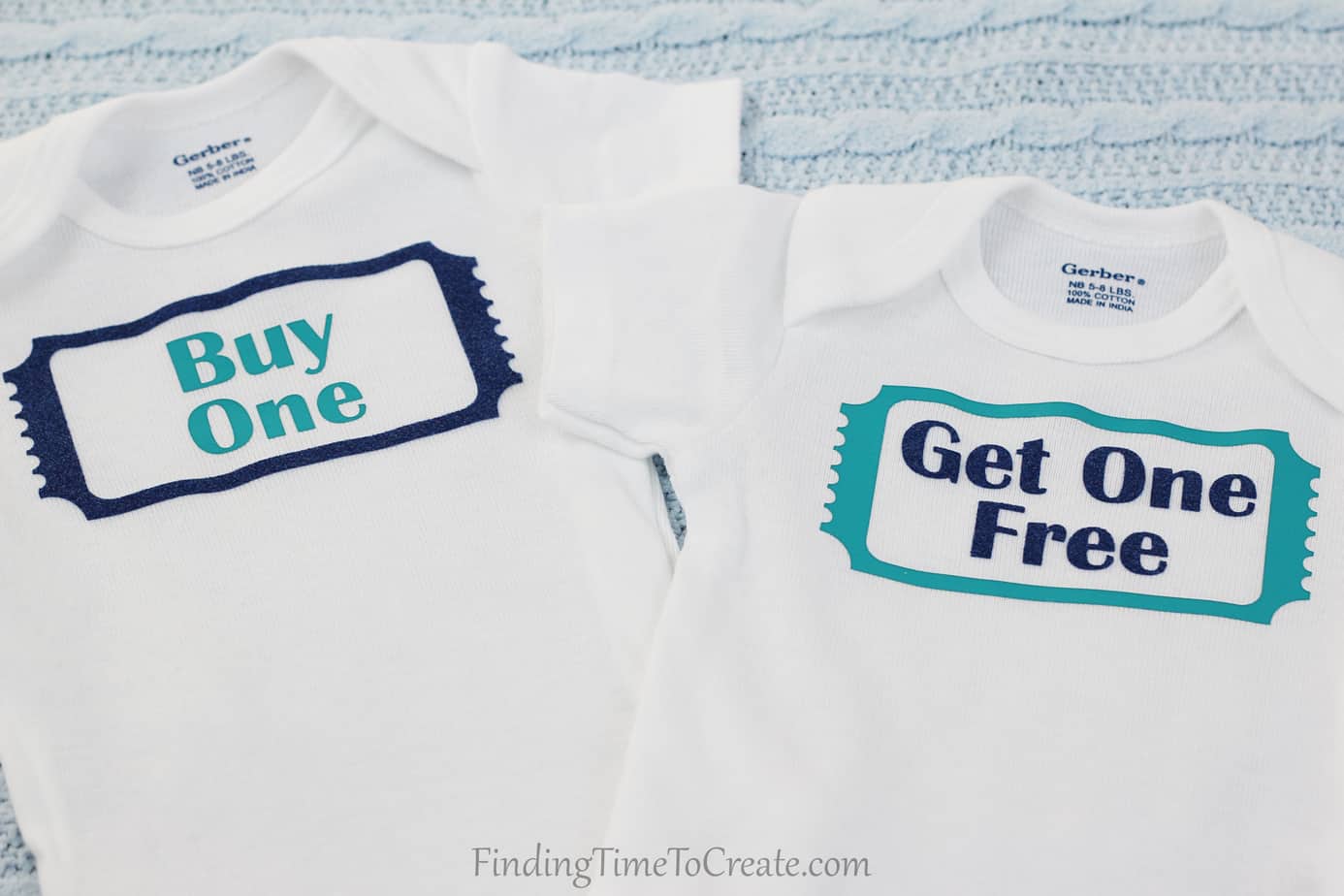
Twin Onesies I saw this idea for twin onesies years ago and Pinned it on a Pinterest board, hoping someone I know would have twins just so I could make this project. This is one of those projects where I chuckled to myself the entire 

Scratchboard Airplane

Scratchboard Airplane

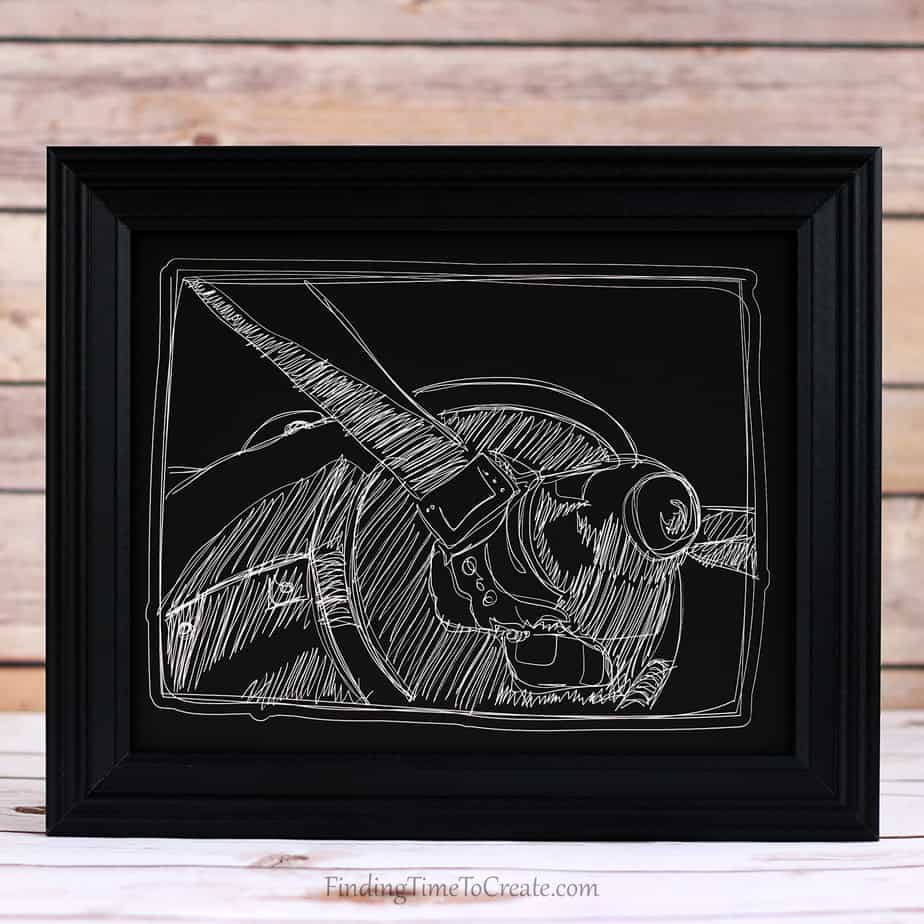
Hi, friends! I’ve got a new Silhouette Curio project for you today: a scratchboard airplane. I’ve scoured the craft stores for thick and unique materials to use in my Curio, and I love this piece I made with scratchboard. This scratchboard intrigued me, as I 

Get Away Tote

Get Away Tote

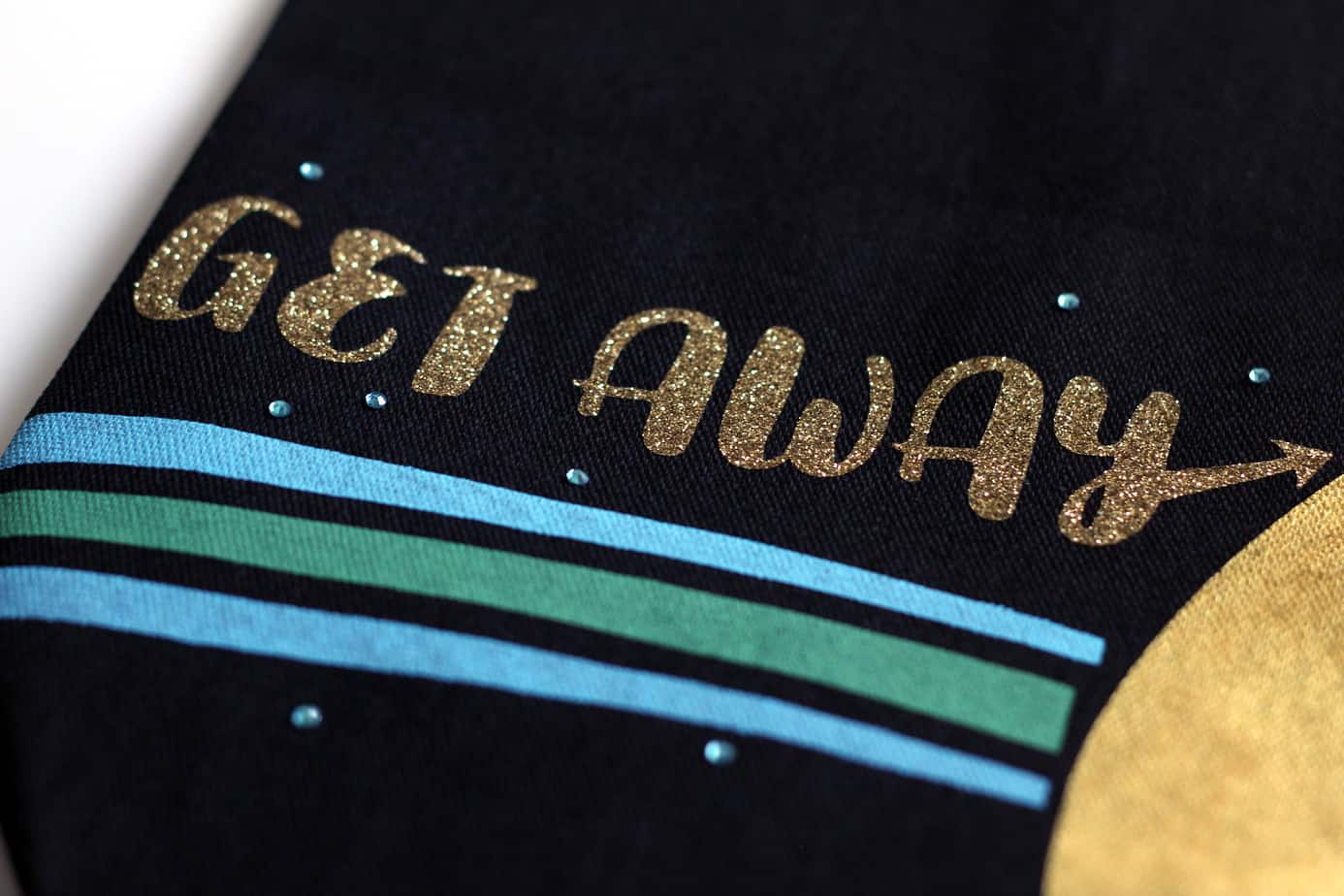
Hello, all! It’s been a while, hasn’t it? My part-time job has felt more like a full-time job with the busy U.S. tax season, and the All Things Silhouette Conference has taken up a lot of my time recently as well. (More on that in 

Multi-Color Stipple with Curio

Multi-Color Stipple with Curio

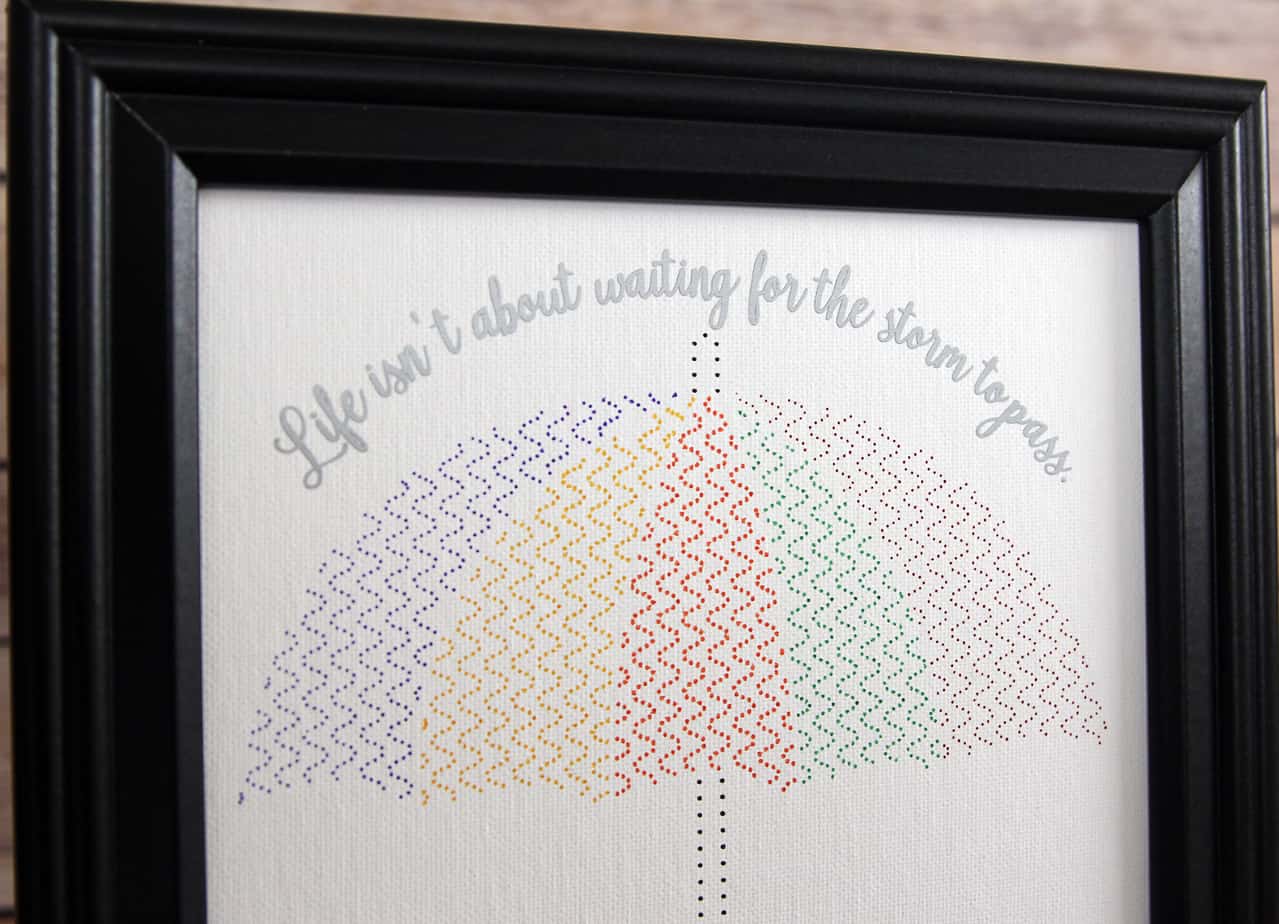
Hey, Curio fans! Here’s a new tutorial up for a multi-color stipple project with the Silhouette Curio. (Originally posted on the Silhouette America blog.)   Happy Spring! (Or happy fall to my southern-hemisphere friends.) Either way, both seasons often mean it’s time to keep an 

Butterfly Purse

Butterfly Purse

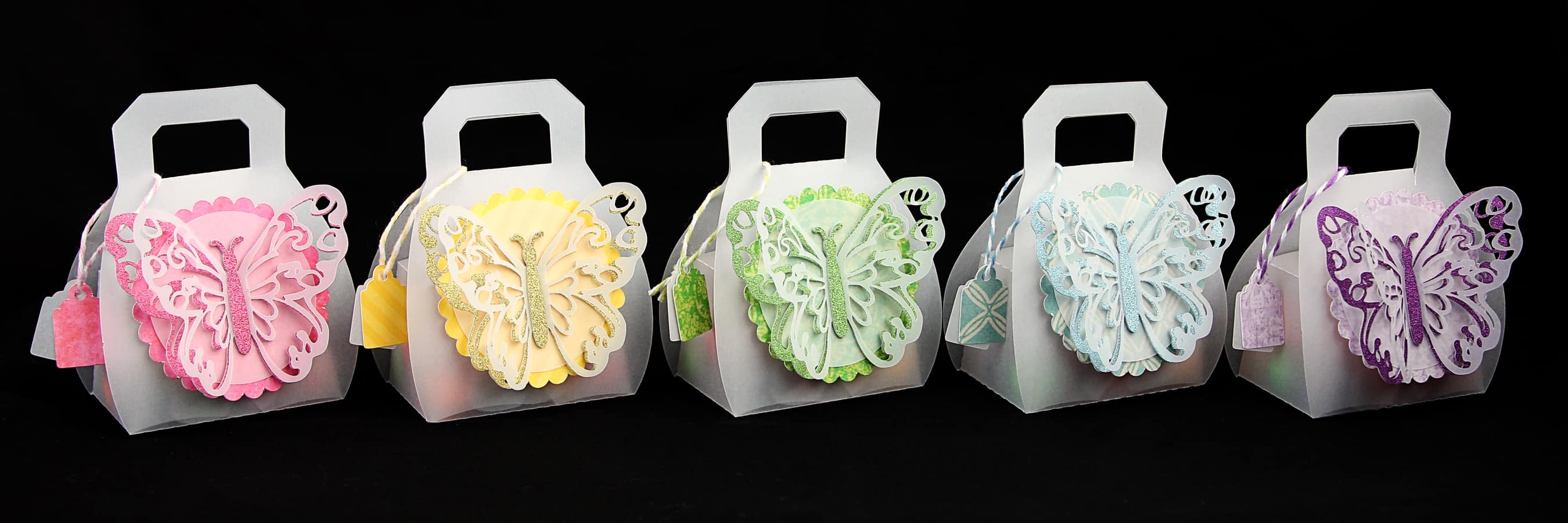
Today I’m on the Silhouette America blog, sharing this project I made using the free design of the week, along with tips for cutting intricate shapes. Check out my tutorial HERE. I couldn’t decide my favorite color, and didn’t want to overload the other post, 

Multi-Color Mint Stamp

Multi-Color Mint Stamp

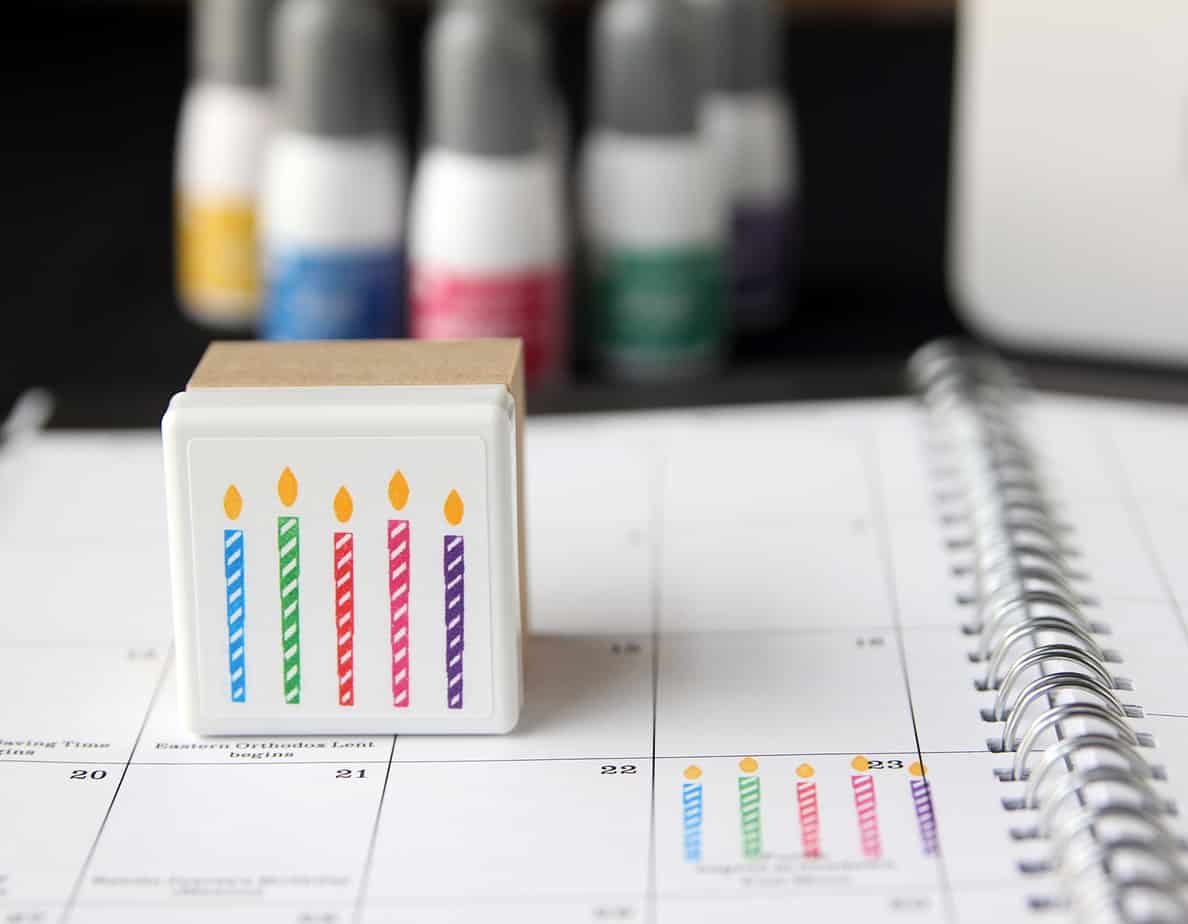
How about a colorful, custom-made, Silhouette Mint stamp tutorial today? I’m sharing all my tips for a successful Mint stamp with multiple colors over on the Silhouette America blog. Go check it out here: Multi-Color Mint Stamp You can find more of my Mint projects 

Kids’ Church Bag

Kids’ Church Bag

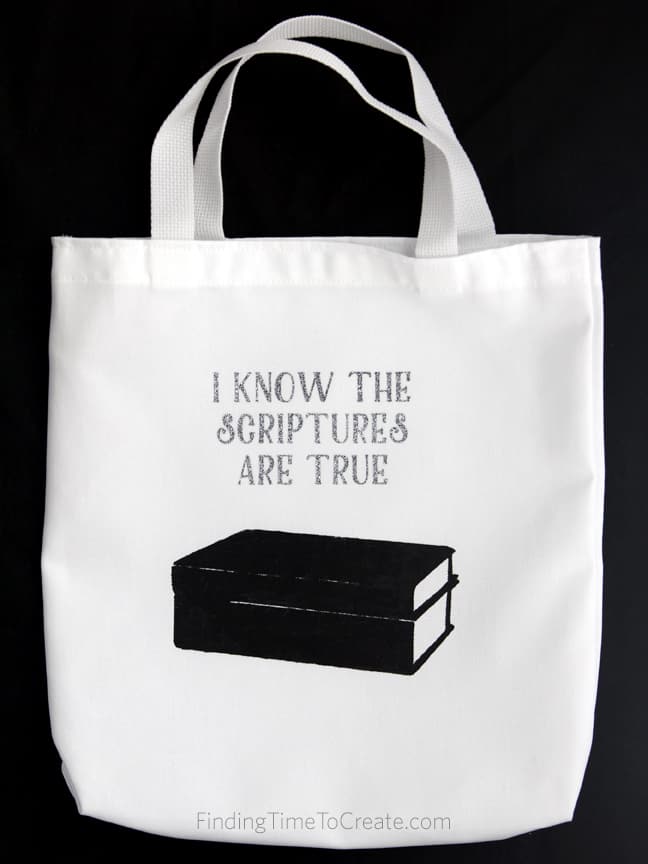
I’m doing a little 10-minute presentation tomorrow at our LDS Stake Relief Society conference. The theme is “Delight On the Sabbath,” so I chose to share a kids’ church bag idea. I’ve created a free design with the LDS 2016 Primary theme that can be 

Metal Etch Butterflies

Metal Etch Butterflies

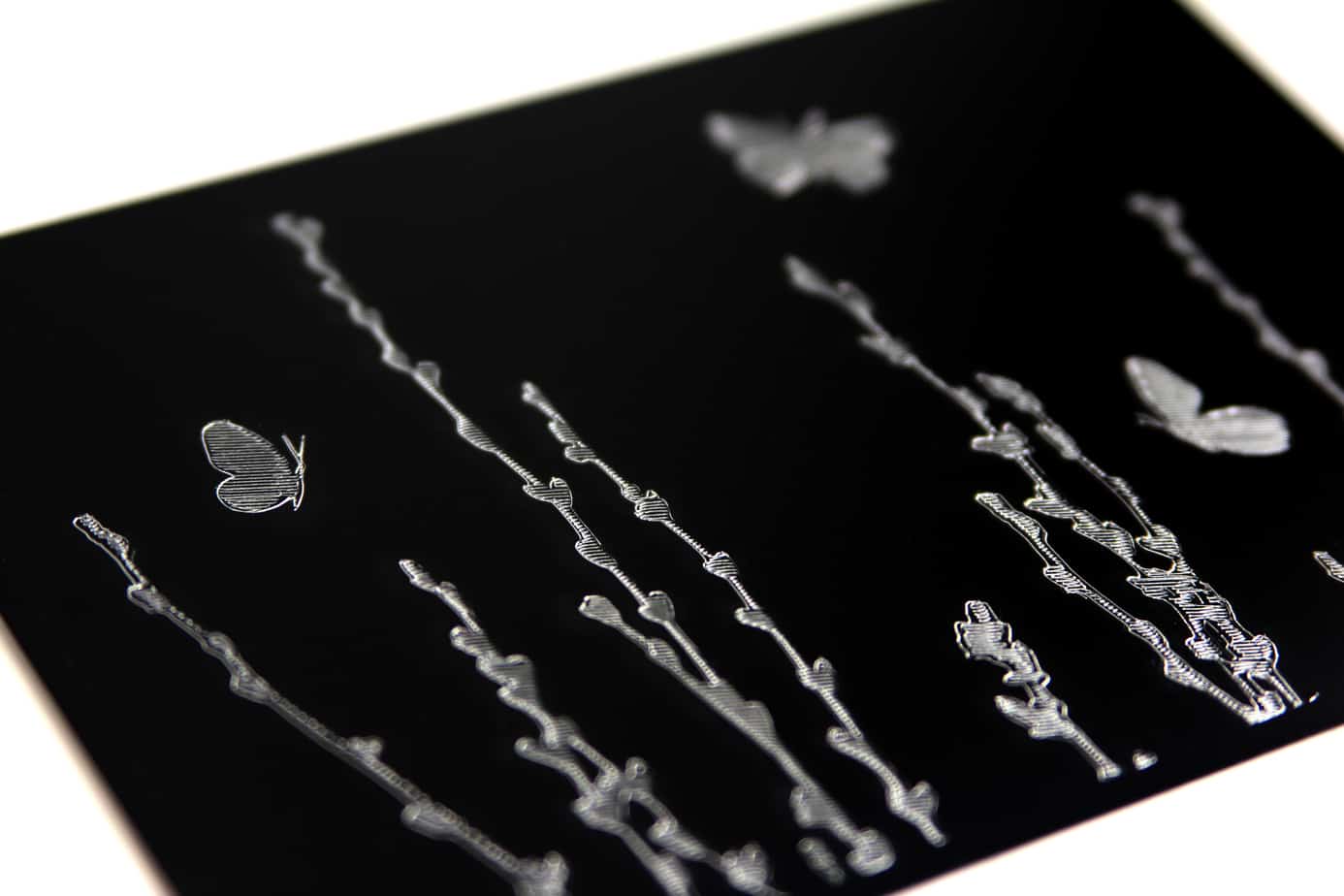
I love how this metal etch project turned out on this black metal sheet! In case you missed my original post on the Silhouette Blog, I’ve got a step-by-step tutorial for metal etching with the Silhouette Curio here. Read on! Here is what you’ll need 

Mix & Match Notes

Mix & Match Notes

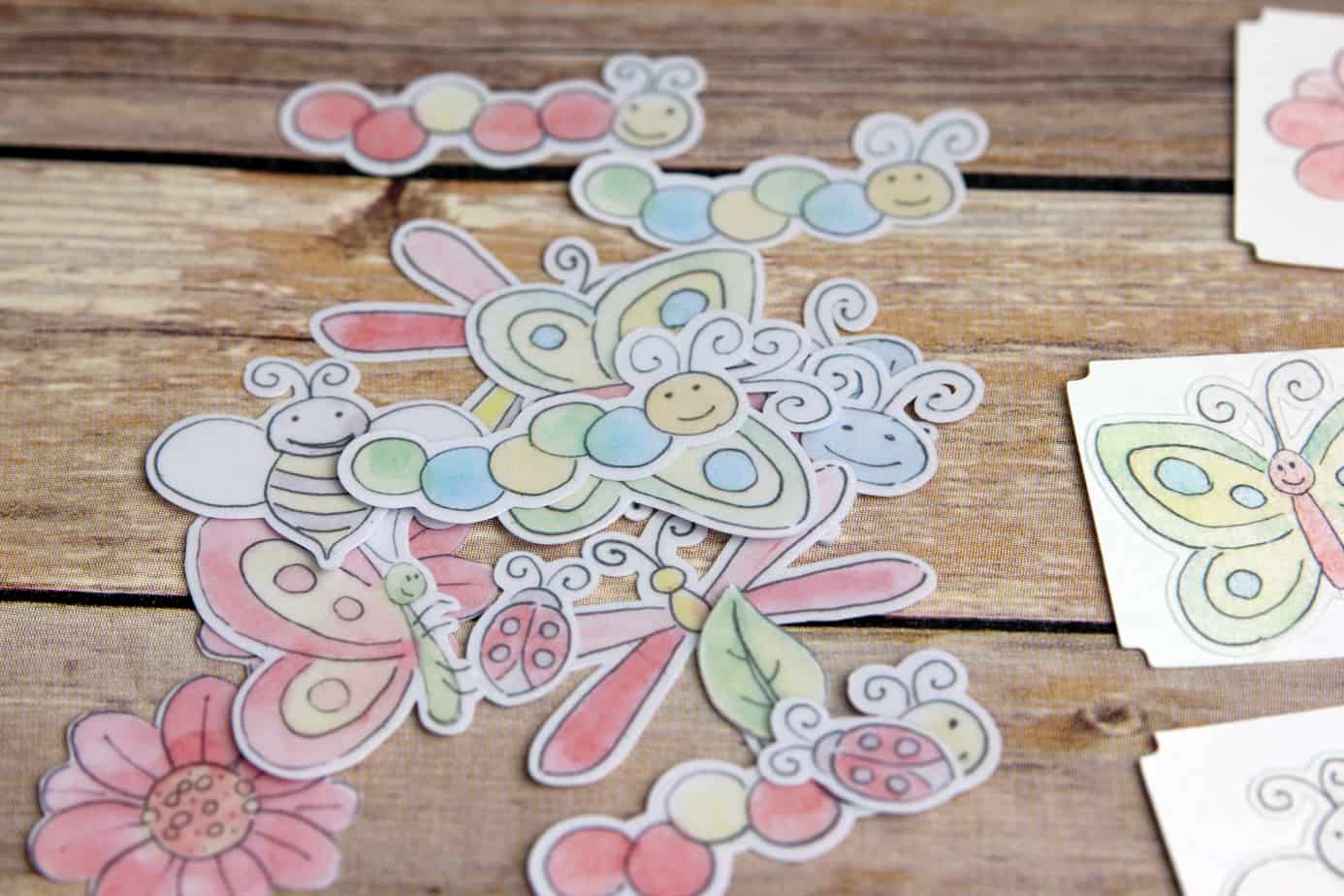
Over on the Silhouette America blog I’ve got a fun little project to share with you. I used clear and white sticker paper to create little happy note cards in a jiffy! The tutorial covers print and cut, the Modify: Crop tool, and tips for using 

Speak Kind Words | Vinyl Tutorial

Speak Kind Words | Vinyl Tutorial

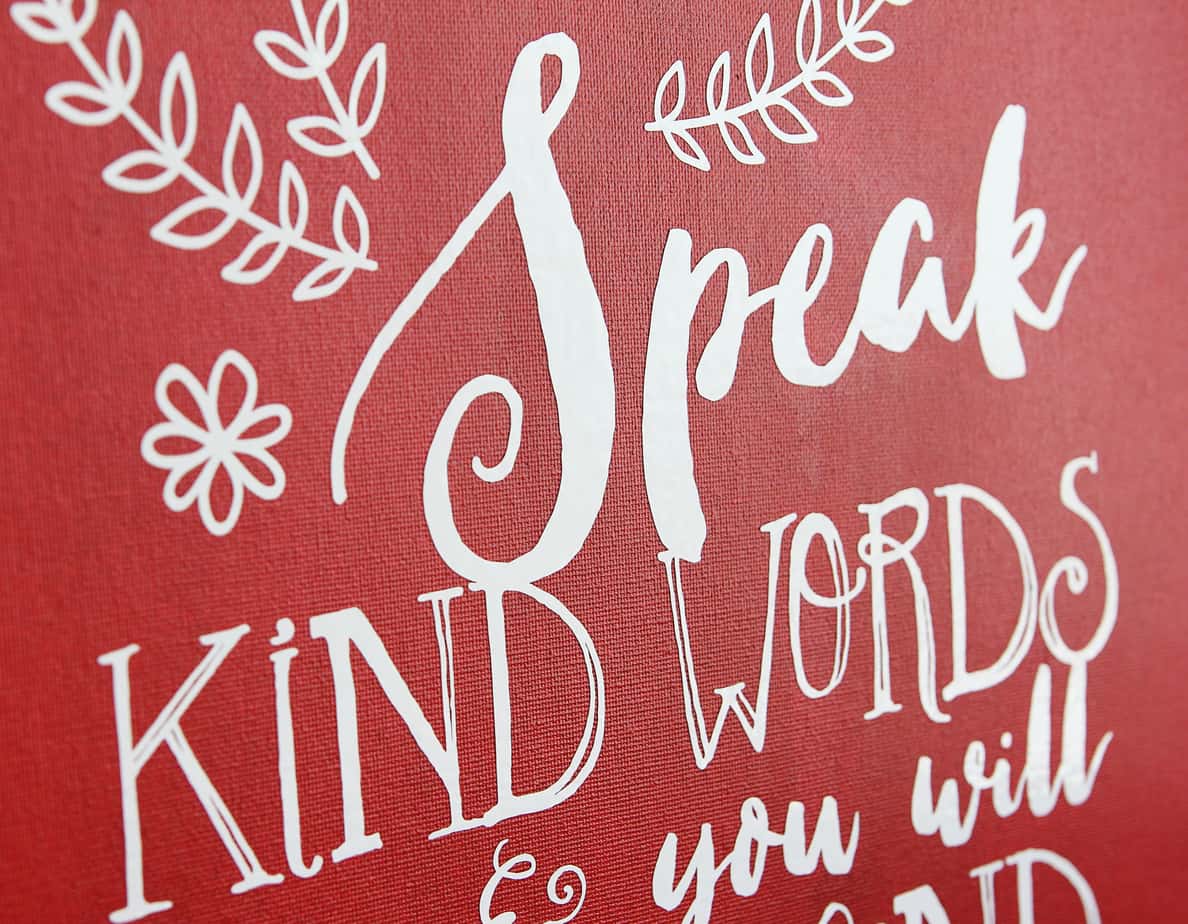
  Tutorial time! I added vinyl to this 16×20 canvas art panel with the help of my Silhouette vinyl roll feeder and my CAMEO. Here is my full vinyl tutorial with tips for using the roll feeder and for applying large vinyl designs (originally posted 

Stippled Metal Art

Stippled Metal Art

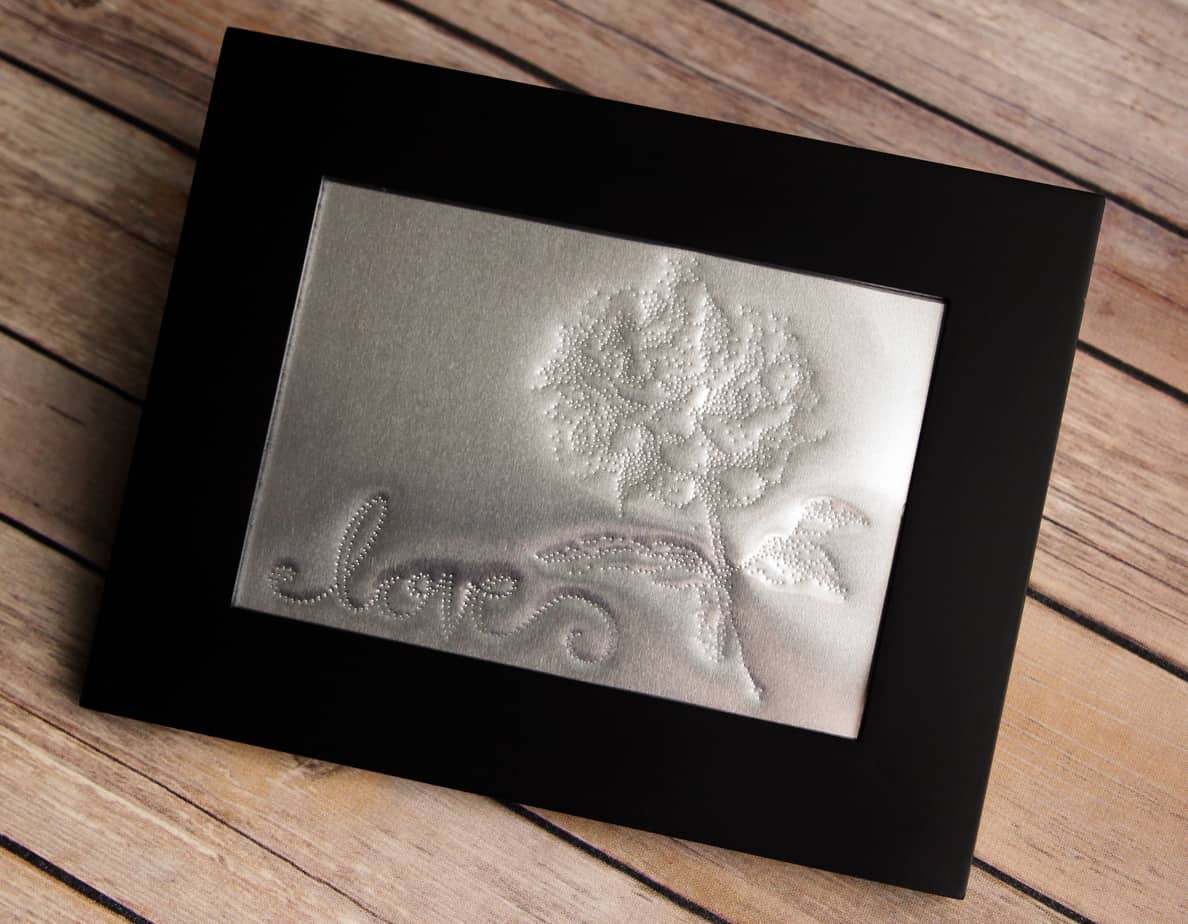
  I’m still working my way through every feature the Silhouette Curio offers, and on the Silhouette America blog I’ve shared a tutorial for creating stippled metal art. In case you missed it, here’s the full tutorial:   Supplies and Tools needed for this project 

Carousel Card

Carousel Card

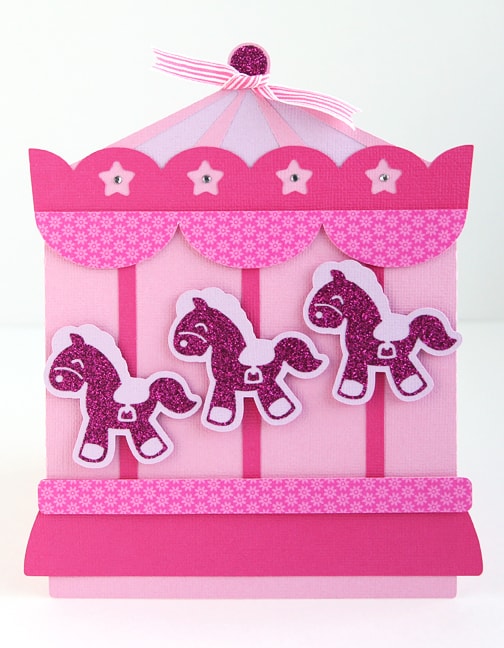
This is Silhouette’s free design of the week! A sweet baby girl carousel card. I’ve got more details and photos of this project over on the Silhouette America blog. Go grab this card kit for free before 1/26/16 and take a look at my tutorial 

Deep Cut Blade Tutorial

Deep Cut Blade Tutorial

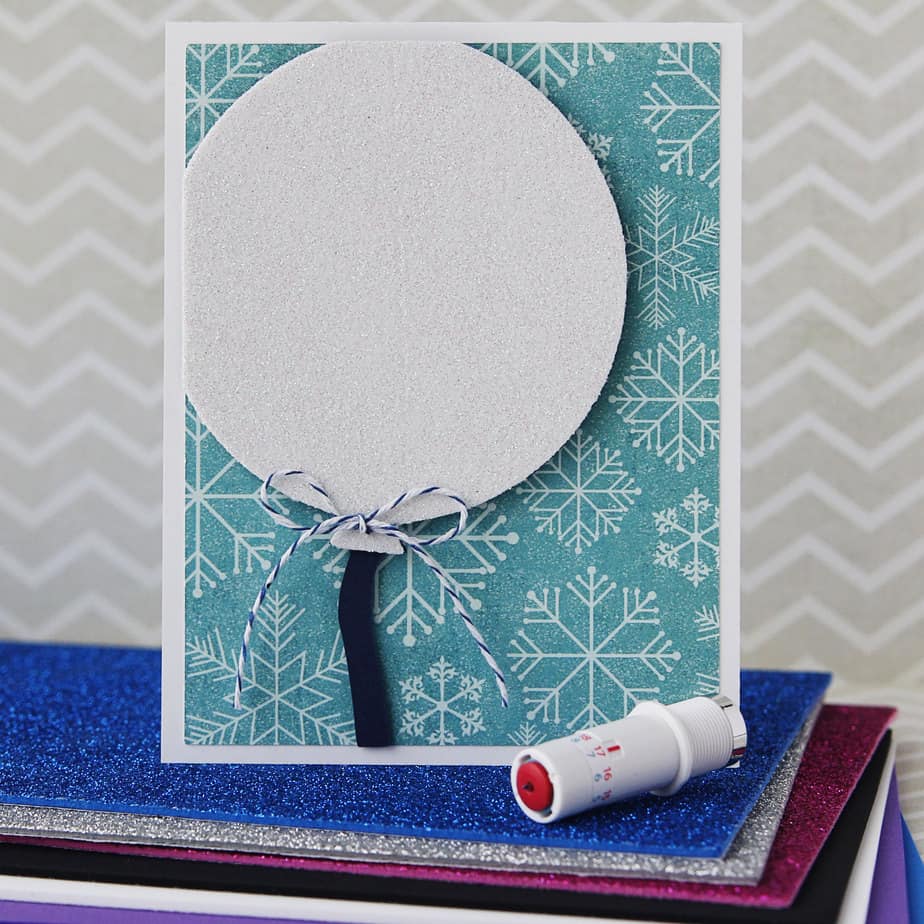
Have you tried the Silhouette deep cut blade yet? Today I want to share with you how to use this special blade. I added a glitter foam balloon to this card for my little friend’s birthday, and I think she’s really going to like it. 

Property of | Mint Kids Stamps

Property of | Mint Kids Stamps

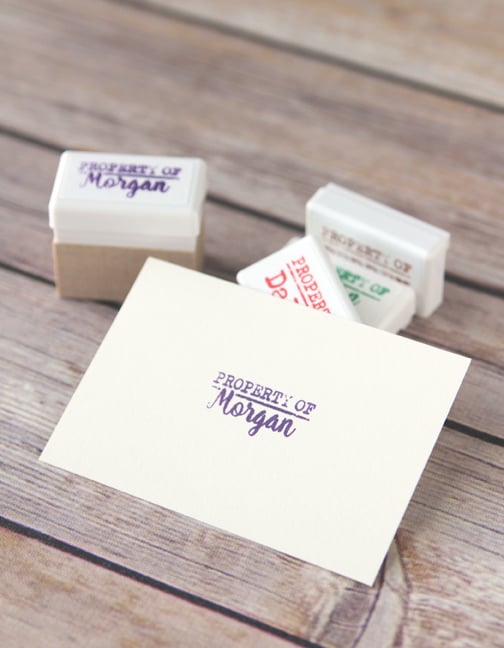
Hello, and happy new year! I’ve got another Silhouette Mint machine tutorial up on the Silhouette America blog today that shows how I created these “property of” stamps for my kids. I discuss some of the Mint Studio software features, along with step-by-step instructions for 

Fabric Ornament with PixScan

Fabric Ornament with PixScan

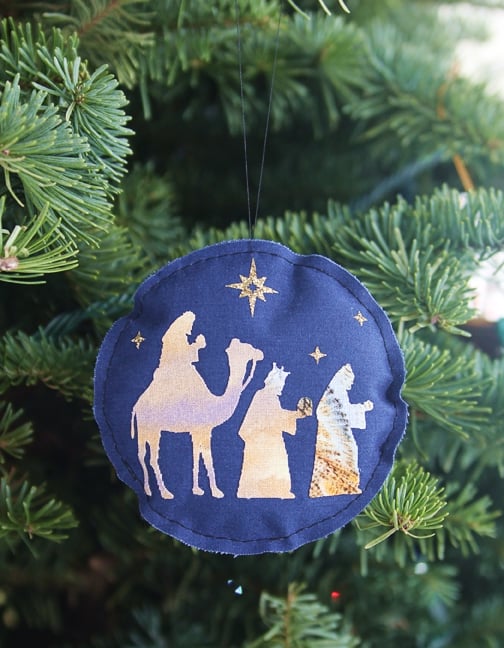
I’m here to show you another fun way to use your PixScan™ mat. I made a fabric ornament and wanted to cut my pieces from a certain part of a scrap of fabric. The PixScan™ mat allowed me to do exactly that. Read on to 

Import PDFs into Silhouette Studio

Import PDFs into Silhouette Studio

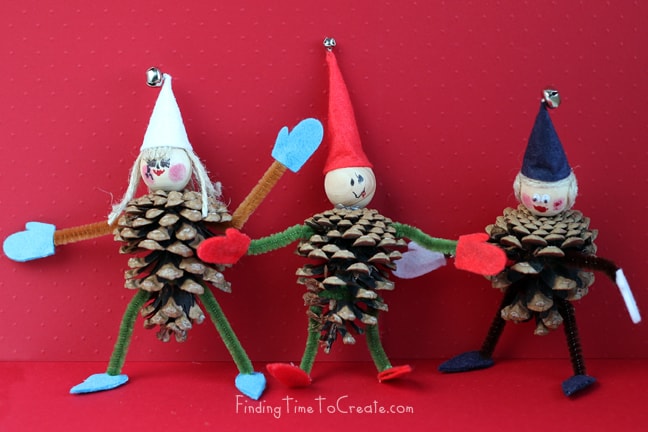
Today I want to share these pinecone elves I made with my kids as a Christmas craft. I used a Martha Stewart PDF template available online for the mittens, hat, and shoes. Of course you know if I can use my CAMEO, I will, so 

PixScan and Stamps

PixScan and Stamps

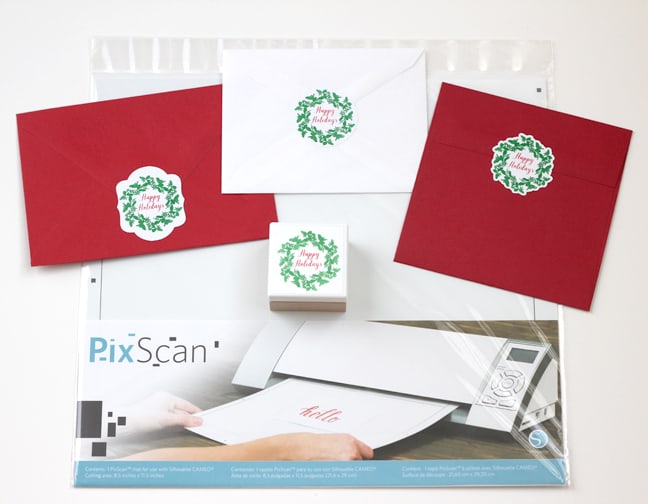
Hello! I’ve got a few Silhouette PixScan tutorials you may have already read, and today I’m adding to the list. I love this specialized mat because it can do quite a few things my CAMEO can’t do on its own. Here’s my tutorial for using 

Multi-Color Mint Stamps

Multi-Color Mint Stamps

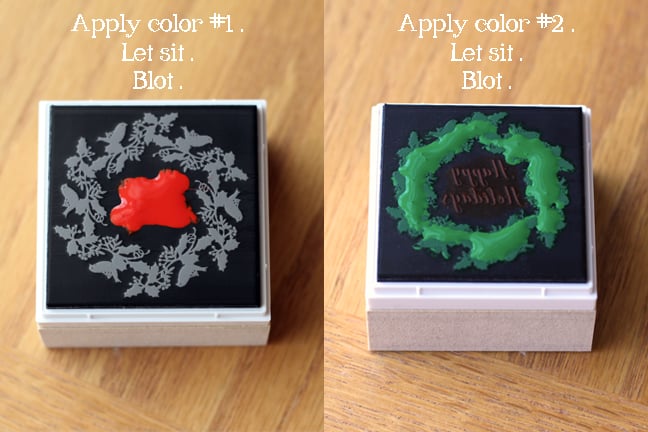
Today I’m revisiting the Silhouette Mint machine. It’s a custom stamp maker that uses a thermal printing process to turn what you design in Mint Studio into a stamp. So very cool. The ability to make a stamp with multiple colors is even better. Because 

Joy of Christmas Etched Art

Joy of Christmas Etched Art

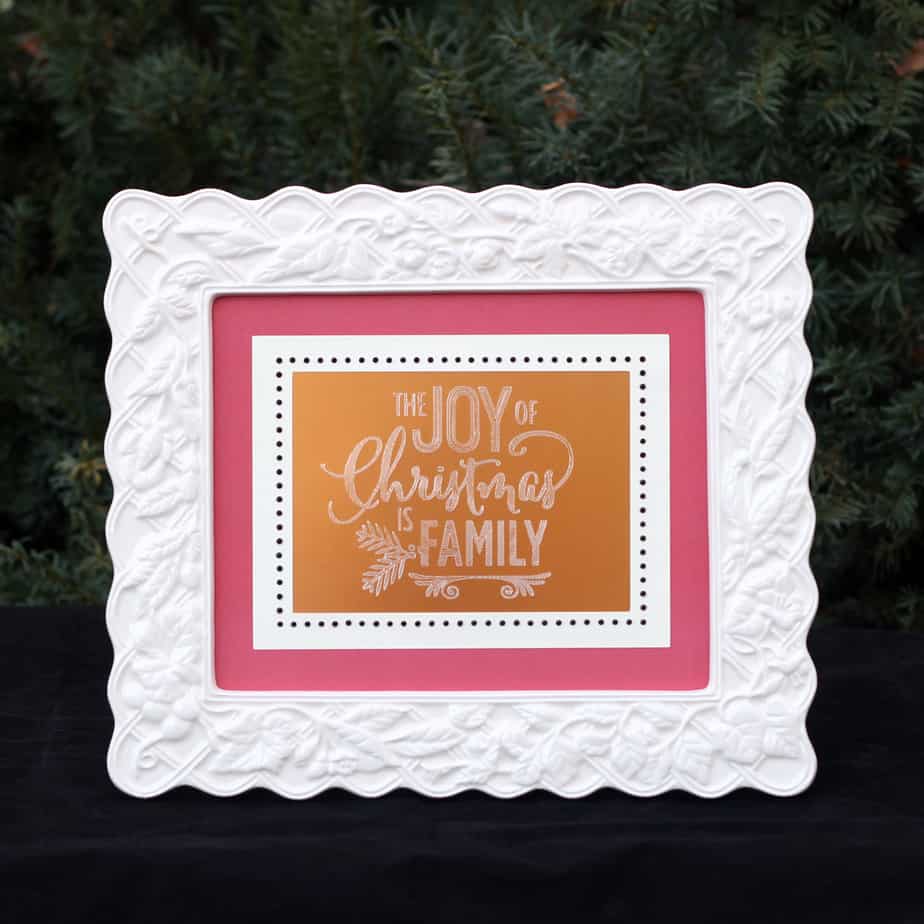
I tried my Silhouette Curio’s etching feature for this framed Christmas art, and I love it! Etching was super easy with my Curio, the stippling/etching tool, and Silhouette’s metal etching sheets. The etching sheets are 5″ x 7″ and I wanted it in this 8″ 

Silhouette Mint

Silhouette Mint

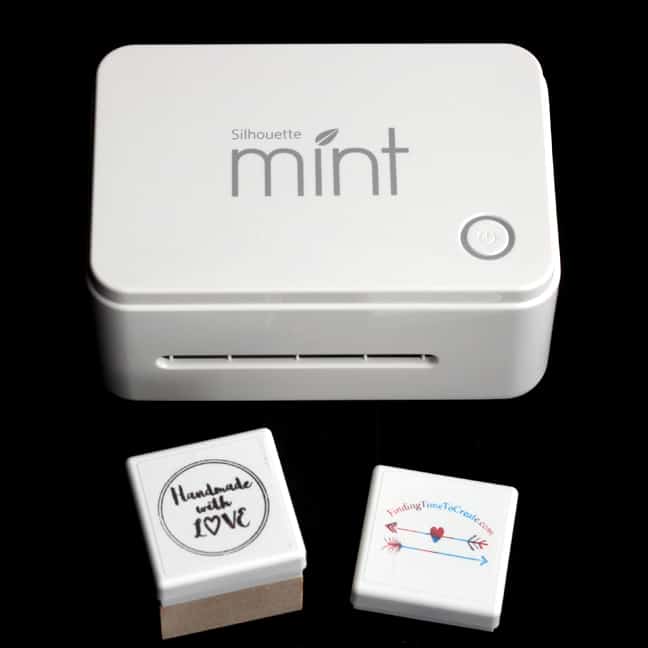
I first used the Silhouette Mint in September 2015 when I was invited to the launch party in Provo, Utah. Each of the attendees got to make their own stamp and take it home. I loved the Mint right from that first moment! As soon 

Print & Emboss Thank You Card

Print & Emboss Thank You Card

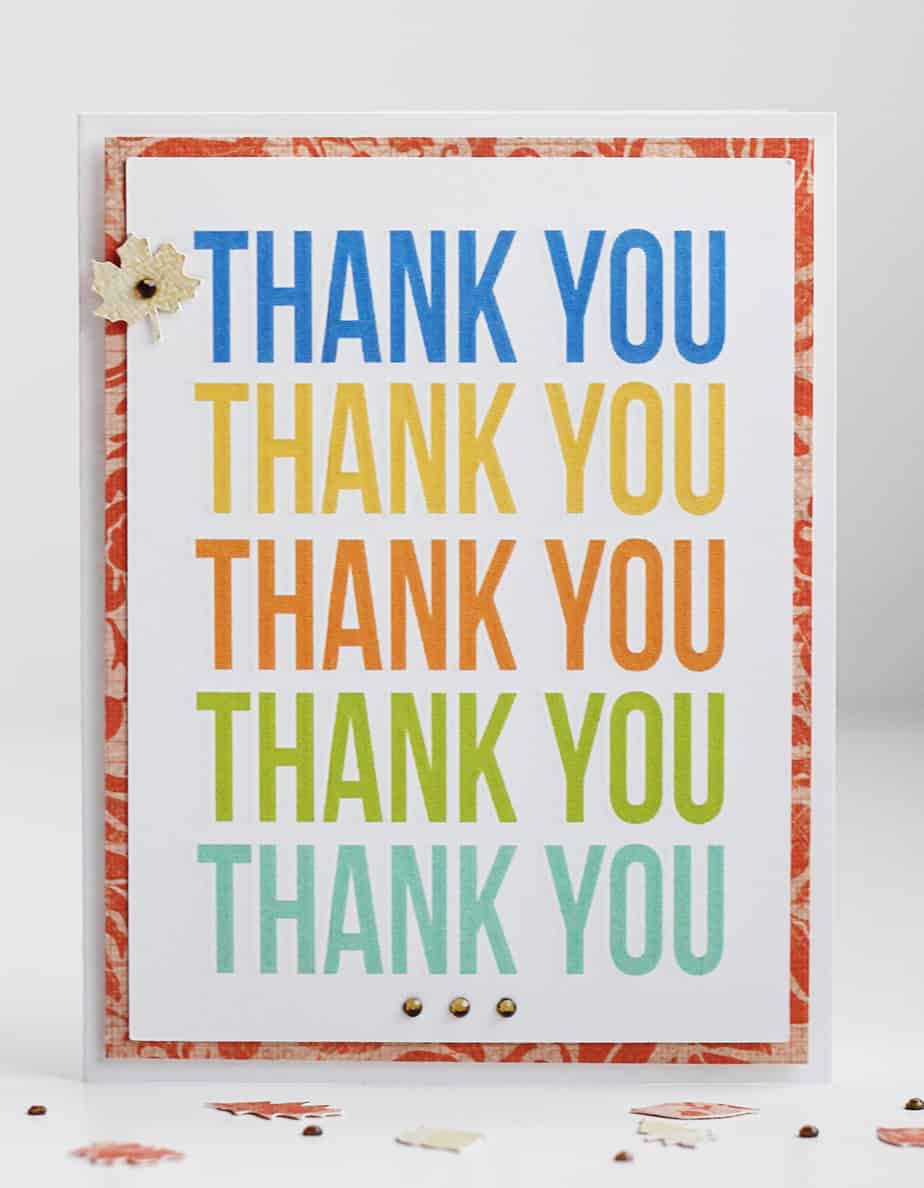
Have you tried the new Curio’s “print and emboss” feature yet? I made this card with my Curio, and I’m so “impressed” with how it turned out! All of these colorful words are embossed around the edges so the letters are gently raised above the 

Thankful Printable

Thankful Printable

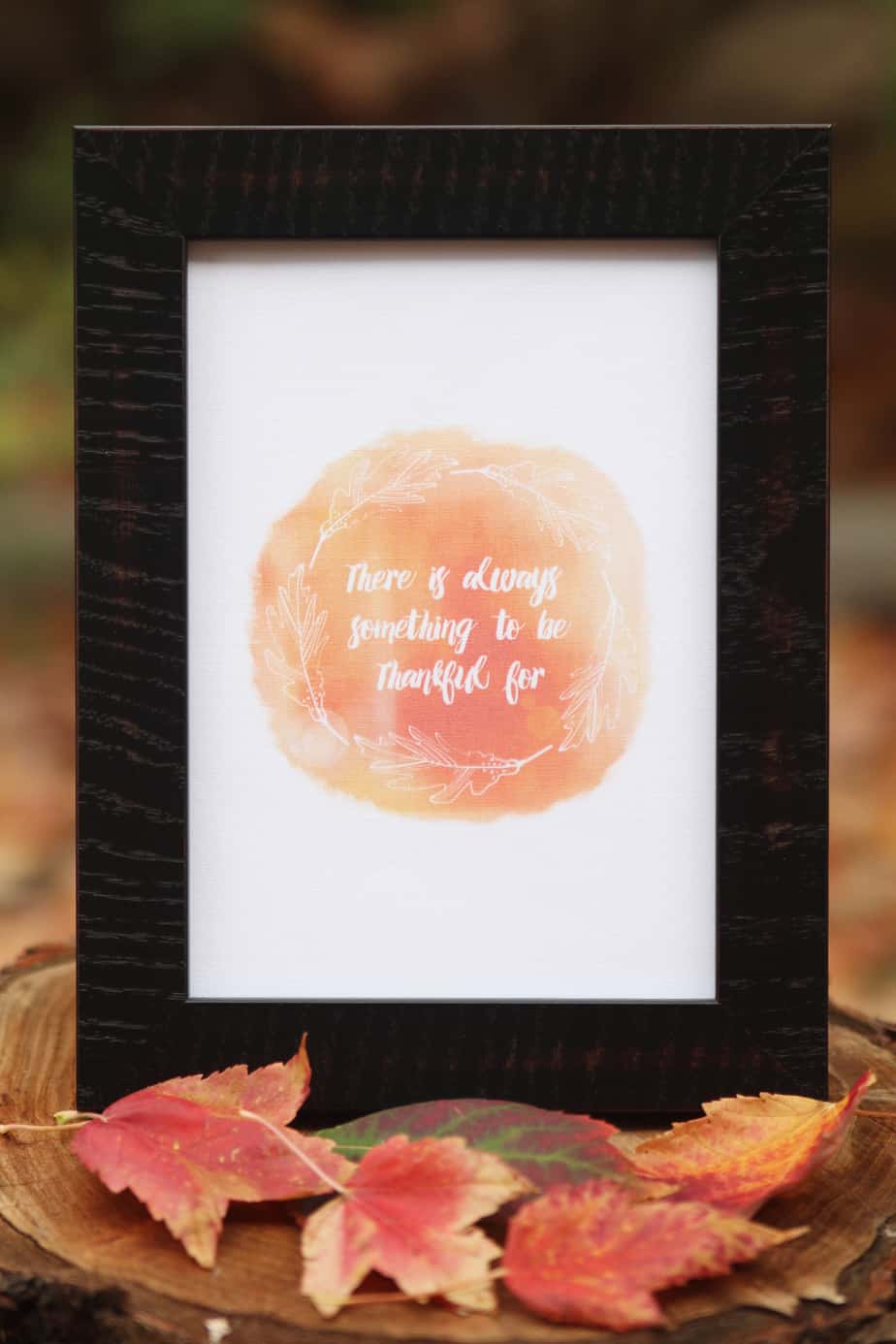
Hello, friends! I’m sharing how I used this free thankful printable design over on the Silhouette America blog today. I printed it on printable cotton fabric and then cut it with my Silhouette Curio–isn’t it glorious?! (I wish you could touch it.) I also share 

Line Color & Line Style Windows

Line Color & Line Style Windows

This video lesson covers the Line Color Window and the Line Style Window. This may seem pretty basic, but you may learn a few useful tips. Have you ever printed a Studio document only to find that nothing shows up? It’s possible you didn’t fill