3D Rosette

3D Rosette

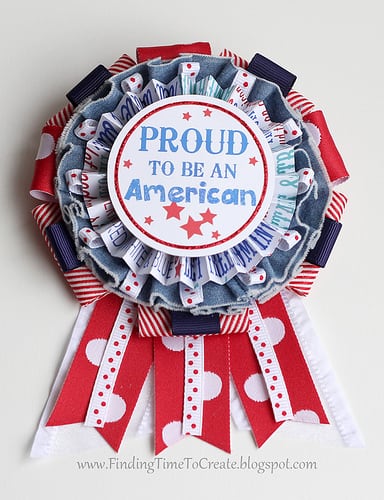
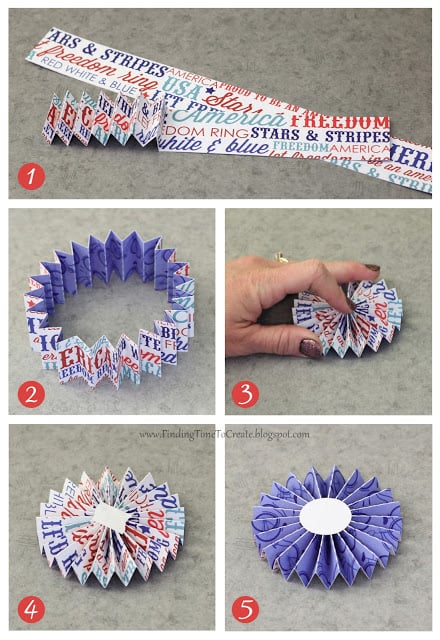
I’ll be sharing a tutorial in the next few days for a patriotic ribbon that uses a 3D rosette, but I think it will be simpler to show how to make the necessary rosette separately.  3D rosettes are fun to add to all sorts of 

Slide to Side Interactive Card (Tutorial)

Slide to Side Interactive Card (Tutorial)

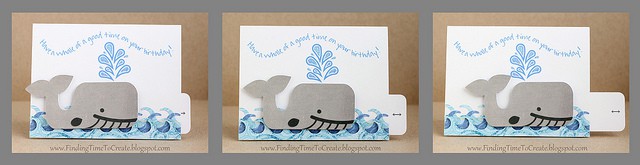
Here are the instructions to my interactive whale card.  The whale and spout were Silhouette freebies so you can make this card just like I did, or you can use this template to create any kind of moving card you want!  (Think cars, birthday cakes, 

Letterpress Success!

Letterpress Success!

I don’t often impulse buy, but when I found a special one-day deal on the Lifestyle Crafts L Letterpress set (replaced with this letterpress starter kit) with extras, I bought it.  The video made it look so easy and cool!  After my order was placed, 

Mother’s Day Mason Jar Bouquet

Mother’s Day Mason Jar Bouquet

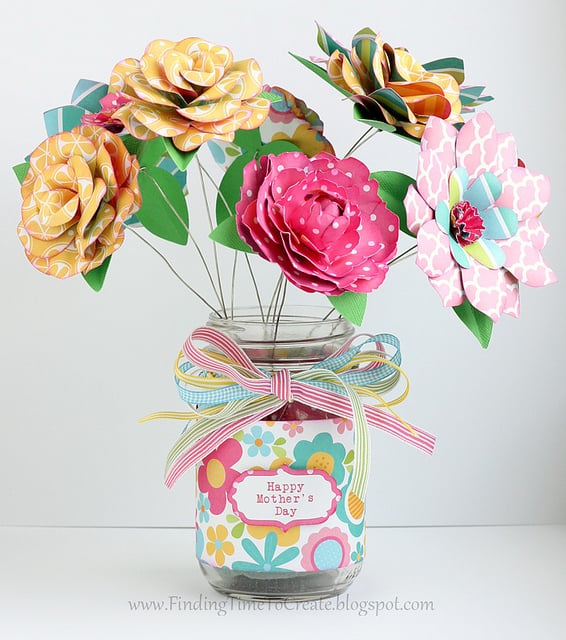
This year for my Mother’s Day project at Heartland Paper I decided to make a bouquet of paper flowers to go in a mason jar.  I like looking at mason jar ideas on Pinterest, and now I have one of my own to add. I 

Making Paper Peonies

Making Paper Peonies

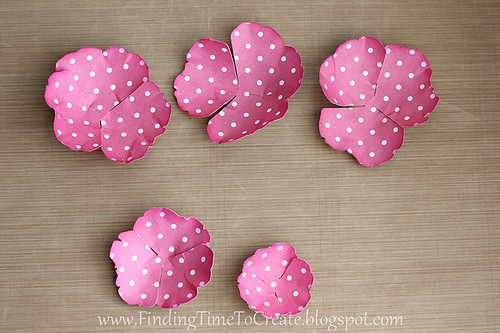
I used these paper peonies in Mother’s Day projects the last two years and want to share my technique in how to make them. Peony instructions: 1. Download my peony file and cut with your Silhouette from cardstock or pattern paper (it looks best with 

Card Set for Mother’s Day

Card Set for Mother’s Day

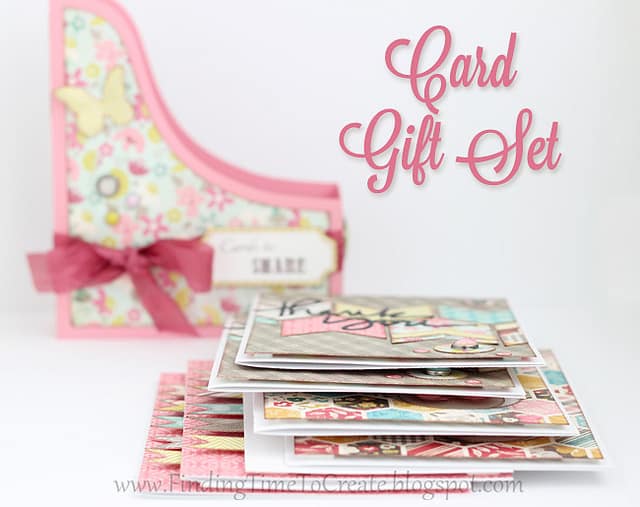
A great gift for Mother’s Day or for any friend is a set of cards ready for them to send. For this project I made a set of 6 coordinating cards (2 of each kind) in a folio box. I shared this folio box Silhouette 

SPRING 3D Letters

SPRING 3D Letters

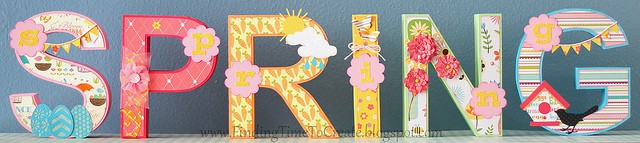
I am ready for SPRING!  Are you? I created this decorated 3D word for Heartland Paper’s design team, but if you can’t go see it in person, I’ve included lots of pictures.  Surprise, surprise. 😉   Each letter is about 6 3/4″ tall. These Spring 3D 

Farm Animals Book (Freebie!)

Farm Animals Book (Freebie!)

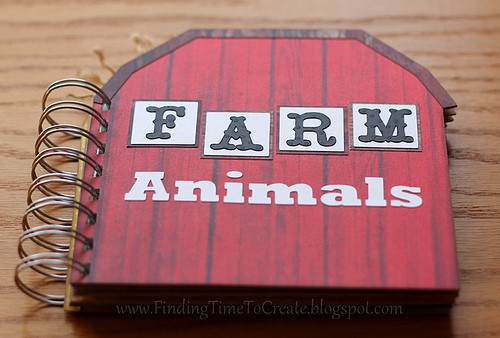
  I created a book like this years ago, based on an idea from a friend.  That was before my Silhouette, so I stamped, printed, and cut everything myself.  I laminated my original book and my kids have all enjoyed it, so I decided to 

Card Organizer

Card Organizer

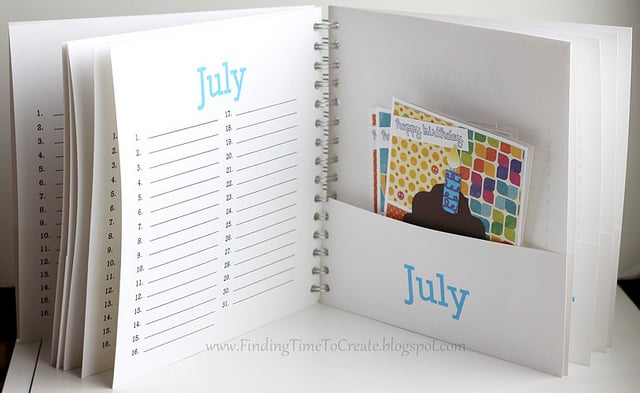
I’ve made a New Year’s Resolution to do better at sending out cards.  I love making cards, but the last couple of years I’ve usually run out of time or made other excuses not to get out birthday cards for everyone on my list.  But 

Note Holder

Note Holder

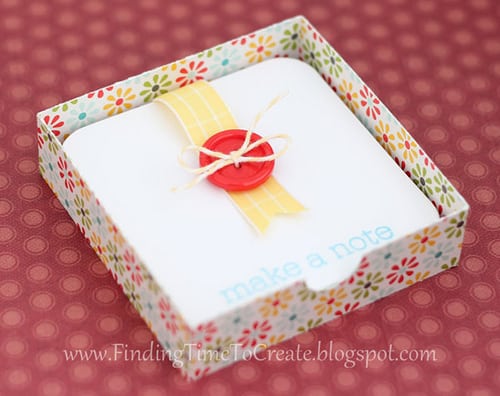
Here’s a fun note holder I found as a tutorial on Split Coast Stampers and converted it into Studio and SVG cutting files.  It’s so cute, and only takes a single piece of letter-size paper for the box itself.  It’s just a touch bigger than 

Be Happy Card

Be Happy Card

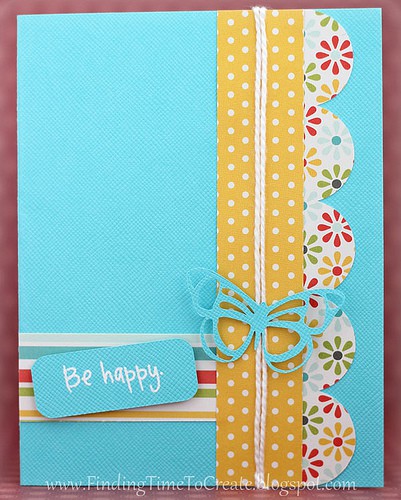
This is one of three projects I’ve made with the new “Seen and Noted” paper by Pebbles Inc.  I like the bright and cheerful colors.  I’m providing a free Studio cut file for all the shapes but the butterfly, which I purchased from the Silhouette 

Dial Calendar

Dial Calendar

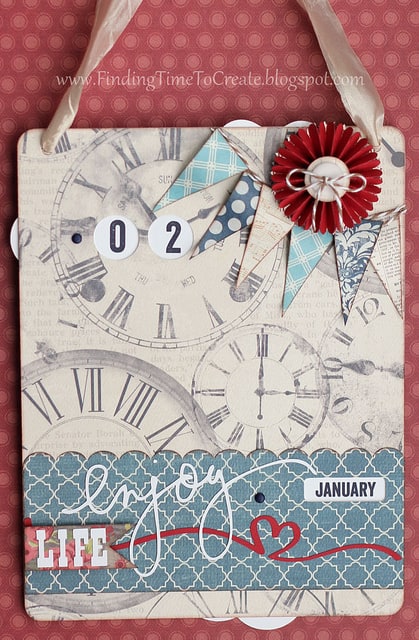
When I saw this calendar design by Samantha Walker on the Silhouette Blog a while back, I had to have it and snatched it right up! Paid the whole 99 cents for it…didn’t even wait for a sale. (Big spender here, I know.) With my 

Scrapbook Steals Blog Hop:  Adhesive Washi Sheets

Scrapbook Steals Blog Hop: Adhesive Washi Sheets

I can’t tell you how excited I am to be a part of the Scrapbook Steals blog hop!  I jumped at the chance to be a guest designer for some mystery product from the website that brings me a new amazing deal every day (twice)! 

Christmas Countdown

Christmas Countdown

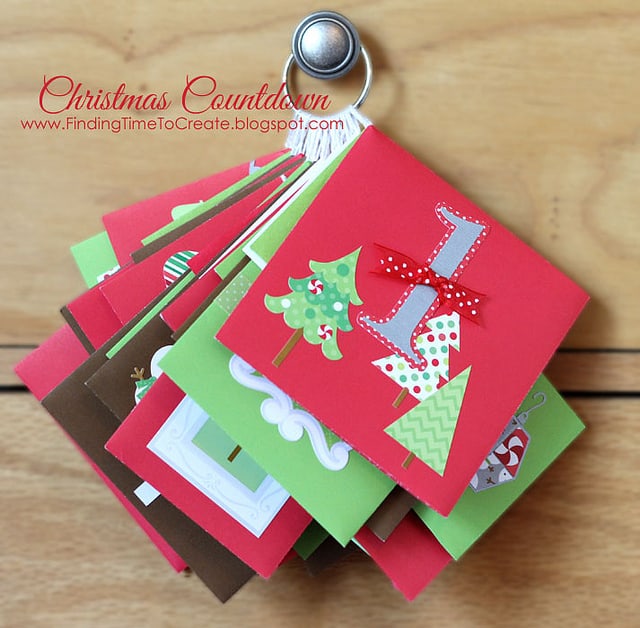
Here’s a Christmas Countdown project I made for Heartland Paper’s design team.  I had a lot of fun decorating each envelope a little differently for 25 days in December.  The star of the show (besides the adorable Doodlebug Design envelopes, cards, and new North Pole 

Perpetual Flip Calendar

Perpetual Flip Calendar

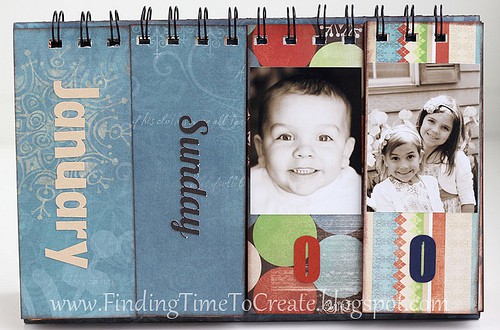
This is a project I’ve wanted to make for years.  I saved an image of someone’s flip calendar on my computer in an “inspiration” folder ages ago and am so happy to have finally made it!  I used my Silhouette Cameo to cut the titles 

Grandma Word Album Tutorial–Part 2

Grandma Word Album Tutorial–Part 2

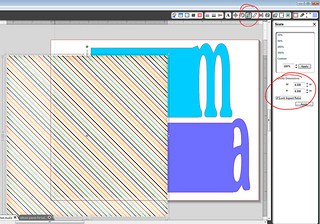
This tutorial is in response to those who have designed a word album in Silhouette Studio based on my instructions from this post, but who don’t have a Silhouette machine to cut it out.  Please note that there are some tips for printing and some 

Tutorial:  Grandma Word Album

Tutorial: Grandma Word Album

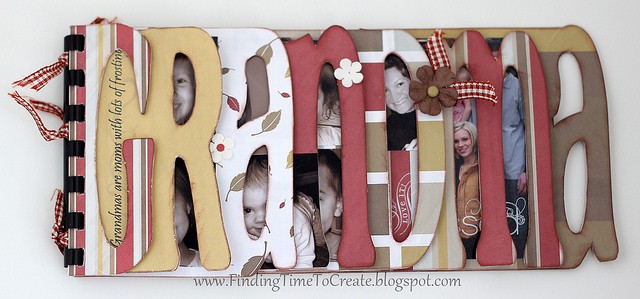
Here is the tutorial I promised for making your own Grandma Word Album with Silhouette Studio.  This can be adapted to make an album out of any word you choose.  Just so you know, National Grandparents Day is September 9, 2012.  (It’s the first Sunday 

Brigham City Vinyl Tutorial

Brigham City Vinyl Tutorial

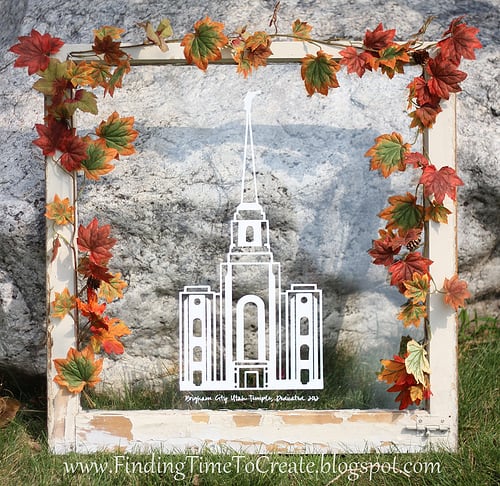
I sent 50 vinyl cutouts to be sold at Just Bee Scrappin’ in Brigham City, Utah, and want to make sure anyone who purchases them knows how to apply vinyl.  I’ve done all the cutting and weeding for those cutouts, but you can also grab 

Tutorial:  Opening a PDF file in Silhouette Studio (for Windows)

Tutorial: Opening a PDF file in Silhouette Studio (for Windows)

Update 02-08-2016: As with most software tutorials, they become outdated as new technology and updates come along. The tutorial below was written in 2012 using Silhouette Studio version 2. If you have Silhouette Studio Designer Edition (version 3 and up), please see this alternative video 

Make a Scalloped Oval using Text to Path in Silhouette Studio

Make a Scalloped Oval using Text to Path in Silhouette Studio

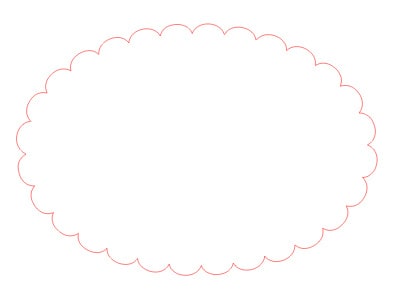
I posted this tutorial months ago in the Silhouette Plus forum, but I guess I never posted it here on my blog. Now I’ve made a video tutorial, and the written instructions follow below.   1. Make an oval. 2. Make a text box with 

Silhouette Studio Tutorial:  Adding Custom Media Settings

Silhouette Studio Tutorial: Adding Custom Media Settings

Note: This post was originally written in July 2012 for adding custom media settings in Silhouette Studio. The screen shots still apply to the Legacy version 2 of Silhouette Studio, and have changed only slightly for version 3. The process is still about the same 

Silhouette Tutorial:  Design a Custom Envelope

Silhouette Tutorial: Design a Custom Envelope

I was asked how to design a 4×6″ envelope in Studio without having to purchase an envelope file from the online store. I love a challenge and had some time, so I made this video tutorial to share with you. You can use these techniques 

Silhouette Studio Tutorial:  Flourish Frame for Cards

Silhouette Studio Tutorial: Flourish Frame for Cards

I recently taught a class on using the Modify tools in Silhouette Studio to combine background designs with other shapes.  We made this project: And in preparation for the class I made another fun frame, which I used in this project: I was asked again 

Somebody Stop Me!  Fabric Frenzy

Somebody Stop Me! Fabric Frenzy

Here’s the long-awaited post on more fabric flowers with the Silhouette, tutorials included. (Sorry it took me so long. Has it only been a week since I taught this class?) I spent last week preparing for my Silhouette Silly class at Heartland Paper, where I 

Fabric Interfacing:  Print and Cut

Fabric Interfacing: Print and Cut

All of the elements on this card are cut from fabric. Yup, you heard me. I made a fabric card! (Mounted on a white cardstock base.) Last week I taught a class on Silhouette fabric interfacing, and boy did I have fun getting ready for