All Things Studio: Free Video Class
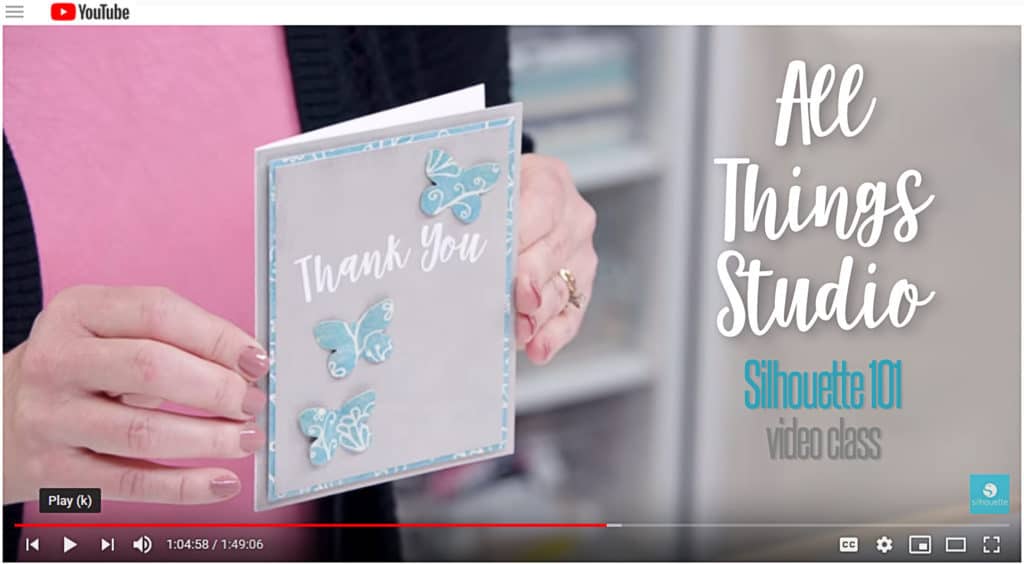
All Things Studio Class
My latest Silhouette class is available now on YouTube! It’s called All Things Studio, and it’s all about designing in Silhouette Studio. This one’s a bit longer than my others, but it’s packed with material you can watch again and again so you can become a pro at the design tools available in Silhouette Studio.
Links to Lessons
Here’s a peek at some of the projects I make with each lesson. Even if you don’t want to make these projects exactly, by following the techniques in the lessons, you’ll learn skills to help you design for your own needs! Click each link highlighted below to go to that specific lesson.
Introduction, Software Tour, and Preferences (start at the beginning)
Lesson 1: Designing with Library Designs
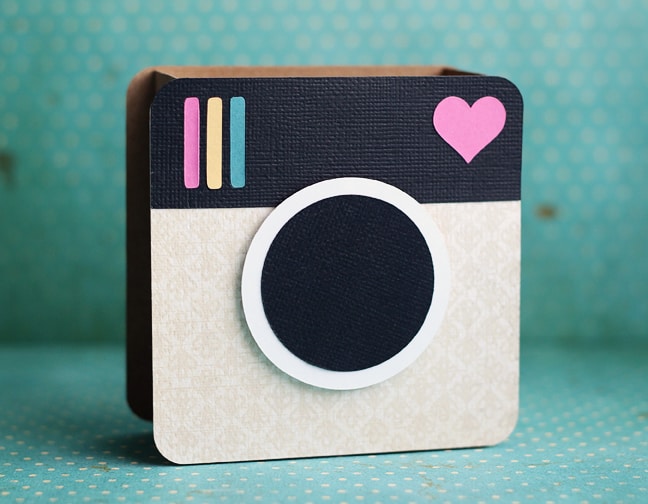
Lesson 2: Modifying Existing Designs
Crayon box
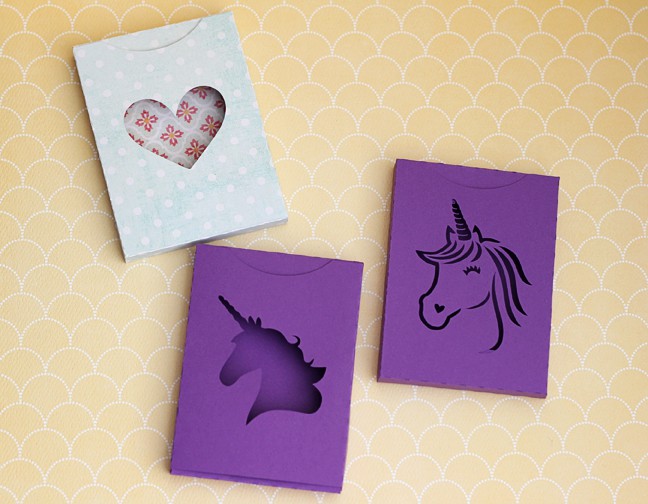
Flamingo Card
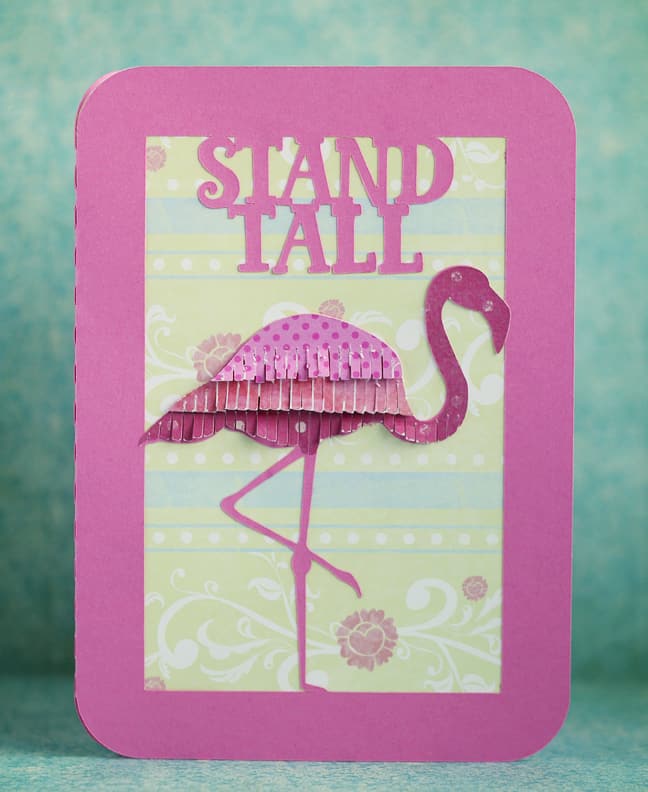
Lesson 3: Designing with Drawing Tools
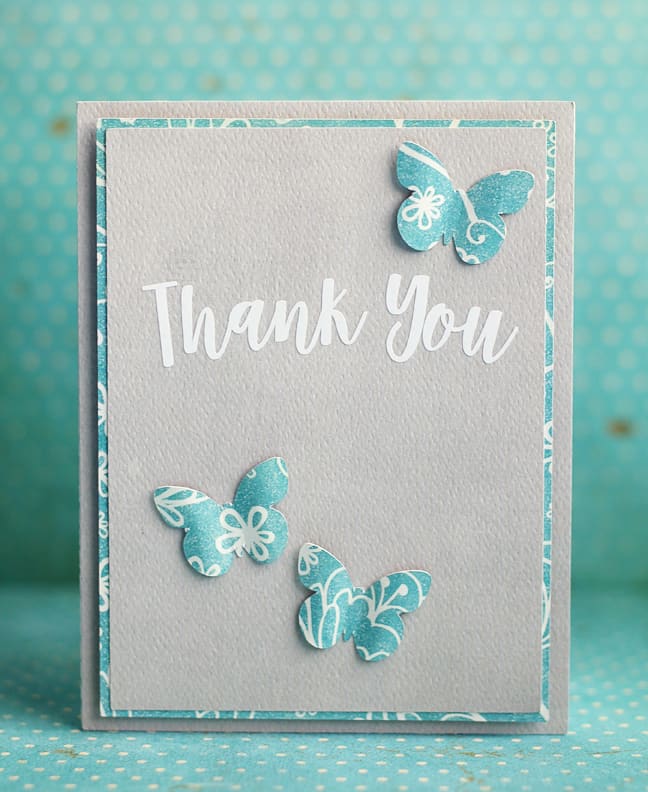
Lesson 4: Specialty Design Tools
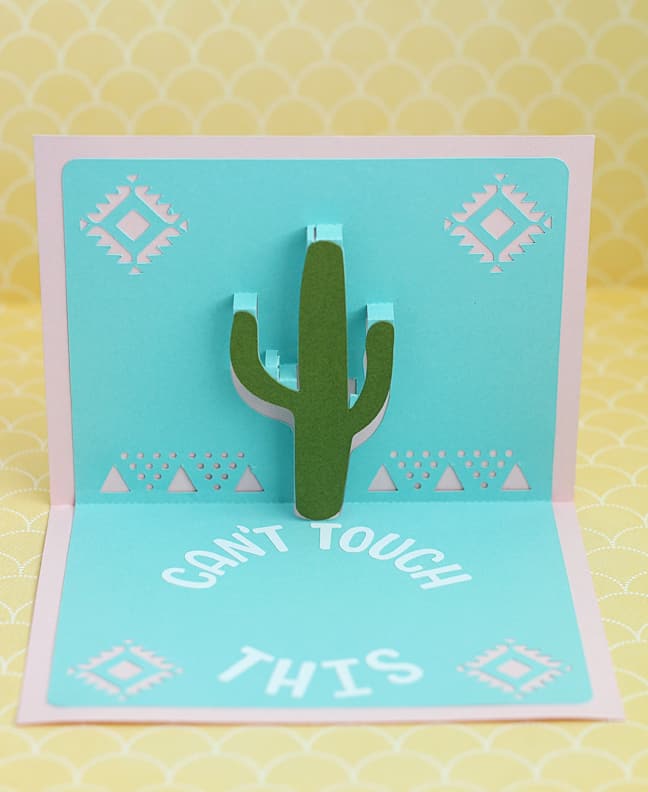
Popup Creator
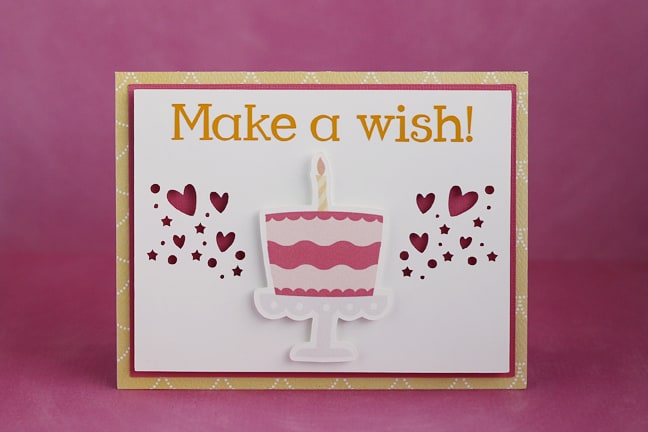
Warp Tool
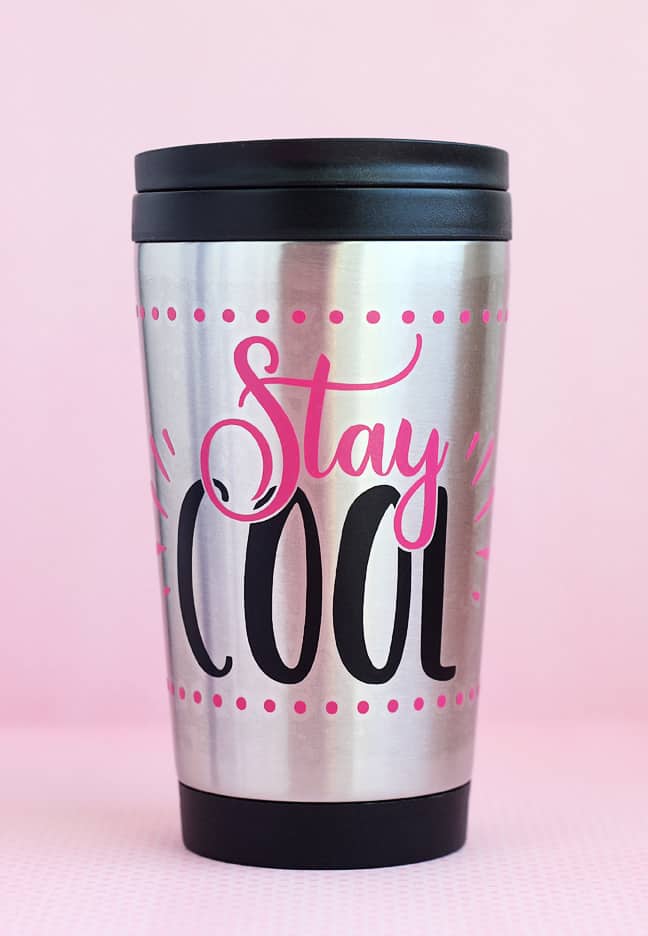
Conical Warp Tool
Conclusion
I hope you enjoy the class! Please let me know if you have any questions or comments.
Designs used:
- 3D Instant Camera Box #62406
- Crayon Box #118370
- Unicorn Profile #134030
- Unicorn Lines #249820
- Fringe Flamingo #205510
- Tinsel Font #233605
- Salma Desire Script Font #240199
- Can’t Touch This #260021
- Aztec Card #145493
- Seeing Triangles Border #78060
- EP Cake & Cakestand #64003
- Heart Confetti #246268
- LW Creative Font #75441
- Amastery Font Duo #243652

really enjoyed your video, liked that you showed how to actually make design after designing in software
Thank you, Karin! I love being able to show the whole process.