Silhouette Support Series Videos
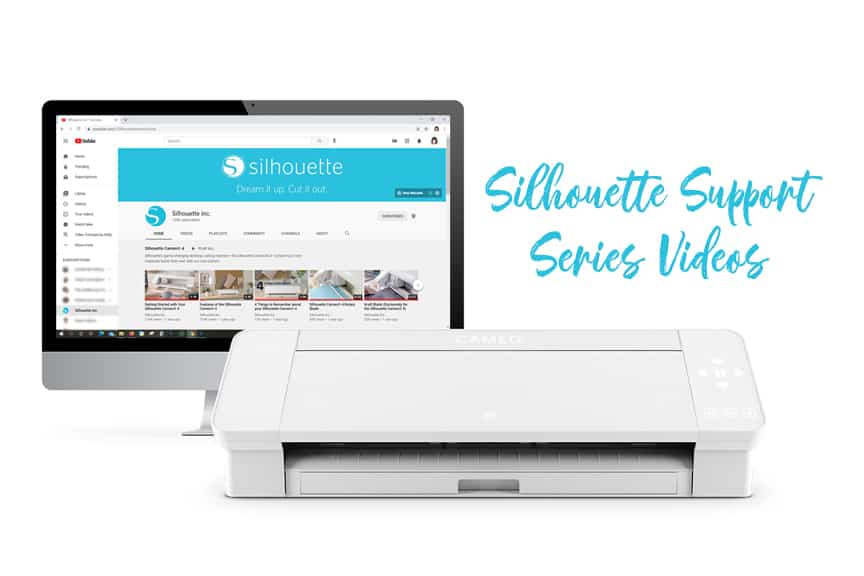
Check out these Silhouette Support Series Videos I’ve filmed with Silhouette America over the past several months. The videos are targeted towards beginners and those who are struggling with broad categories such as blade maintenance, cutting mats, etc. I filmed these with Silhouette so their support staff could direct users to these videos when troubleshooting common issues. Click each link below to watch on YouTube.
Silhouette Support Series Videos
Silhouette Cutting Machine Maintenance
View the full playlist to find these same videos with subtitles in various languages here.
Recently Added:
Using the Silhouette Rotary Blade
Using the Silhouette Ratchet Blade
Using the Silhouette Punch Tool
Using the Silhouette Deep-Cut Blade
Using the Silhouette Premium Blade
I had less control over what went into these support videos, so they may not be as interesting as my project-based classes. But I hope you find them helpful!
Subscribe to the Silhouette Inc. YouTube channel for more helpful videos. Turn on notifications to get updates when they post any new content. (A lot of their videos are by yours truly.)
Additional Support
Find my classes covering all the common materials and machines in my Silhouette 101 Learning Series. They include working with vinyl, heat transfer, customizing apparel, glass etching, Print & Cut, PixScan, Silhouette Mint, Silhouette Alta, designing in Silhouette Studio, and more!

Hi,
I have the original Silhouette Cameo machine and tons of vinyl, pens and cutting tools that I never used from over 6 years ago. I wondered if I need to upgrade my machine to the cameo 4 or if your projects can be done on the original silhouette cameo?
Any tips on where to get started if I haven’t used my machine in many years? It is a bit intimidating!
Thanks,
Melanie
Hi Melanie! Most of the projects I share still work with any Cameo model, and often I will include in my post if it does need a specific machine. If your original Cameo still works, I say use it! I’ve been posting tutorials since before that machine existed, so you should find plenty. I suggest starting with my Silhouette 101 Learning Series classes and ebooks. Start at the top with Vinyl All the Things, and work your way down. Even if you don’t intend to cut with that material, work through the software to get familiar with it. These classes were filmed with the Cameo 3, so keep in mind when cutting that you’ll use your black blade that has to be manually adjusted before sending to cut (as opposed to the autoblade on newer models that adjusts itself based on your settings). Let me know if you have more questions! I’m here to help. 🙂