
Free Planner Stickers
This week’s free design by Silhouette America is a set of New Year’s planner stickers. Have you grabbed them yet? I’m sharing how I used them over on the Silhouette blog today. Go check it out!
Crafty Projects and Silhouette Inspiration and Instruction
This week’s free design by Silhouette America is a set of New Year’s planner stickers. Have you grabbed them yet? I’m sharing how I used them over on the Silhouette blog today. Go check it out!
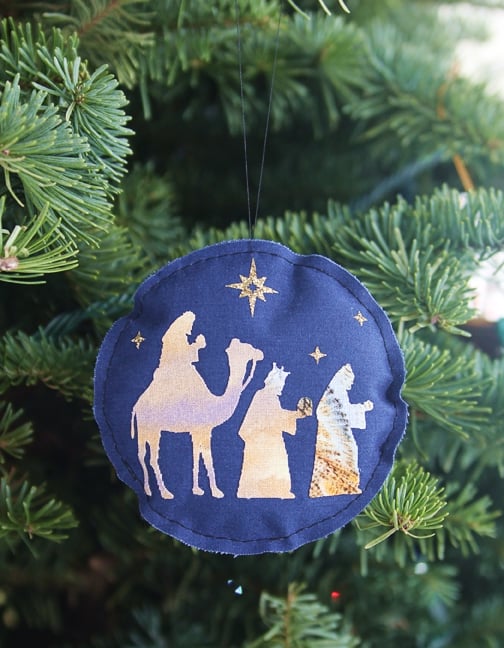
I’m here to show you another fun way to use your PixScan™ mat. I made a fabric ornament and wanted to cut my pieces from a certain part of a scrap of fabric. The PixScan™ mat allowed me to do exactly that. Read on to …
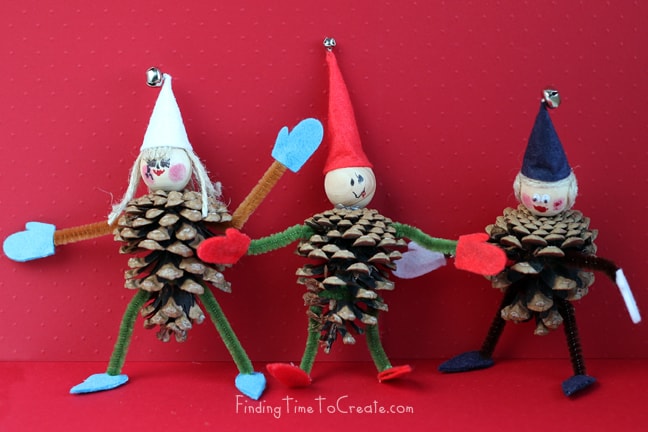
Today I want to share these pinecone elves I made with my kids as a Christmas craft. I used a Martha Stewart PDF template available online for the mittens, hat, and shoes. Of course you know if I can use my CAMEO, I will, so …
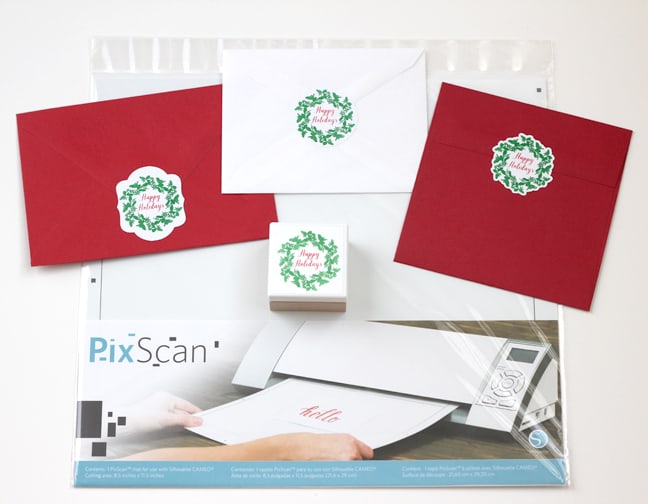
Hello! I’ve got a few Silhouette PixScan tutorials you may have already read, and today I’m adding to the list. I love this specialized mat because it can do quite a few things my CAMEO can’t do on its own. Here’s my tutorial for using …
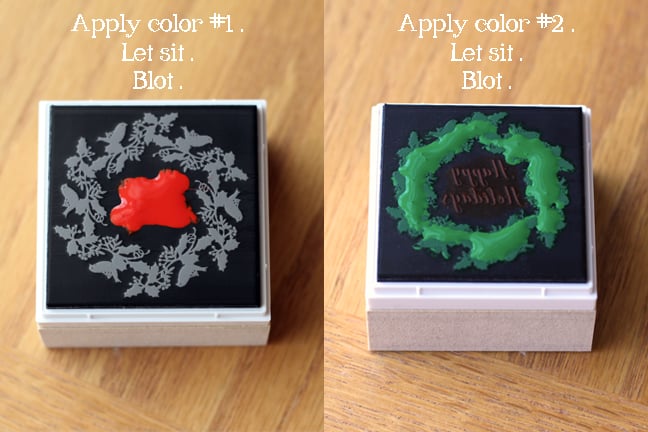
Today I’m revisiting the Silhouette Mint machine. It’s a custom stamp maker that uses a thermal printing process to turn what you design in Mint Studio into a stamp. So very cool. The ability to make a stamp with multiple colors is even better. Because …

I don’t know if you heard about the All Things Silhouette Conference this past November, but I did, and I heard it was a big success. Well, my big news is I get to be a presenter at the next All Things Silhouette Conference in …
