Silhouette Studio for Beginners
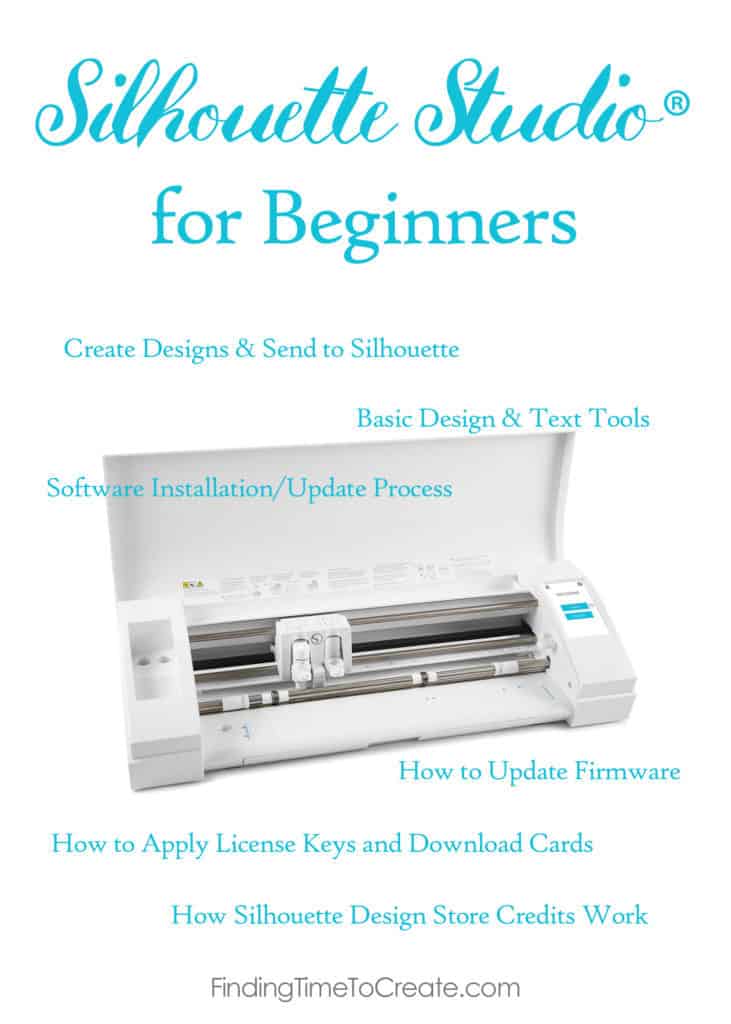
You’ll find six video tutorials below for some of the most basic things to know when getting started with your new Silhouette machine. It’s the beginning of my compilation of Silhouette Studio for Beginners. I have nearly 70 videos (to date) to share with you on Silhouette Studio version 4, so my focus is putting them out in related batches over the coming weeks.
I’ve been teaching all levels of Silhouette students and users for many years (including lots of beginners), and these are videos I’ve created for Silhouette America’s YouTube channel.
Free Beginner Videos
But now on to the free videos. These supplement my Craftsy class, so I think you’ll get a lot out of these YouTube videos even if you take my Craftsy class before (or after) watching them. The following videos use Silhouette Studio version 4.1 and are for all editions (Basic and higher).
Here are the videos you’ll find below (some dive right into the software, and some provide great background information as you get started):
- Create Designs and Send to Silhouette
- Basic Design & Text Tools
- Software Update Process
- How to Update Firmware
- How to Apply License Keys and Download Cards
- How Silhouette Design Store Credits Work
Create Designs and Send to Silhouette
(Design used = Autumn Leaf #48824)
Basic Design and Text Tools
(Fonts used = KB Lemon & Honey font #161806; Beachy font #137774)
Software Update Process
How to Update Firmware
How to Apply License Keys and Download Cards
How Silhouette Design Store Credits Work
Subscribe to my blog for more videos on Silhouette Studio version 4 coming this week and next, and make sure to Pin this post so we can get more videos out there for Silhouette Studio! Thank you!
This post may contain affiliate links. Your price is the same, but I may receive a small commission when you use my links. Thanks for your support!

I’m into RC cars. I want to create and make my own “sponsor” decals. I’ve already tried copy/pasting a logo onto a word document then printing on a color printer using vinyl decal paper. The outcome is so so but I want to create my own images and making my own decals. How do I get started? I basically know nothing about computers so I have to admit my hesitancy and reluctance to jump in. Any advice would be greatly appreciated.
Hi Bryan. The Silhouette Cameo or Portrait would be a great machine to do that, and after watching a few videos on Silhouette Studio you should have an idea of where to start. If you don’t already have a machine, you can download Silhouette Studio for free and try it out! I recommend watching my class on Print & Cut Perfection, and also watch my software tutorial on tracing. You can also create a logo from scratch in Silhouette Studio by using the Text tool and various drawing tools. Let me know if you have more specific questions after watching these videos!