Introducing the Silhouette Portrait 3
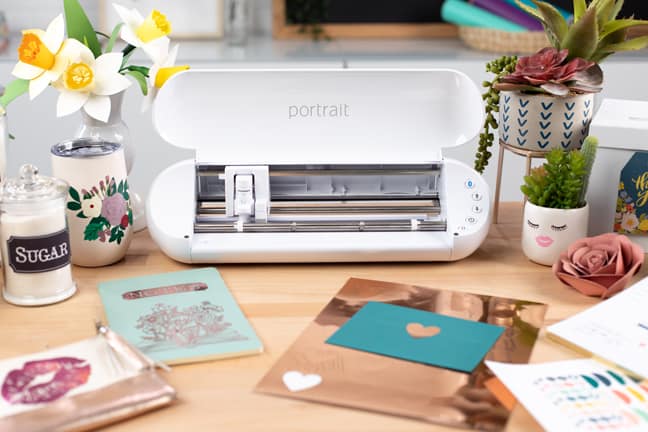
Have you heard Silhouette’s newest announcement? Today they released the Silhouette Portrait® 3. You may ask yourself what’s so great about a Portrait 3 when we already have a Cameo 4 and a Portrait 2? Let me answer that for you.
Upgrades
The Portrait 3 is the same size as the Portrait 1 and 2, but it has some great upgrades to bring it up to date with the Cameo 4.
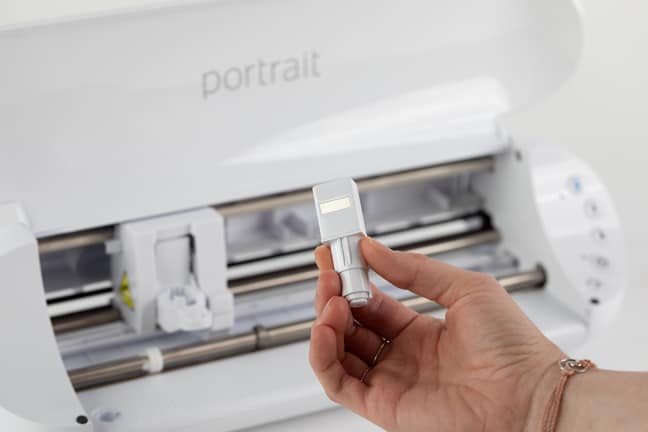
- Automatic tool detection
- One-touch reset Autoblade (compatible with the Cameo 4)*
- Pop-out matless cutting (cut paper without a mat!). See this video for a better explanation. I made it for the Cameo 4, but it applies to the Portrait 3 as well.
*The improved Autoblade is seriously one of my favorite features of the Cameo 4 and Portrait 3. It’s a simple change, but when you cut all day and rely on the Autoblade to adjust itself at the beginning of each cut job, a few taps to get ready compared to many taps on the Cameo 3 or Portrait 2 is so much better!
I should also note that the Portrait 3 can use older tools that work in older Silhouette models (Cameo 1-3, Portrait 1-2, and Curio). You just need to use tool adapters so they fit the new body style and are enabled with automatic tool detection.
Features You Know and Love
Here are the features carried forward from previous Portrait models.
- Cutting width up to 8 inches
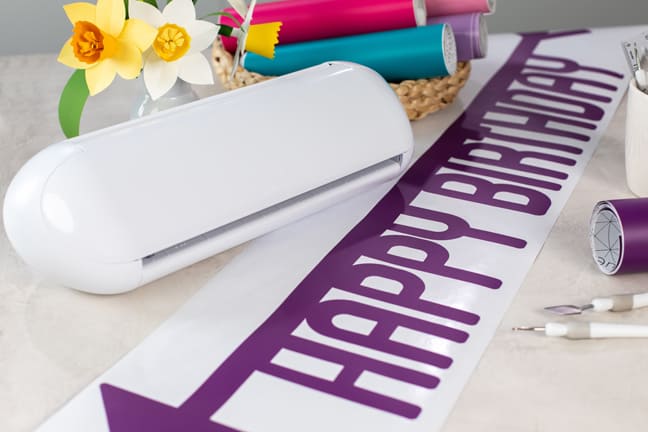
- Cutting length up to 12 inches on a cutting mat, OR up to 60 feet! with rolled vinyl or heat transfer
- Matless cutting. See this video (same link as above) I made for the Cameo 4, but the Portrait 3 does the same.
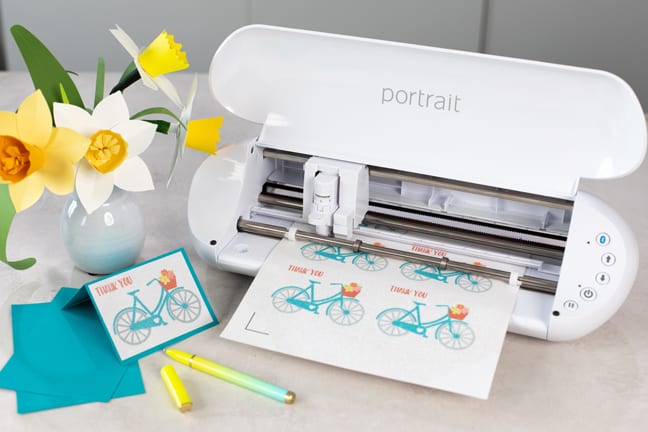
- Print & Cut
- PixScan™ compatible
- 2 mm clearance for thicker materials
- Connect via USB or Bluetooth®
- Driven by Silhouette Studio®, giving you limitless design options
Why I love the Portrait 3
I’ve been using my Portrait 3 for a couple of months now, and I love it. I call it my “portable powerhouse.” Other than the smaller size, it will cut most things my Cameo will cut that I need on a daily basis. It does not have the specialized second carriage of the Cameo 4, but it does cut all the common medias I like such as vinyl, heat transfer, paper, and all the various sticker papers.
The great thing about it is it’s so portable. I’ve got this tote bag that fits my laptop, Portrait, cords, mat, and various materials I’m going to use. My Portrait has come with me to various vacations and campouts because it’s so small and versatile—any place that has electricity is a great place to craft with my Portrait!
With the new Portrait, you don’t have to buy any new materials if you already use any Silhouette machine. It cuts 9-inch vinyl straight from the roll, any letter-size or A4 paper, paper scraps, 9-inch heat transfer from the roll, sticker sheets, fabric backed with interfacing, and any of Silhouette’s specialty materials. (Think metallic temporary tattoo paper, shrink plastic, magnet paper, leatherette, and so much more.)
Print & Cut with the Portrait 3
Silhouette is releasing videos to help you get to know the Portrait 3 and help you decide if it’s right for you. I’ve already got a new Print & Cut class to help you make a first project with your Portrait 3. Check out this Print & Cut class.
Silhouette Go Mobile App
With its compact size, the Portrait is the perfect travel companion with the new Silhouette Go™ Mobile App. Read more about the new app here.
Questions?
You probably have more questions about the newest Portrait machine, and I probably have the answers. Please let me know your questions in the comments below! You can see more about the Portrait 3 here.
This post contains affiliate links. I may get a small commission when you use my links. Thanks for your support!
