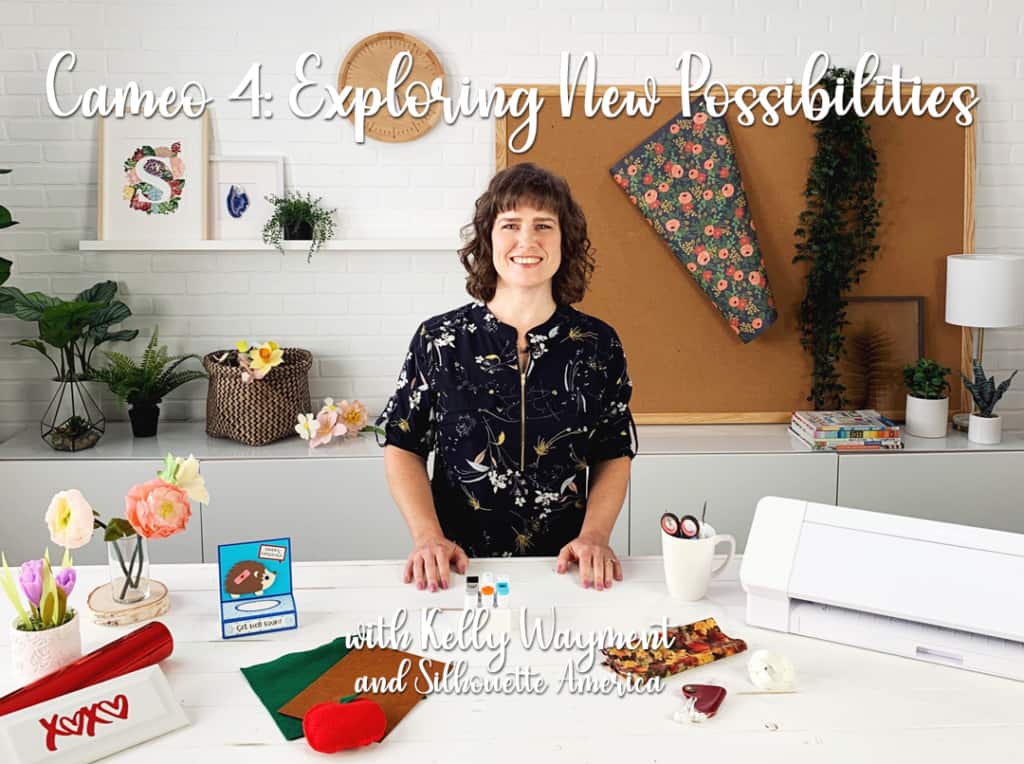
Cameo 4: Exploring New Possibilities Class
I’ve got great news! I know the Silhouette Cameo 4 has been out for a while, but this is a class I’ve been trying to put out there for the past 18 months. Here is my class I’ve made with Silhouette America, Cameo 4: Exploring New Possibilities.
New Cameo 4 Features
Because I’ve already got a long list of basic classes covering all the materials you can cut with the Cameo, I limited this class specifically to the Cameo 4’s new features that go beyond the capabilities of previous Cameo models. I’ll walk you through using the Cameo 4 features with three projects:
- Felt apple, which highlights using the Cameo 4 Rotary Blade
- Vinyl tile, which highlights the Cameo 4 Punch Tool, the built-in roll feeder, and the built-in rotary cross cutter
- Paper tissue box, which highlights Pop-Out Matless Cutting

Felt project with the Cameo 4 Rotary Blade

Vinyl project with the Cameo 4 Punch Tool, built-in roll feeder, and rotary cross-cutter

Paper project with pop-out matless cutting
Design ID #300000 (yes, really)
Additional Resources
In the video, I reference a couple other resources for you.
New Blades
Finally, since we filmed this video many months ago, there has been an update to the blades since then.
Instead of using the black adapter for the former black “ratchet” blade and for the former premium blade, you can now purchase the 1 mm manual blade that fits directly into carriage 1. This is a manual blade that allows you to adjust the blade by twisting it yourself instead of using the Autoblade. (I love the Autoblade, but there are people who do not like it.)
If you really loved the deep-cut blade (which uses the grey adapter in the Cameo 4), now you can purchase the 2 mm manual blade that fits in the Cameo 4 or Portrait 3 with no adapter necessary.
The tool adapters still work if you own the older style blades from older machines and want to use them in your Cameo 4 or Portrait 3.
If you are confused, this helpful tool compatibility chart should clarify some things. If you still have questions, I’ve got answers! Ask in the comments below.
I hope you enjoy this Cameo 4 class, and be sure to check out my other classes here.
This post may contain affiliate links. Your price is the same, but I may receive a small commission when you use my links. Thanks for your support!
