Top 10 Things to Know About Silhouette Studio
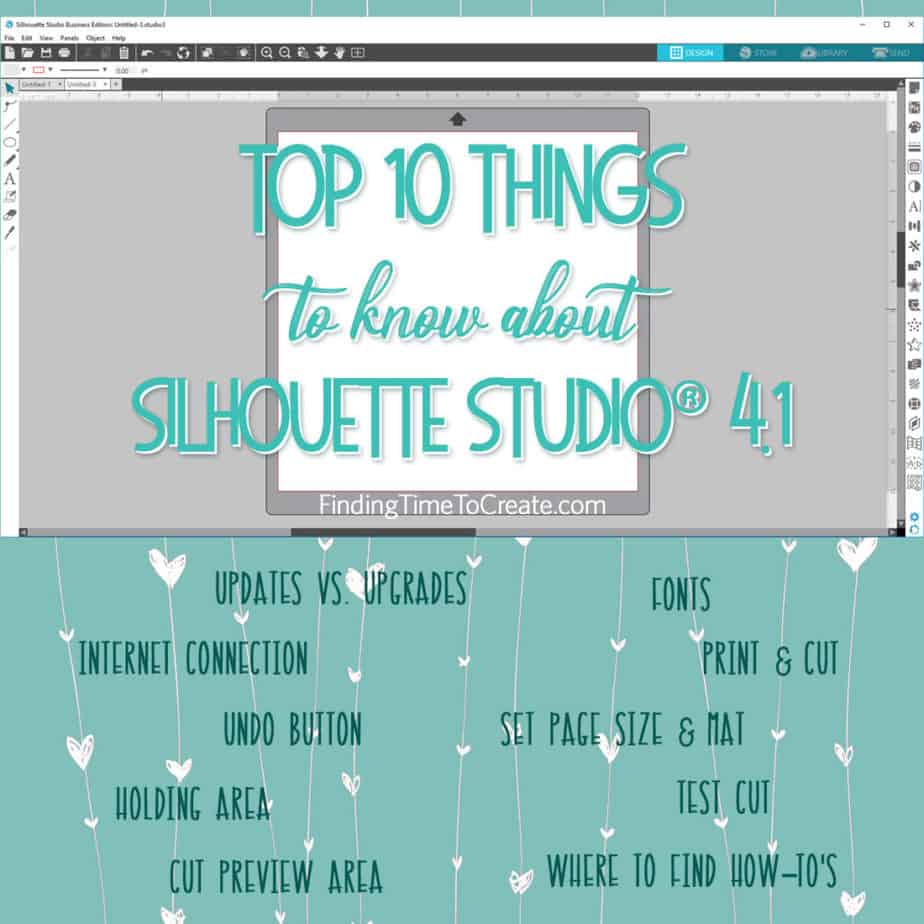
Want to know what I think are the top 10 things to know about Silhouette Studio? Here’s the video I made for Silhouette’s YouTube channel with my top 10. Enjoy!
Here’s a summary of the Top 10 Things to Know About Silhouette Studio, but you’ll need to watch the video above to get the full explanation.
- Updates vs. Upgrades.
- You do not need an internet connection to work in Silhouette Studio.
- The Undo button is your friend.
- The grey area outside of your design page is a holding area, and any designs out there won’t cut.
- The Send Panel is not only where you set up your cut settings, but it also shows you a cut preview.
- Silhouette Studio can use any fonts installed on your computer, and they don’t need to be installed separately in Silhouette Studio.
- Print & Cut requires three key things.
- Set your Page Size and Mat to match your media.
- Take advantage of the Test Cut feature in Silhouette Studio’s Send Panel.
- You can find Silhouette Studio tutorials and how-to videos for all skill levels and all features from multiple Silhouette sources.
Find some of my other videos here:

Great for beginners, but also great refresher for experienced users. thanks
Thanks, Elizabeth! 🙂