Exciting Free Features in Silhouette Studio
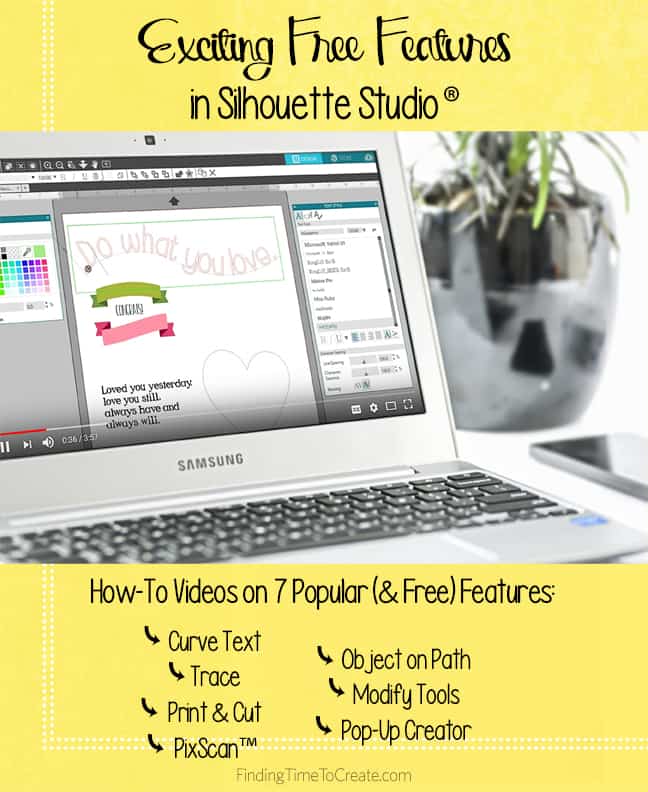
If you’ve watched my videos for beginners (here and here) in Silhouette Studio or have figured out the basics yourself, you might want to move on to some more complex and interesting features of Silhouette Studio. The features spotlighted below are available in every edition of Silhouette Studio (Basic Edition through Business Edition), which means they are free and don’t require an upgrade!
Here’s what you’ll find in this set of how-to videos:
- How to Curve Text
- How to Trace
- Print & Cut
- PixScan™ (requires the use of a PixScan™ mat)
- Object on Path
- Modify Panel: Weld, Divide, Crop, Subtract, and Compound Paths
- Pop-Up Creator (Basic Edition)
How to Curve Text
(Designs/fonts used in this video = Miss Penny Font #199654; Beachy Font #137774; LW Creative Font #75441; 3 Banner Labels #82024; Lori Whitlock Camera & Arrow Set #47198)
Tracing in Silhouette Studio
(Designs used = Penguin #71439; Autumn Leaves Paper #158644)
Print & Cut
(Designs used = Fairytale Creatures #44424; Echo Park Kite #41491)
PixScan™
(Designs used = Frame #9812; Stars #71781; Birthday Pattern #203683; Princesses #44432; Fairytale Creatures #44425)
Object on Path
(Designs used = Sparkly Stars #167452; 8 Fall Leaves #13190; Curly Arrows #176455)
Modify Panel: Weld, Divide, Crop, Subtract, Compound Paths
(Designs/fonts used = 2 Roses #74772; 11 Hearts #24813; Dreamland Arrows Font #217137)
Pop-Up Creator (Basic Edition)
(Design used = Apple Pencil Set #146690)
If you have any questions, please let me know, and don’t forget to Pin this post for future reference! 🙂

Thanks so much for these videos. I’m going to show my Silhouette Cameo (old version) to a friend today. I think she’ll be excited to see all that it can do.
You’re welcome, Bertha! That sounds like fun, showing off your Cameo. 🙂 My mother-in-law recently tried an older Cameo model and liked it so much she bought a new one for herself! She’s been watching my videos to learn the software. 😉