Tag: Paper Crafts

Robot Mask How-To in Silhouette Studio

Robot Mask How-To in Silhouette Studio

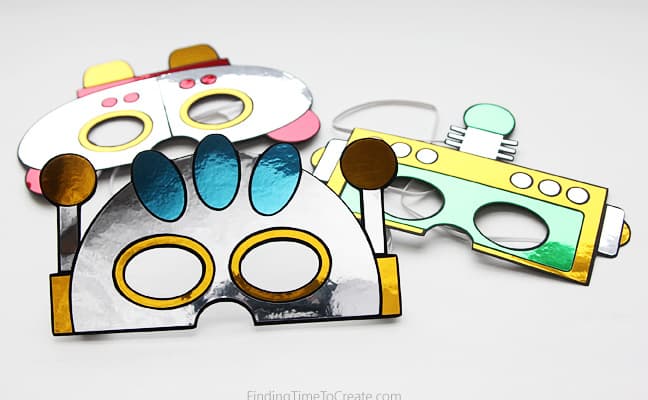
Today I want to share how I turned a robot mask coloring page into a design I could cut with my Silhouette Cameo. One of my favorite uses for my Silhouette machines over the years has been the opportunity to be creative with my children’s 

Mint Stamp Maker – Silhouette 101 Class

Mint Stamp Maker – Silhouette 101 Class

My class on the Silhouette Mint Stamp Maker is now available as a Silhouette 101 free video class! This is one of ten foundational classes I created with Silhouette America over the course of about 18 months. The Silhouette Mint custom stamp maker is a 

Silhouette Sketch Pen Class

Silhouette Sketch Pen Class

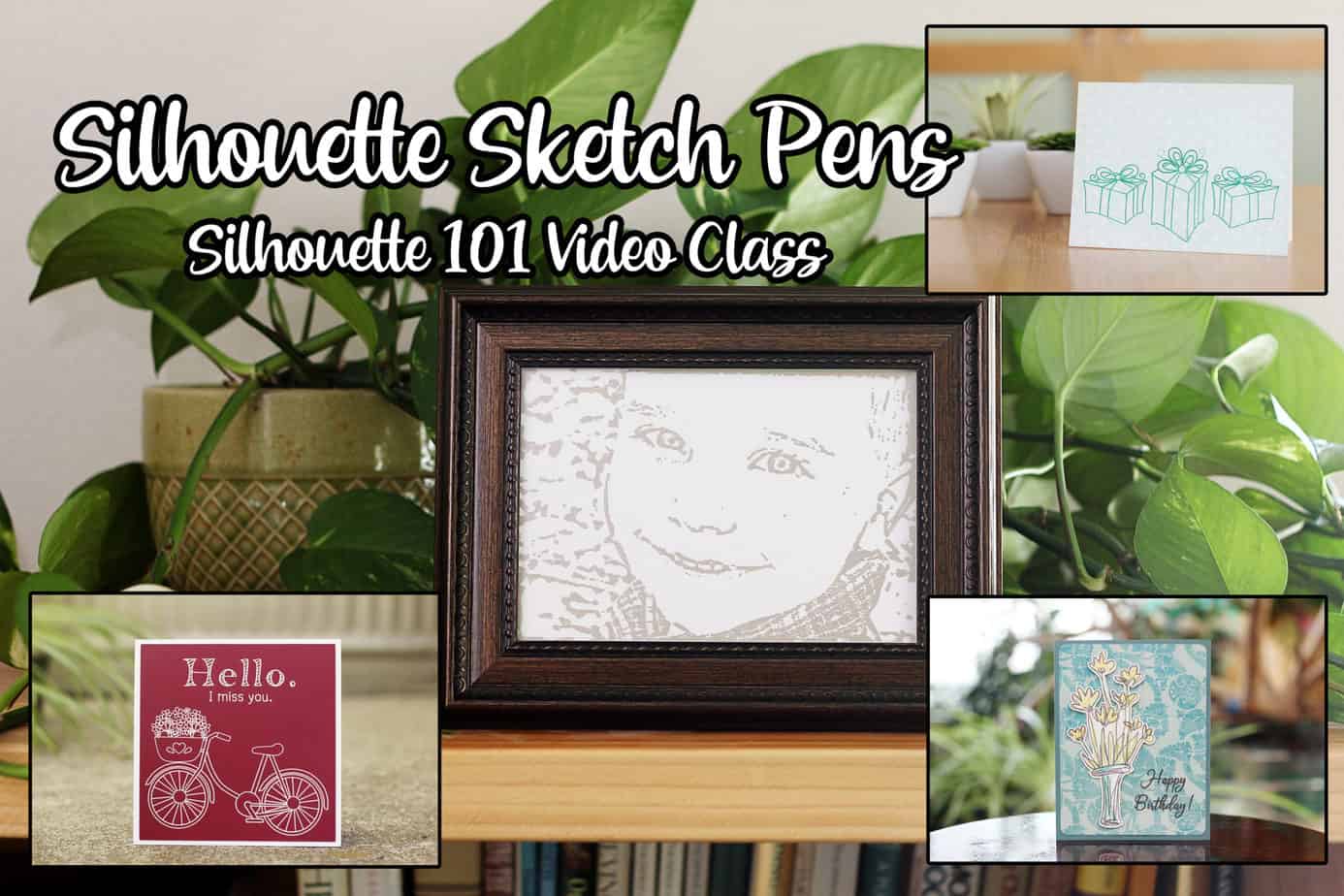
Here’s a new free Silhouette 101 class I created for you! This Silhouette Sketch Pen Class is one of ten foundational classes covering all the basic mediums and tools you are likely to use with your Silhouette cutting machine. What You’ll Learn Find sketch designs 

DIY Paper Corsage & Boutonniere Party

DIY Paper Corsage & Boutonniere Party

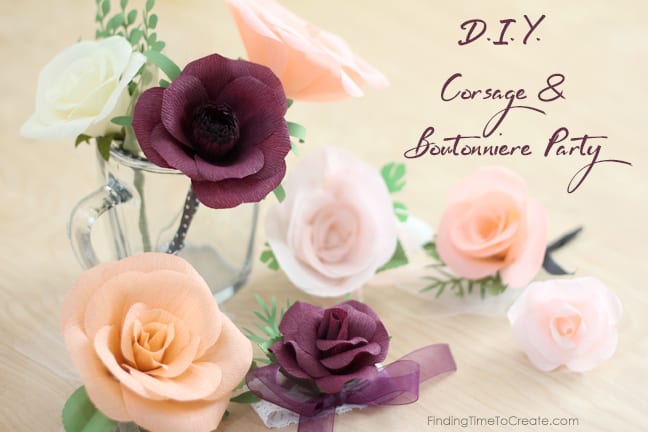
Last night we hosted a DIY paper corsage & boutonniere party at our house. I prepped crepe paper flower kits in advance so five couples (ten teenagers) could make their date’s boutonniere or corsage. Meeting Lia Griffith Have you ever made a crepe paper flower? 

Print & Cut Perfection: Video Class

Print & Cut Perfection: Video Class

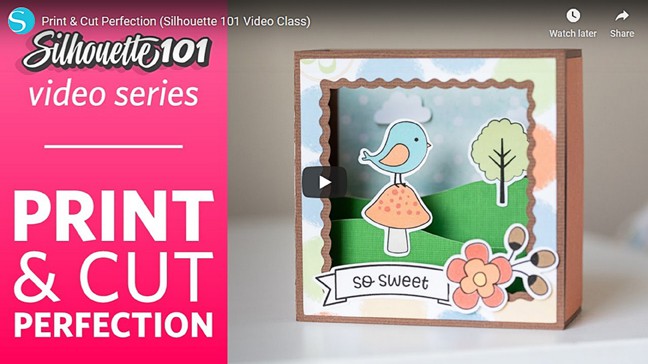
  Print & Cut Perfection Class Here’s another free class I created for Silhouette 101, available now on YouTube. It’s called Print & Cut Perfection, and it’s all about the popular Print & Cut feature in Silhouette Studio.   Links to Lessons Here’s a peek 

Easy Cheesecake Stencil Tutorial

Easy Cheesecake Stencil Tutorial

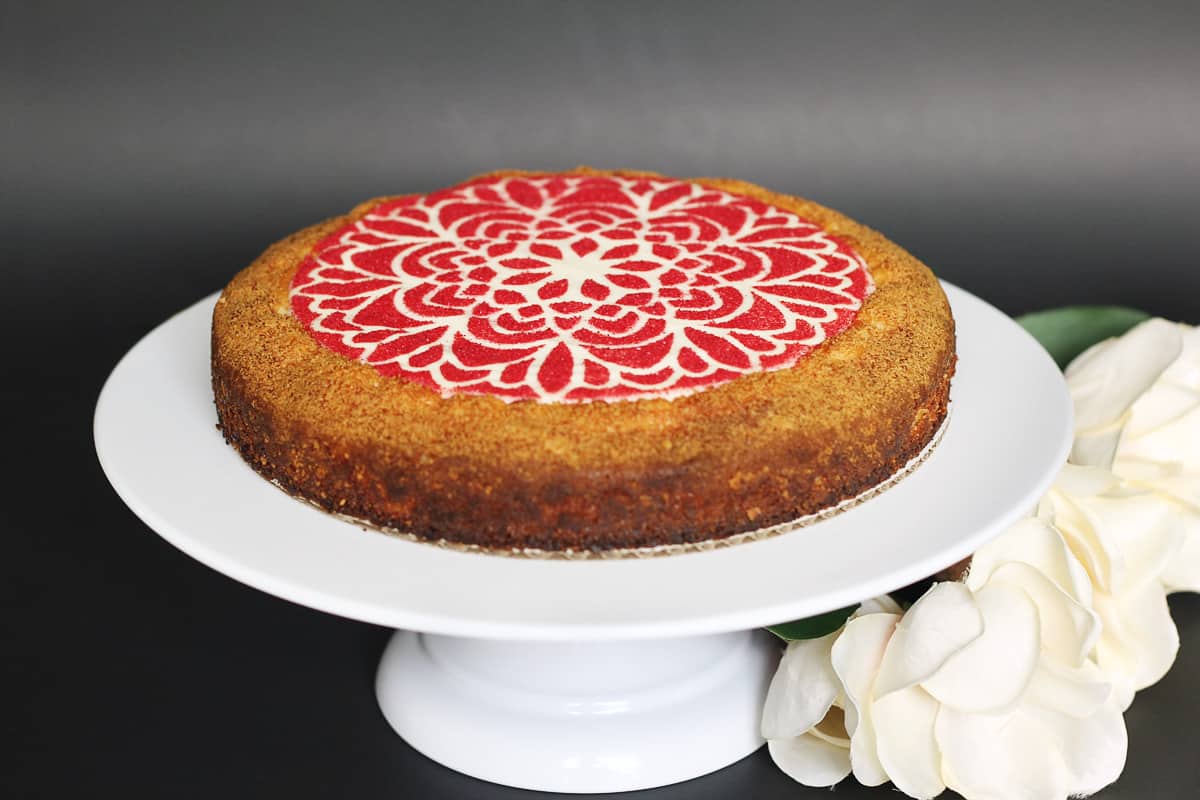
Who loves decorating desserts? I don’t, typically, but I do when I can use my Silhouette CAMEO to help! Here’s a tutorial I put on the Silhouette Blog for creating your own cheesecake stencil with just paper, this design, and a CAMEO. I hope you 

Silhouette Puzzle Generator for Kids’ Puzzle Kits

Silhouette Puzzle Generator for Kids’ Puzzle Kits

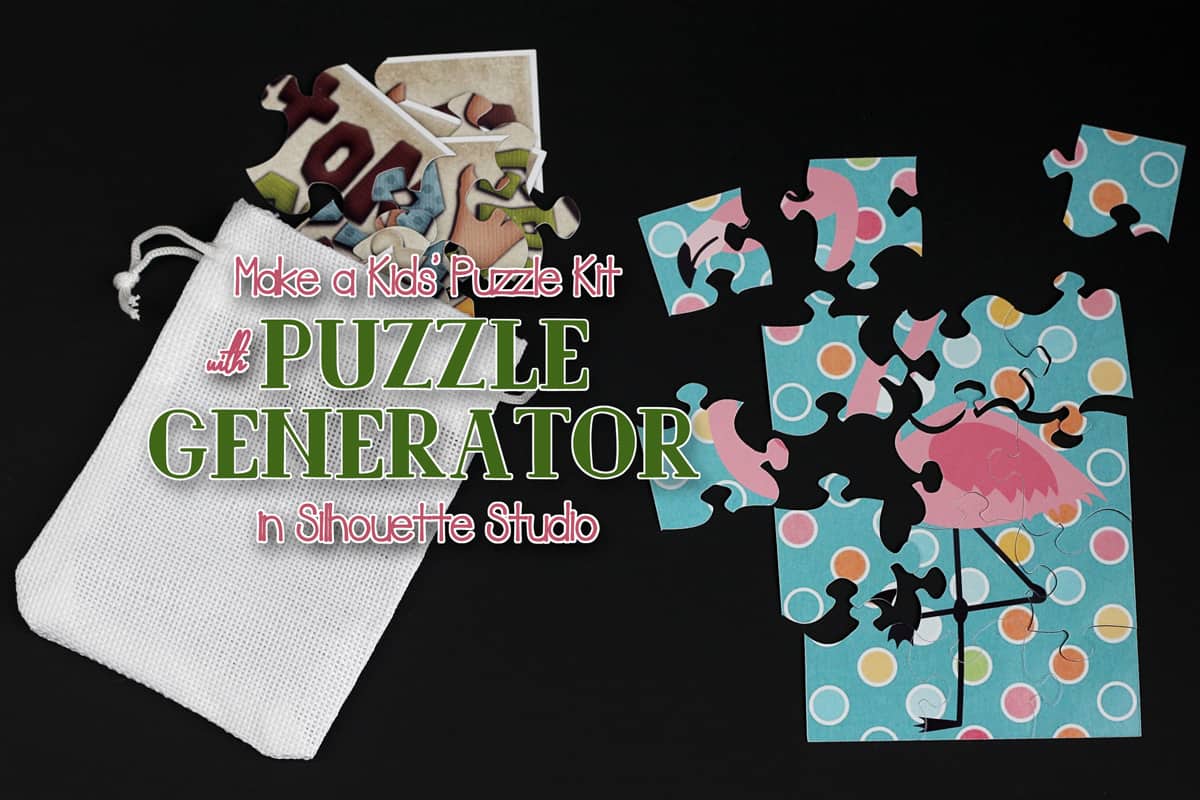
I’ve got a tutorial for a kids’ puzzle kit on the Silhouette 101 Blog using the new Puzzle Generator in Silhouette Studio v 4.2 Designer Edition Plus. Go check it out HERE. To learn about all the new features in Silhouette Studio v 4.2, go 

All Things Studio: Free Video Class

All Things Studio: Free Video Class

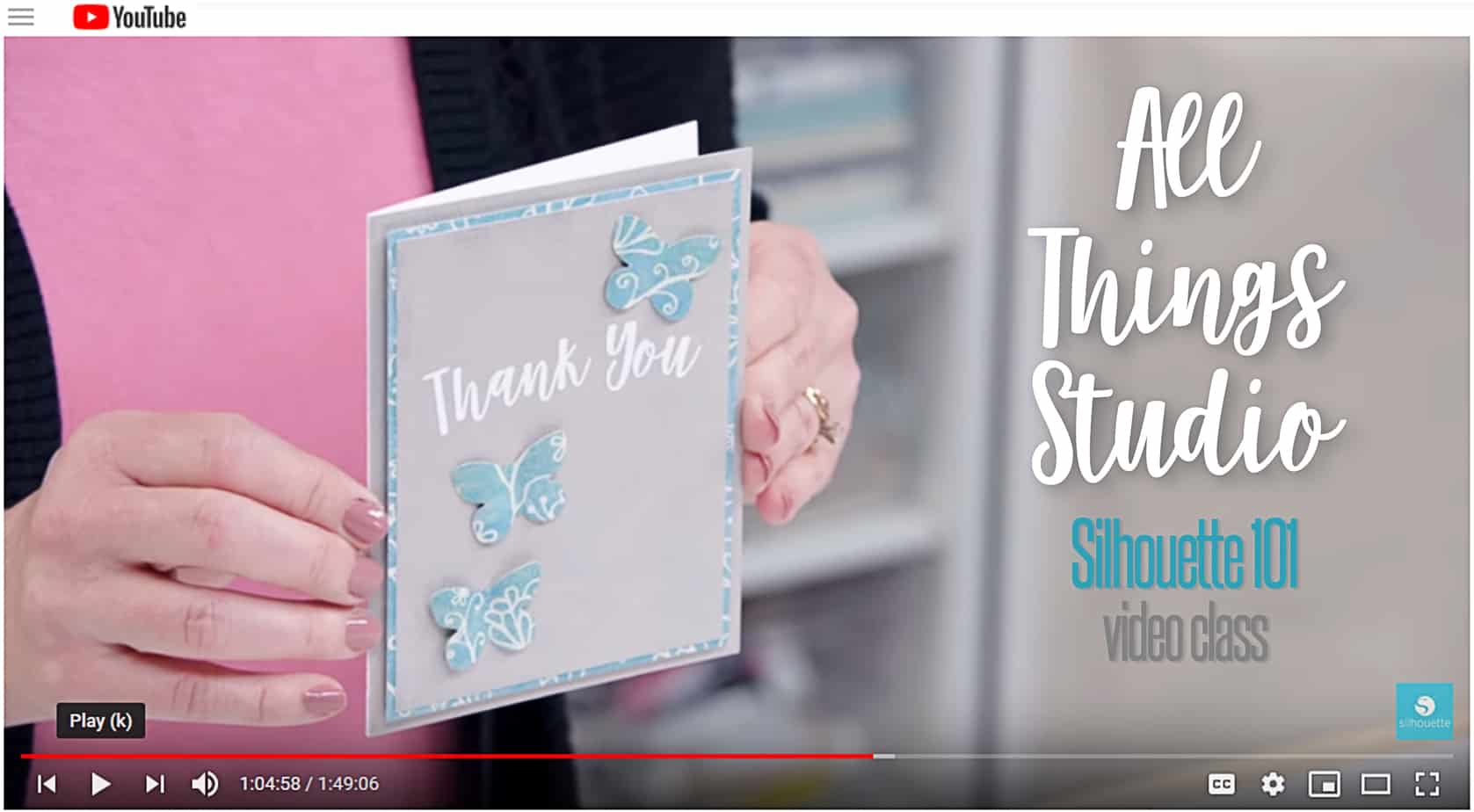
All Things Studio Class My latest Silhouette class is available now on YouTube! It’s called All Things Studio, and it’s all about designing in Silhouette Studio. This one’s a bit longer than my others, but it’s packed with material you can watch again and again 

Silhouette Advent Calendar 2018

Silhouette Advent Calendar 2018

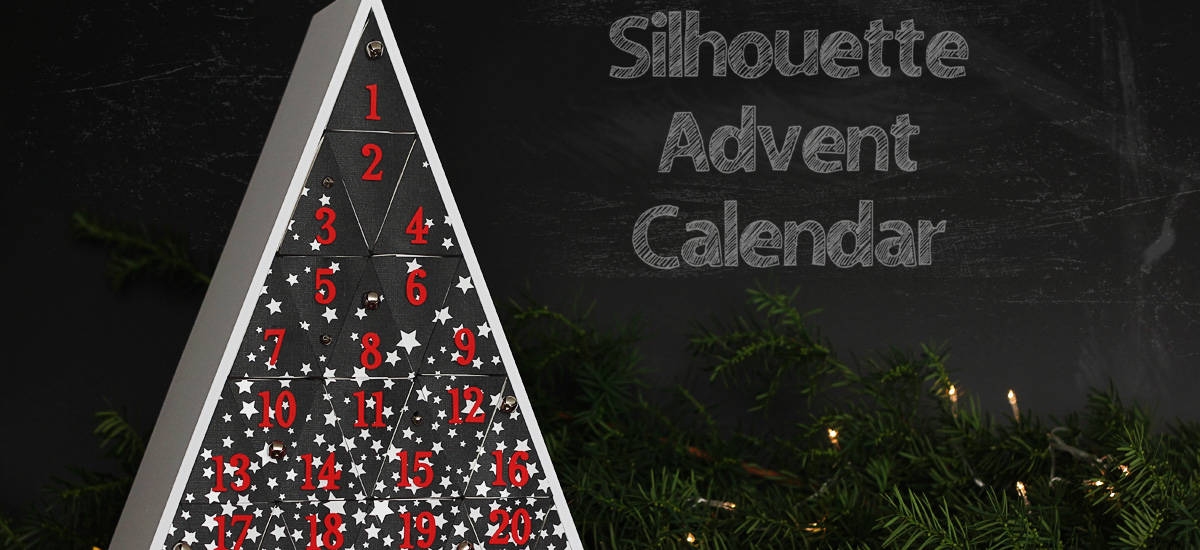
Can you believe Christmas is only 73 days away? I know it’s only October, but it’s amazing how fast time goes this time of year as the holidays approach. So it’s time to make a new Advent Calendar! This Advent Calendar was available only in 

My Favorite Adhesives

My Favorite Adhesives

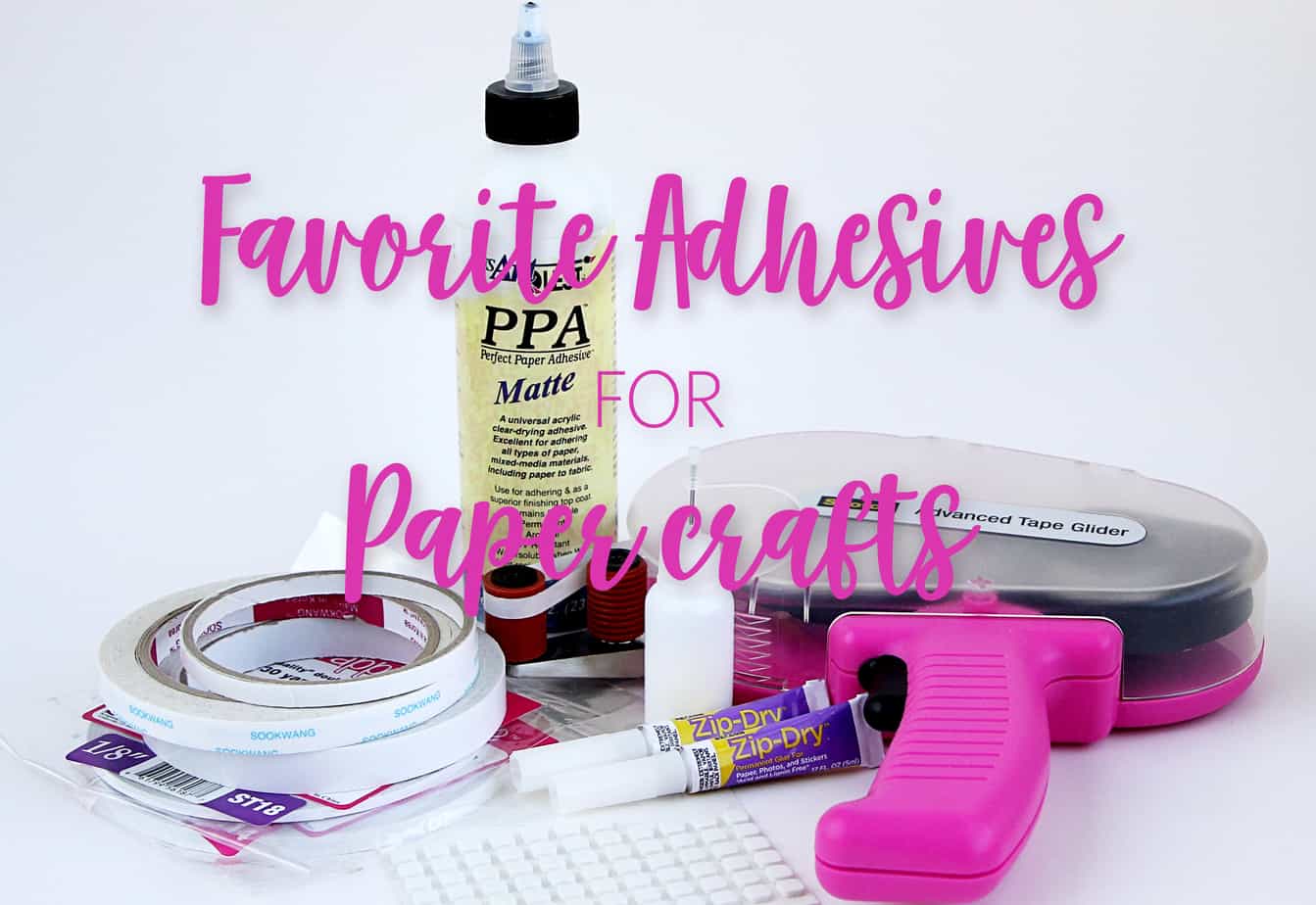
Love paper crafts? Me too! I don’t know how many times I’ve shared this information over the years as I’ve been asked, but it’s time I put my favorite adhesives in a blog post so it’s easy to reference. I don’t have a single favorite 

Paper Succulent Trio

Paper Succulent Trio

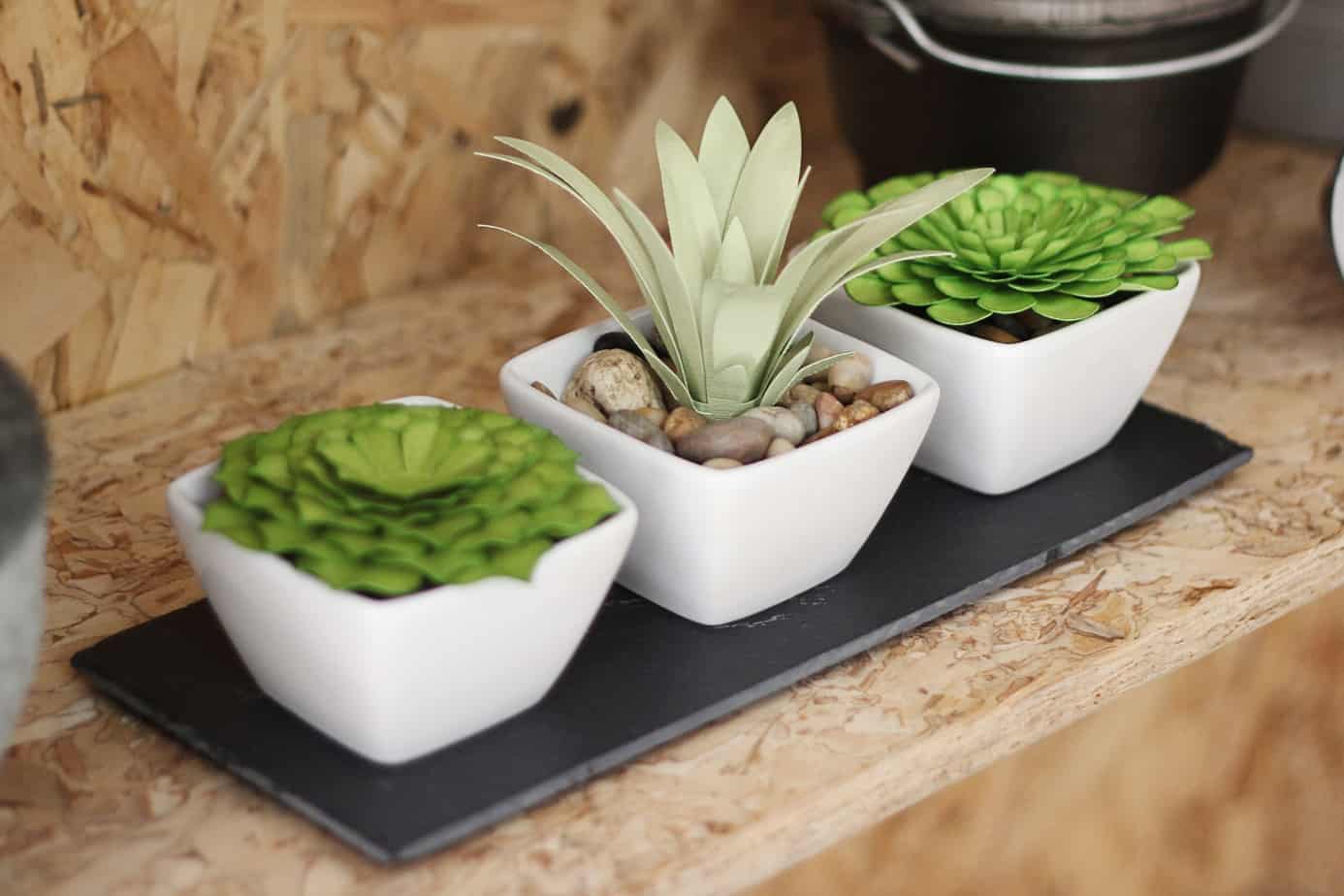
Paper succulents that won’t die? Yes, please! I’ve got a full tutorial for this paper succulent project over on the Silhouette America Blog. Click HERE to go to the tutorial. It includes my methods for shading, shaping, and assembling paper leaves and petals.

All About Using Silhouette ModelMaker™

All About Using Silhouette ModelMaker™

In the following videos, you’ll learn all about using Silhouette ModelMaker™, which is an educational software tool for creating 3D shapes and converting them into 2-dimentional images that can be cut out and assembled. You can download ModelMaker™ from Silhouette America here. The initial download 

Become a Print & Cut Pro

Become a Print & Cut Pro

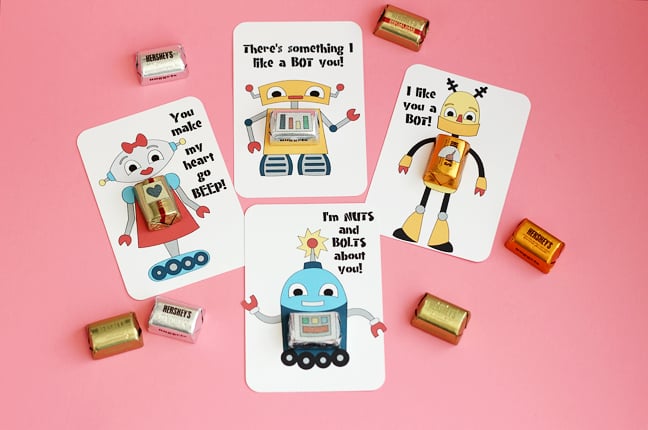
I am making the cutest valentines this year for my kids’ classroom parties! This is my last year with multiple kids in grade school, so I’m still keeping it on the simple side for 60-ish handmade valentines. My printer and Silhouette CAMEO® are doing most 

Print & Foil Artwork

Print & Foil Artwork

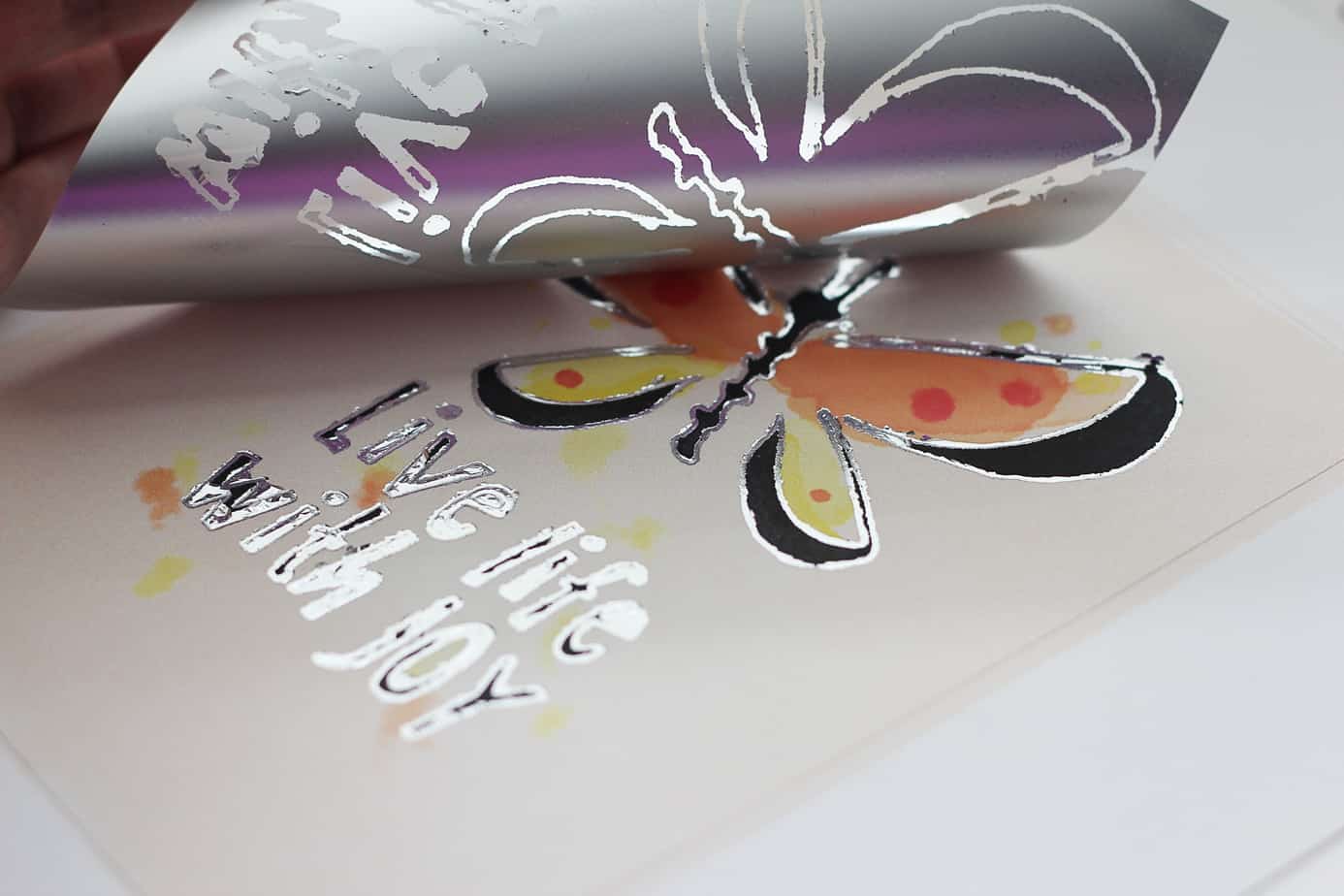
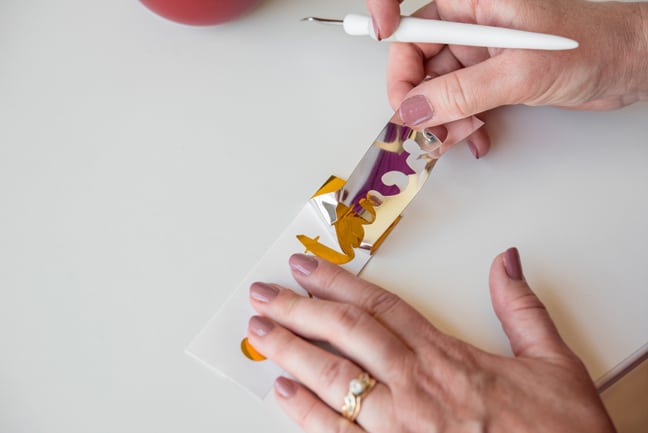
Have you tried Silhouette’s foil transfer sheets yet? I found a new way to use them. I call this technique “print & foil”, and it uses registration marks to print & cut a design and also add foil accents to the design. Pretty cool, huh? 

What Can You Do With Dingbat Fonts?

What Can You Do With Dingbat Fonts?

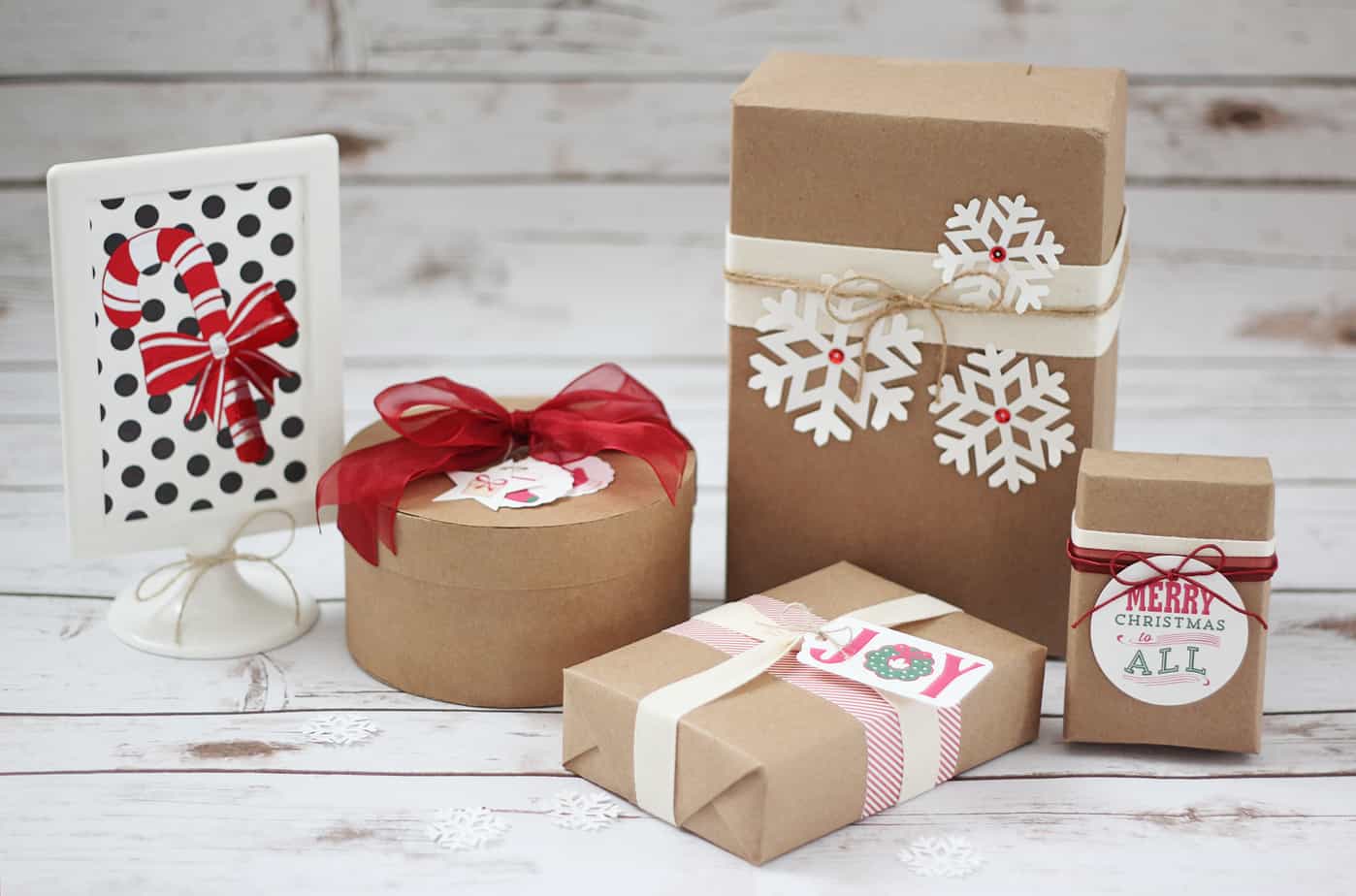
Hi, friends! I’ve got a tutorial on the Silhouette America Blog showing how to deconstruct and recolor dingbat fonts to use with your Silhouette machine. I’ve used two Lori Whitlock dingbat fonts as my example to make gift tags, decorations, vinyl decor, and more! Check 

Pop-Up Birthday Card

Pop-Up Birthday Card

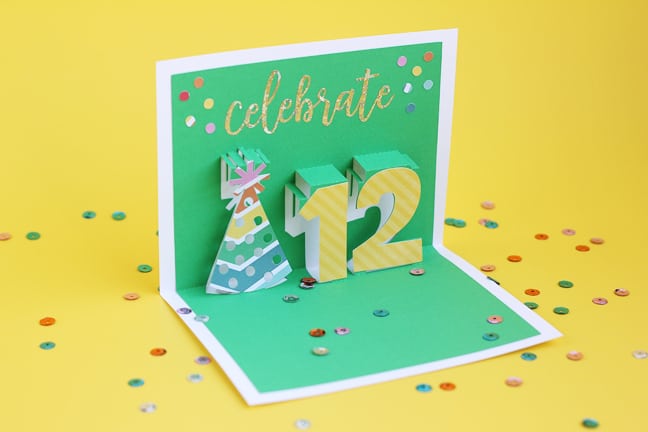
I’ve made another pop-up card using Silhouette Studio version 4.1’s Pop-Up Creator! With Designer Edition and higher, you can adjust the depth of each individual letter or shape, so that’s what I did here. Here’s the video I made for Silhouette’s YouTube channel, but keep 

Printable Duct Tape?

Printable Duct Tape?

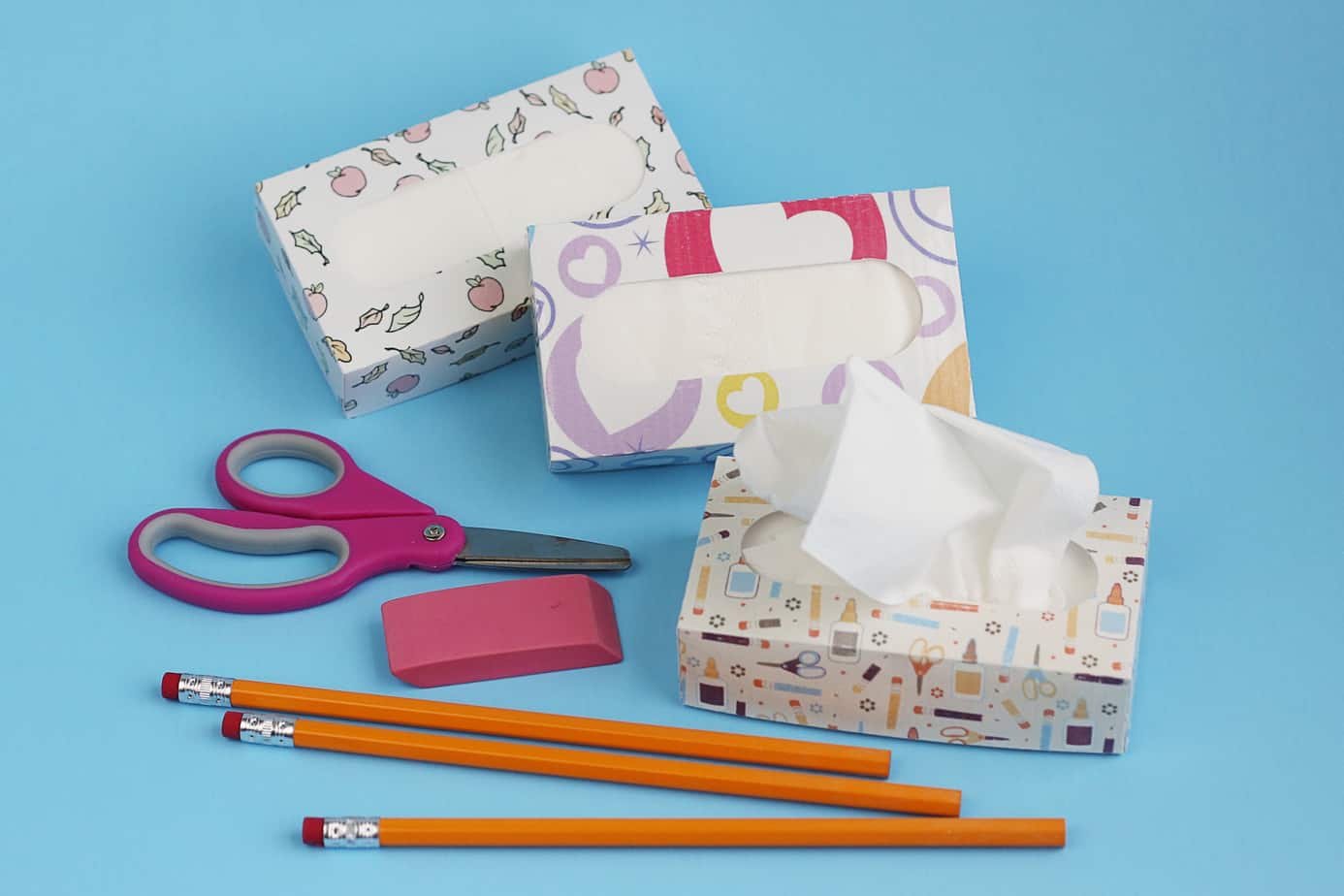
I’ve got a fun new project you can try with Silhouette printable duct tape. You’ll find the full tutorial over on the Silhouette America Blog. Let me know what you think! Save Save

Pop-Up Creator in Silhouette Studio

Pop-Up Creator in Silhouette Studio

Today I want to share the project I made as I demonstrated the new Pop-Up Creator feature in this Silhouette Studio video tutorial: Here’s a better look at the finished card: While the Designer Edition does have extra manipulation capabilities for multiple shapes (like text), 

Make Sensational Fidget Spinners for Summertime Fun

Make Sensational Fidget Spinners for Summertime Fun

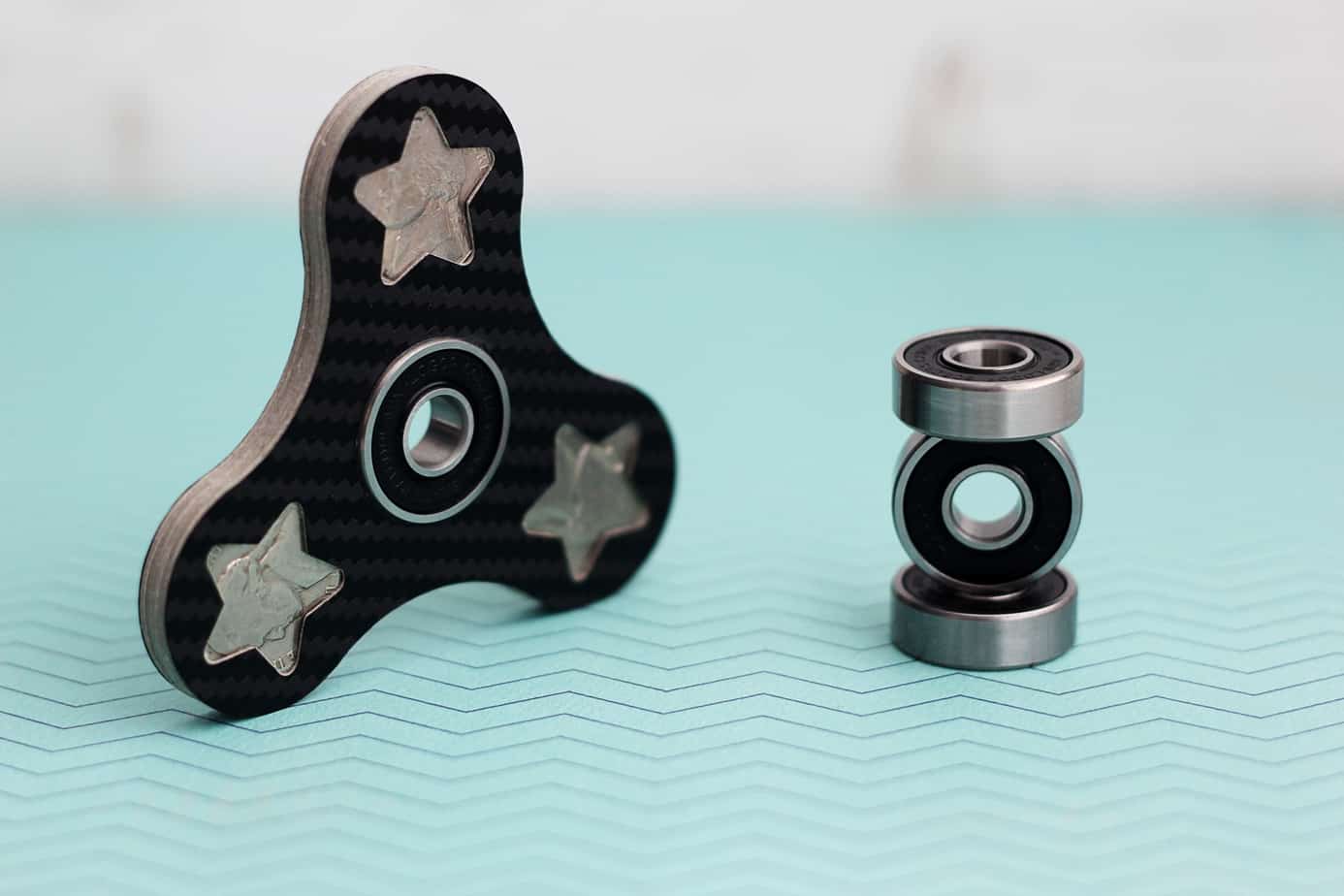
How would you like to use your Silhouette machine and some loose change to make custom fidget spinners for summertime fun? Is anyone else running out of ideas to keep the kids busy this summer? My husband has been trying to come up with golden 

New Silhouette Products for 2017

New Silhouette Products for 2017

Silhouette product-release day is here! As many of you know, I was invited to Silhouette Summit in Hawaii again this past May, so I got to see nearly all of these in person. Here is a breakdown of the new products and some photos I 

Easy Pillow Treats For Girls Camp

Easy Pillow Treats For Girls Camp

It’s that time of year again! After years of making pillow treats and secret sister gifts for Girls Camp, I finally got to go with the girls to camp this year! I was not counting on 5 days of no cell service or internet, but 

What Do You Want To Learn?

What Do You Want To Learn?

  We’re only a couple weeks away from my Craftsy launch date! My class will cover a wide range of software, materials, and techniques for beginner Silhouette users (although you won’t be a beginner by the end of the six lessons). You’ll learn about paper, 

Picnic Party!

Picnic Party!

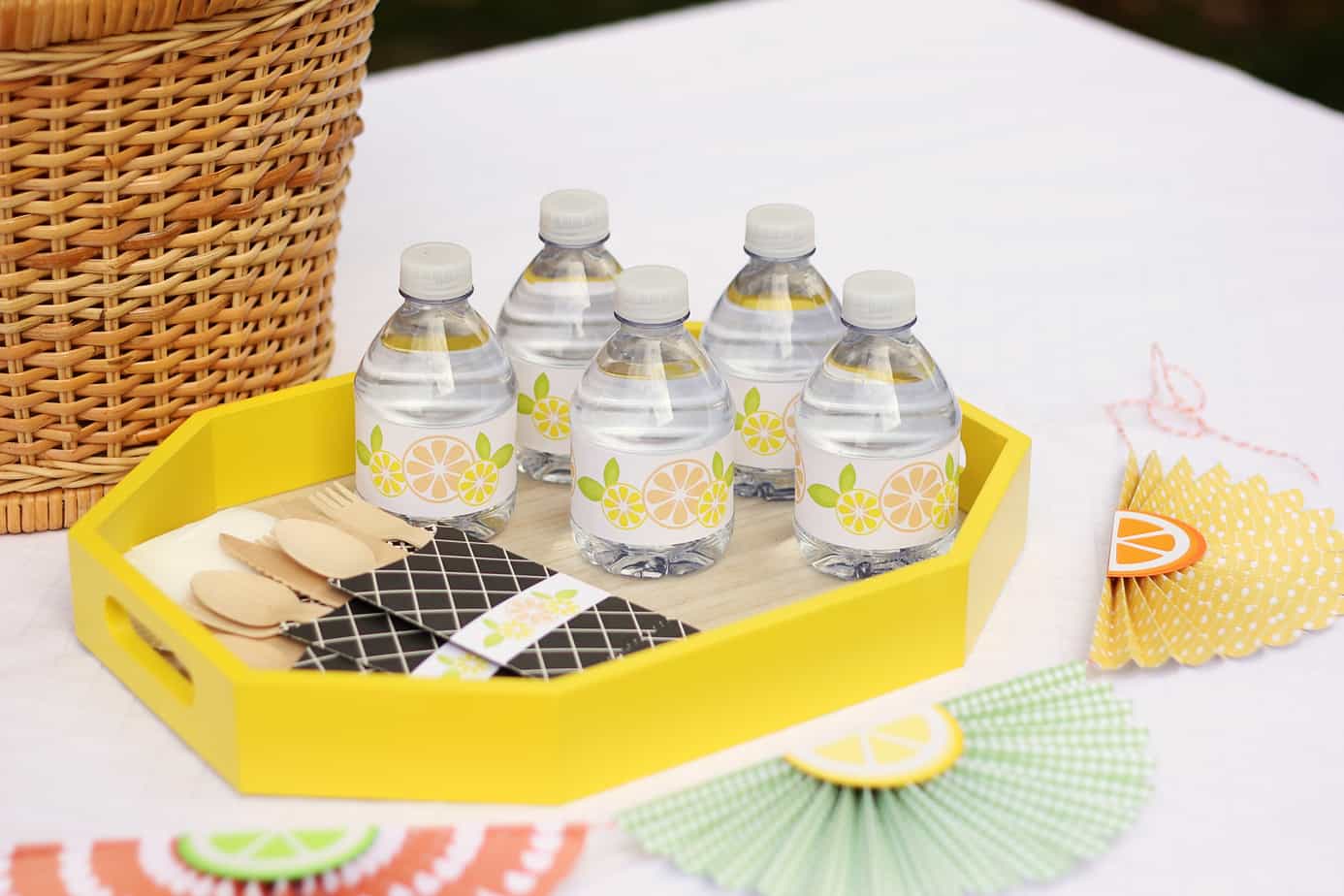
Hi friends! Today on the Silhouette Blog I’ve got a post about this picnic party I created with my Silhouette Portrait®. Yup, not the CAMEO, but the Portrait! It was a fun challenge to make some fun 3D crafts using the smaller but more portable 

Silhouette Sale!

Silhouette Sale!

Happy June, everyone! If you know me at all, you know I’m so in love with the Silhouette machines and Silhouette products. I have at least one of everything. (Umm…even machines.) So I’m here to share an amazing sale on Silhouette products with you for 

Quick and Easy Easter Treats

Quick and Easy Easter Treats

Hello, my friends! How about a little Easter treat inspiration? Yeah, I know Easter is past, but I made these treats in a short afternoon and really want to share them with you! These are some quick & easy Easter treats in case you are