Tag: Silhouette Portrait

Silhouette Studio v 4.2 is Here

Silhouette Studio v 4.2 is Here

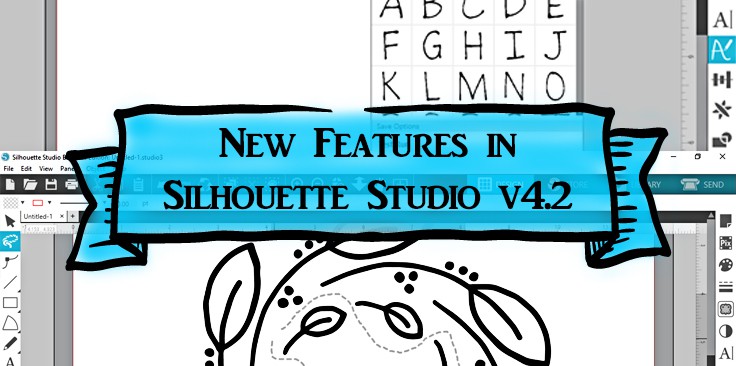
Hi there! In this post I’m going to share the new features in Silhouette Studio v 4.2. This became the new release appropriate for all Silhouette Studio editions and all Silhouette cutters as of February 11, 2019. Keep reading, and I’ll provide videos for how 

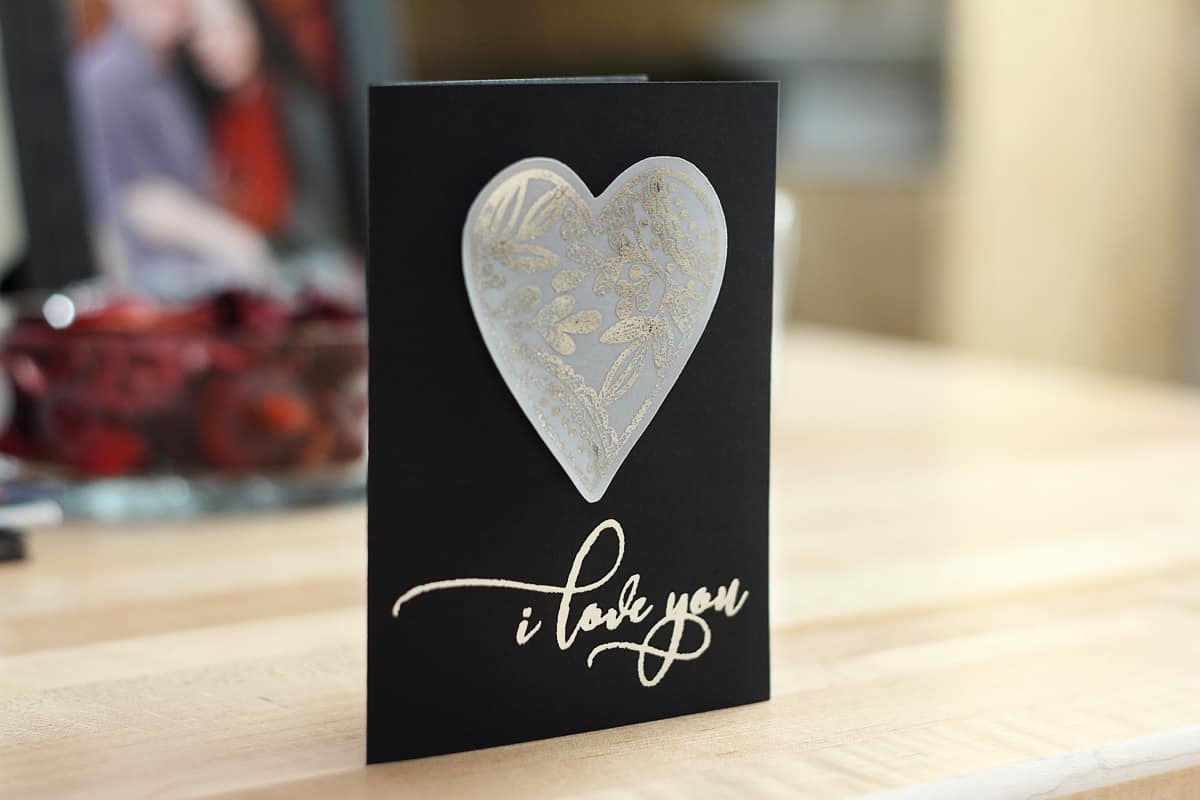
Foil I Love You Card

Foil I Love You Card

Raise your hand if you love the look of foil added to your projects! (I’m raising mine.) I’ve got a tutorial for this card with foil added to vellum and cardstock over on the Silhouette blog here. I use foil transfer sheets in the Silhouette 

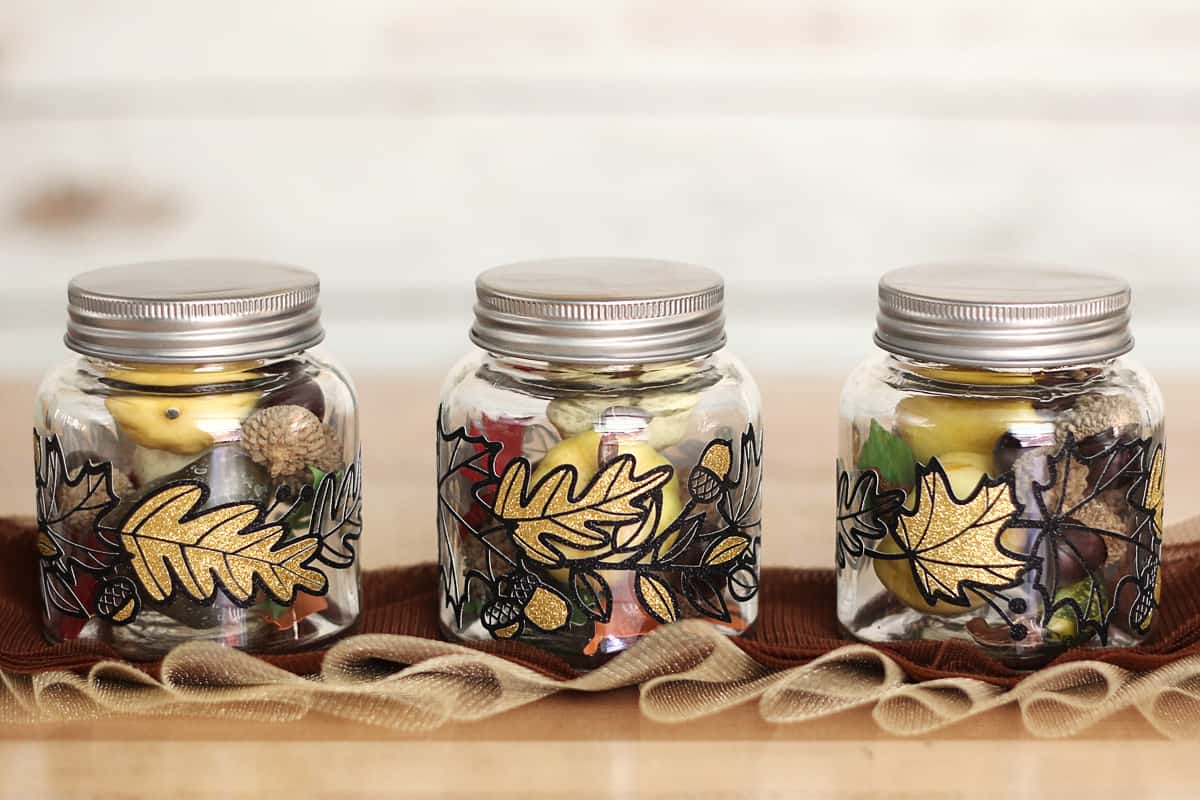
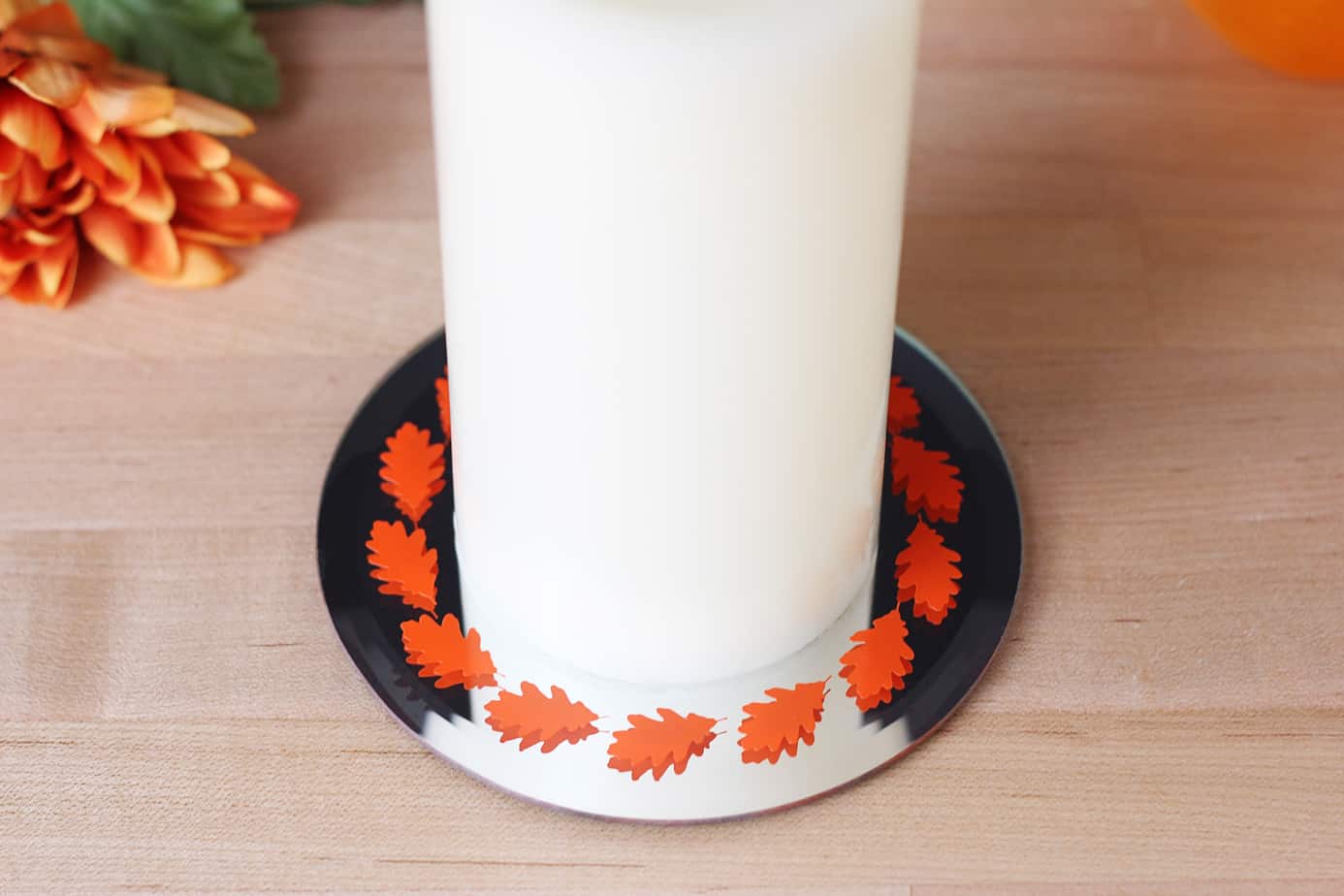
Fall Jars with Glitter Vinyl

Fall Jars with Glitter Vinyl

Need some sparkle in your fall crafts? Silhouette’s new glitter vinyl is available now, and I jumped on the chance to use it as soon as it arrived! Check out my tutorial HERE on the Silhouette Blog for decorating fall jars with glitter vinyl.

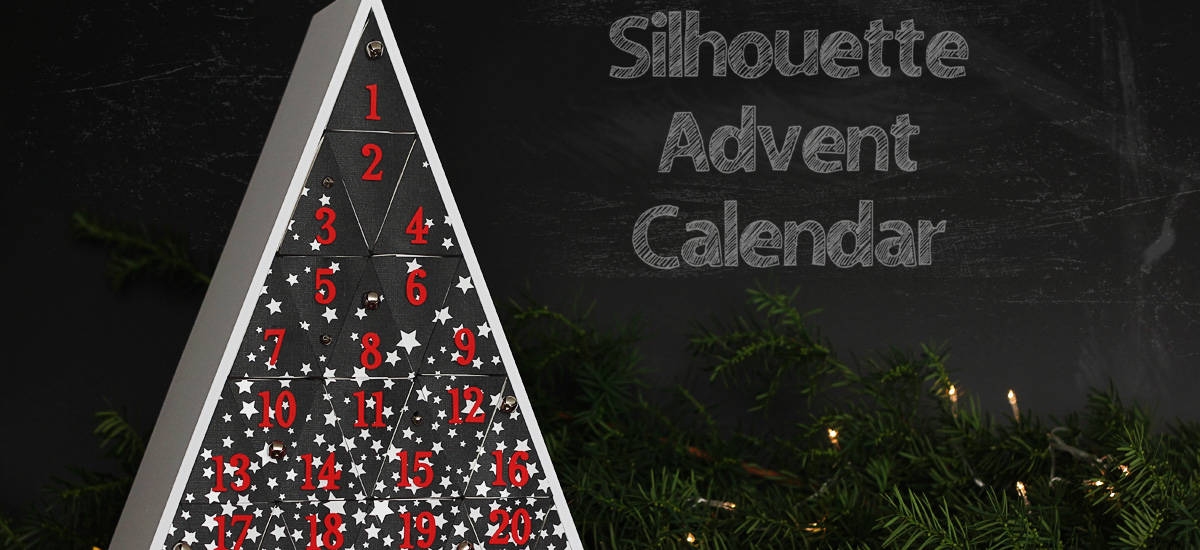
Silhouette Advent Calendar 2018

Silhouette Advent Calendar 2018

Can you believe Christmas is only 73 days away? I know it’s only October, but it’s amazing how fast time goes this time of year as the holidays approach. So it’s time to make a new Advent Calendar! This Advent Calendar was available only in 

PixScan Class for Silhouette

PixScan Class for Silhouette

I’m really excited to post about the PixScan Like a Pro class I’ve created with Silhouette America. I love this awesome tool, but I feel like it’s very under-utilized. Hopefully this PixScan class will change that for you. And thanks to Silhouette, we are providing 

Stenciled Flamingo Shoes

Stenciled Flamingo Shoes

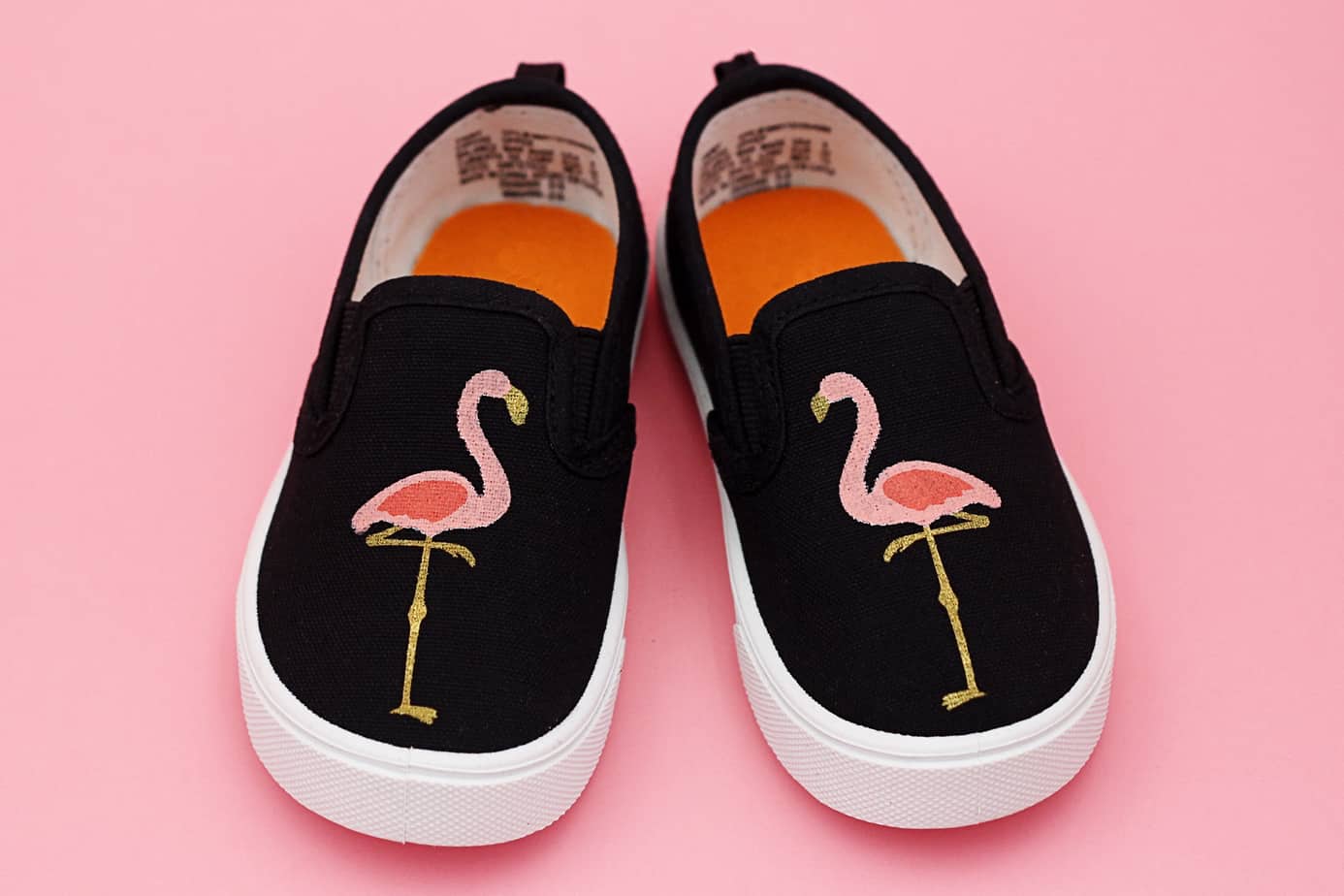
Is anyone else enjoying the flamingo craze? I think they are so cute! I made these little stenciled flamingo shoes, with the fabric ink applied using a set of Silhouette stencils I created for my Silhouette CAMEO. Here’s the full tutorial on the Silhouette Blog.

The Story Of A Better Tool

The Story Of A Better Tool

Let me tell you a story. Once upon a time, there lived a young and beautiful stay-at-home mom. She loved to make cards and scrapbook pages and anything with paper. She was very frugal and purchased crafting supplies only when necessary or when they were 

How To Create Sketch Pen Fills

How To Create Sketch Pen Fills

Hey, Silhouette fans! I’ve got a new tutorial on the Silhouette Blog for filling in those empty fonts so you can have a solid fill with your sketch pens. (Great for foil transfer sheets, too!) Tight fills don’t have to be a feature only for 

Silhouette 2018 New Products

Silhouette 2018 New Products

Are you ready to hear about the new products Silhouette is releasing this year? I recently attended Silhouette Summit in Hawaii and got the 4-1-1 on the latest and greatest. Make sure you read to the end to collect my freebie. 🙂 I got to 

Etched Glass Wedding Frame

Etched Glass Wedding Frame

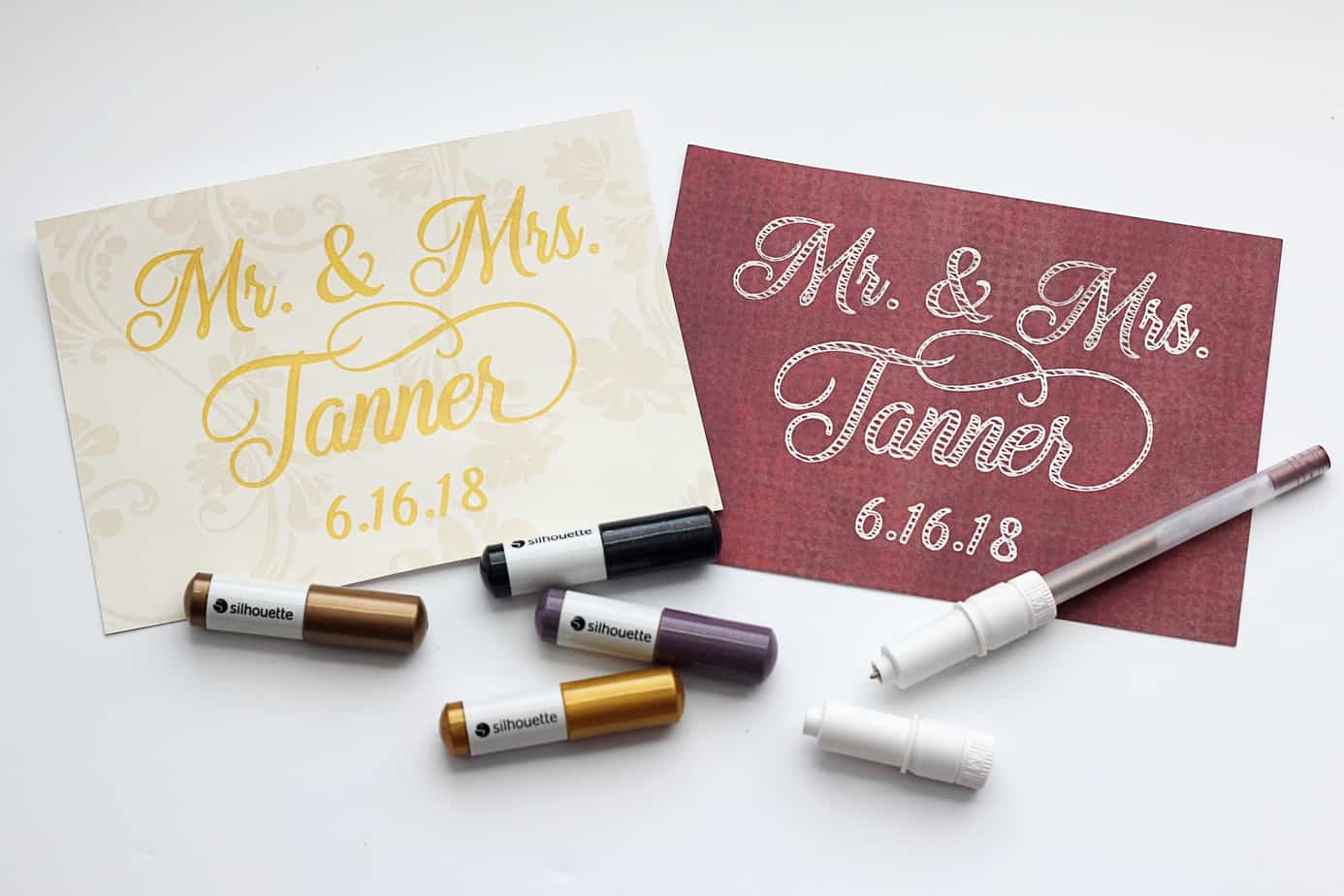
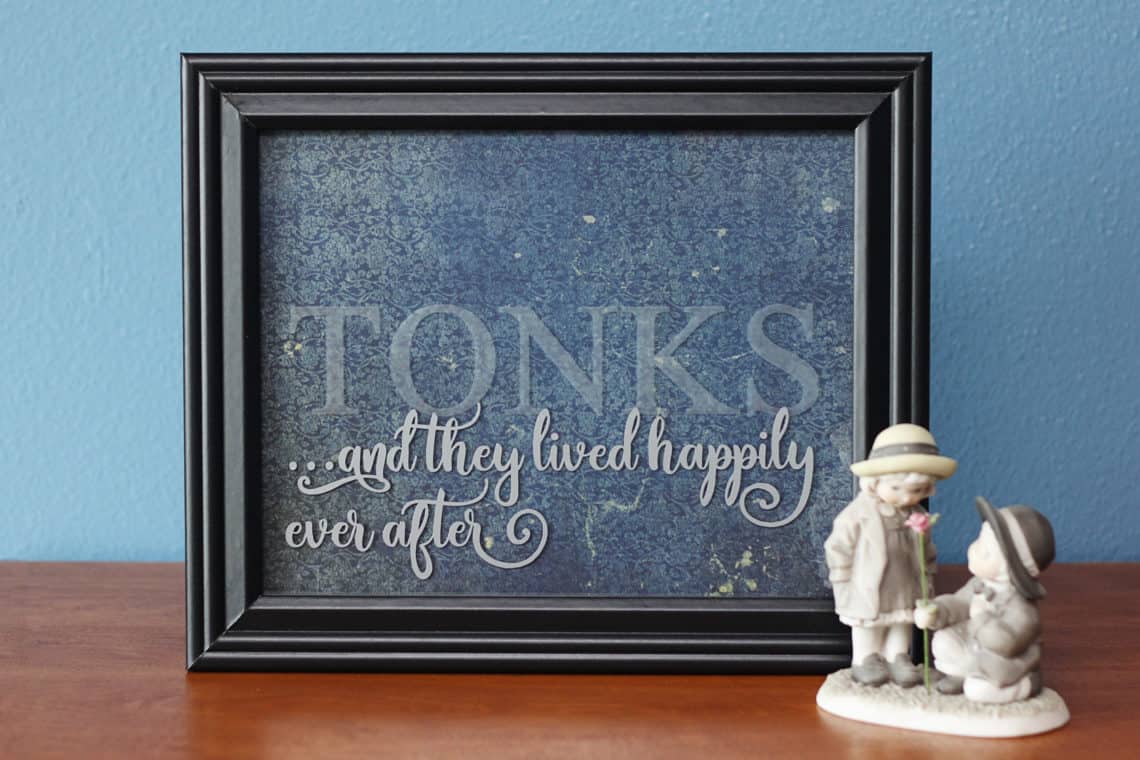
Need an idea for a handmade wedding gift? I’ve got a full tutorial for creating this etched glass project over on the Silhouette Blog HERE. The easiest way to get all the supplies and tools for glass etching is to purchase this Glass Etching Starter Kit. 

Masked Watercolor Card with Stencil Material

Masked Watercolor Card with Stencil Material

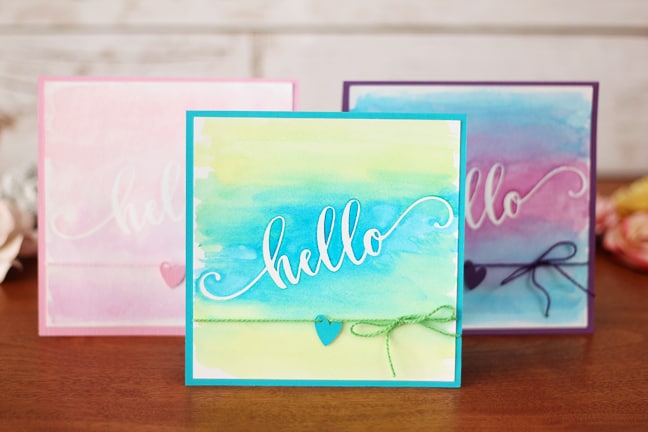
Hi there! I’ve got a new tutorial on the Silhouette Blog showing how to use adhesive stencil material to create a mask for watercolors. Go check it out HERE. 🙂

Paper Succulent Trio

Paper Succulent Trio

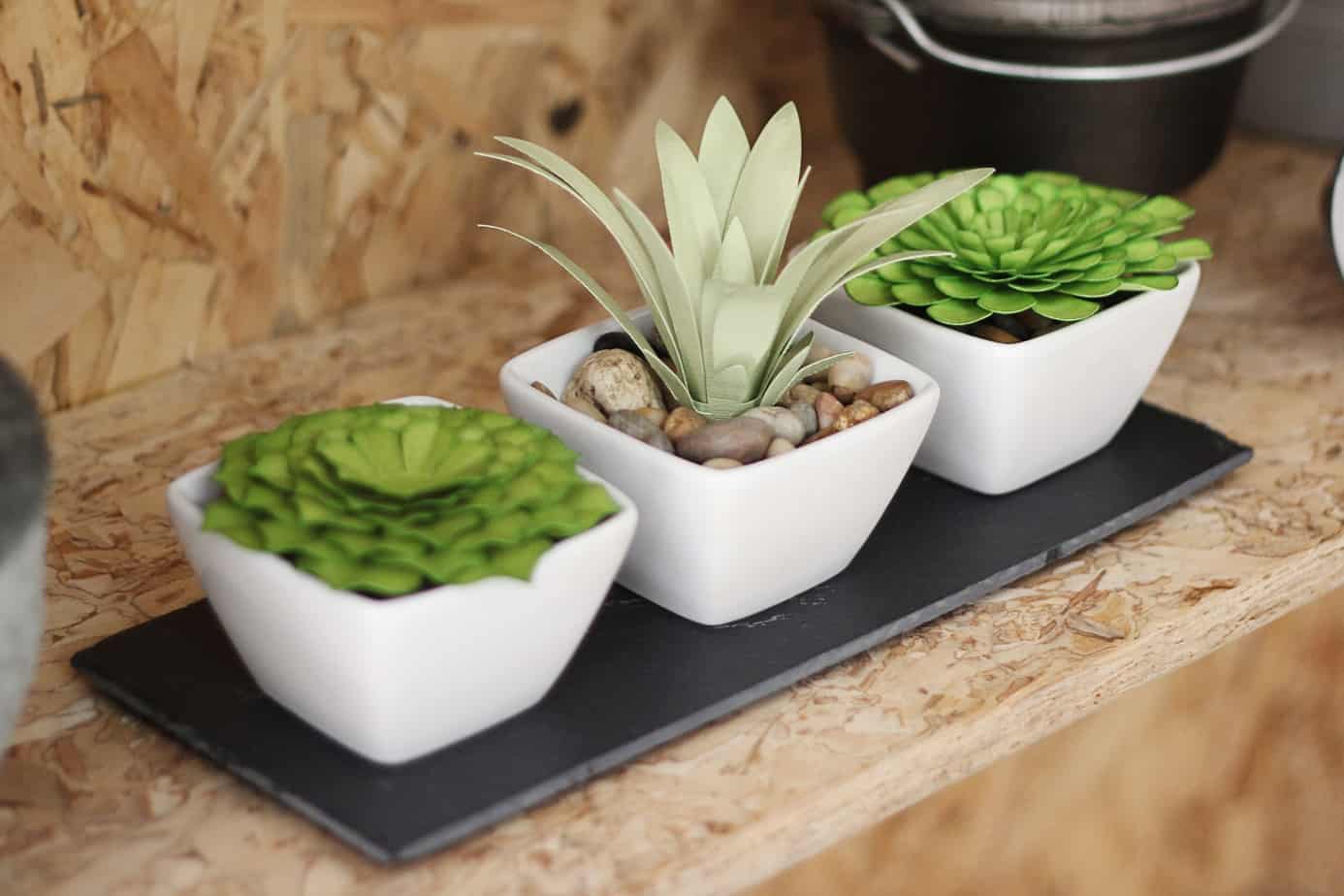
Paper succulents that won’t die? Yes, please! I’ve got a full tutorial for this paper succulent project over on the Silhouette America Blog. Click HERE to go to the tutorial. It includes my methods for shading, shaping, and assembling paper leaves and petals.

All About Using Silhouette ModelMaker™

All About Using Silhouette ModelMaker™

In the following videos, you’ll learn all about using Silhouette ModelMaker™, which is an educational software tool for creating 3D shapes and converting them into 2-dimentional images that can be cut out and assembled. You can download ModelMaker™ from Silhouette America here. The initial download 

Become a Print & Cut Pro

Become a Print & Cut Pro

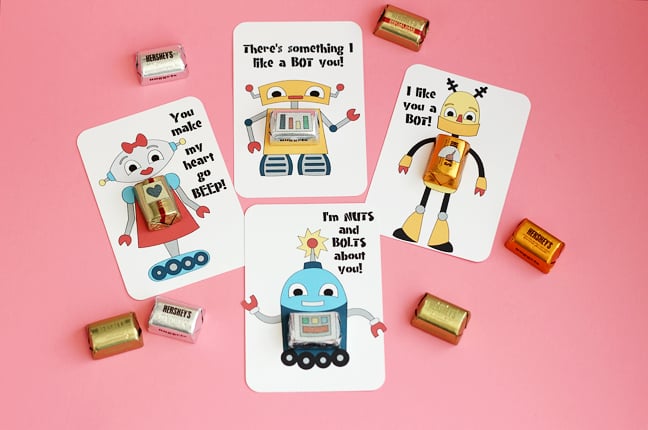
I am making the cutest valentines this year for my kids’ classroom parties! This is my last year with multiple kids in grade school, so I’m still keeping it on the simple side for 60-ish handmade valentines. My printer and Silhouette CAMEO® are doing most 

All About Color in Silhouette Studio

All About Color in Silhouette Studio

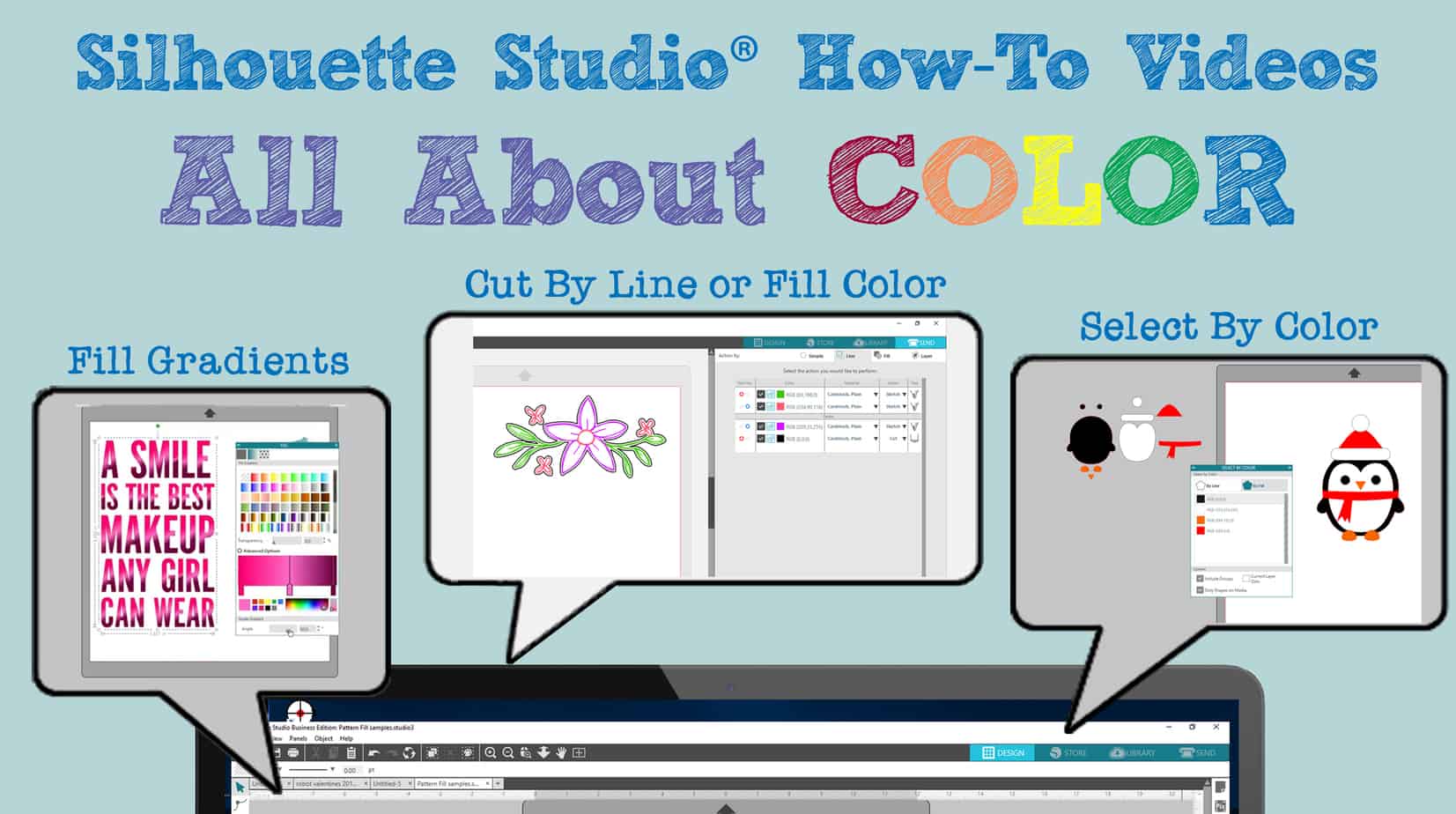
All About Color In this set of videos for Silhouette Studio v4, you’ll find out all about color: Fill Gradients Pattern Fill Panel Line Style Panel Cut by Line or Fill Color Select by Color Fill Gradients (Designs used in this video = Seahorse & 

Exciting Free Features in Silhouette Studio

Exciting Free Features in Silhouette Studio

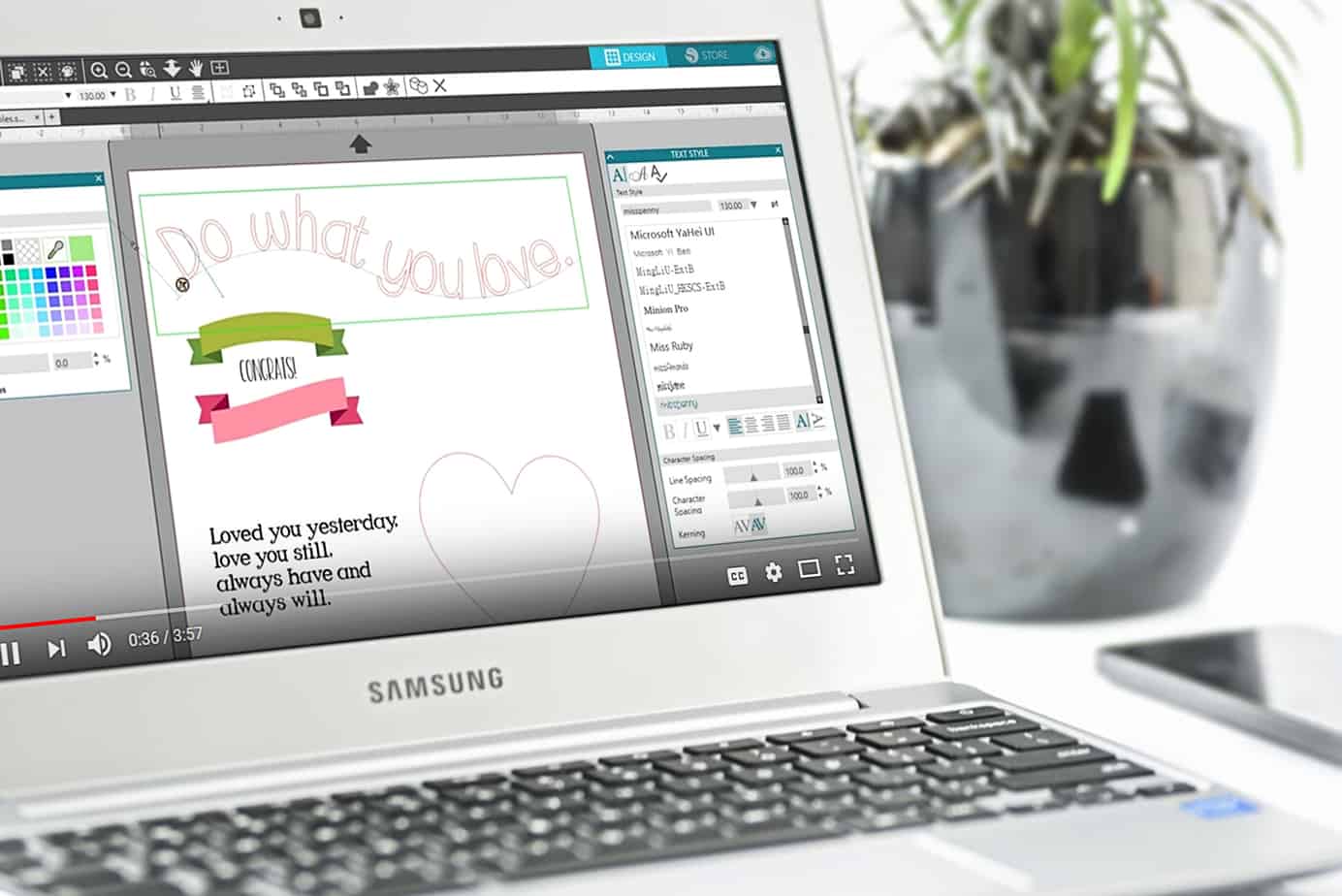
If you’ve watched my videos for beginners (here and here) in Silhouette Studio or have figured out the basics yourself, you might want to move on to some more complex and interesting features of Silhouette Studio. The features spotlighted below are available in every edition 

Get More Out Of Silhouette Studio

Get More Out Of Silhouette Studio

Get More Out of Silhouette Studio Here’s another set of videos I think you’ll find helpful as a beginner in Silhouette Studio. These are among the videos I’ve created for Silhouette America’s YouTube channel in the past few months using Silhouette Studio version 4.1. If 

Silhouette Studio Basics – Continued

Silhouette Studio Basics – Continued

Here’s another set of video tutorials to get you started Silhouette Studio basics in v4. These features are available in all versions of Silhouette Studio® (Basic Edition and higher), unless noted otherwise. In my last post I shared the earliest things a beginner should know, 

What Can You Do With Dingbat Fonts?

What Can You Do With Dingbat Fonts?

Hi, friends! I’ve got a tutorial on the Silhouette America Blog showing how to deconstruct and recolor dingbat fonts to use with your Silhouette machine. I’ve used two Lori Whitlock dingbat fonts as my example to make gift tags, decorations, vinyl decor, and more! Check 

Silhouette Studio for Beginners

Silhouette Studio for Beginners

You’ll find six video tutorials below for some of the most basic things to know when getting started with your new Silhouette machine. It’s the beginning of my compilation of Silhouette Studio for Beginners. I have nearly 70 videos (to date) to share with you 

Pop-Up Birthday Card

Pop-Up Birthday Card

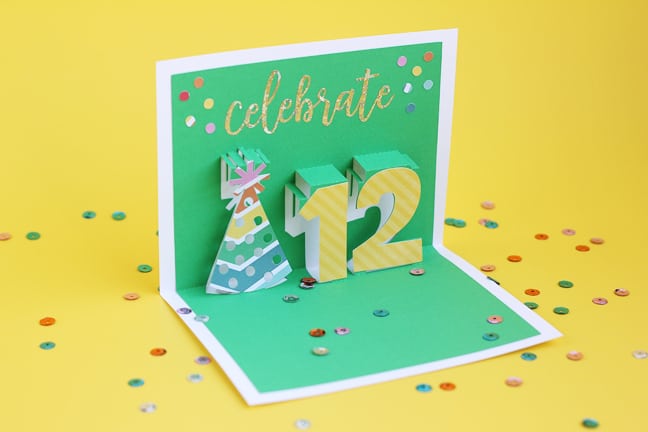
I’ve made another pop-up card using Silhouette Studio version 4.1’s Pop-Up Creator! With Designer Edition and higher, you can adjust the depth of each individual letter or shape, so that’s what I did here. Here’s the video I made for Silhouette’s YouTube channel, but keep 

Tutorial: Object on Path in Silhouette Studio®

Tutorial: Object on Path in Silhouette Studio®

Have you tried the new Silhouette Studio feature of “Object on Path?” It’s so cool! You can take any design, not just text, and drag it to a path to create new and interesting designs. I’ve got a tutorial over on the Silhouette America blog. 

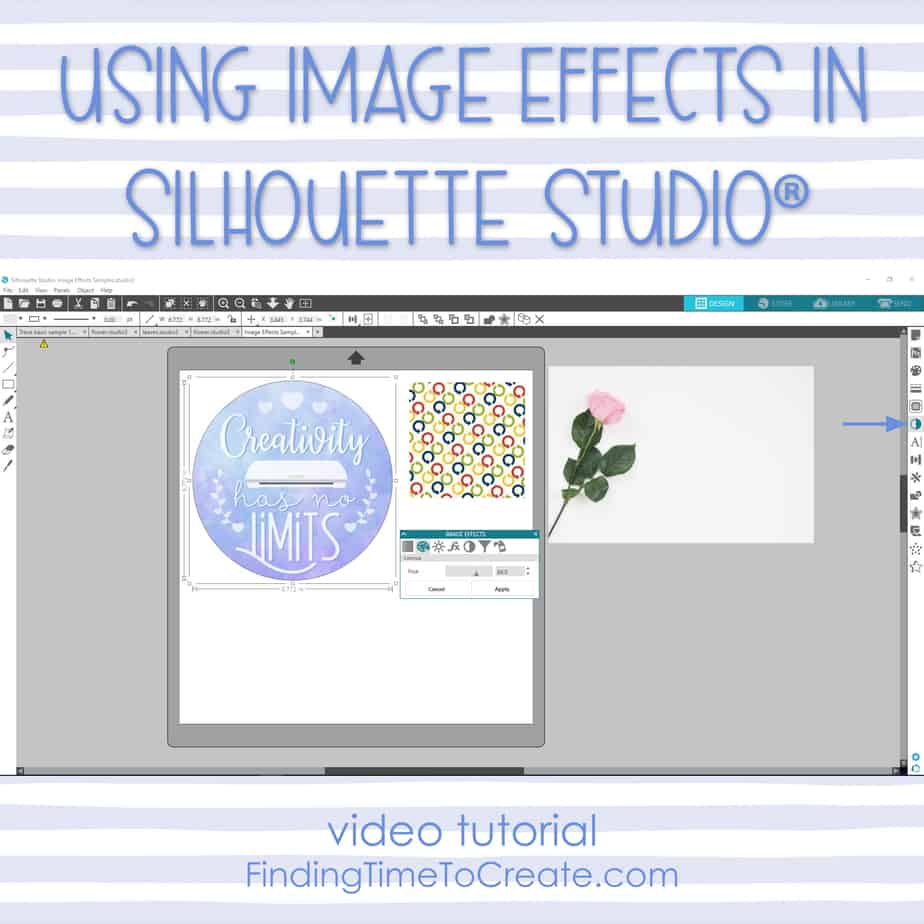
Using Image Effects in Silhouette Studio®

Using Image Effects in Silhouette Studio®

This is a less-known feature that’s been around a while, and I sure like having it! Watch my video tutorial below for learning how to use Image Effects on photos, patterns, and print & cut designs to recolor, brighten, add contrast, desaturate, and more.   

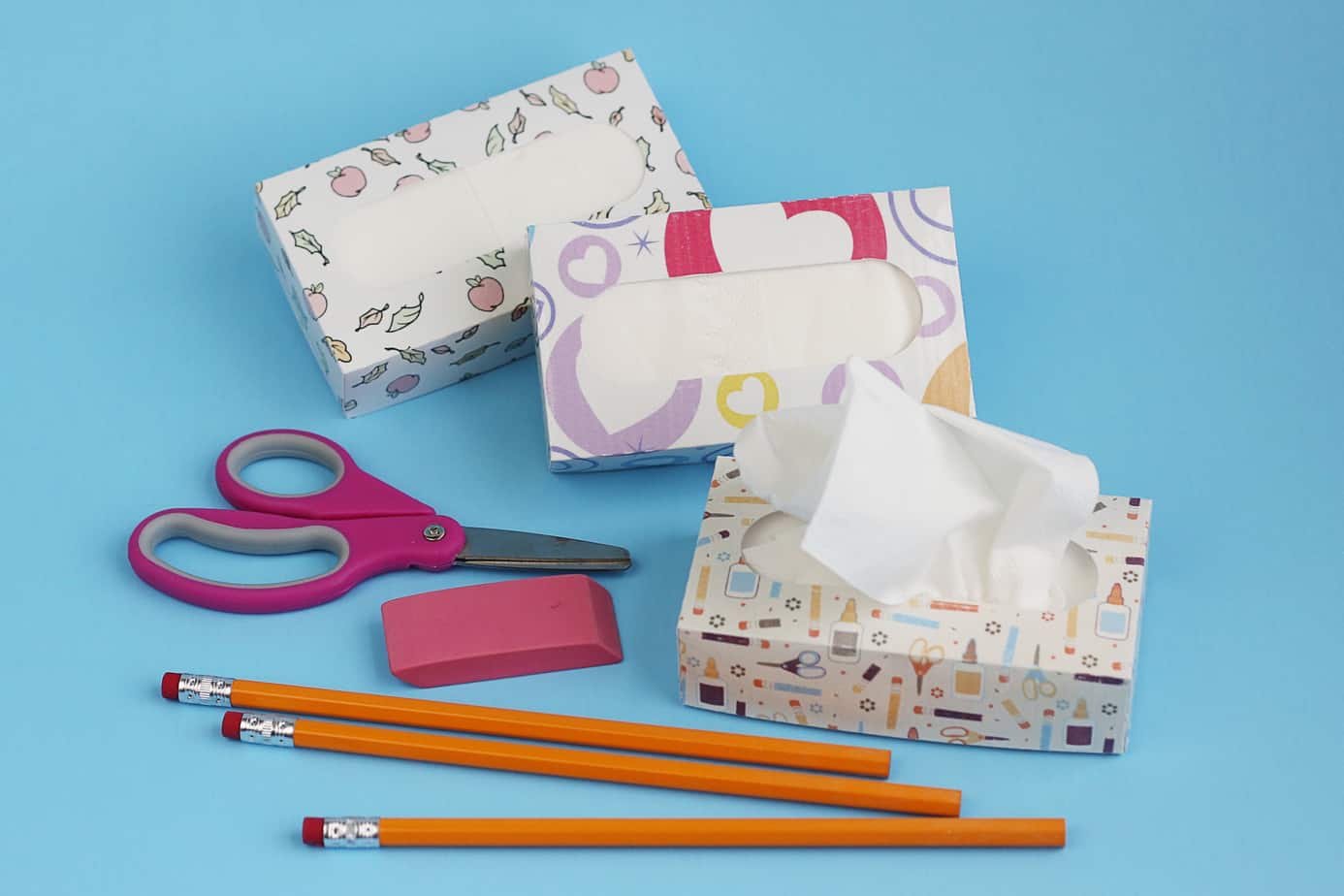
Printable Duct Tape?

Printable Duct Tape?

I’ve got a fun new project you can try with Silhouette printable duct tape. You’ll find the full tutorial over on the Silhouette America Blog. Let me know what you think! Save Save

Make Sensational Fidget Spinners for Summertime Fun

Make Sensational Fidget Spinners for Summertime Fun

How would you like to use your Silhouette machine and some loose change to make custom fidget spinners for summertime fun? Is anyone else running out of ideas to keep the kids busy this summer? My husband has been trying to come up with golden