Tag: Beginner

Customize Your Space with Vinyl

Customize Your Space with Vinyl

This has been a busy week! Today I’m here to announce you can sign up for a free online class “Customize your Space with Vinyl” with me at Michael’s! I’ll be at Silhouette Headquarters LIVE at 3 p.m. CST on September 9, 2020 to share 

Portrait 3 Print & Cut Class

Portrait 3 Print & Cut Class

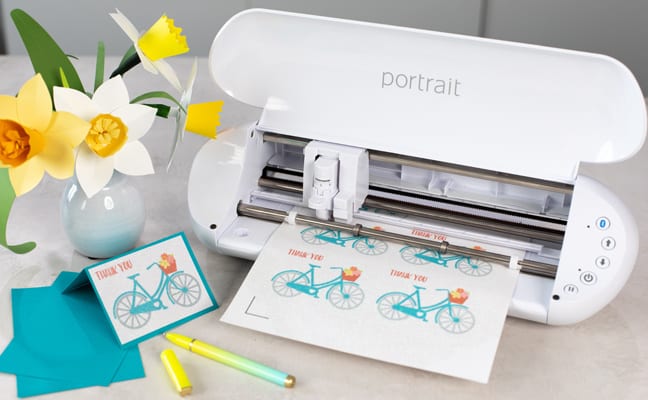
Hi there! With the release of the Portrait 3, I worked with Silhouette to create a new Portrait 3 Print & Cut class. It’s specific to the Portrait 3, but I also cover some great information for new users of the Cameo 4, as well. 

Customize Your Kitchen Mixer

Customize Your Kitchen Mixer

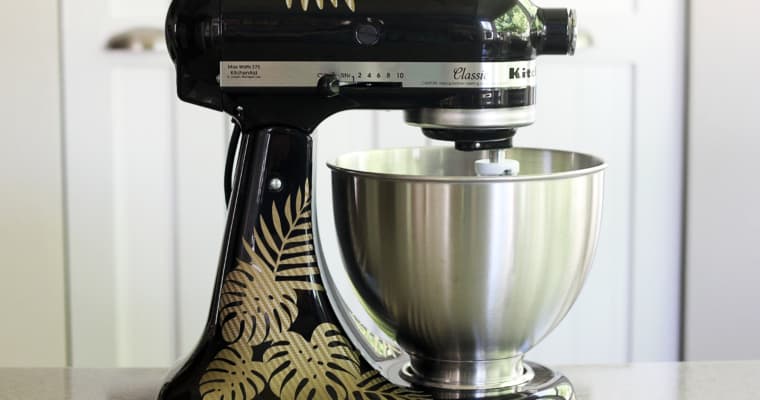
Hello, friends! I’ve got a new tutorial for you on how to use vinyl to customize your kitchen mixer. You can find my tutorial over here on the Silhouette 101 blog. I used the Silhouette Portrait to show how you can do big projects with 

Creating Crepe Paper Flowers on Craftcast

Creating Crepe Paper Flowers on Craftcast

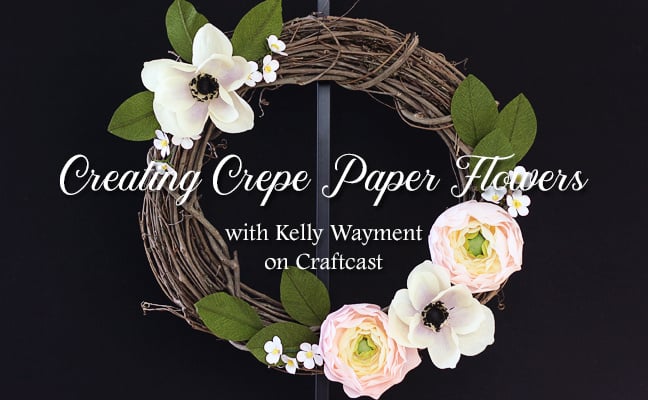
  I’m excited to share that I have a class on Craftcast.com that’s all about creating crepe paper flowers! This was recorded live May 16th, 2020, but you can still purchase the class here: Creating Crepe Paper Flowers.   I show you step-by-step how to 

Getting Started with Print & Cut

Getting Started with Print & Cut

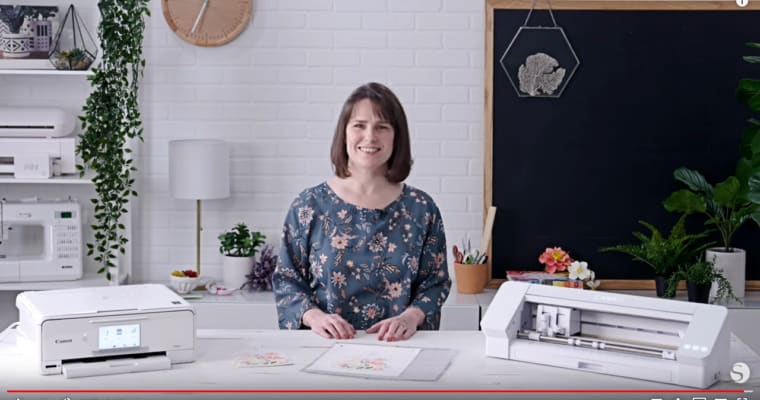
I’ve got a new video up today on Silhouette’s YouTube channel, called Getting Started with Print & Cut. Print & Cut is one of the super-cool features of the Silhouette machines, but it can be a bit tricky for some users. This video covers the 

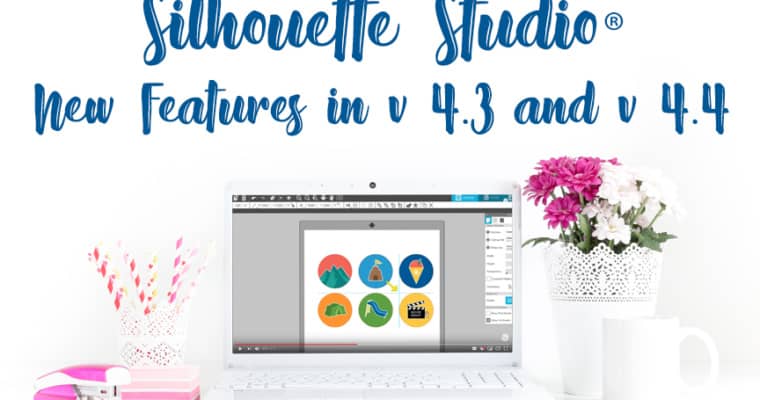
New Features in Silhouette Studio v 4.3 + 4.4

New Features in Silhouette Studio v 4.3 + 4.4

Silhouette Studio v 4.4 was released today! Here are my videos for the official Silhouette YouTube channel for new features introduced in both v 4.3 and v 4.4. I’m also including videos in the list for Cameo 4 features I have not previously shared. Apologies 

Painted Canvas Panel

Painted Canvas Panel

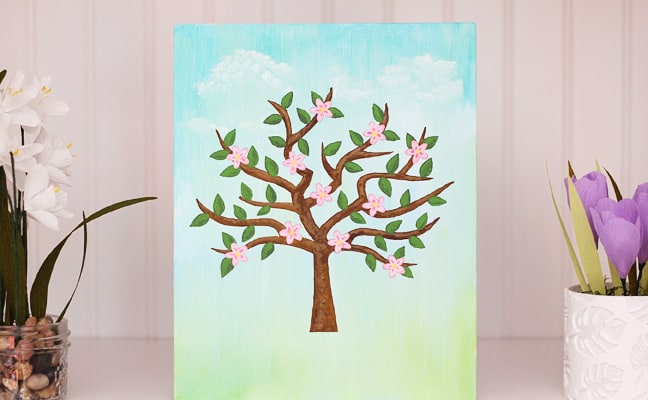
Hi friends! Today on the Silhouette 101 blog I’m sharing a tutorial on how to use your Curio to assist painting canvas panels. This would be a fun craft with the kids, or a meditative project for yourself. Especially if you are stuck at home 

Mint Stamp Maker – Silhouette 101 Class

Mint Stamp Maker – Silhouette 101 Class

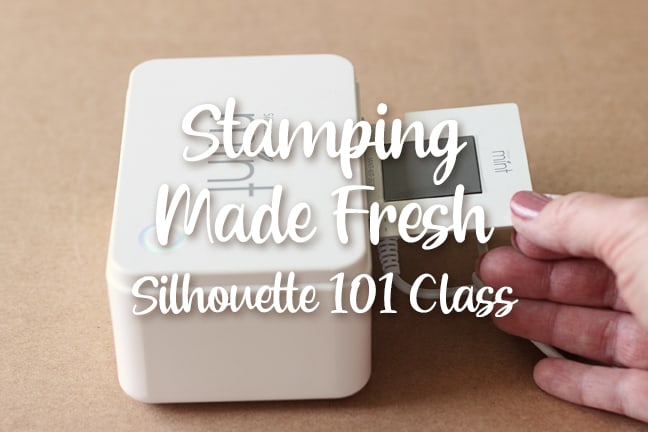
My class on the Silhouette Mint Stamp Maker is now available as a Silhouette 101 free video class! This is one of ten foundational classes I created with Silhouette America over the course of about 18 months. The Silhouette Mint custom stamp maker is a 

Silhouette Sketch Pen Class

Silhouette Sketch Pen Class

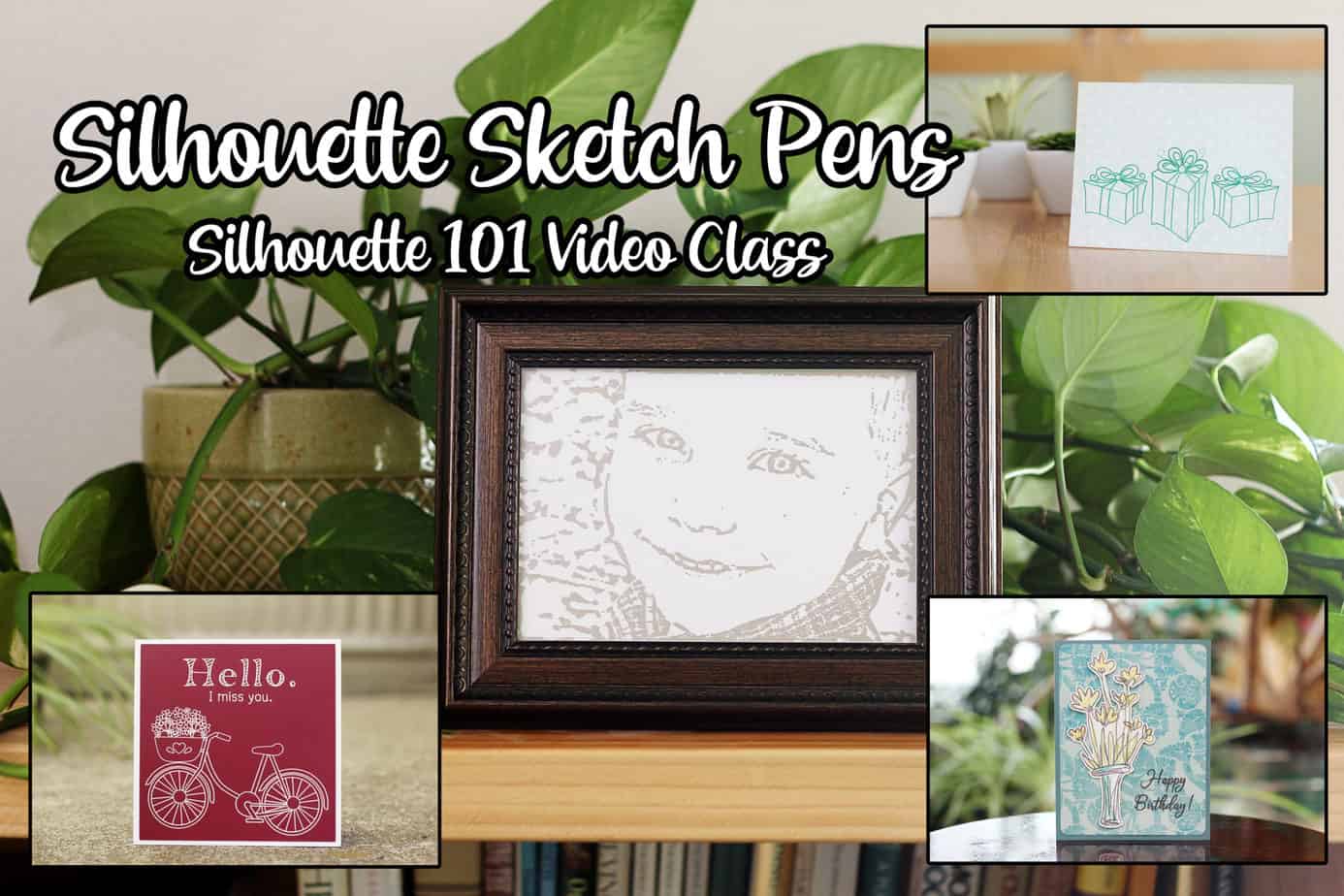
Here’s a new free Silhouette 101 class I created for you! This Silhouette Sketch Pen Class is one of ten foundational classes covering all the basic mediums and tools you are likely to use with your Silhouette cutting machine. What You’ll Learn Find sketch designs 

The Alta 3D Printer: Getting Started and Beyond

The Alta 3D Printer: Getting Started and Beyond

The Alta 3D Printer: Getting Started and Beyond This Saturday, November 16th, I’ll be joining Alison Lee on Craftcast.com for a live online webinar on the Silhouette Alta® 3D Printer. The Alta 3D Printer: Getting Started and Beyond is for those who are wondering what 

Create a 3D Camera with the Alta

Create a 3D Camera with the Alta

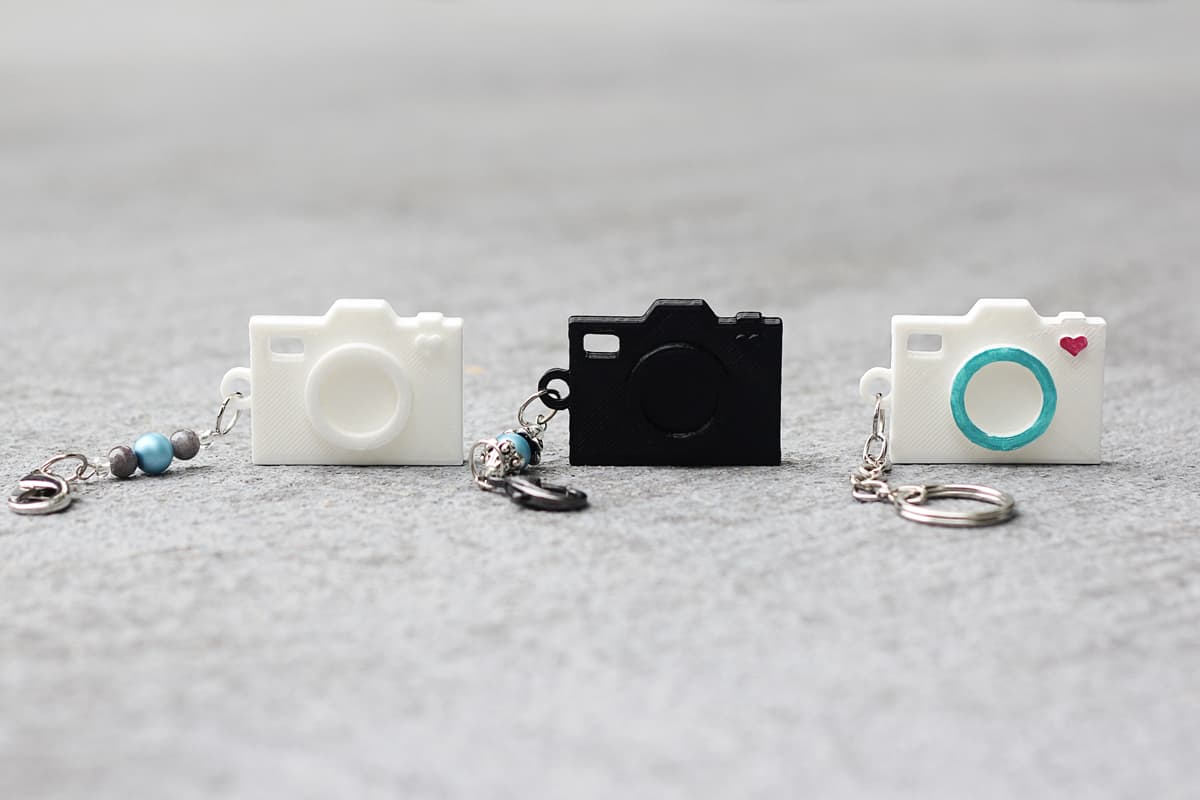
No, not a real camera. But you can take a simple card design like this A2 Camera Shaped Card and turn it into a fun layered 3D design with the Silhouette Alta! Learn how to use some simple tricks in Silhouette 3D™ on this blog 

Guide to Glass Etching: Silhouette 101 Class

Guide to Glass Etching: Silhouette 101 Class

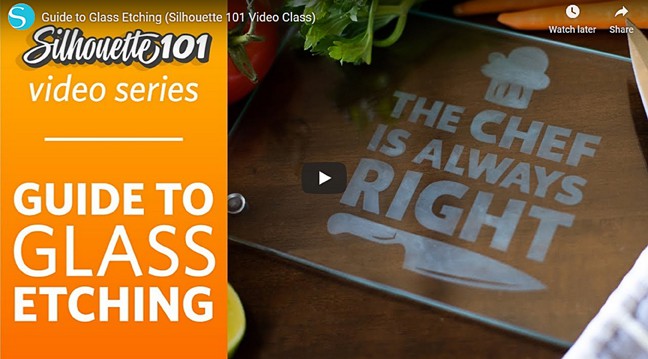
  Guide to Glass Etching is another Silhouette 101 video class I created with Silhouette America. This continues to round out all of our foundational classes for popular materials used with Silhouette machines. You can watch from the beginning, or skip to the various sections 

Print & Cut Perfection: Video Class

Print & Cut Perfection: Video Class

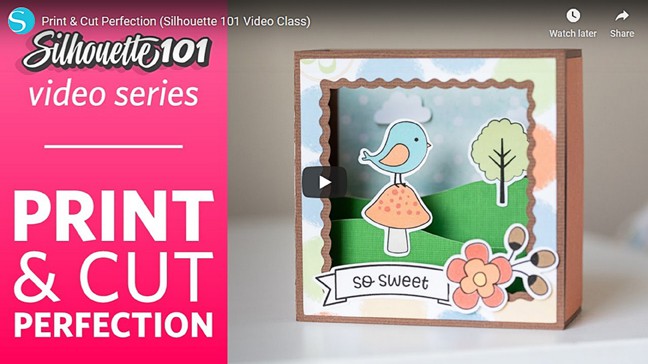
  Print & Cut Perfection Class Here’s another free class I created for Silhouette 101, available now on YouTube. It’s called Print & Cut Perfection, and it’s all about the popular Print & Cut feature in Silhouette Studio.   Links to Lessons Here’s a peek 

All Things Silhouette Conference Nov. 2019

All Things Silhouette Conference Nov. 2019

As many of you know, I have been teaching at the All Things Silhouette Conferences since 2016. The November conference is open for registration and filling up fast, so I want to make sure you know about it! Simply go to terrijohnsoncreates.com and view the 

Layered Heat Transfer Tutorial

Layered Heat Transfer Tutorial

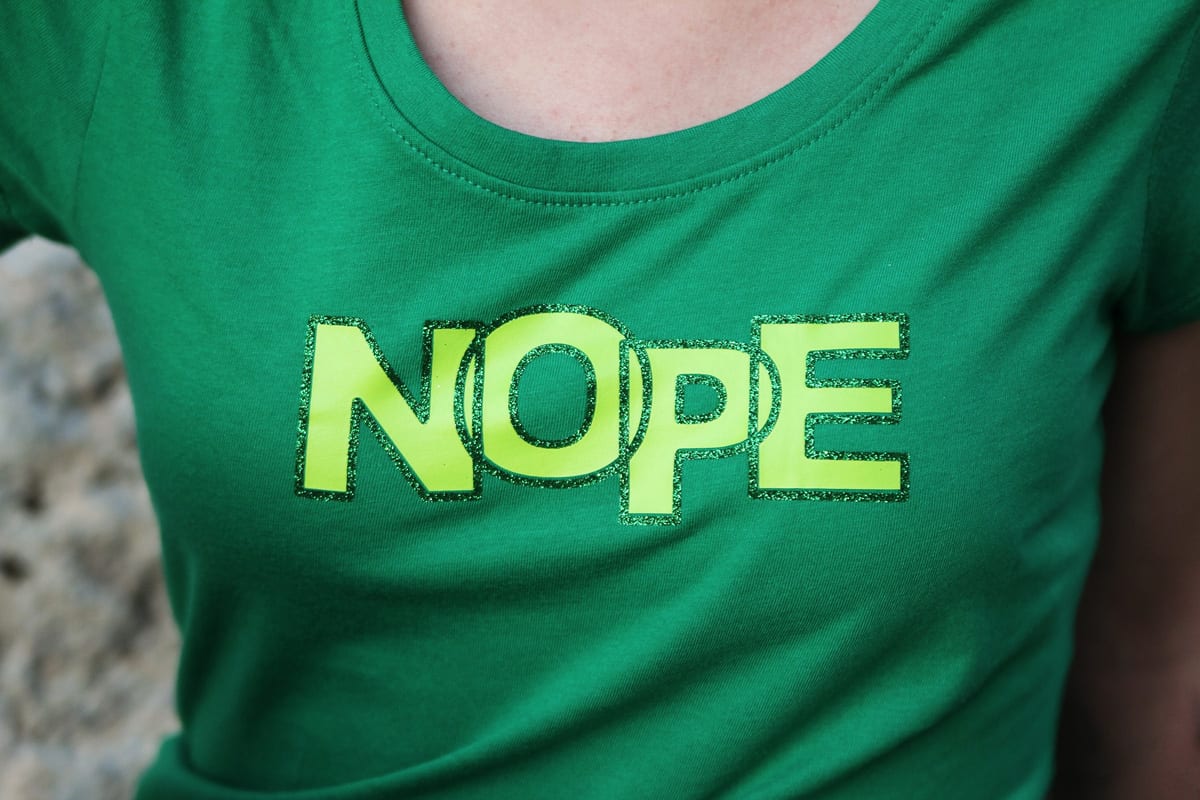
On the Silhouette 101 Blog today, I’m sharing a tutorial on layered heat transfer. I’ve combined glitter and smooth heat transfer in two colors to make this customized shirt. All the details are HERE. Bonus: All heat transfer is 40% off in the Silhouette Shop 

Easy Cheesecake Stencil Tutorial

Easy Cheesecake Stencil Tutorial

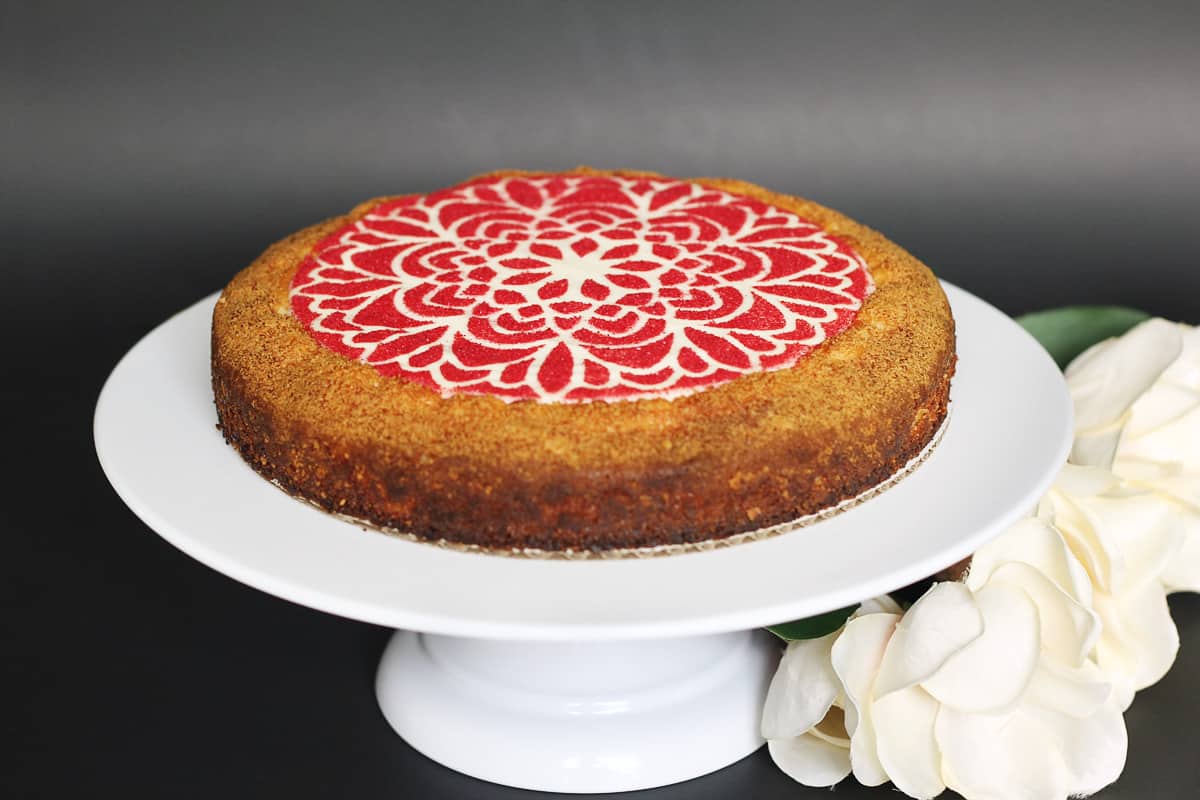
Who loves decorating desserts? I don’t, typically, but I do when I can use my Silhouette CAMEO to help! Here’s a tutorial I put on the Silhouette Blog for creating your own cheesecake stencil with just paper, this design, and a CAMEO. I hope you 

How to Add Foil Quill Accents to Print & Cut Designs

How to Add Foil Quill Accents to Print & Cut Designs

In this video tutorial, I’ll show you how to add foil accents to Print & Cut designs by tracing in Silhouette Studio. I’m using the new We R Memory Keepers Foil Quill tool to add the foil. As a bonus, I’ve included four different ways 

3D Printed Lithophane with Silhouette Alta

3D Printed Lithophane with Silhouette Alta

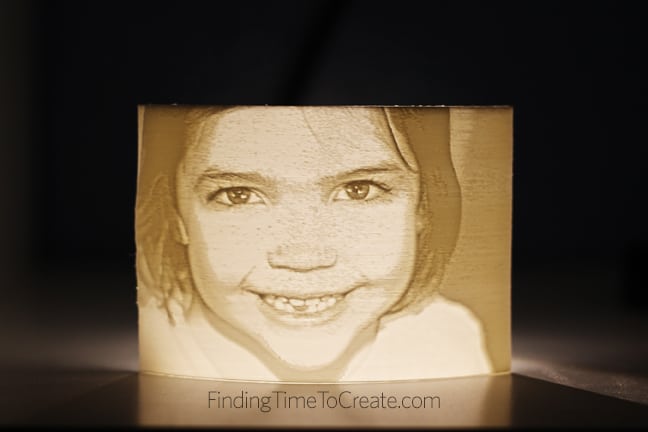
I tried something new this weekend with my Silhouette Alta, and it’s so cool and so easy that I had to put everything else aside and share it with you! This is a 3D printed lithophane, which is made of thin white PLA filament where 

Silhouette Puzzle Generator for Kids’ Puzzle Kits

Silhouette Puzzle Generator for Kids’ Puzzle Kits

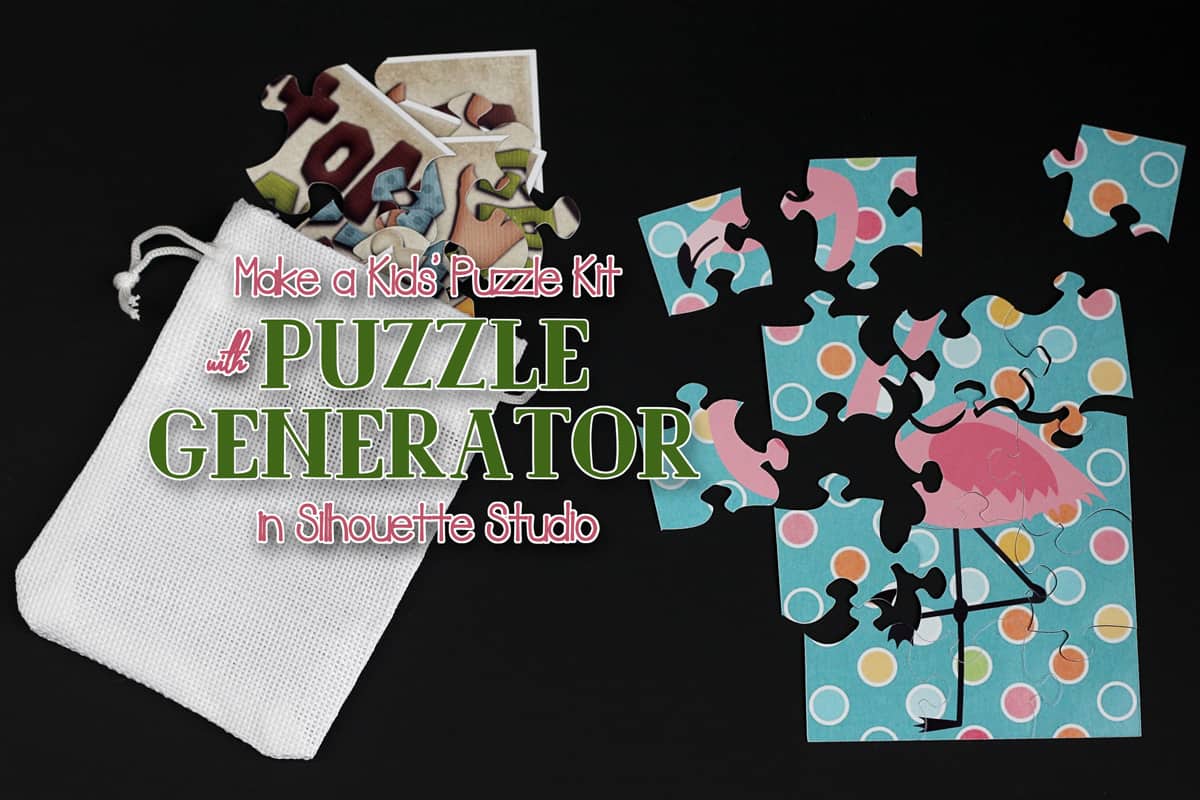
I’ve got a tutorial for a kids’ puzzle kit on the Silhouette 101 Blog using the new Puzzle Generator in Silhouette Studio v 4.2 Designer Edition Plus. Go check it out HERE. To learn about all the new features in Silhouette Studio v 4.2, go 

Silhouette Handbook 2nd Edition

Silhouette Handbook 2nd Edition

Wow, this has been a big week in the Silhouette world! The new major update to Silhouette Studio 4.2 was released, new February deals and flash sale, and now an update to the Silhouette Handbook (plus now it’s FREE!!). What is the Silhouette Handbook? The 

Silhouette Studio v 4.2 is Here

Silhouette Studio v 4.2 is Here

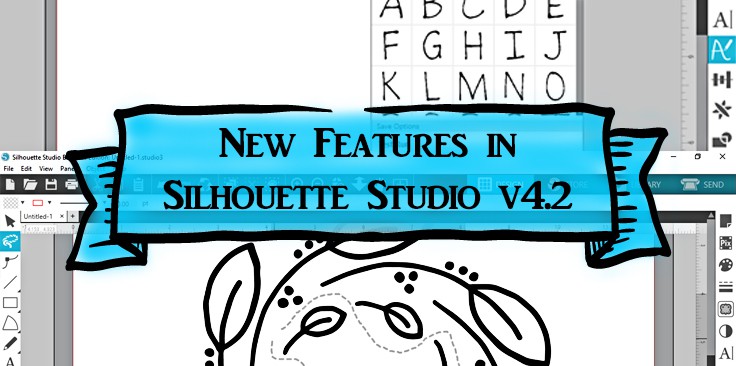
Hi there! In this post I’m going to share the new features in Silhouette Studio v 4.2. This became the new release appropriate for all Silhouette Studio editions and all Silhouette cutters as of February 11, 2019. Keep reading, and I’ll provide videos for how 

Foil I Love You Card

Foil I Love You Card

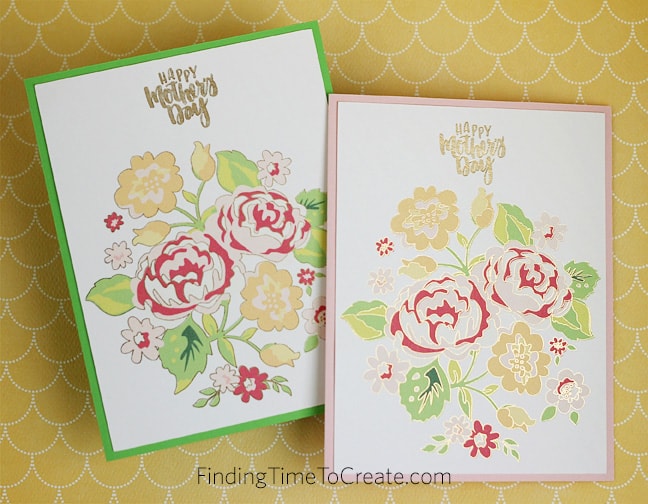
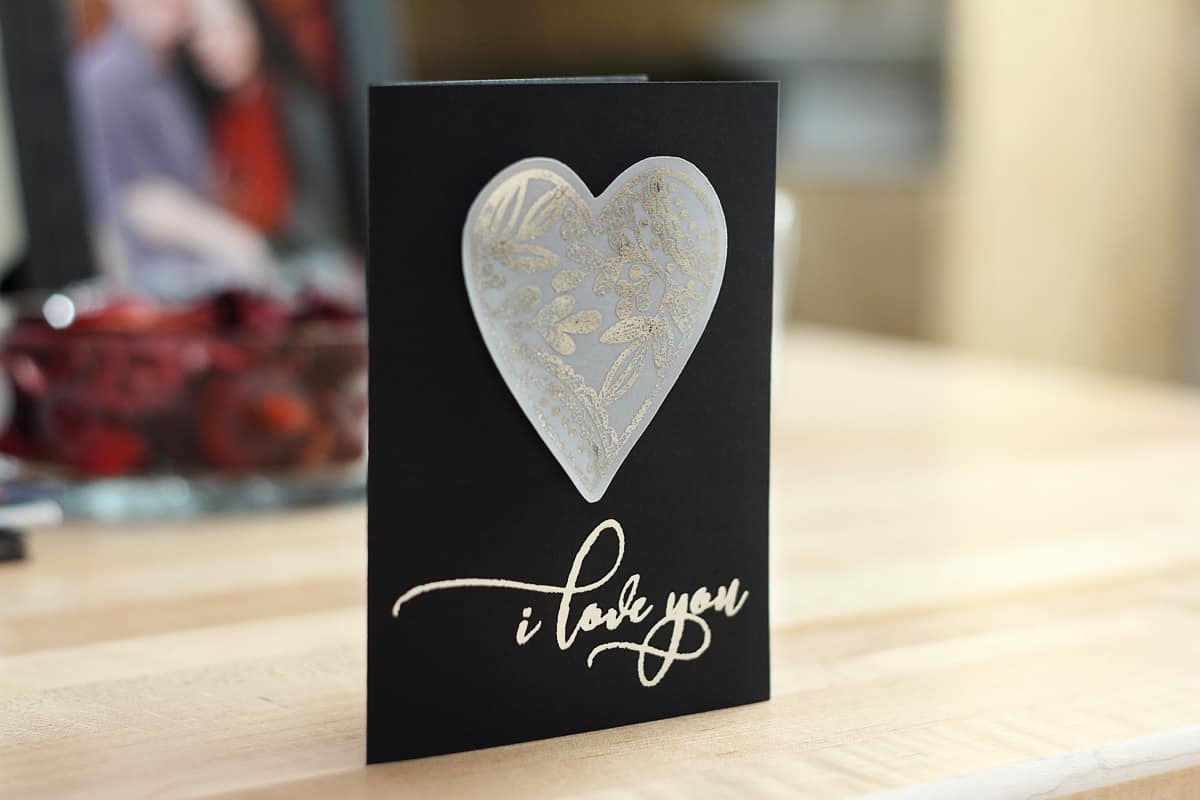
Raise your hand if you love the look of foil added to your projects! (I’m raising mine.) I’ve got a tutorial for this card with foil added to vellum and cardstock over on the Silhouette blog here. I use foil transfer sheets in the Silhouette 

All Things Studio: Free Video Class

All Things Studio: Free Video Class

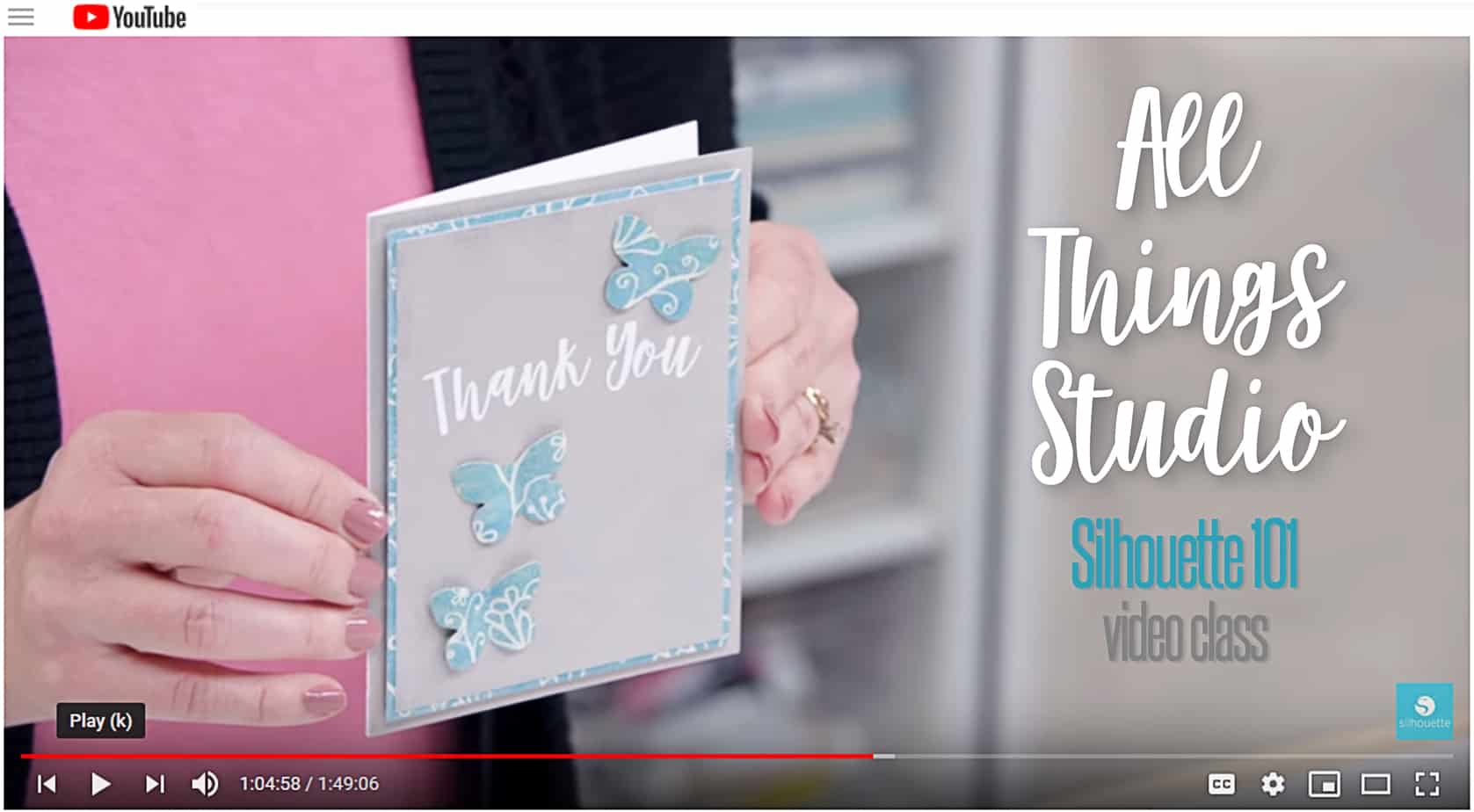
All Things Studio Class My latest Silhouette class is available now on YouTube! It’s called All Things Studio, and it’s all about designing in Silhouette Studio. This one’s a bit longer than my others, but it’s packed with material you can watch again and again 

Silhouette Advent Calendar 2018

Silhouette Advent Calendar 2018

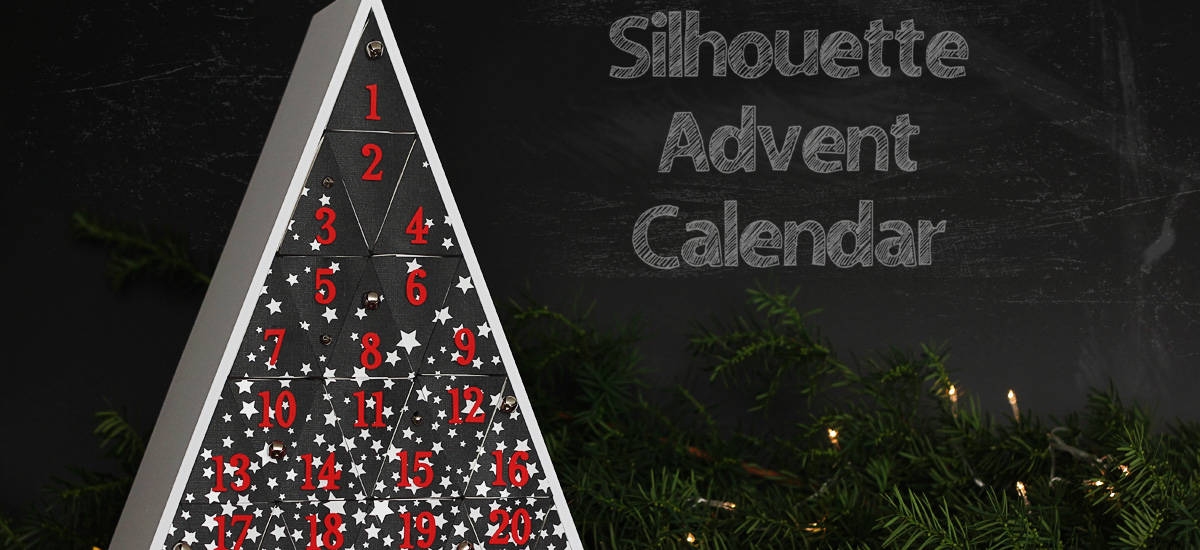
Can you believe Christmas is only 73 days away? I know it’s only October, but it’s amazing how fast time goes this time of year as the holidays approach. So it’s time to make a new Advent Calendar! This Advent Calendar was available only in 

How To Make A Custom Keychain With The Silhouette Alta

How To Make A Custom Keychain With The Silhouette Alta

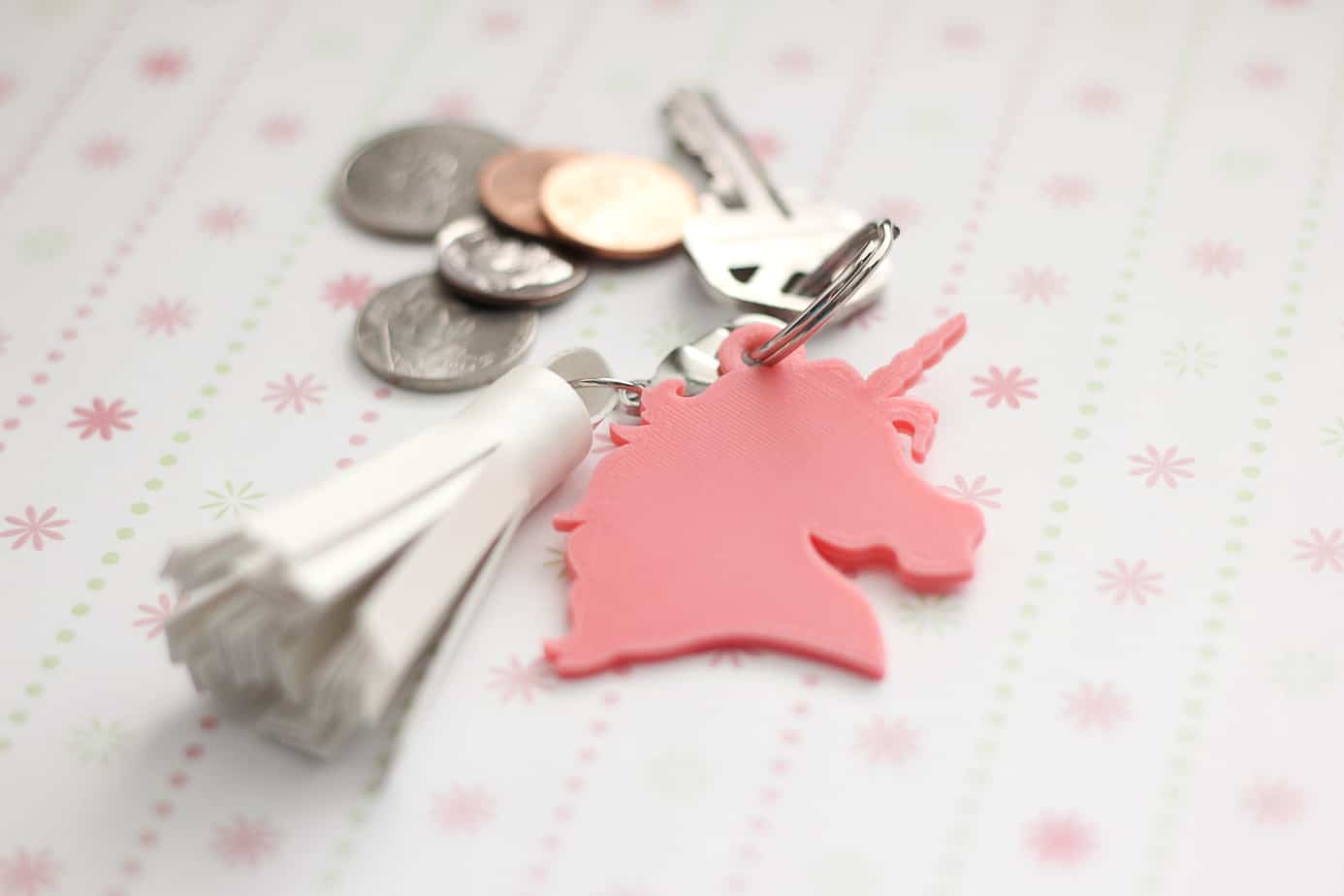
Hey, friends! I’ve got an easy tutorial for adding a loop to 2D designs in the Silhouette 3D software for the Alta 3D printer. You can make your own custom keychains! (My kids are already taking orders from their school friends for all kinds of