Recent Posts

Tutorial:  Opening a PDF file in Silhouette Studio (for Windows)

Tutorial: Opening a PDF file in Silhouette Studio (for Windows)

Update 02-08-2016: As with most software tutorials, they become outdated as new technology and updates come along. The tutorial below was written in 2012 using Silhouette Studio version 2. If you have Silhouette Studio Designer Edition (version 3 and up), please see this alternative video 

Make a Scalloped Oval using Text to Path in Silhouette Studio

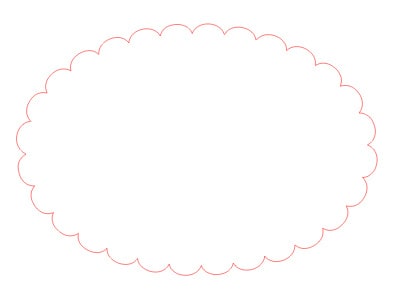
Make a Scalloped Oval using Text to Path in Silhouette Studio

I posted this tutorial months ago in the Silhouette Plus forum, but I guess I never posted it here on my blog. Now I’ve made a video tutorial, and the written instructions follow below.   1. Make an oval. 2. Make a text box with 

Silhouette Studio Tutorial:  Adding Custom Media Settings

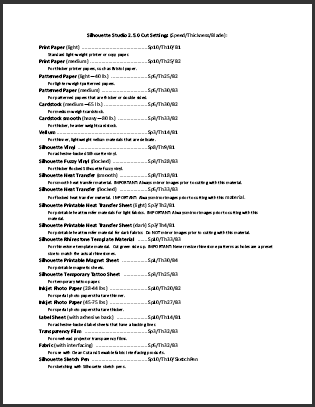
Silhouette Studio Tutorial: Adding Custom Media Settings

Note: This post was originally written in July 2012 for adding custom media settings in Silhouette Studio. The screen shots still apply to the Legacy version 2 of Silhouette Studio, and have changed only slightly for version 3. The process is still about the same 

Quick CD Cases to Share

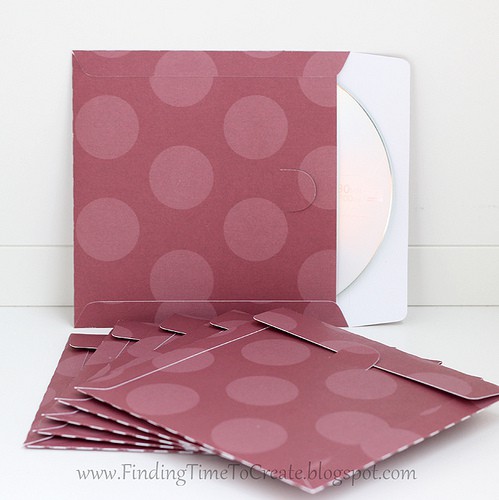
Quick CD Cases to Share

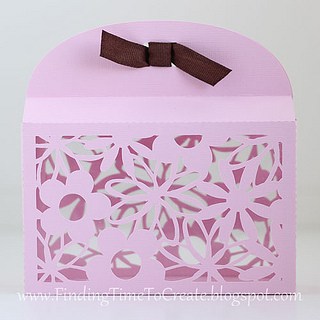
How about a freebie today?  I made some CDs for my Silhouette Basics students at Heartland Paper and needed something to put them in.  I have a lot of paper, so I decided to make my own CD cases.  There are plenty of CD templates 

Festive Themed Fabric Flower Clips

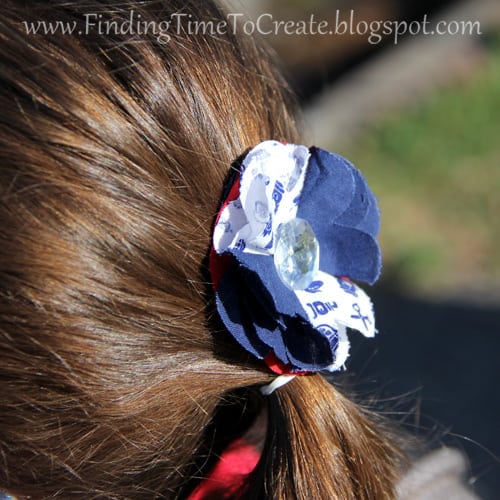
Festive Themed Fabric Flower Clips

I made these flower hair clips very quickly for my girls the night before our 4th of July celebrations. I used the Contact-paper method to avoid getting out the iron for interfacing, and I used the pattern I provided on this Fabric Frenzy post. No 

I’m Your Biggest Fan

I’m Your Biggest Fan

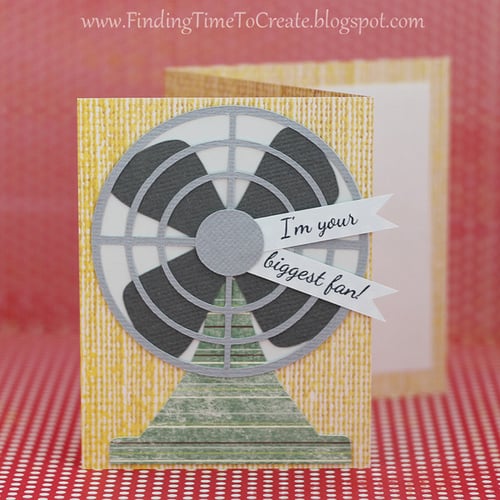
Do you know what one of my favorite things about the Silhouette machine is? I can take any idea out there on the web and quickly turn it into a great cut file. This little fan was so easy, thanks to Pinterest and to Paper 

Local Scrapbook Store Party

Local Scrapbook Store Party

For my fellow Utah friends (especially in Davis County), I want to make you aware of a fun event coming up this weekend.  The Scrapbook Outlet in Woods Cross, Utah, is having a Pinterest Party on Saturday, July 14th from 10 a.m. – 2 p.m.  

Silhouette Online Live was a Success!

Silhouette Online Live was a Success!

I felt like yesterday’s live online classes were a success! The system seemed to work well for most people, and I’m already getting great feedback. This will take a little tweaking to make it enjoyable and practical for everyone, so I appreciate your patience and 

Silhouette Online Class Test Run

Silhouette Online Class Test Run

By popular demand, I’m trying out a new class format. I won’t be giving up teaching local Silhouette classes, but I can’t reach as many people as I’d like to unless I expand online. So this Friday, July 6th, I’ll be broadcasting a live webinar 

Vinyl Name Plate

Vinyl Name Plate

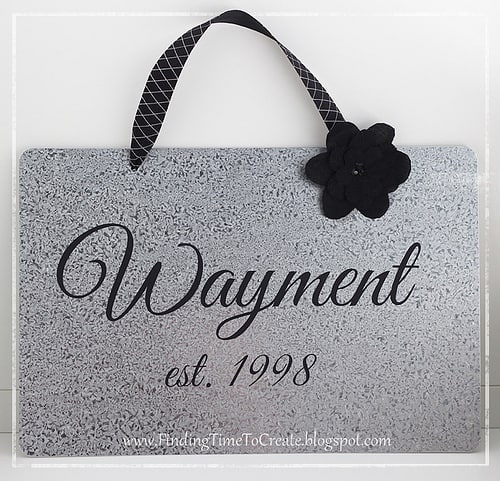
This is a sample of the project we made last night in the class I taught for Silhouette Basics at Heartland Paper. My students were learning how to use the Text Tool and to Weld in Silhouette Studio, among other things. I added the flower 

Silhouette Tutorial:  Design a Custom Envelope

Silhouette Tutorial: Design a Custom Envelope

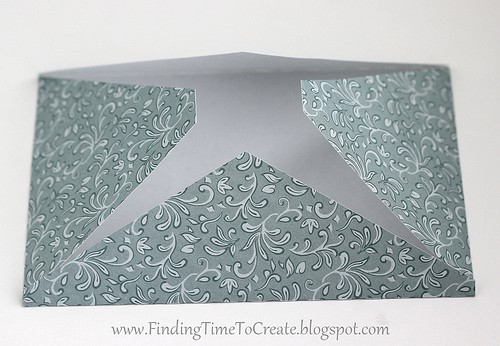
I was asked how to design a 4×6″ envelope in Studio without having to purchase an envelope file from the online store. I love a challenge and had some time, so I made this video tutorial to share with you. You can use these techniques 

Is it a Bird?  Is it a Plane?

Is it a Bird? Is it a Plane?

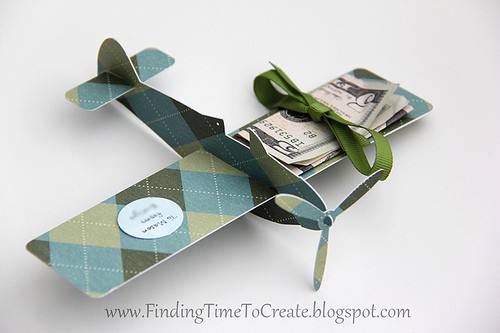
I got short notice for a birthday party a few days ago for my little daughter to attend.  I had no time during the day to drag all the kids with me to the store to buy a gift, but I did end up with 

There’s Still Time…

There’s Still Time…

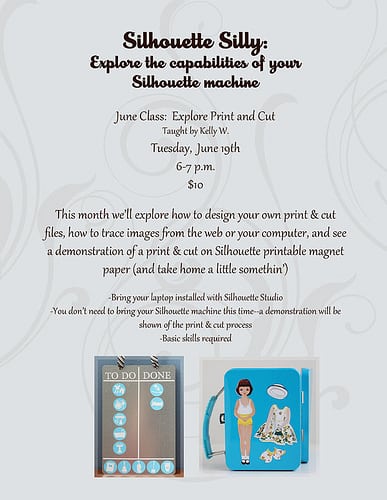
I still have openings for my Silhouette Silly Class at Heartland Paper on June 19th.  If you’re willing to travel to Bountiful, Utah, for a one-hour class on Print & Cut, then please call the store by this Saturday to claim your spot!  (801-294-7166) I 

July 4th Scrapbook Page

July 4th Scrapbook Page

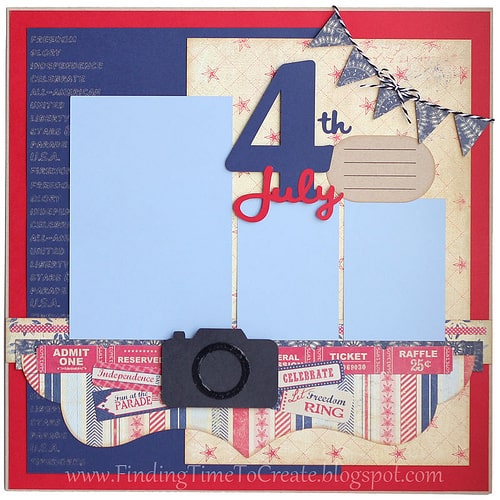
Here’s another project I created for the Heartland Paper design team.  I left out the photos for now because it’s just an idea and I never seem to have any great pictures from the 4th of July.  They’re all pretty average.  I do better with 

Family Reunion Goodies

Family Reunion Goodies

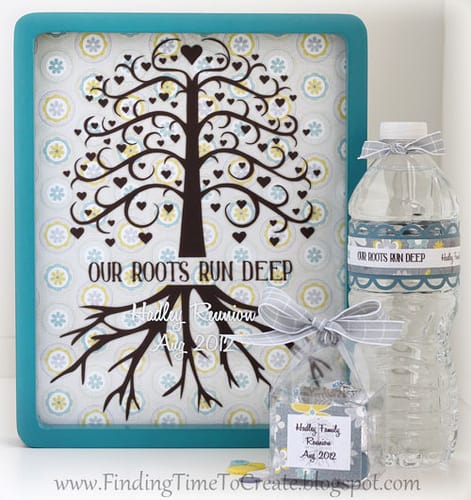
I haven’t even been to an official family reunion for about 15 years, but I was happy to accept the assignment of a family-reunion craft for my Heartland Paper design-team project this month. Now I know what I’ll do if I’m ever in charge of 

Challenge Yourself!

Challenge Yourself!

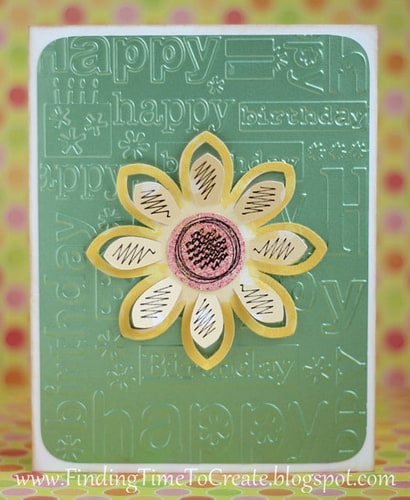
I made this card for my younger sister and used a challenge on the Silhouette Plus forum to help me create my flower design. The challenge was to create a 3D project (I’m counting this flower as 3D) by starting with a shape not originally 

Silhouette Studio Tutorial:  Flourish Frame for Cards

Silhouette Studio Tutorial: Flourish Frame for Cards

I recently taught a class on using the Modify tools in Silhouette Studio to combine background designs with other shapes.  We made this project: And in preparation for the class I made another fun frame, which I used in this project: I was asked again 

Quick Tip:  Label your Creations

Quick Tip: Label your Creations

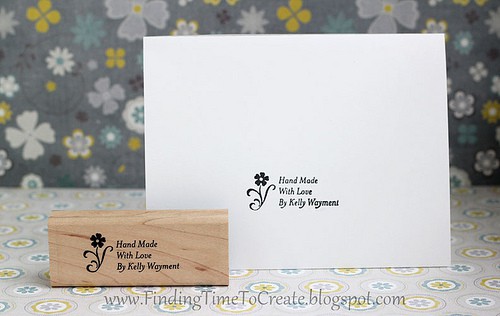
How do you cardmakers and crafters label your projects? I want to show you the two stamps I use. I’ve been using this first stamp for years and years. I ordered it from Stampin’ Up! as an address stamp, but used the three lines to 

Sketched Birthday Card

Sketched Birthday Card

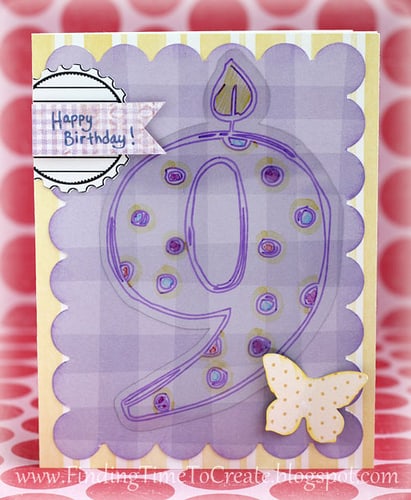
I just got the new adjustable marker holder for the Silhouette from Chomas Creations, so when it arrived I immediately went through my stash to see what would fit. I settled on an American Crafts Slick Writer so I could have my Cameo draw on 

Flower Cards

Flower Cards

As I was busy trying to complete wreaths for my moms last weekend for Mother’s Day, I realized Sunday afternoon there was no way that was going to happen.  So I had to switch gears and make some very quick cards, but since they were 

Somebody Stop Me!  Fabric Frenzy

Somebody Stop Me! Fabric Frenzy

Here’s the long-awaited post on more fabric flowers with the Silhouette, tutorials included. (Sorry it took me so long. Has it only been a week since I taught this class?) I spent last week preparing for my Silhouette Silly class at Heartland Paper, where I 

Teacher Appreciation Cards

Teacher Appreciation Cards

This week is Teacher Appreciation week, so I made a simple card for each of my kids’ teachers.  I made the cards, then let my kids decorate the insides. I used a Gelly Roll Stardust gel pen in my Chomas Creations adjustable pen holder for 

Fabric Interfacing:  Print and Cut

Fabric Interfacing: Print and Cut

All of the elements on this card are cut from fabric. Yup, you heard me. I made a fabric card! (Mounted on a white cardstock base.) Last week I taught a class on Silhouette fabric interfacing, and boy did I have fun getting ready for 

Chore Chart

Chore Chart

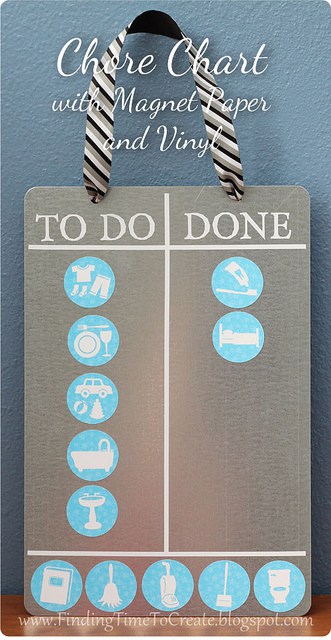
I made this chore chart using Silhouette’s printable magnet paper with the print and cut feature of the Silhouette Studio software. Honestly, I bought this magnet paper a long, long time ago and never even opened the package until this project. My next Silhouette Silly 

Birthday Card with Bennit

Birthday Card with Bennit

I love this cute little bunny I bought from Tangle’s Treasures.  Rebekah and her sister Rachel have created some absolutely charming characters you can buy that come in several formats, including PNG, SVG, and Studio.  In Studio the pieces can be cut separately from cardstock,