Recent Posts

Silhouette Studio Tutorial:  Make Your Own Scalloped Circles

Silhouette Studio Tutorial: Make Your Own Scalloped Circles

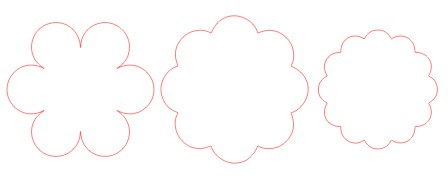
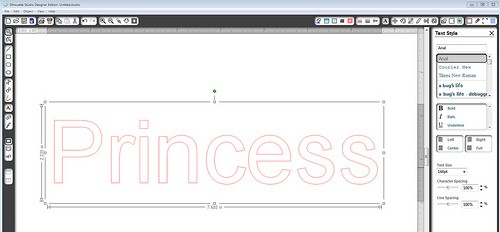
I was asked how to design your own scalloped circles using Silhouette Studio, so I’ve written a short tutorial.  This can be done in either version (basic or designer). Here are the scalloped circles I’ll show how to make, using basically the same steps each 

Heart Mobile Tutorial

Heart Mobile Tutorial

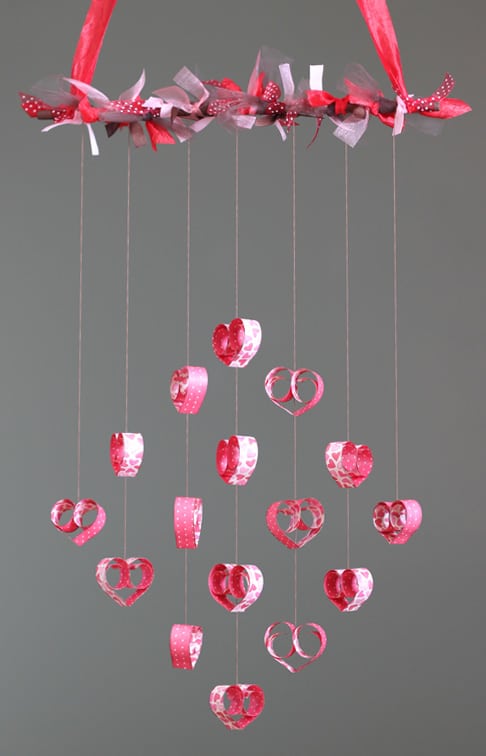
I spent hours drooling over all the pretty mobiles I could find on Pinterest, and then I combined several of my favorites to create this one. This is another project I submitted as a design-team member for Heartland Paper Co. It only uses a single 

Sweet Valentine Hanger Tutorial

Sweet Valentine Hanger Tutorial

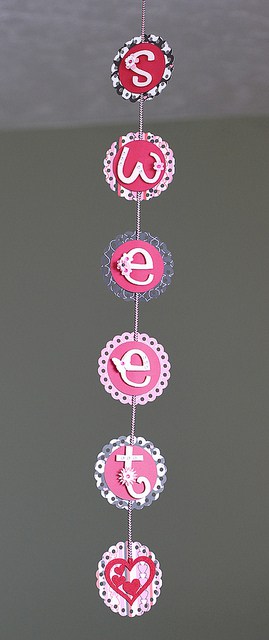
I made a version of this Valentine hanging decoration a couple of years ago, but this is my new and improved version. I turned this in to Heartland Paper today, so if you live in or near Davis County, Utah, you can go see it 

Flower card

Flower card

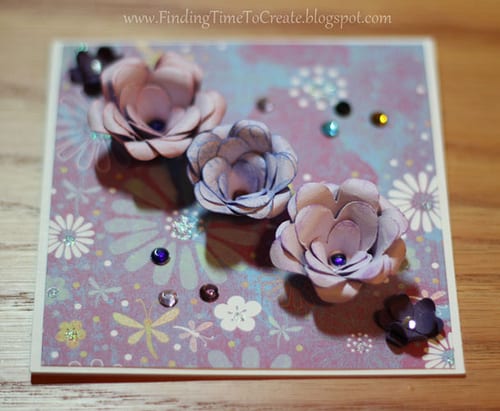
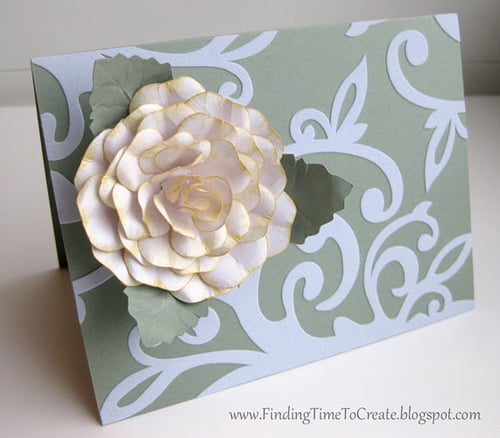
I spent most of my time available one day making one of my etched-glass frames as a bridal-shower gift for a sweet girl who used to babysit my kids.  As the time drew near for me to leave, I realized I hadn’t made a card 

Home is Where….

Home is Where….

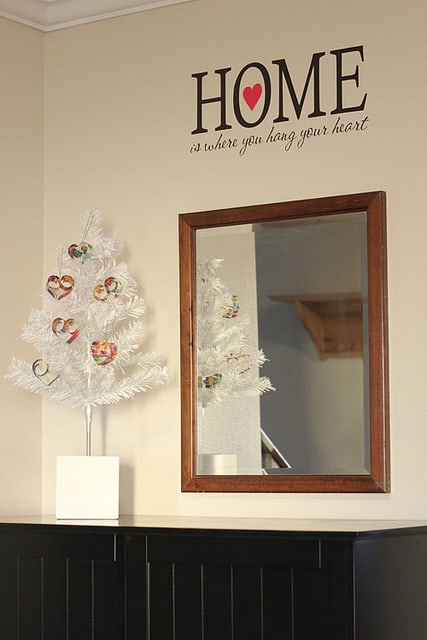
I finally got around to putting vinyl on my wall after years of putting it on everything else. I’ve put Silhouette vinyl on doors, mailboxes, mirrors, jars, plastic containers, dishes, holiday ornaments, cards…you name it. But not on my walls, until a few days ago. 

Love You Card

Love You Card

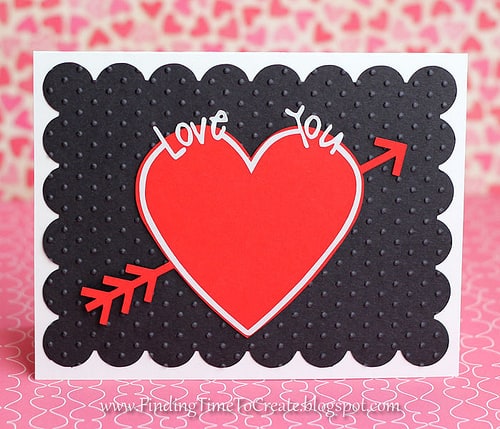
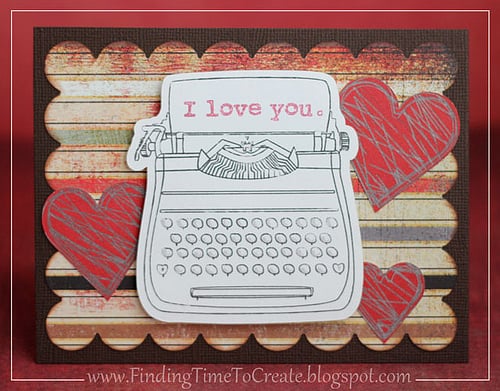
This is the card we’ll be making for our final lesson in the Silhouette Basics class I’m teaching at Heartland Paper in Bountiful, Utah. It’s simple, but we’re using one existing heart shape, a circle, and a rectangle to make all of this. And a 

Tutorial:  Butterfly Valentine Suckers

Tutorial: Butterfly Valentine Suckers

A reader asked me how she could use her new Cameo to make these from Skip to My Lou‘s free printables: using Sarah Bailey’s “Butterfly Valentine” file from the Silhouette Design Store: She wanted to get text on a path around the butterfly wings, so 

Silhouette Studio Tutorial:  Rhinestone Tool for Single-Line Text

Silhouette Studio Tutorial: Rhinestone Tool for Single-Line Text

I know a lot of you aren’t Silhouette users, but a lot of you are.  I’ve written quite a few tutorials for the Silhouette Plus forum, and teach Silhouette classes at Heartland Paper, but I’ve decided I should include these tutorials here on my blog 

Reader Spotlight

Reader Spotlight

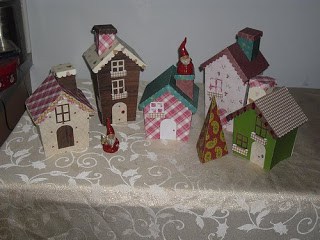
I’ve seen pictures from two wonderful ladies who used my Christmas Village templates. I thought it would be fun to show them here. This set was made by Debby: And this display was made by Susan. She mixed in a lot of other fun things 

Pop Up Letter Tutorial

Pop Up Letter Tutorial

Here’s a quick tutorial on how to make pop-up letters for gift wrapping or whatever you want using Silhouette Studio (basic or Designer). 1- draw a long rectangle 2- type your desired letters (I used Franklin Gothic Demi font in these screen shots and Impact 

For the Bride

For the Bride

I made a similar wedding gift a while ago, but didn’t get to go to see it opened. Last week I was able to give this gift at a bridal shower and the bride’s reaction was one that makes all handmade gifts worth it. I 

Pop Up Letters

Pop Up Letters

At the last Silhouette Basics class I taught at Heartland Paper, I taught how to use the point-editing tools in Silhouette Studio to make this popup place card. I forgot, however, to bring this extra project I made that shows another example using point-editing. This 

Variation on Christmas Frame

Variation on Christmas Frame

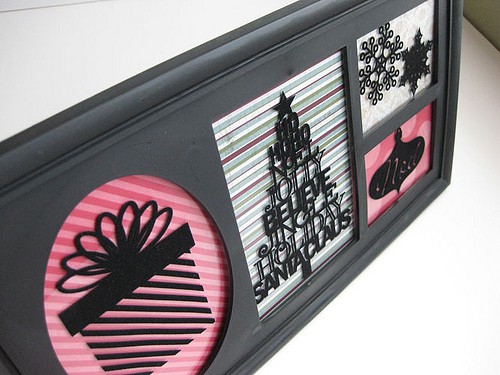
I hope you’re not tired of this frame yet.  I just wanted to show one more variation of this frame I did using fuzzy black vinyl.  Fuzzy white vinyl would work great, too, but I was working with black at the time.  I wish you 

Christmas Cards 2011

Christmas Cards 2011

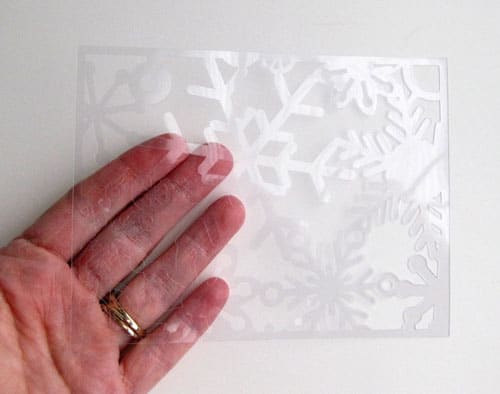
I finally got my Christmas cards finished and in the mail last night, a few minutes before the last pickup.  I wasn’t procrastinating…I just couldn’t come up with a great design.  Until I tried these clear plastic sheets in my Silhouette (see my previous post).  

Acetate in the Silhouette CAMEO

Acetate in the Silhouette CAMEO

I have a new favorite medium to work with in the Silhouette machine!  I got a great tip from a friend on the Silhouette Plus forum and bought a pack of clear plastic presentation covers.  They are letter-sized clear plastic sheets used for binding as 

What do you do with…

What do you do with…

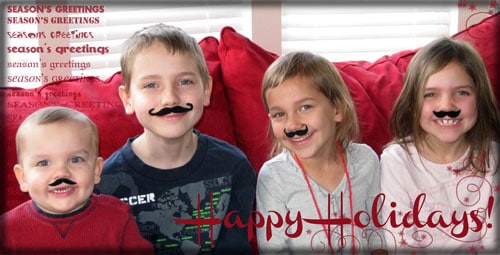
What do you do with 2 inches left on a roll of fuzzy black vinyl?  Make silly mustaches for your kids, of course!  I took the free shape from Silhouette offered this summer around Father’s Day, altered copies with point editing to create different styles 

Sympathy Card for Baby

Sympathy Card for Baby

I attended the funeral for my cousin’s baby boy this morning, who died of SIDS a few days ago.  He was almost 4 months old.  This is the card I made for them.  The inside reads, Such a precious life could never be replaced, but 

Christmas Advent Calendar

Christmas Advent Calendar

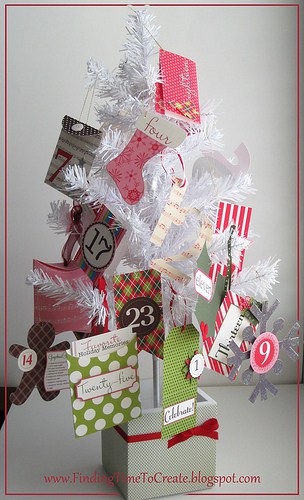
I wasn’t planning on making an advent calendar this year, but when I saw this beautiful set by Elle’s Studio through JessicaSprague.com, I changed my mind! (You can purchase this advent calendar at 35% off through the end of December.) It comes in PDF form 

Christmas Neighbor Gifts 2011

Christmas Neighbor Gifts 2011

Here’s what I came up with after deciding not to make multiples of this frame with vinyl. I used the same shapes in Silhouette Studio, but printed them on cute Christmas pattern paper in black ink. I like the variety of color on these. Merry 

Dress Up a Dollar Store Frame

Dress Up a Dollar Store Frame

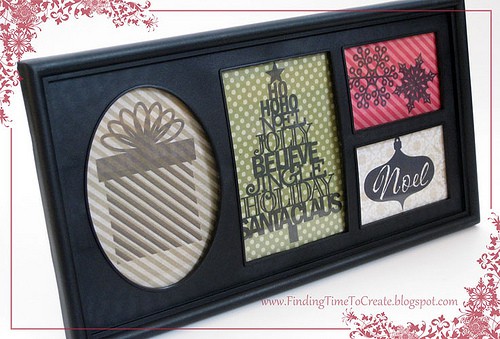
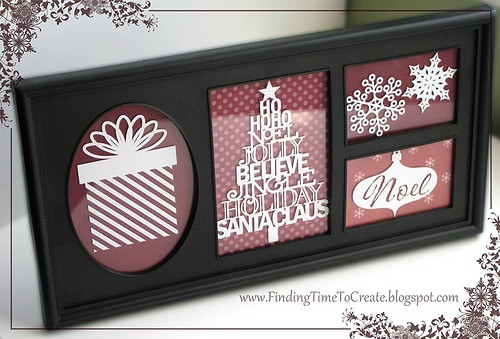
I grabbed about 15 of these $1 frames at my local Dollar Tree store, and this is what I did with the first one.  I decorated it with white vinyl on the glass, and backed the windows with red pattern papers.  This was my brilliant 

Holiday Place Cards

Holiday Place Cards

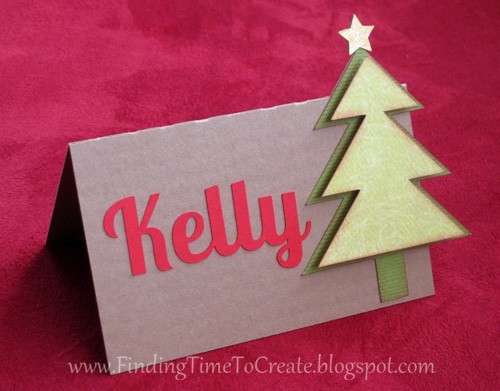
This is the project I’ll be using to teach some skills at my Silhouette Basics class this Thursday night. Everyone is going to design their own place card from scratch using the Silhouette Studio drawing tools and this free Christmas-tree shape everyone with Studio has 

Gratitude Tree

Gratitude Tree

I have a confession to make. We’ve had our Christmas lights up (and lit most nights) since the 15th of November, and even have our Christmas tree up and decorated in our living room. My husband has been playing Christmas music since the day after 

Christmas Village Tutorial

Christmas Village Tutorial

Here it is, folks! The tutorial I promised for making this Christmas Village from my previous post. The video assembly tutorial is in four parts so you can find what you need easily. Part A covers the stairs and window boxes. Part B covers the 

Christmas Village

Christmas Village

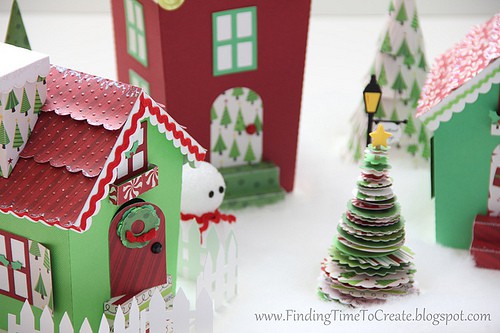
FRONT VIEW BACK VIEW I have a new respect for designers.  I knew when I started this project that I wanted to make a set of houses for a Christmas village and that I wanted my new Silhouette Cameo, with its large cutting area, to 

December Scrapbook Page

December Scrapbook Page

I made this scrapbook layout based on a Mojo Monday card sketch.  Very simple, but I like it.  I used my trusty Silhouette to cut out the title and the snowflakes.  Since I have a Silhouette Cameo now (yay!), I cut out the large circle and